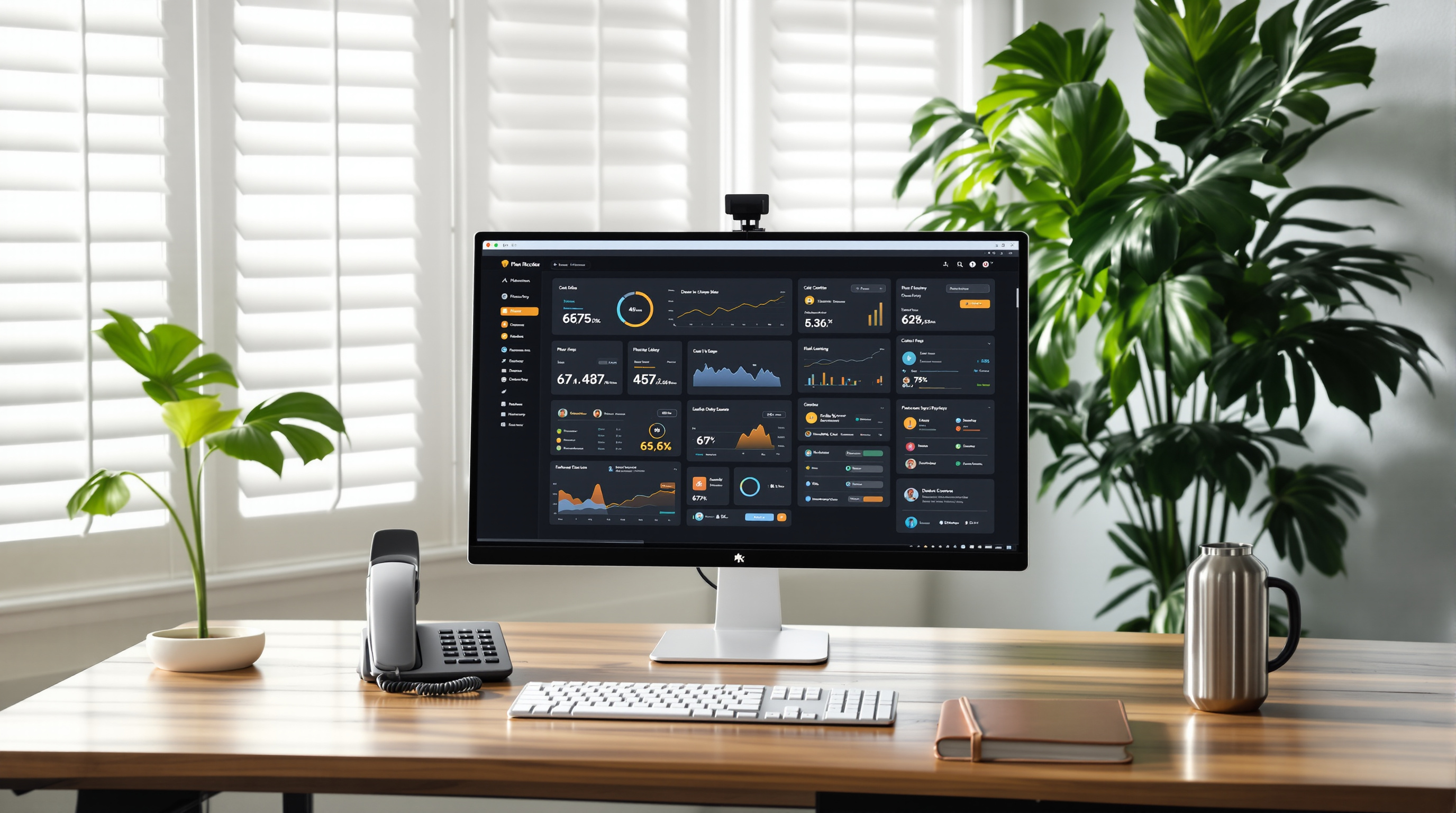
Managing browser and PWA permissions for 3CX across your organisation just got simpler. Instead of walking each employee through granting microphone, camera, and notification access one by one, IT administrators can now push these settings centrally through group policy or mobile device management. That means fewer support tickets, faster onboarding, and a consistent experience for everyone using 3CX in a browser or as a Progressive Web App.
Why does this matter for your T&T business?
Picture this: you've just hired three new sales reps, and they need to start making calls from day one. Previously, each person had to manually allow their browser to access the mic and camera, then enable notifications. Some forgot. Some clicked "block" by accident. Then you're fielding calls asking why their headset isn't working or why they're missing call alerts.
With centralised permission management, your IT team (or your managed services provider) configures these settings once. When staff open the 3CX web client or PWA, everything works straight away. No pop-ups, no confusion, no wasted time.
How does centralised permission management work?
The feature uses standard enterprise tools you may already have in place:
- Group Policy (Windows) – Push Chrome or Edge policies that pre-authorise microphone, camera, and notification access for your 3CX domain.
- MDM/EMM platforms – For managed Chromebooks, Android, or iOS devices, deploy configuration profiles that handle permissions automatically.
- Browser admin consoles – Google Workspace admins can set Chrome policies directly from the Admin Console.
Once configured, users don't see permission prompts at all—the browser already trusts the 3CX application.
What permissions can you control?
| Permission | What it enables |
|---|---|
| Microphone | Voice calls through the browser or PWA |
| Camera | Video conferencing and face-to-face meetings |
| Notifications | Incoming call alerts, chat messages, voicemail notices |
All three are essential for a proper phone system experience. Missing any one of them creates friction—calls that can't connect, video that won't start, or alerts that never appear.
Who benefits most?
- Organisations with frequent staff turnover – Onboarding is faster when IT doesn't have to touch each machine.
- Businesses using shared or hot-desking workstations – Permissions follow the policy, not the individual user session.
- Companies with remote or hybrid teams – Centrally managed devices stay consistent whether staff are in Port of Spain, San Fernando, or working from home in Chaguanas.
If you're already using 3CX and want help configuring these policies, Blue Chip Technologies Ltd. can walk you through the setup or handle it as part of a managed service. We support businesses across Trinidad and Tobago with 3CX deployment, training, and ongoing maintenance.
Frequently asked questions
Do I need a specific 3CX licence to use centralised permissions?
No. This is a browser and device management feature, not a 3CX licence tier. Any organisation using the web client or PWA can benefit.
Will this work with Firefox?
Firefox has more limited support for enterprise policy deployment compared to Chrome and Edge. If your organisation standardises on Firefox, check Mozilla's documentation for current capabilities.
Can I apply different policies to different departments?
Yes. Most GPO and MDM tools allow you to target policies by organisational unit, device group, or user group.
What if a user manually revokes permission?
Depending on your policy settings, the browser may re-apply the allowed state on next launch, or you can lock the setting so users can't change it.
Ready to simplify your 3CX setup?
If you're running 3CX—or thinking about it—and want to make life easier for your IT team and end users, let's talk. Blue Chip Technologies Ltd. is an authorised 3CX partner right here in Trinidad and Tobago.
Get in touch:
- 📞 Call us: 1 (868) 609-2288
- 💬 WhatsApp: Send a message
- ✉️ Email: [email protected]
- 🌐 Contact form: bluechiptt.com/contact