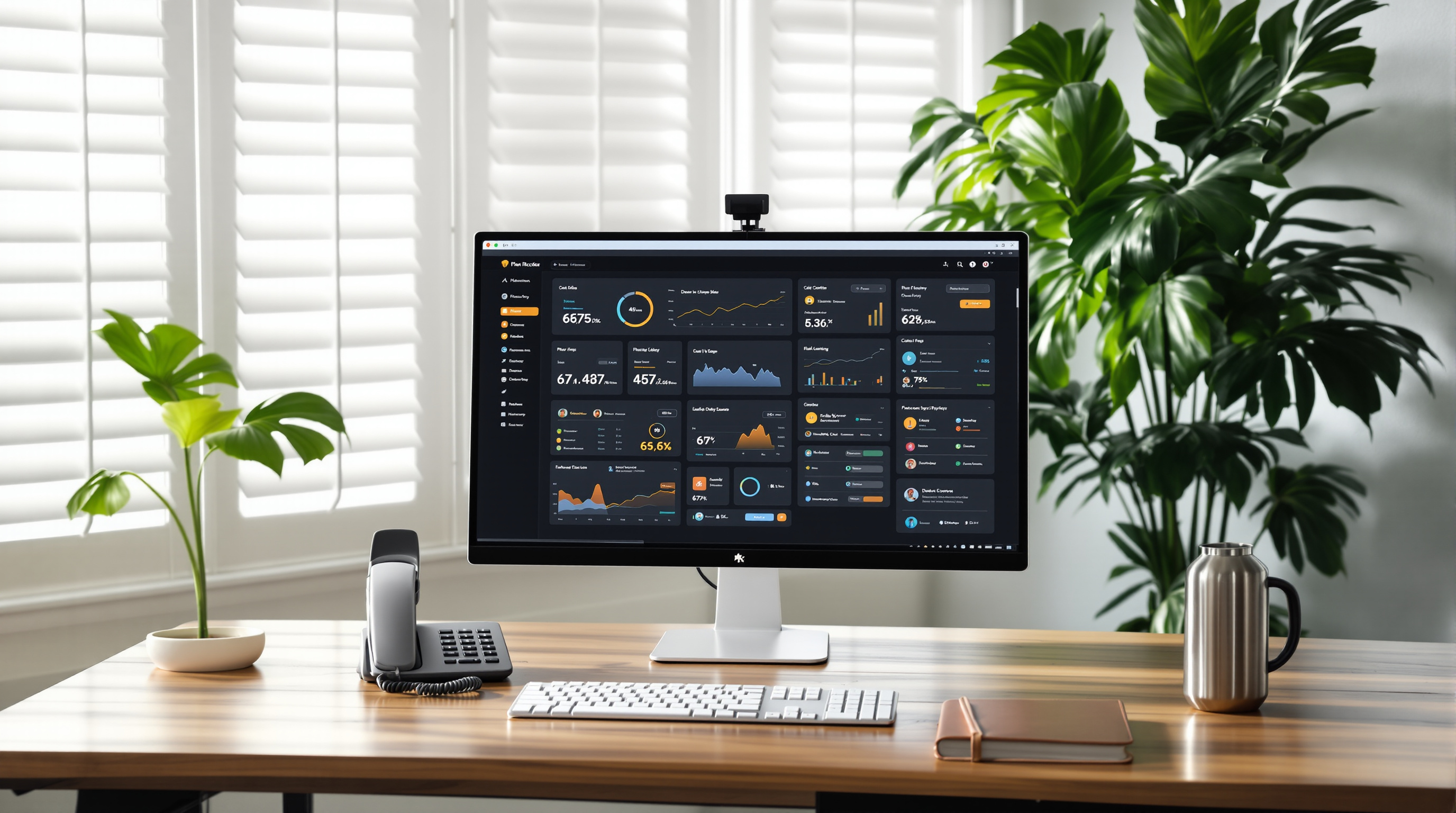
If you're running 3CX on your business phone system, Update 10 brings a rebuilt AI Server that handles transcription and voice features more efficiently. The migration is straightforward, but there are a few steps you'll want to follow to avoid any hiccups with your call recordings and AI-powered features.
Blue Chip Technologies Ltd. supports local businesses through 3CX upgrades like this one, so here's what you need to know before making the switch.
What's actually changing with the 3CX AI Server?
The AI Server in Update 10 isn't just a patch—it's been rebuilt from the ground up. This means better performance for features like call transcription, voicemail-to-text, and any AI-assisted call handling you've configured.
For a business in Trinidad & Tobago dealing with high call volumes (think: customer service teams, medical offices, or logistics companies coordinating deliveries across the islands), this translates to faster processing and more reliable transcriptions.
Do I need to do anything before updating?
Yes. Before you hit that update button, you'll want to:
- Back up your current configuration – This includes any custom AI settings or transcription preferences you've set up.
- Review your current AI Server settings – Take note of what's enabled so you can verify everything carries over.
- Schedule the update during off-peak hours – A Saturday morning or after-hours slot works well for most T&T businesses.
- Confirm your server meets the requirements – The new AI Server may have updated resource needs.
How do I migrate to the new AI Server?
Once Update 10 is installed, the migration process involves reconfiguring your AI Server connection. The exact steps depend on your deployment (self-hosted vs. hosted), but generally:
- Access your 3CX Management Console.
- Navigate to the AI Server settings section.
- Follow the prompts to connect to the new AI infrastructure.
- Test a sample transcription to confirm everything's working.
If you're not comfortable doing this yourself, that's exactly what we're here for. Our team handles 3CX installations and support for businesses across Trinidad & Tobago, and we can manage this migration for you.
Will my existing transcriptions and settings transfer?
This depends on your setup. Some configurations migrate automatically; others need manual reconfiguration. It's worth checking with your IT team—or giving us a call—before assuming everything will carry over.
Frequently asked questions
Does the AI Server update affect my call quality?
No. The AI Server handles transcription and analysis after calls are completed. Your actual call quality depends on your network and SIP configuration, which remain unchanged.
Can I skip this update?
You can delay it, but older AI Server versions will eventually lose support. Better to migrate now while you can plan for it rather than scramble later.
Is there any downtime during migration?
The migration itself is quick—usually a few minutes. However, AI features like transcription may be temporarily unavailable while the new server syncs.
Do I need a 3CX partner to do this?
Not strictly, but having local support means someone's available if something goes sideways. We've done plenty of these migrations and know the common pitfalls.
Ready to update your 3CX system?
If you'd rather not wrestle with server migrations yourself—or you just want someone local to double-check the setup—reach out to our team. We'll make sure your 3CX system is running smoothly on the latest version.
Get in touch:
- 📞 Call us: 1 (868) 609-2288
- 💬 WhatsApp: Message us directly
- ✉️ Email: [email protected]
- 🌐 Contact form: bluechiptt.com/contact