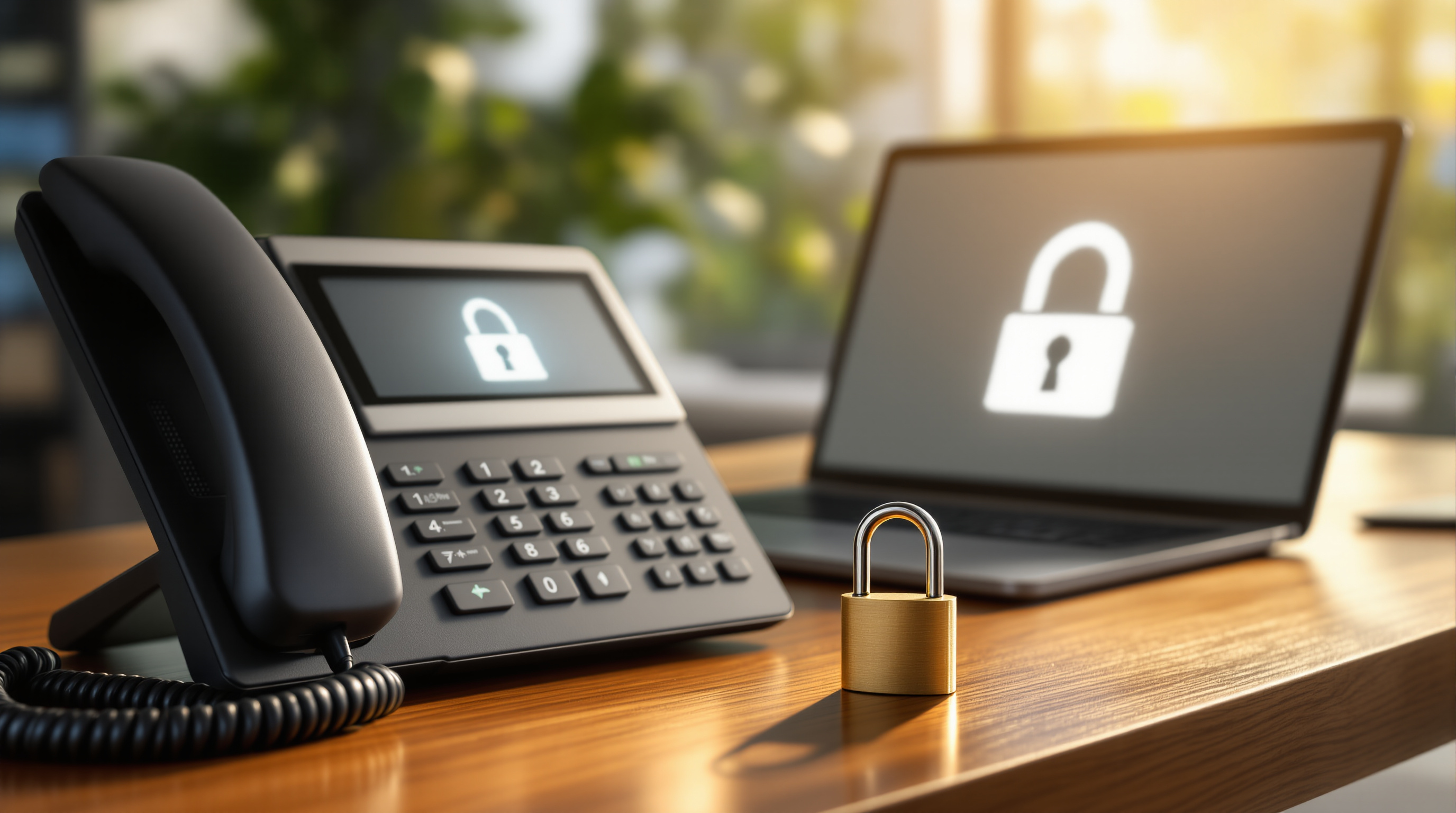
Running a business phone system without proper security is like leaving your office door unlocked overnight—eventually, someone's going to walk in. The 3CX V20 Security Hardening Checklist gives you a clear set of steps to lock down your phone system: securing admin access, protecting your network, managing endpoints properly, and keeping reliable backups. If you're running 3CX in Trinidad & Tobago, here's what you need to know to keep your communications safe.
Why does phone system security matter for T&T businesses?
Your phone system carries sensitive conversations—client details, financial discussions, internal strategy. A compromised PBX can mean toll fraud (where attackers rack up international call charges on your account), eavesdropping, or even a complete system shutdown. We've seen local businesses hit with unexpected bills in the thousands because someone exploited a weak password or an open port.
The good news? Most attacks are preventable with basic security hygiene.
What are the key areas to secure in 3CX V20?
Access control: Who can get in?
Start with the obvious—passwords. Every admin account, extension, and SIP credential should use a strong, unique password. 3CX V20 lets you enforce password complexity rules, so use them.
Also consider:
- Limiting admin access to specific IP addresses
- Enabling two-factor authentication where available
- Regularly reviewing who has admin privileges (does the IT person who left six months ago still have access?)
Network protection: What's exposed?
Your 3CX system doesn't need to be open to the entire internet. Work with your IT team or contact Blue Chip Technologies Ltd. to:
- Place your PBX behind a properly configured firewall
- Use the 3CX Session Border Controller (SBC) for remote extensions instead of opening ports directly
- Restrict SIP traffic to known IP ranges where possible
- Keep firmware on your routers and firewalls up to date
Think about it this way: if your office is in San Fernando, why would you need to accept SIP connections from Eastern Europe?
Endpoint management: What devices connect?
Every desk phone, softphone app, and mobile device connecting to your system is a potential entry point. Make sure:
- Phones have their default passwords changed (you'd be surprised how often this gets skipped)
- Firmware is current on all IP phones
- Lost or stolen devices get their credentials revoked immediately
Backups: Can you recover?
A security incident might mean you need to restore your system quickly. 3CX V20 includes automated backup options—use them. Store backups off-site (cloud storage works well) and test restoring from them at least once a year. There's nothing worse than discovering your backups don't work when you actually need them.
How often should you review your 3CX security?
At minimum, do a quarterly review of:
- User accounts and permissions
- Failed login attempts in your logs
- Firmware and software updates
- Backup integrity
Set a calendar reminder. It takes an hour and could save you days of headache.
Frequently asked questions
Can 3CX be hacked?
Any system can be compromised if not properly secured. However, 3CX V20 includes built-in security features—the key is configuring them correctly and maintaining good practices.
What's the biggest security risk for business phone systems?
Weak or default passwords remain the most common vulnerability. Toll fraud from compromised credentials costs businesses worldwide millions annually.
Do I need special IT skills to secure 3CX?
The basics are straightforward, but a proper security review benefits from experienced eyes. That's where working with a local partner helps.
How does Blue Chip help with 3CX security?
As an authorised 3CX partner, we handle installation, configuration, and ongoing support—including security hardening tailored to your setup.
Let's make sure your phone system is locked down
Security doesn't have to be complicated, but it does need to be done right. If you're running 3CX or thinking about it, Blue Chip Technologies Ltd. can review your setup and make sure you're protected.
Give us a call at 1 (868) 609-2288, send a WhatsApp message at wa.me/18686092288, or email [email protected]. You can also reach out through our contact page.
Let's have a conversation about keeping your business communications secure.