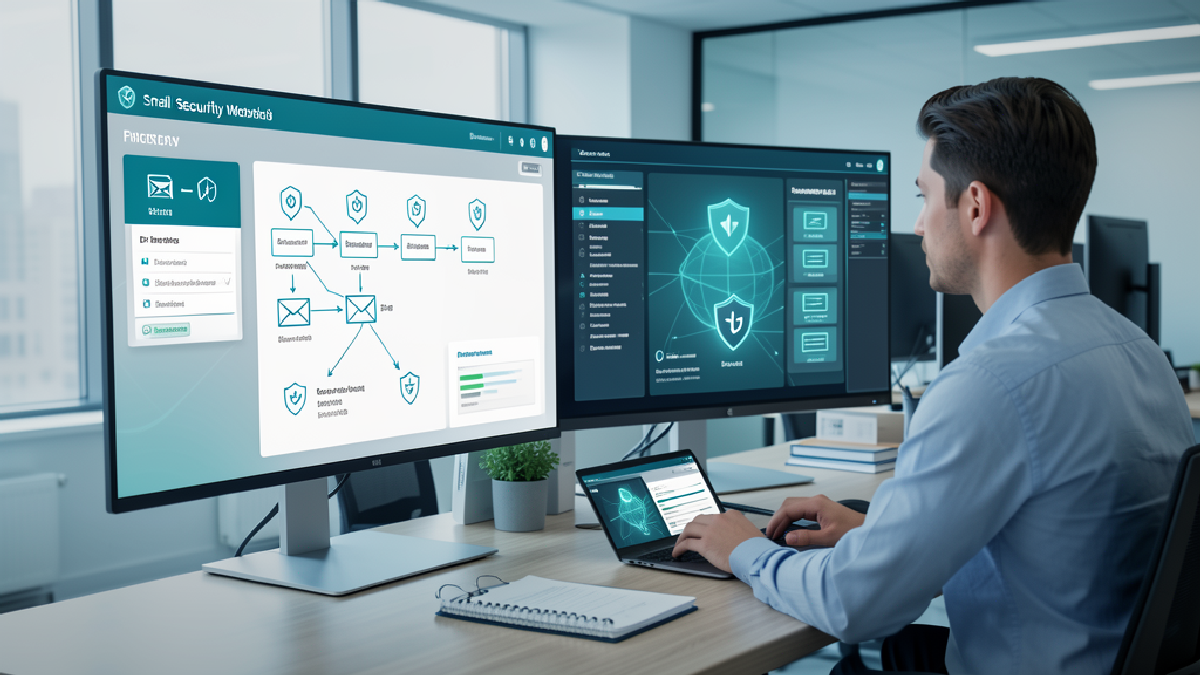
GFI Software recently outlined five features it believes matter in strong MSP software: security alerts, flexible billing, reporting, deployment choice, and centralised management. That is a useful checklist, but for most business owners the real question is simpler: does your IT support catch problems early, explain what is happening, and keep the business moving?
For a Trinidad and Tobago SMB, managed IT should not feel like a mystery subscription. It should feel like a working operating rhythm: devices monitored, patches tracked, security alerts reviewed, backups checked, users supported, and issues documented before they turn into downtime.
Alerts only matter when someone owns them
Security alerts sound impressive until nobody is watching them. The value is not the notification itself. The value is the process behind it.
If a firewall sees unusual traffic, an endpoint misses updates, a server starts behaving badly, or a mailbox shows signs of compromise, there should be a clear owner and a clear next step. Good managed IT turns signals into action. Weak managed IT turns them into noise.
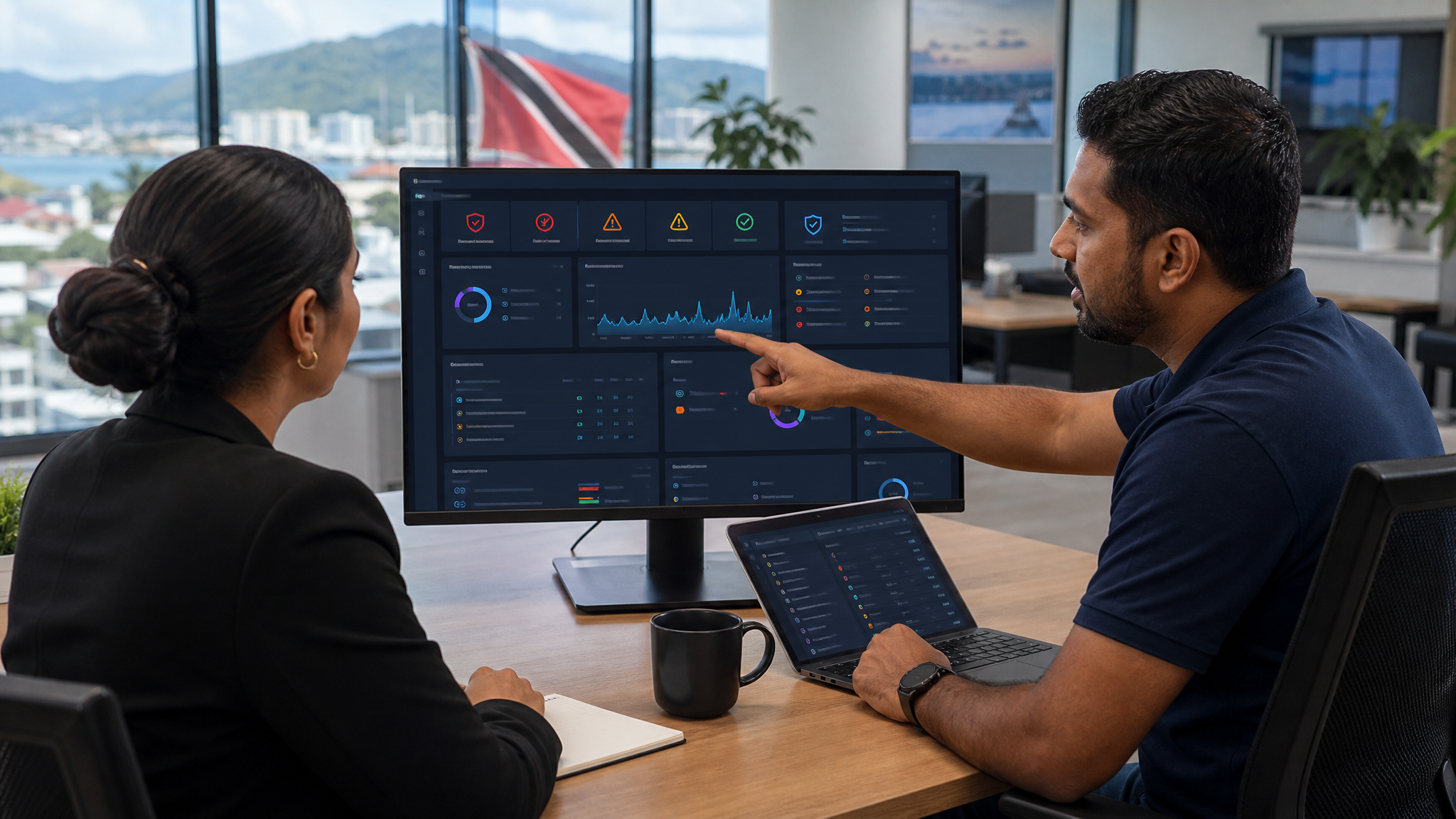
Blue Chip Technologies uses monitoring, endpoint protection, patch visibility and helpdesk workflows to separate routine alerts from the issues that need attention. The point is not to panic over every warning. The point is to know what is normal, spot what is not, and respond before staff start reporting symptoms.
Reporting should explain risk, not decorate a PDF
Many SMBs only hear from IT when something breaks. That is a bad pattern. A managed service should give the business enough visibility to understand where money and attention are going.
Useful reporting answers practical questions:
- Which machines are missing important updates?
- Which users or devices are creating avoidable risk?
- Are servers, internet links and key services stable?
- Were security issues found and handled?
- What keeps recurring and needs a permanent fix?
GFI's article rightly connects reporting with client communication and operational decisions. For business owners, the report should not be a pile of technical charts. It should make the current risk picture understandable.
The stack must fit the business
One of the better points in GFI's piece is deployment flexibility. Some businesses need a simple cloud-managed setup. Others need a firewall appliance, branch VPNs, bandwidth controls, on-premise servers, local email systems, or extra reporting for compliance.
That matters in Trinidad and Tobago because SMB environments are rarely identical. A retail store, law office, contractor, clinic, school, logistics company and distribution business may all need managed IT, but they do not need the exact same design.
Blue Chip Technologies looks at the working environment first: internet reliability, staff count, Microsoft 365 or Google Workspace usage, email requirements, remote access, security exposure, and what downtime would actually cost. The software should support the business model, not force the business into a template.
Central management is where service quality improves
When IT tools are scattered, small issues get missed. A firewall console says one thing, endpoint security says another, email lives somewhere else, and patch status is tracked manually. That creates blind spots.
Centralised management helps because it gives the support team a clearer view across clients, devices, services and recurring risks. It also helps the business because support becomes less reactive. Problems can be grouped, prioritised and fixed with context.
That is the difference between "we fixed the laptop" and "we found three devices with the same root cause, corrected the policy, and will verify it stays fixed."
What SMBs should ask their IT provider
If you are reviewing managed IT support, ask direct questions:
- What do you monitor every day?
- Which alerts are reviewed by a person?
- How do failed patches become tickets?
- How are endpoint protection issues escalated?
- What reports will I receive, and what decisions will they help me make?
- How do you document recurring issues?
- Can the service scale if we add users, locations or systems?
The answers should be specific. If everything sounds vague, the service probably depends too much on manual effort and memory.
The bottom line
Good managed IT software is not about having the most dashboards. It is about catching the right issues early, giving the support team enough context to act, and giving the business owner a clearer view of risk.
For Trinidad and Tobago SMBs, that is where Blue Chip Technologies fits: practical monitoring, security, patching, documentation and support wrapped around the way the business actually works.
If your current IT support only appears after something breaks, it may be time to review the tools, the process and the level of visibility behind it.