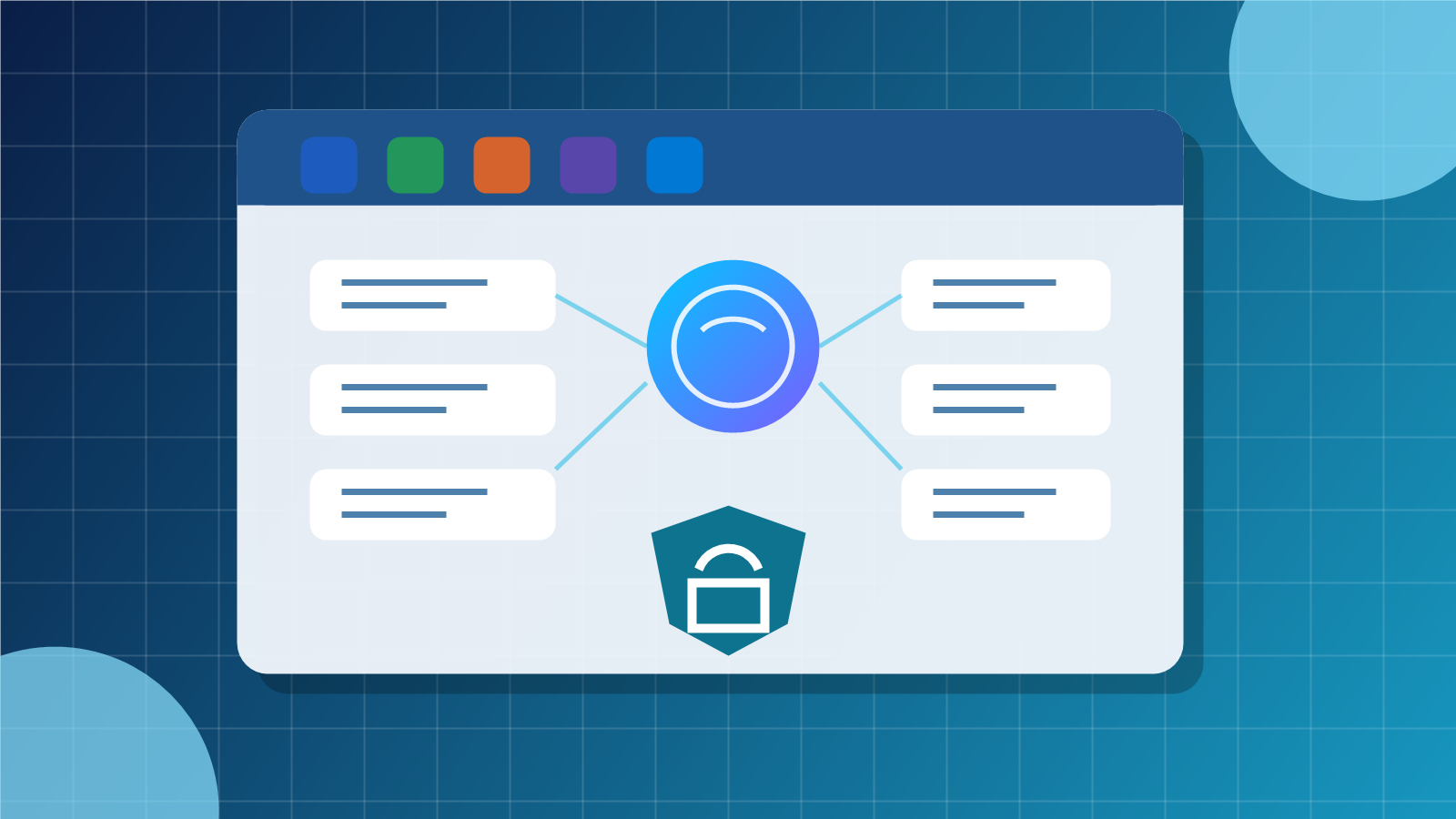
Microsoft 365 Copilot Business: Give SMB AI a Secure Place to Work
Small businesses are no longer asking whether AI can help with work. They are asking how to use it without creating a mess of disconnected tools, unmanaged data access, and staff confusion.
Microsoft's announcement of Microsoft 365 Copilot Business is useful for that reason. It packages secure, work-focused AI for SMBs inside the Microsoft 365 apps many teams already use every day: Word, Excel, PowerPoint, Outlook, and Teams.
That matters because AI becomes much safer and more practical when it sits inside the same identity, permissions, security, and document environment the business already depends on.

Microsoft positions Copilot Business as AI built into the Microsoft 365 apps SMB teams already use every day.
Why this is different from another chatbot
A separate AI chatbot may be helpful for simple drafting, but it usually lives outside the normal flow of business. Staff copy information in, copy answers out, and management has limited visibility into what data is being used.
Microsoft 365 Copilot Business is designed around work context. It can help users draft documents, summarise emails, analyse spreadsheets, prepare presentations, and capture meeting follow-up inside Microsoft 365. Microsoft also highlights Work IQ, Copilot agents, and Copilot Studio as ways for businesses to move beyond single prompts into more repeatable workflows.
For an SMB, the practical value is not just faster writing. It is reducing the friction between email, meetings, files, spreadsheets, and action items.
Good AI still needs good permissions
Copilot respects the permissions and policies configured in Microsoft 365. That is good news, but it also means old permission problems become AI problems.
If too many users can access a SharePoint folder, Copilot may be able to surface information from that folder to those users. If former staff, shared mailboxes, or unmanaged guest accounts are not cleaned up, AI can make weak access control easier to notice — and potentially easier to misuse.
Before rolling AI broadly into daily work, businesses should review:
- Microsoft 365 licensing and which users actually need Copilot
- SharePoint, OneDrive, Teams, and mailbox permissions
- MFA, conditional access, and risky sign-in controls
- device management and endpoint protection coverage
- data labels, retention, and sensitive information policies where appropriate
- staff guidance on what information should and should not be used with AI
Security and compliance cannot be an afterthought
Microsoft's announcement also points to Microsoft Defender and Microsoft Purview capabilities for SMBs. That is important because AI adoption should not be separated from security.
Defender helps protect endpoints, identities, and email from phishing, malware, and ransomware. Purview helps govern and protect sensitive information. Together, these controls give businesses a stronger foundation before AI becomes part of normal work.
For Blue Chip clients, that is the correct order: secure the environment, clean up access, then expand AI use.
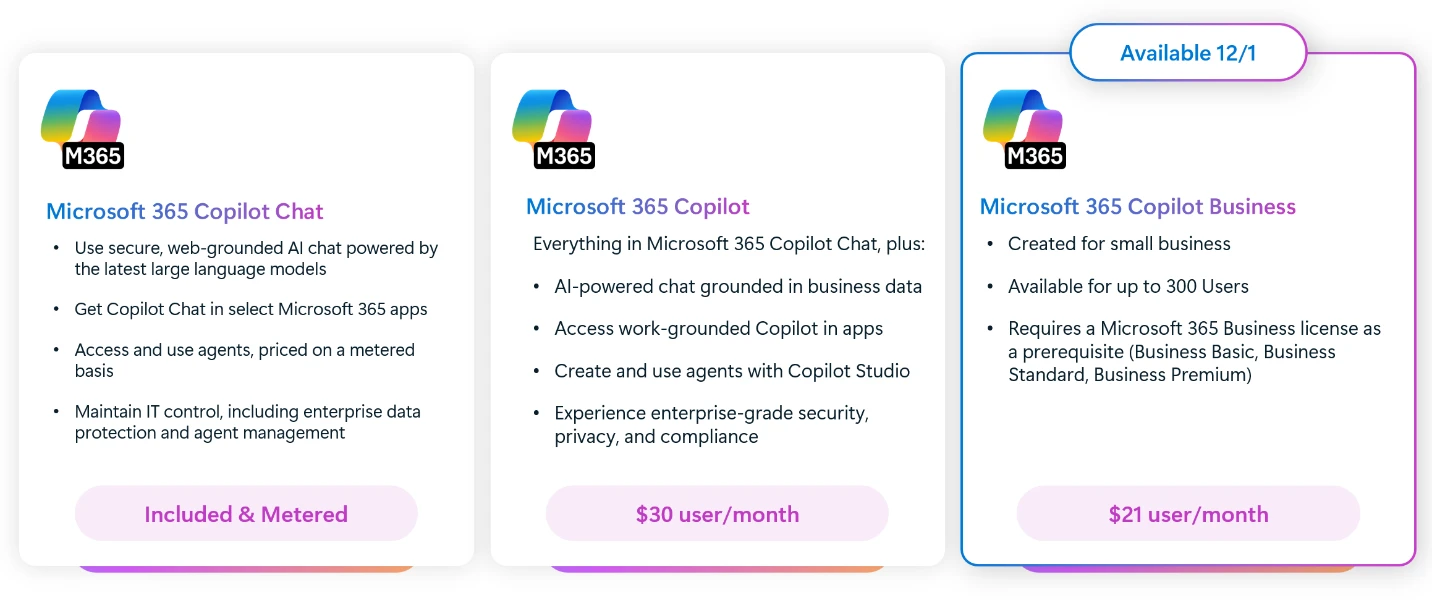
The value for SMBs is not only chat; Copilot and agents can help move work across documents, meetings, email, and business processes.
Where Copilot agents fit
Microsoft also describes agents as specialised assistants that can handle workflows, not just answer questions. Examples include onboarding, inventory, customer response, and other repeatable business processes.
That can be powerful for smaller teams, especially where staff are stretched. But agents should be treated like business systems. Each one needs a purpose, owner, permission model, test process, and review schedule.
A simple starting rule: if an AI assistant can read company data or trigger a business action, it should be documented and managed.
A practical rollout path for SMBs
Blue Chip recommends a measured rollout rather than turning everything on at once:
- Identify which departments will benefit first, such as management, sales, operations, or customer service.
- Review Microsoft 365 permissions before giving AI wider access to business content.
- Confirm endpoint, identity, and email security controls are in place.
- Start with clear use cases: meeting summaries, proposal drafts, spreadsheet review, and email follow-up.
- Train users on safe prompting and data handling.
- Review usage, value, and risks before expanding to agents or automation.
This gives the business productivity gains without losing control.
Blue Chip can help make Copilot practical
AI tools are only useful when they fit the way the business actually works. Blue Chip helps clients review Microsoft 365 licensing, security settings, SharePoint structure, Teams usage, endpoint protection, and staff workflows before rolling out Copilot.
The goal is straightforward: make AI helpful, governed, and supportable — not another unmanaged tool staff have to figure out alone.
For SMBs in Trinidad and Tobago, Microsoft 365 Copilot Business is a good opportunity to bring AI into daily work. The businesses that get the most value will be the ones that pair it with proper security, permissions, and managed IT discipline from the start.
Source: Microsoft 365 Blog — Microsoft 365 Copilot Business: The future of work for small businesses.