
Modernize Video Surveillance Without Replacing Every Camera
Many businesses want better camera monitoring, longer retention, easier review, and stronger security oversight. The problem is that most sites are not starting from scratch.
A retail store may already have cameras over entrances, stock rooms, cashier areas, and parking spaces. A warehouse may already have cameras mounted high above loading bays. A school, office, apartment complex, or medical practice may already have cabling, mounts, viewing stations, and recording equipment in place.
That existing investment matters. Replacing every camera just to modernize the recording and management platform can turn a practical upgrade into a disruptive capital project.
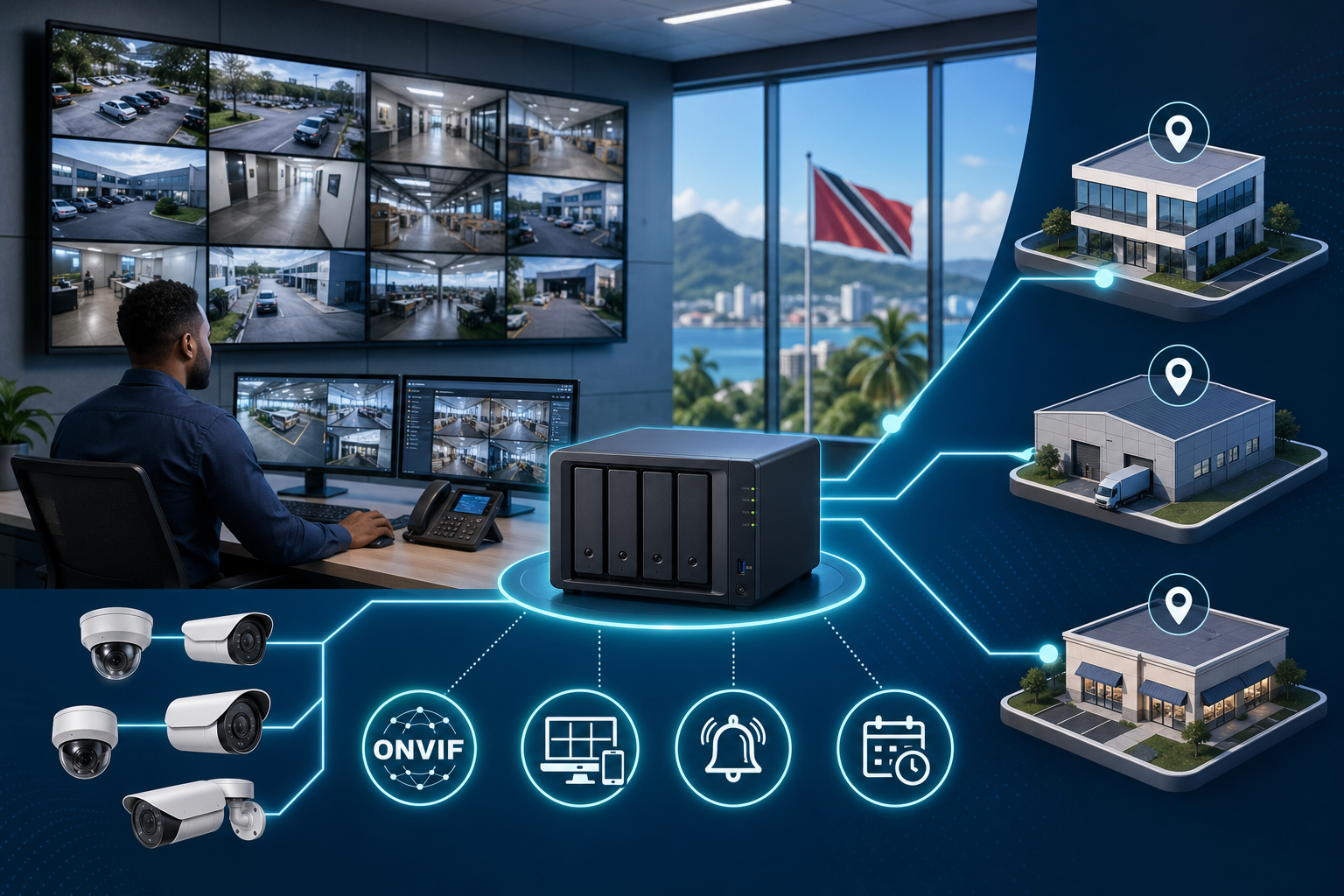
That is why Synology’s recent update on Surveillance Station camera compatibility is useful for Blue Chip clients. Synology says Surveillance Station 9.2.5 now supports more than 17,000 third-party and ONVIF-compatible camera models. The practical takeaway is simple: in many environments, the smarter project is to modernize the surveillance platform first and keep compatible cameras where they still make sense.

The Camera Is Only One Part of the System
When clients think about video surveillance, the camera is usually the first thing discussed. Resolution, night vision, field of view, weather rating, and location are all important.
But the platform behind the cameras is just as important.
A surveillance system has to record reliably, retain footage for the right period, let authorized staff find incidents quickly, alert the right people, and keep evidence protected. If the video management system is old, difficult to search, poorly monitored, or limited to one site at a time, the business may not get full value from the cameras it already owns.
Modernizing the backend can improve the whole operation without replacing every endpoint on day one.
Compatibility Reduces Project Waste
Camera replacement can be expensive for reasons that are not obvious on a quote.
The business is not only paying for new cameras. It may also be paying for lift access, cabling checks, mounting work, after-hours labour, configuration time, retesting, and business disruption. If a camera is already correctly positioned and still performing well, there should be a good reason before replacing it.
Support for a broad range of camera models gives IT and security teams more flexibility. Existing cameras can be reviewed against the compatibility list, older or weak cameras can be phased out, and new cameras can be selected for specific jobs instead of forcing a single hardware choice everywhere.
For Trinidad and Tobago SMBs, that matters. Budgets are real, downtime is costly, and many sites need practical staged improvements rather than a full rip-and-replace project.
Where Surveillance Station Fits
Synology Surveillance Station is the video management layer that runs on supported Synology systems. It can help businesses centralize recording, manage multiple cameras, define retention, review footage, handle alerts, and integrate with supported devices and analytics.
The broad compatibility angle is important because it allows a business to separate two decisions:
- Which cameras should we keep, replace, or add?
- Which platform should manage recording, review, alerts, and retention?
Those decisions do not always have to happen at the same time.
A business might keep existing entrance and corridor cameras, replace poor-quality outdoor cameras, add better coverage to a blind spot, and standardize recording and review through a Synology platform. That is a more controlled upgrade path than replacing everything because the old recording platform is no longer suitable.
Good Surveillance Is Also Good IT Management
Video surveillance is not only a security project. It is an IT infrastructure project.
The system depends on network switches, PoE capacity, VLANs, storage health, user permissions, retention policies, firmware updates, UPS protection, backup planning, and remote access controls. If any of those pieces are weak, the camera system can fail exactly when it is needed.
A managed approach should include:
- camera compatibility checks before procurement
- network and PoE capacity review
- storage sizing based on resolution and retention needs
- proper user roles instead of shared passwords
- secure remote access rather than exposed ports
- health monitoring for storage, recording, and camera status
- documented retention and evidence export procedures
- review of privacy and access expectations
This is where Blue Chip’s managed IT view helps. We look beyond whether a camera is online and ask whether the full system is reliable, supportable, and secure.
Analytics and Alerts Need a Stable Foundation
Many newer camera systems include analytics such as people detection, vehicle detection, intrusion alerts, or integration with third-party tools. Those features are useful, but they should not be added on top of a weak foundation.
Before investing heavily in analytics, the business should make sure the basics are right: cameras are positioned properly, footage is retained for the required period, users can find clips quickly, alerts are reviewed, and the system is protected from unauthorized access.
Once the foundation is stable, analytics can help reduce manual review and surface events faster. For example, a warehouse may want after-hours movement alerts. A retail location may want better visibility around entrances and stock areas. A multi-site business may want one view across locations.
Compatibility makes this easier because the business can combine existing cameras, selected new models, and supported integrations around a single management platform.
The Blue Chip View
For many SMBs, the best surveillance upgrade is not necessarily “buy all new cameras.” It is to assess what is already installed, identify weak points, modernize the recording and management layer, and replace hardware only where replacement delivers clear value.
Synology’s expanded Surveillance Station compatibility supports that practical approach. It gives businesses more room to preserve existing investment while improving management, retention, monitoring, and future expansion.
Blue Chip Technologies can help review your current camera system, check Synology compatibility, assess storage and network readiness, and design a staged upgrade that fits the way your site actually operates.
If your cameras work but your recording platform feels difficult, unreliable, or hard to manage across locations, it may be time to modernize the system behind the cameras.
Source: Synology Blog — A major leap in camera compatibility.


