
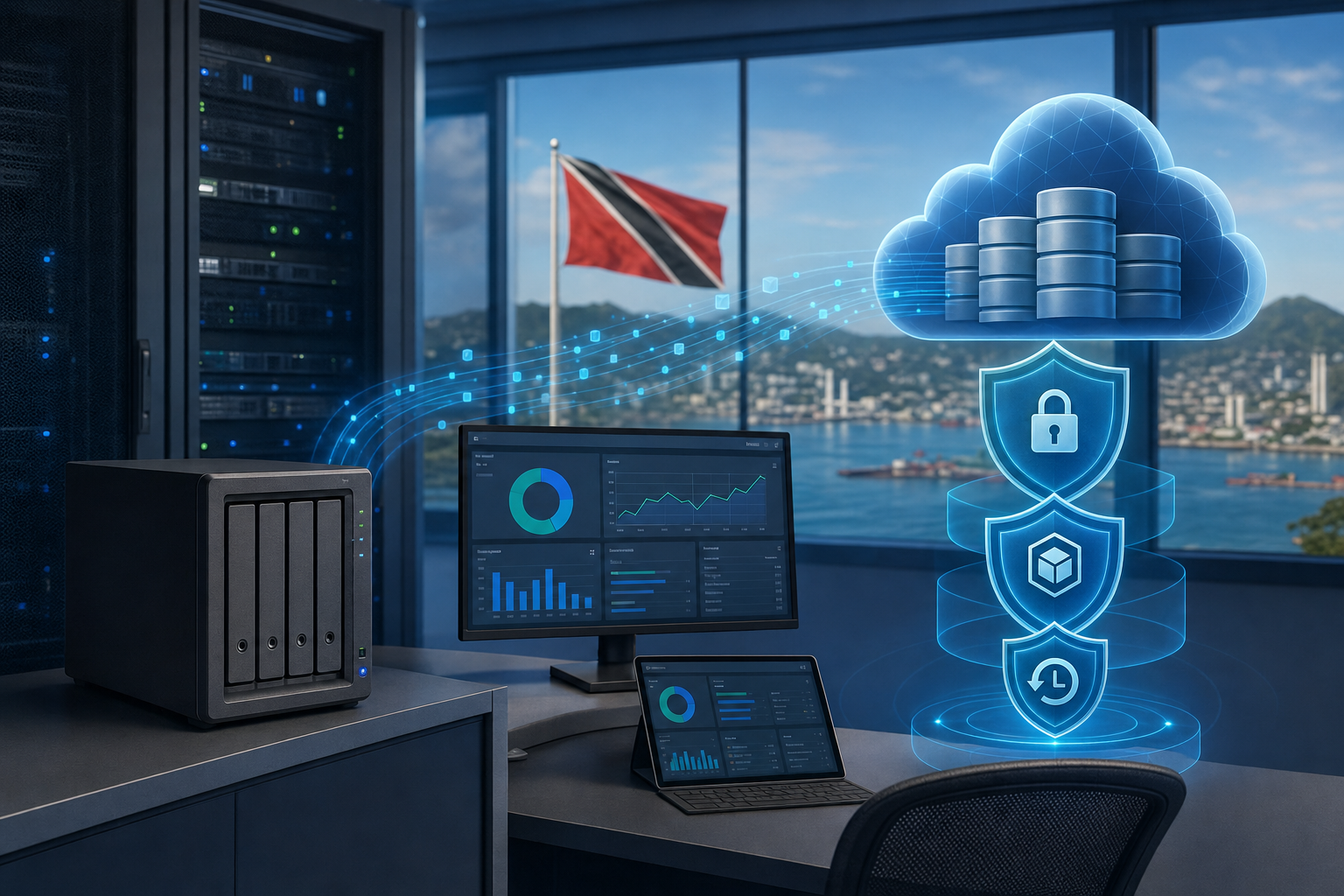
Offsite Backups Need Cloud Resilience, Not Just Local Copies
A local backup is useful. A local backup by itself is not a resilience strategy.
That distinction matters for small and midsize businesses in Trinidad and Tobago. Many companies keep important data on a server, NAS, or backup appliance in the same office where daily work happens. That may help with quick restores, but it does not fully protect the business from ransomware, theft, fire, flood, hardware failure, or a serious site outage.
Synology's article on ActiveProtect and Wasabi Hot Cloud Storage is a good reminder that backup planning has moved beyond simply keeping another copy nearby. Modern backup design should include offsite copies, immutability, encryption, retention planning, and central visibility.
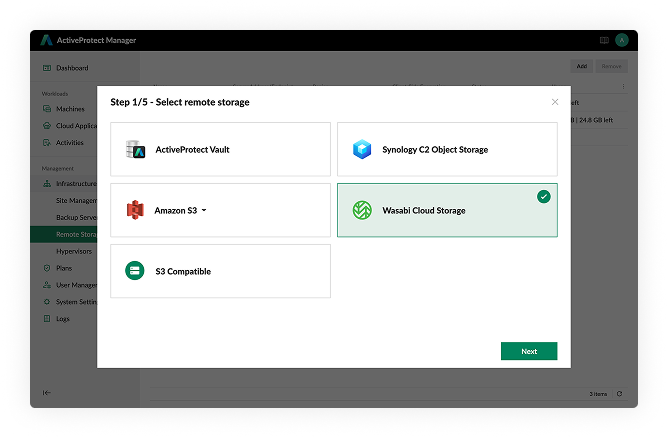
Synology ActiveProtect supports remote storage workflows, helping backup copies move beyond a single local appliance.
The risk with local-only backup
Local backups are fast because they sit close to the production systems. That is why they are valuable for everyday recovery: restoring an accidentally deleted file, rolling back a folder, or recovering a virtual machine after a routine issue.
The problem is concentration of risk. If production data and backup data are both reachable from the same compromised network, the same incident can affect both. Ransomware operators often look for backup systems before they encrypt files. A stolen NAS, failed storage pool, building incident, or misconfigured administrator account can also turn a local-only backup plan into a single point of failure.
A strong backup plan separates recovery speed from recovery survival. Local copies support speed. Offsite and immutable copies support survival.
What cloud resilience adds
The Synology post highlights ActiveProtect's ability to use Wasabi Hot Cloud Storage as a remote storage option. For business owners, the important idea is not the brand name of the storage target. The important idea is that backup copies can be kept outside the main office environment while still being centrally managed.
That helps with four practical goals:
- keeping a protected copy away from the primary site
- scaling storage as backup data grows
- retaining older versions for compliance or audit needs
- reducing the chance that one compromised system can erase every recovery option
This is especially useful for companies with accounting files, customer records, HR documents, project data, virtual machines, surveillance archives, or Microsoft 365/Google Workspace information that cannot simply be recreated.
Immutability should be part of the conversation
Offsite storage is stronger when it includes immutability. In plain language, immutable backups are designed so that protected copies cannot be changed or deleted during the retention period, even if someone gains access to normal administrative tools.
That does not replace good security. Businesses still need MFA, least-privilege accounts, monitored admin access, endpoint protection, and patch management. But immutability gives the recovery plan another layer. If ransomware reaches production systems, the business has a better chance of restoring from a clean, protected copy.
For SMBs, this is one of the clearest ways to improve cyber resilience without overcomplicating the environment.
Retention needs business input
Backup retention is not only an IT setting. It should match business requirements.
A file server might need daily recovery points for recent accidental deletions. Finance data may need longer retention. HR records, contracts, audit documents, and legal material may require a different policy again. Some businesses also need to consider data residency, client commitments, or industry-specific compliance expectations.
The mistake is treating every workload the same. A managed backup plan should define what is protected, how often it is copied, how long it is retained, where it is stored, and who reviews the reports.
Visibility matters as much as storage
Sending backups to the cloud is not enough if nobody monitors them. A business needs clear visibility into backup status, copy health, restore points, failed jobs, capacity, retention, and recovery testing.
Synology positions ActiveProtect around centralized management of backup infrastructure, including remote storage. That central view is important because fragmented backup systems create blind spots. If one server backs up locally, another syncs to cloud storage, and another is handled manually, management may not know whether the entire business can actually recover.
A good MSP-backed process brings the pieces together: monitoring, alerting, reporting, restore testing, and periodic review.
Questions SMB owners should ask
If you are reviewing your backup setup, ask these questions:
- Is there at least one backup copy outside the office?
- Can ransomware delete or encrypt every backup copy?
- Which systems are covered, and which are not?
- Are cloud backup copies encrypted?
- Are any backup copies immutable?
- How long are versions retained?
- Who receives and reviews backup alerts?
- When was the last restore test?
- How quickly can the business recover its most important system?
If those answers are unclear, the backup plan needs attention.
How Blue Chip can help
Blue Chip Technologies helps SMBs design and manage practical backup environments using NAS, cloud storage, endpoint protection, Microsoft 365/Google Workspace safeguards, monitoring, and documented recovery workflows.
For Synology environments, that can include reviewing NAS health, backup jobs, ActiveProtect options, offsite copy strategy, retention settings, ransomware protection, administrative access, and restore testing. The goal is simple: make sure backup is not just running, but recoverable.
Offsite backup should not be treated as an optional extra. For many businesses, it is the difference between a bad incident and a business-stopping incident.
Source: Synology Blog — Expand cyber resilience to the cloud with Synology ActiveProtect and Wasabi Hot Cloud Storage.


