Managing your business network shouldn't feel like juggling five different apps, three browser tabs, and a spreadsheet you forgot to update. But if you've got WiFi access points from one vendor, switches from another, and cameras running on their own separate system? That's exactly where you end up.
This is where Ubiquiti's UniFi Controller changes things.
Everything in One Place
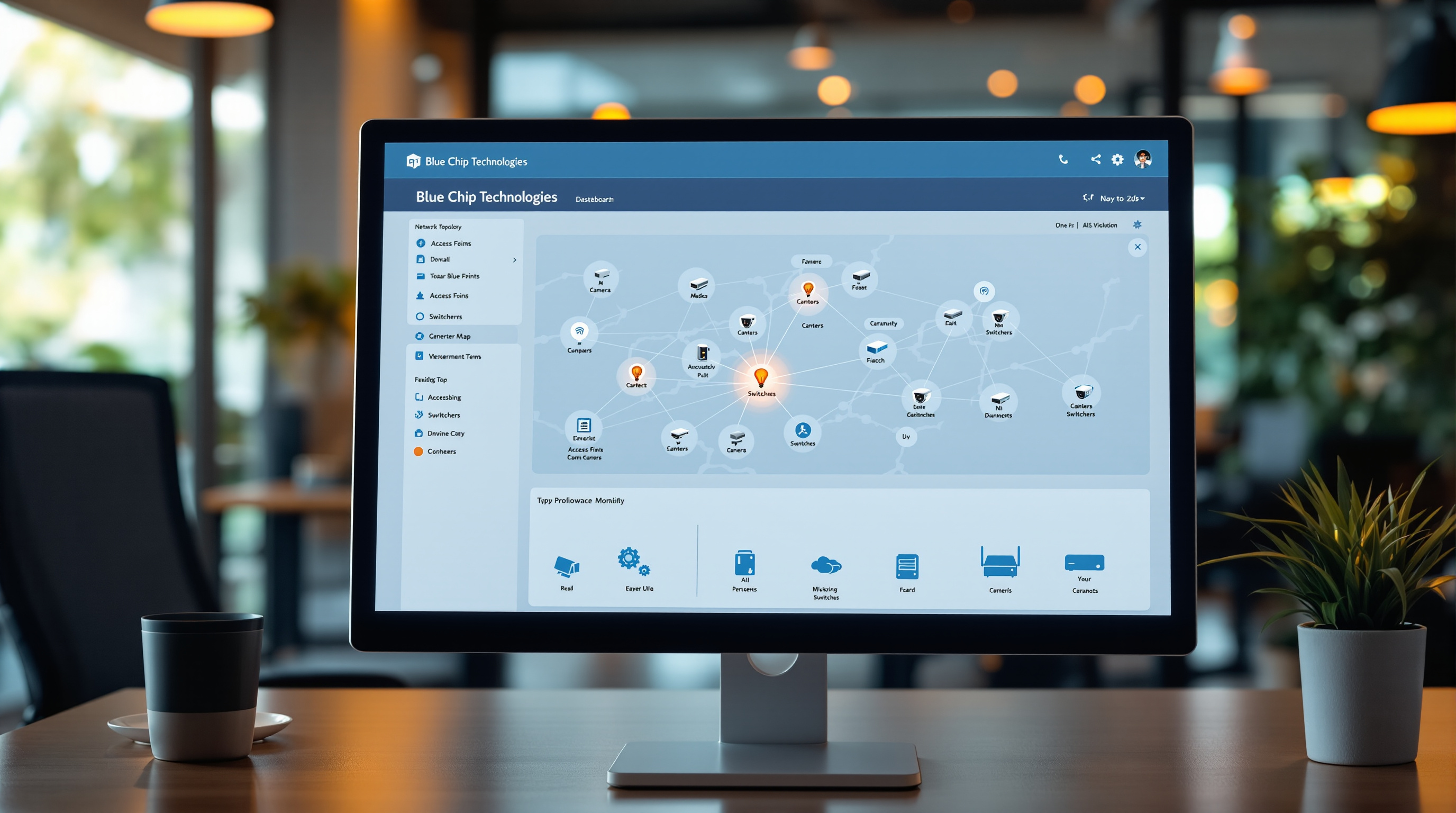
The UniFi Controller is a single dashboard that lets you see and manage your entire network infrastructure. We're talking WiFi access points, network switches, security gateways, and even your surveillance cameras—all visible from one screen.
No jumping between different management interfaces. No remembering four different login credentials. You open the controller, and there's your whole network laid out.
For a business with, say, a main office in Port of Spain and a branch in San Fernando, you can monitor both locations from the same dashboard. See which access points are handling the most traffic. Check if that switch in the back office is actually working. Review camera footage. All without leaving your chair.
What You Actually Get
Here's what the UniFi Controller puts at your fingertips:
- Network map – A visual layout showing every connected device and how they link together
- Real-time stats – See bandwidth usage, client connections, and network health as it happens
- Device management – Update firmware, change settings, or restart devices remotely
- Guest WiFi controls – Set up and manage guest networks with custom portals and time limits
- Alerts and notifications – Get notified when something goes offline or behaves strangely
- UniFi Protect integration – View and manage your security cameras from the same interface
No Per-Device Licensing
This one matters for your budget. Unlike some enterprise networking vendors who charge you monthly fees per access point or per camera, UniFi doesn't do that. You buy the hardware, you get the management software. That's it.
For growing businesses, this makes a real difference. Adding a new access point to cover the warehouse expansion? You're not calculating another line item on your monthly IT bill.
Why This Matters for T&T Businesses
If you've ever had your internet go down during Carnival season when half your staff is working remotely—or dealt with a slow network during a busy sales period—you know how frustrating it is to troubleshoot blind.
With the UniFi Controller, your IT person (or Blue Chip, if we're managing it for you) can actually see what's happening. Is it the access point in reception that's overloaded? Is someone's backup eating all the bandwidth? The dashboard shows you, so you're not guessing.
Ready to Simplify Your Network?
Blue Chip designs, installs, and manages UniFi networks for businesses across Trinidad and Tobago. Whether you're setting up a new office or tired of fighting with your current setup, we can help.
Give us a call at 1 (868) 609-2288, send a WhatsApp message at wa.me/18686092288, or drop us an email at [email protected].
You can also reach us through our contact page. Let's talk about what your network actually needs.