
Private Collaboration Needs Control, Not Just Convenience
Most businesses choose collaboration tools for speed. Staff need to share files, edit documents, find the latest version, and work across office, home, and branch locations without waiting on email attachments. Convenience matters, but it should not be the only requirement.
When documents include customer records, HR files, board papers, project folders, accounting exports, policies, contracts, or student and patient information, the business also needs control. Who owns the data? Where is it stored? Who can access it? How is it backed up? What happens when a staff member leaves, a laptop is lost, or an internet link is unreliable?
Synology recently reflected on ten years of its productivity platform, including Synology Office, Drive, MailPlus, Calendar, and Chat. The useful point for small and midsize businesses is not nostalgia. It is that collaboration can be hosted privately on business-controlled infrastructure instead of being treated as a loose collection of personal sync accounts and unmanaged file links.
Private collaboration is about ownership
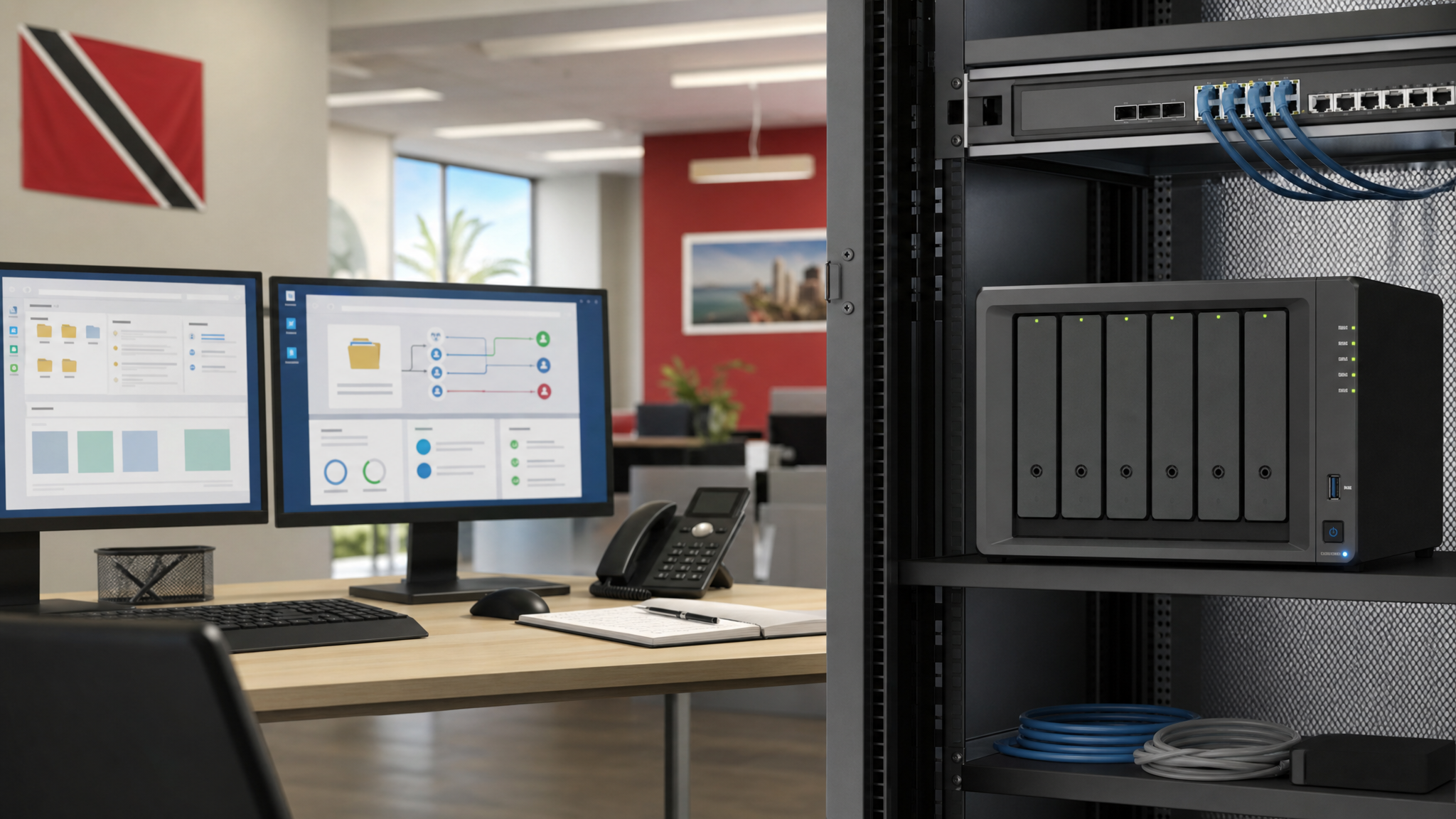
Cloud collaboration platforms are useful, and many companies need them. But some workflows still benefit from local ownership and direct control. A Synology NAS can support shared folders, Synology Drive, Synology Office, file versioning, access permissions, backup workflows, and remote access options from one managed environment.
For a Trinidad and Tobago business, that can matter in practical ways:
- Large files can stay local instead of constantly moving over the internet.
- Branch teams can work from synced data instead of emailing copies.
- Management can decide where sensitive documents live.
- Permissions can be tied to job roles instead of convenience.
- File versions can be recovered when someone overwrites or deletes work.
- Backup, retention, and monitoring can be handled as part of the same IT plan.
The goal is not to replace every cloud application. The goal is to choose the right home for each type of data.
Collaboration without governance becomes file sprawl
File sprawl usually starts quietly. Someone creates a folder in a personal cloud account. Another team shares a spreadsheet by email. A manager keeps the final quote on a desktop. A department stores old files on a USB drive. A branch office has its own copy of the same folder. After a while, nobody is fully sure which version is current.
That creates real business risk. Staff waste time searching. Old pricing may be sent to customers. Sensitive files may be shared too widely. Deleted documents may not be recoverable. Backups may protect the server but not the files scattered elsewhere.
A managed Synology collaboration setup gives the business a clearer structure. Shared folders, Drive libraries, access groups, retention policies, snapshots, backup jobs, and alerts can all be planned together. That makes collaboration faster without turning document control into guesswork.
Remote and branch work need a clear file strategy
Many local businesses now operate across multiple locations: a head office and warehouse, a school with administrative and teaching areas, a clinic with several departments, a retail group with branches, or a professional firm where staff split time between office and home.
In those environments, file sharing needs more than a shared drive name. The business should decide:
- Which data must be available locally for speed.
- Which data should sync between locations.
- Which users should have offline access.
- Which folders need versioning or snapshot protection.
- Which files should never leave company-controlled storage.
- How remote access will be secured and monitored.
- How collaboration data will be backed up and restored.
Synology Drive and Office can help provide that structure when deployed correctly. They still need proper design, permissions, backup, and support.
Predictable costs still need proper management
One reason businesses look at NAS-hosted productivity tools is cost control. Subscription prices can change, user counts can grow, and storage costs can become harder to forecast. A NAS-based collaboration platform can reduce some of that pressure, especially where the business already needs local storage, backup, and file services.
But predictable cost is not the same as low effort. The system still needs storage planning, disk health monitoring, update management, user lifecycle management, certificate and remote-access review, backup verification, and documentation. If collaboration becomes important to daily work, it should be treated as production infrastructure.
How Blue Chip can help
Blue Chip Technologies helps businesses plan, deploy, and maintain Synology environments for file sharing, backup, collaboration, surveillance storage, and business continuity. For collaboration projects, that includes user and folder design, permissions cleanup, Synology Drive and Office configuration, remote-access review, backup and snapshot planning, NAS health monitoring, and documentation.
If your team is relying on a mix of email attachments, personal cloud folders, old shared drives, and unmanaged copies, we can help turn that into a controlled collaboration setup that staff can actually use.
Source: Synology Blog - Celebrating 10 Years of Productivity.


