When customers call your business, they usually want one thing: to reach the right person without unnecessary delay. Yet in many organisations, every incoming call reaches the same receptionist or employee first. That person must answer, determine what the caller needs and transfer the call—often while trying to complete other work.
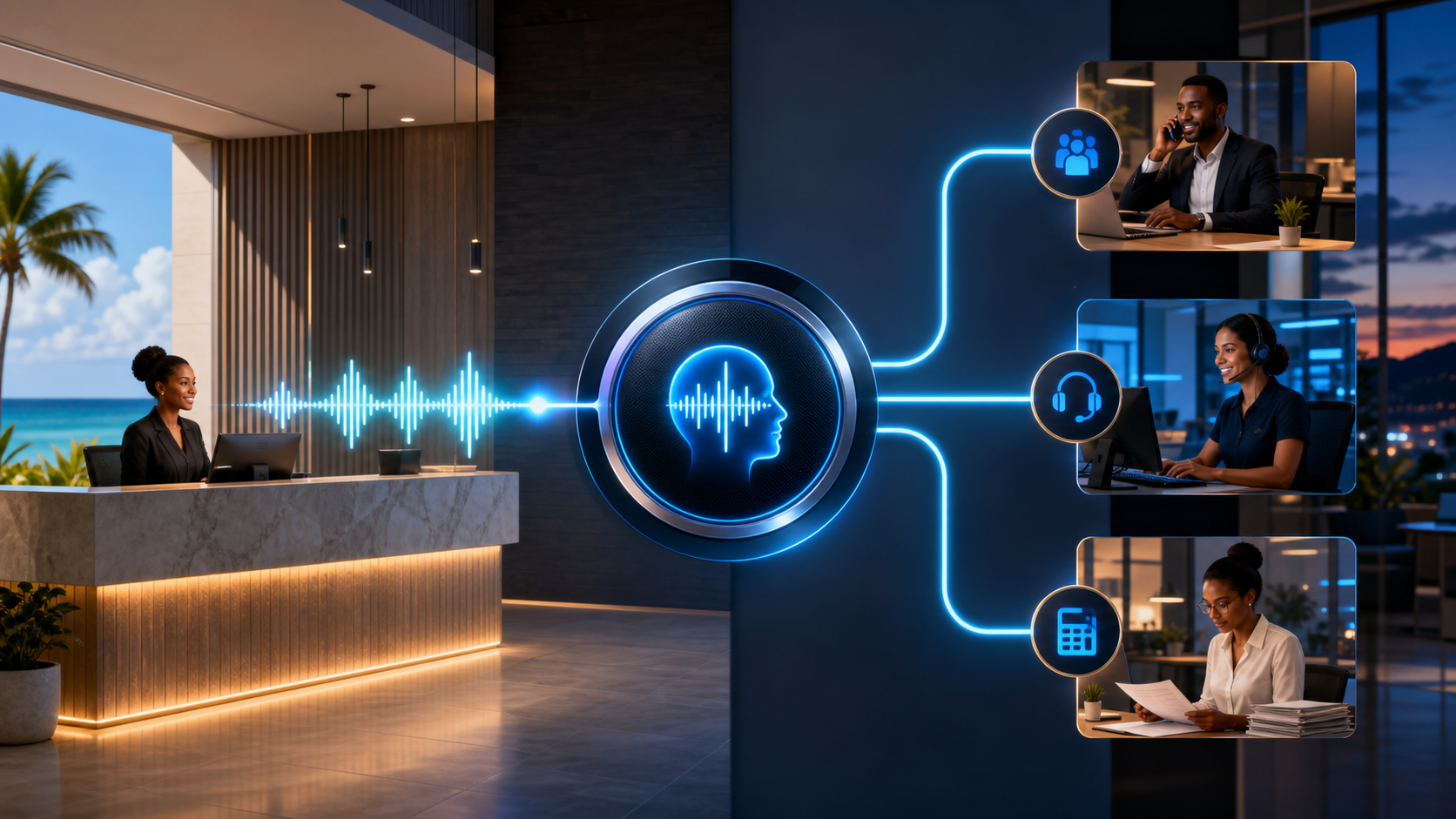
A properly configured 3CX Digital Receptionist, also known as an interactive voice response or IVR menu, can make this process more efficient. It gives callers a short set of clear options and routes them directly to the appropriate extension, ring group or call queue. Combined with department-specific office hours, it can also change where calls go when a team is closed, on a break or unavailable.
For a business owner, the value is straightforward: fewer repetitive first-line transfers, a more consistent caller experience and a call-routing process that does not depend entirely on one employee being available.
What is the 3CX Digital Receptionist?
The 3CX Digital Receptionist answers an incoming call with a recorded greeting and presents the caller with routing choices. A simple menu might say:
- For sales, press 1.
- For accounts, press 2.
- For technical support, press 3.
- For the receptionist, press 0.
Each key can be assigned an action and destination. Depending on the way your business handles calls, that destination could be an individual extension, a group of phones or a queue of available team members.
3CX supports up to ten menu choices, but more options do not necessarily create a better experience. Most businesses benefit from a short menu based on the main reasons customers call. The objective is to make routing clearer, not to make callers listen to a long directory.
A business can route its main telephone number to the Digital Receptionist or assign a direct number to a particular IVR. The greeting can be recorded or uploaded, allowing the message to reflect the organisation’s preferred tone and instructions. 3CX can also be configured to handle invalid selections, no input and, where appropriate, direct dialling of internal extensions.
How this can improve day-to-day efficiency
Consider a business receiving regular calls for sales quotations, invoice queries, service requests and general information. Without an IVR, a receptionist may need to identify and transfer nearly every caller. If the intended employee does not answer, the caller may return to reception and the process begins again.
A thoughtful Digital Receptionist removes much of that repetitive work. Sales enquiries can go directly to the sales ring group. Existing customers who need support can enter the support queue. Accounts calls can reach the finance team without involving another employee first.
This does not eliminate the need for good customer service or human judgement. It gives employees a better starting point. Reception staff can focus on callers who genuinely need assistance, while routine calls follow a predictable path.
The potential operational benefits include:
- Fewer avoidable transfers: callers can select the department they need at the beginning of the call.
- More consistent call handling: the same routing process applies even when the usual receptionist is busy or absent.
- Better use of team capacity: calls can ring several appropriate employees or wait in a queue instead of depending on one extension.
- Clearer after-hours handling: callers receive the correct message and destination when a department is closed.
- Easier adjustment as the business changes: call destinations and recorded prompts can be updated as teams, responsibilities and opening times evolve.
The exact improvement will depend on call volumes, staffing and the quality of the configuration. A telephone menu is not an efficiency guarantee. It is a practical routing tool that works best when it reflects how customers actually interact with the business.
Why department-aware office hours matter
One of the more useful aspects of the 3CX V20 routing model is that a Digital Receptionist can inherit the office hours of its assigned department. This allows different parts of the same business to follow different schedules.
For example, a retail counter may open earlier than the accounts department, while a support team may remain available later. Instead of treating the entire organisation as simply open or closed, 3CX can direct each department’s calls according to its own working hours.
Separate destinations can be configured for:
- normal office hours;
- break periods; and
- closed or out-of-office hours.
A sales call received during the working day might route to a sales queue. The same call after hours might go to voicemail, an on-call number or an announcement explaining when the team will reopen. Authorised Receptionist or Manager roles can also temporarily override department hours when circumstances require it.
This flexibility is valuable, but it must be configured carefully. An IVR inherits the hours of the department to which it belongs, so incorrect department membership or office-hour settings can send calls to the wrong destination. Every branch should be tested during open, closed and break conditions before the system is placed into normal use.
A good call flow starts with business discovery
The technical configuration is only part of the job. Before building an IVR, the business should answer several practical questions:
- Why do customers usually call?
- Which teams should receive each type of enquiry?
- Should calls ring multiple employees or enter a managed queue?
- What should happen when nobody answers?
- Do departments have different opening hours or break periods?
- Which calls still need a receptionist?
These answers shape the greeting, menu choices, fallback routes and after-hours behaviour. A technically valid configuration can still frustrate customers if the menu is too long, uses internal company terminology or leads to unattended destinations.
It is also important to test invalid selections, no-input timeouts, unavailable extensions, queue overflow and holiday or emergency closures. Call routing should be reviewed when staff roles, departments or business hours change.
How Blue Chip Technologies can help
Blue Chip Technologies can help your organisation plan and implement a 3CX call flow around the way your business actually operates. We can work with your team to document incoming-call requirements, identify suitable departments and destinations, and design a concise Digital Receptionist menu.
Our implementation support can include 3CX configuration, SIP trunk and telephone-number setup, security controls, recorded-prompt guidance, office-hours routing, ring groups, queues, fallback destinations and end-to-end testing. We can also train authorised staff to manage routine changes and provide ongoing support as the business grows.
The aim is not to add technology for its own sake. It is to create a dependable call-handling process that helps customers reach the right team while reducing unnecessary interruptions for employees.
According to the official 3CX IVR configuration guide, V20 Digital Receptionists can route calls to extensions, queues and ring groups, use direct numbers, apply per-key actions and define separate destinations for office hours, closed periods and breaks. The related 3CX office-hours guide explains how department schedules and temporary overrides support this routing model.
Make incoming calls easier to manage
If your team spends too much time answering and transferring routine calls, a better-designed 3CX Digital Receptionist may provide a practical improvement. Contact Blue Chip Technologies or call 1 (868) 609-2288 to discuss your current telephone setup and the call flow your business needs.