So you've decided to upgrade your office phones—maybe five handsets for a small team, or fifty across multiple branches. Either way, the thought of configuring each phone one by one is enough to make anyone reconsider the whole project.
Good news: you don't have to.
What Auto-Provisioning Actually Means for Your IT Team
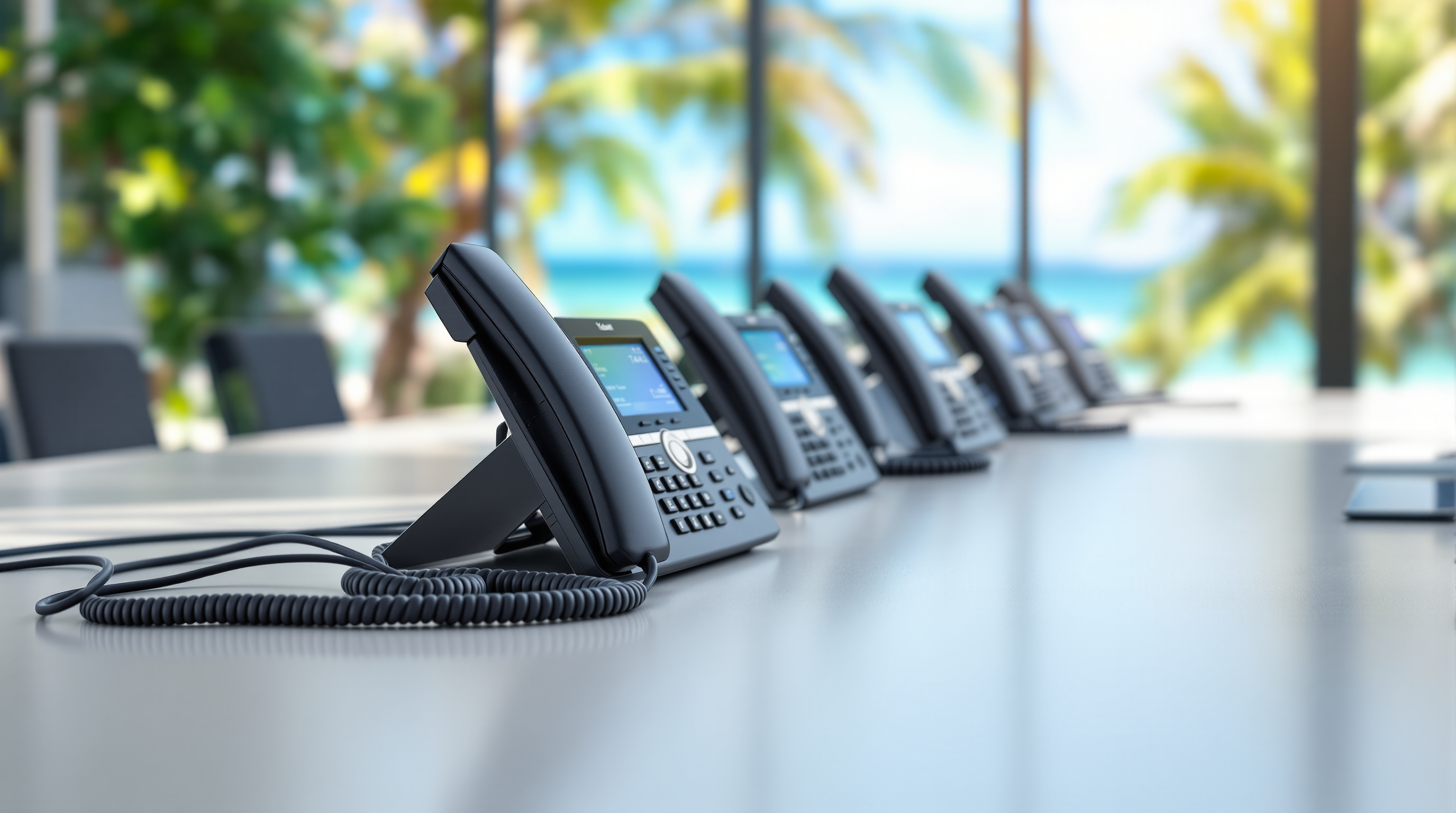
Here's the scenario. A box of Yealink phones arrives at your office. Your IT person (or maybe that's you, wearing three hats already) plugs them into the network. Within minutes, each phone pulls its configuration from a central server—extension numbers, speed dials, ringtones, firmware updates, the works. No one's manually punching in SIP credentials or hunting through phone menus.
That's auto-provisioning. The phone does the setup work for you.
For businesses running 3CX, this gets even smoother. Yealink and 3CX play well together, and the provisioning templates are already built in. You generate a config file, point the phone to your server, and it handles the rest.
Why This Matters When You're Rolling Out More Than a Handful of Phones
If you're deploying phones across one location, manual setup is annoying but survivable. But what happens when you're outfitting:
- A new branch in San Fernando while headquarters is in Port of Spain
- Multiple departments that need different call routing rules
- Remote staff who need phones shipped directly to their homes
Suddenly, "I'll just configure them myself" becomes a full-time job. Auto-provisioning means you can ship a phone to a remote employee, have them plug it in, and it just works. No site visit. No hour-long phone call walking someone through menus.
How Blue Chip Handles Yealink Deployments
When we supply Yealink handsets to clients, we don't just drop boxes at reception. We:
- Pre-configure your provisioning server settings
- Set up device templates matched to your 3CX system
- Test phones before delivery so they're ready to connect
- Handle firmware standardisation across your fleet
Whether you're deploying T46U desk phones for a call centre or a few T31P units for a small office, the process stays consistent. And if you add phones six months later? Same templates, same setup—no reinventing the wheel.
The Phones Themselves
Yealink builds solid hardware. The desk phones are responsive, the audio quality is clear (important when you're on calls with clients who judge your business by how you sound), and they don't feel like cheap plastic. The conference phones—like the CP920—work well for meeting rooms without needing a complicated AV setup.
For businesses using Microsoft Teams, Yealink also makes Teams-certified phones and video bars. But most of our clients pair them with 3CX, and that's where we do the heavy lifting on setup and support.
Ready to Upgrade Without the Headache?
If you're planning a phone rollout—whether it's ten handsets or a hundred—let's talk. We'll help you pick the right Yealink models for your setup, handle the provisioning, and make sure everything works before your team picks up the first call.
Get in touch:
- 📞 Call us: 1 (868) 609-2288
- 💬 WhatsApp: Send us a message
- 📧 Email: [email protected]
- 🌐 Contact form: bluechiptt.com/contact