If your office phone system still runs on old hardware that's getting harder to maintain, you can migrate to 3CX—a software-based business phone system—without losing your existing phone numbers or forcing staff to learn entirely new workflows. The move typically means lower maintenance costs, remote-work flexibility, and features like video conferencing and WhatsApp messaging that legacy PBX boxes simply can't offer.
Blue Chip Technologies Ltd. is an authorised 3CX partner here in Trinidad & Tobago, and we've helped local businesses make this switch without the drama you might expect.
Why do legacy PBX systems become a problem?
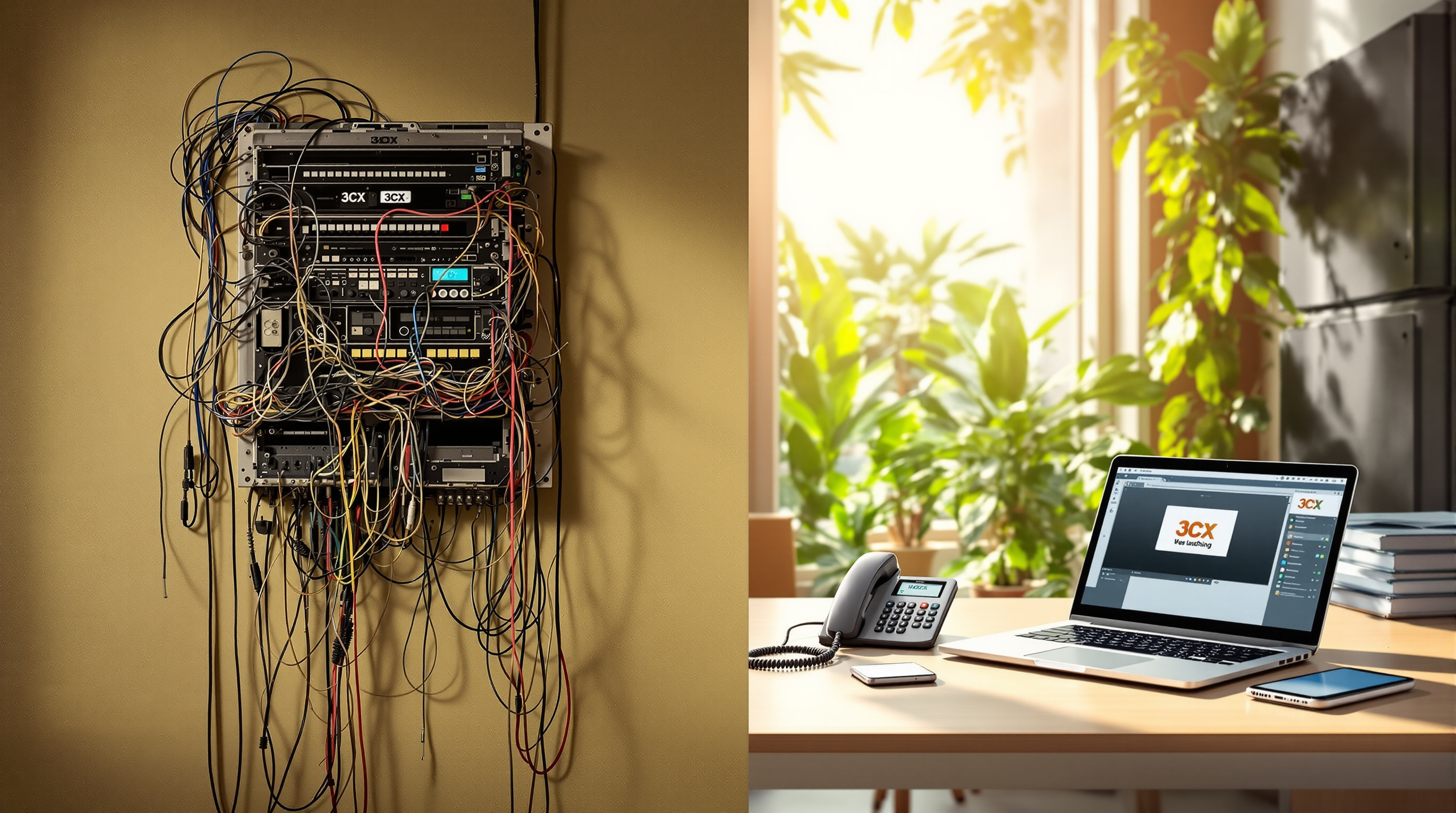
That on-premise phone system your company installed years ago probably still works—calls go in, calls go out. But a few things tend to creep up:
- Parts and support dry up. Manufacturers discontinue hardware, and finding replacement cards or handsets turns into a treasure hunt.
- Remote work is awkward. If your team needs to answer business calls from home or on the road, legacy systems make that painful (or impossible).
- You're paying for two worlds. Maintaining old phone lines plus whatever internet-based tools you've bolted on means duplicate costs.
- New features aren't coming. Video calls, live chat on your website, WhatsApp integration—these aren't retrofits your old PBX will ever get.
Sound familiar? You're not alone. Plenty of T&T businesses are running into the same wall.
What does migrating to 3CX actually look like?
Moving from a legacy PBX to 3CX doesn't have to be a "rip and replace" nightmare. Here's the general path:
- Audit what you have. We look at your current extensions, call flows, and any integrations (like a CRM or door entry system).
- Plan the number porting. Your existing phone numbers can transfer to a SIP trunk provider, so clients and suppliers keep reaching you at the same number.
- Set up 3CX. This can run on your own server, in a private cloud, or hosted by 3CX directly—whichever suits your IT setup and comfort level.
- Configure extensions and call routing. Receptionists, departments, ring groups, voicemail—all rebuilt in software.
- Test before go-live. We run calls through the new system while the old one's still active, catching issues before they affect customers.
- Cut over and decommission. Once everything checks out, the legacy hardware gets retired.
The timeline depends on the size of your organisation and how complex your call routing is, but many SMBs complete the process in a few weeks.
What do you actually gain after the switch?
Here's what changes day-to-day once you're on 3CX:
- Desk phones, mobile apps, and desktop apps all ring together. Staff can answer from wherever they are.
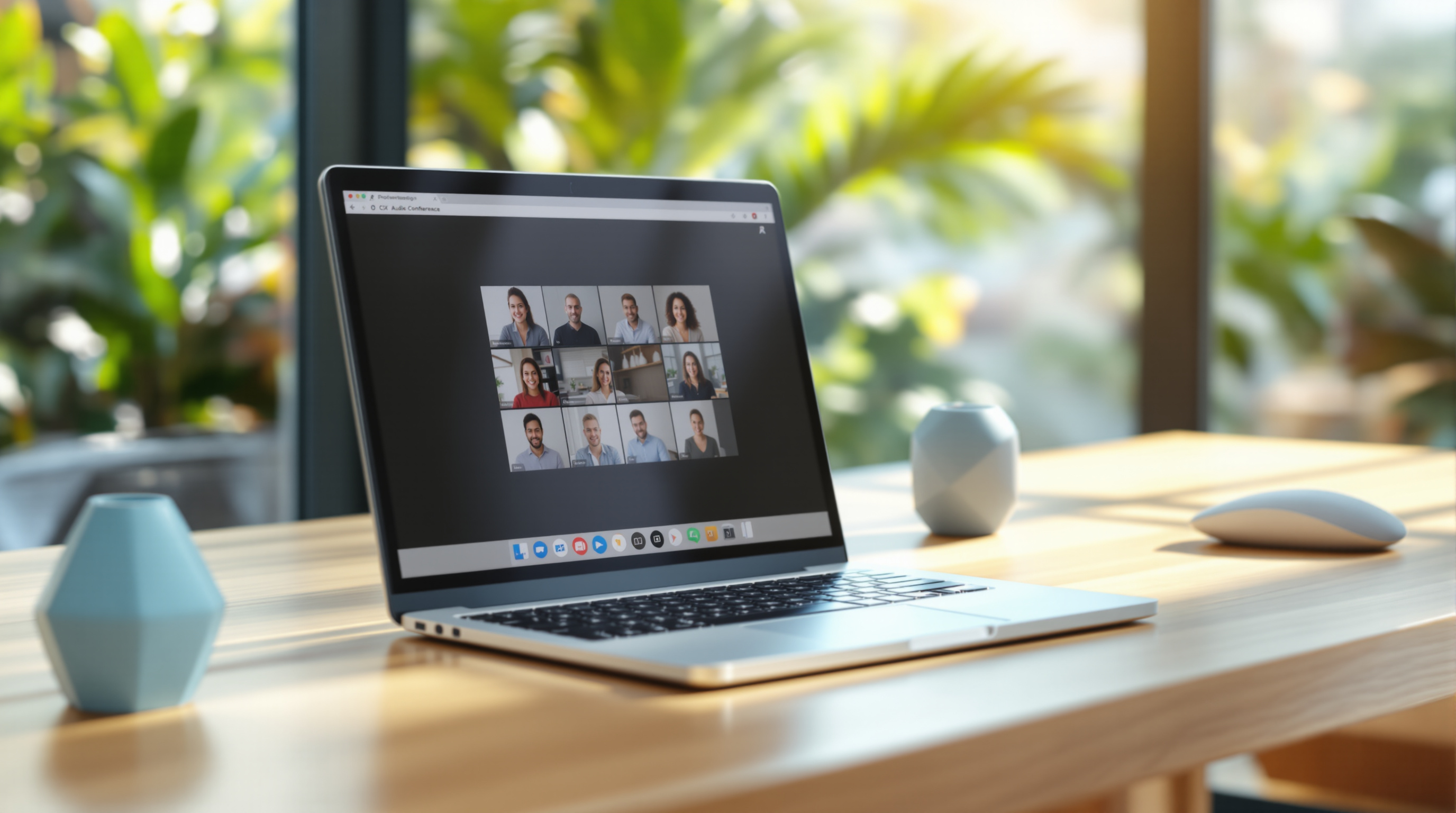
- Video conferencing built in. No separate subscription for basic video meetings.
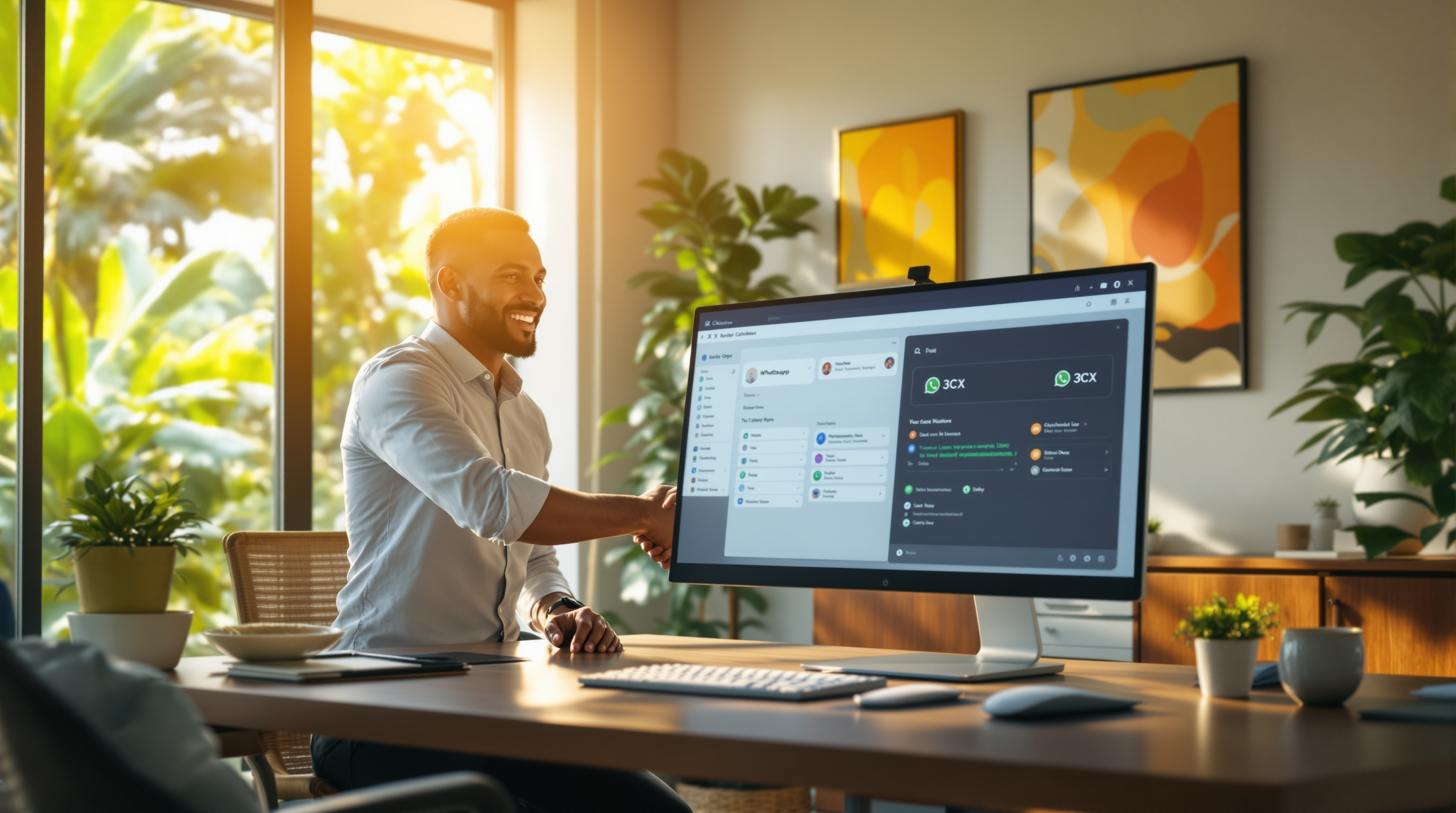
- Live chat and WhatsApp. Customers can message your business number, and your team responds from the same interface.
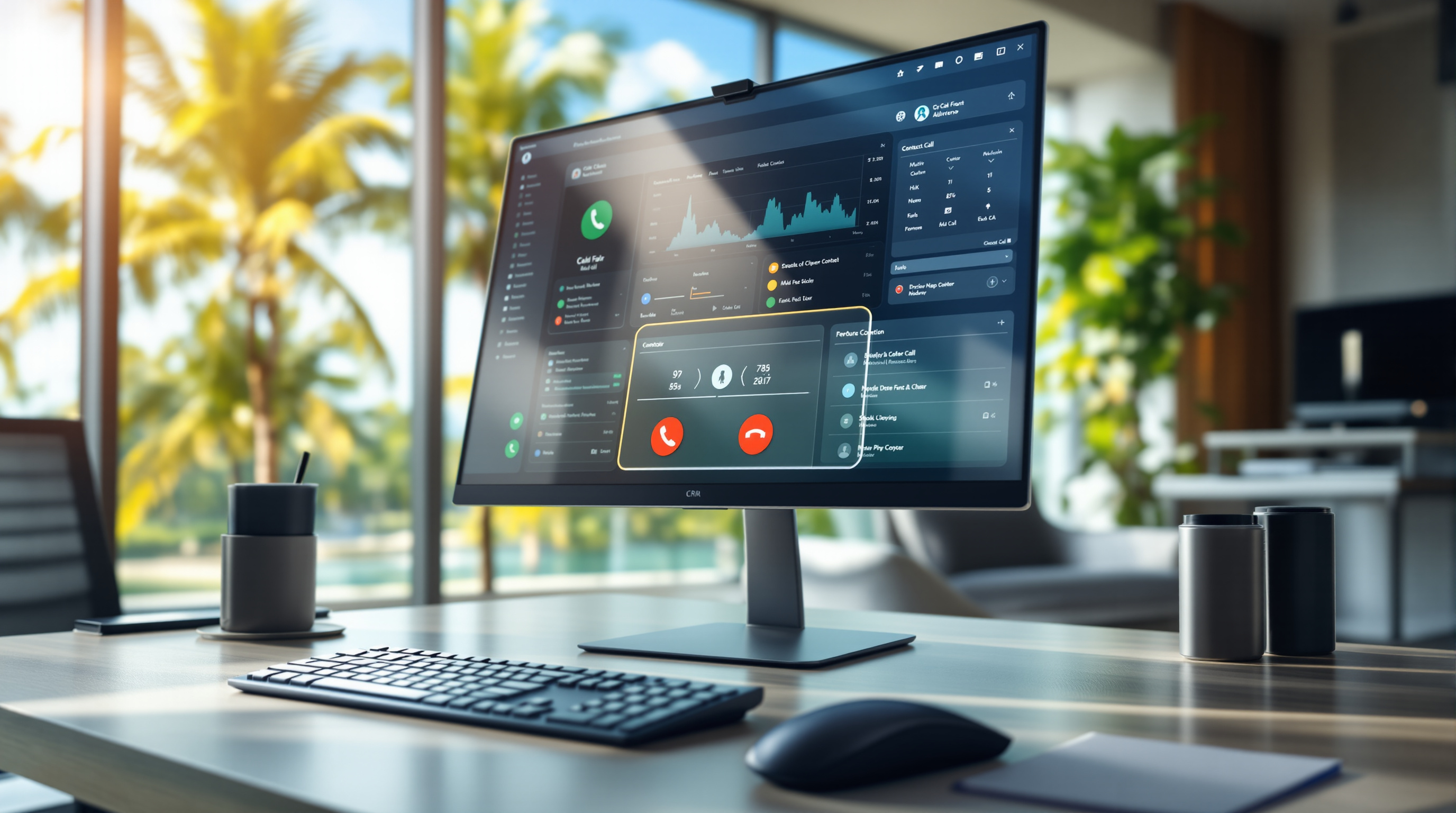
- Call recordings and reporting. Useful for training, disputes, or just understanding call volumes.
- Easier moves and changes. Adding a new extension or changing a ring group is a few clicks, not a technician visit.
For a business with staff splitting time between the office and the field—think contractors, sales reps, or service teams—that flexibility matters.
Is my current hardware completely useless?
Not necessarily. Many SIP-compatible desk phones work fine with 3CX. If you've got relatively modern Yealink, Fanvil, or Grandstream handsets, they'll likely carry over. Older proprietary phones tied to a specific vendor's system usually won't, but we can assess what's worth keeping during the planning stage.
Frequently asked questions
Will we lose our phone numbers during the migration?
No. Numbers port to a SIP trunk provider before go-live. There's a brief coordination window, but calls continue without interruption when it's handled properly.
Can 3CX work if our internet goes down?
3CX relies on an internet connection for VoIP calls. We recommend a backup connection or failover SIM for businesses where uptime is critical. Mobile apps can also fall back to cellular data.
Do staff need training on the new system?
Some, yes—but 3CX's interface is straightforward. Most users get comfortable within a day or two. We provide orientation so your team isn't guessing.
What ongoing support does Blue Chip offer after installation?
We provide local support for configuration changes, troubleshooting, and upgrades. You're not left on your own after the project wraps up.
Ready to move past that old phone system?
If you're tired of nursing ageing PBX hardware and want a phone system that actually fits how your team works today, let's talk. Blue Chip Technologies Ltd. can walk you through what a migration looks like for your specific setup—no obligation, no pressure.
Get in touch:
- 📞 Call us: 1 (868) 609-2288
- 💬 WhatsApp: Send a message
- ✉️ Email: [email protected]
- 🌐 Contact form: bluechiptt.com/contact
Learn more about our 3CX solutions and support for Trinidad & Tobago businesses.