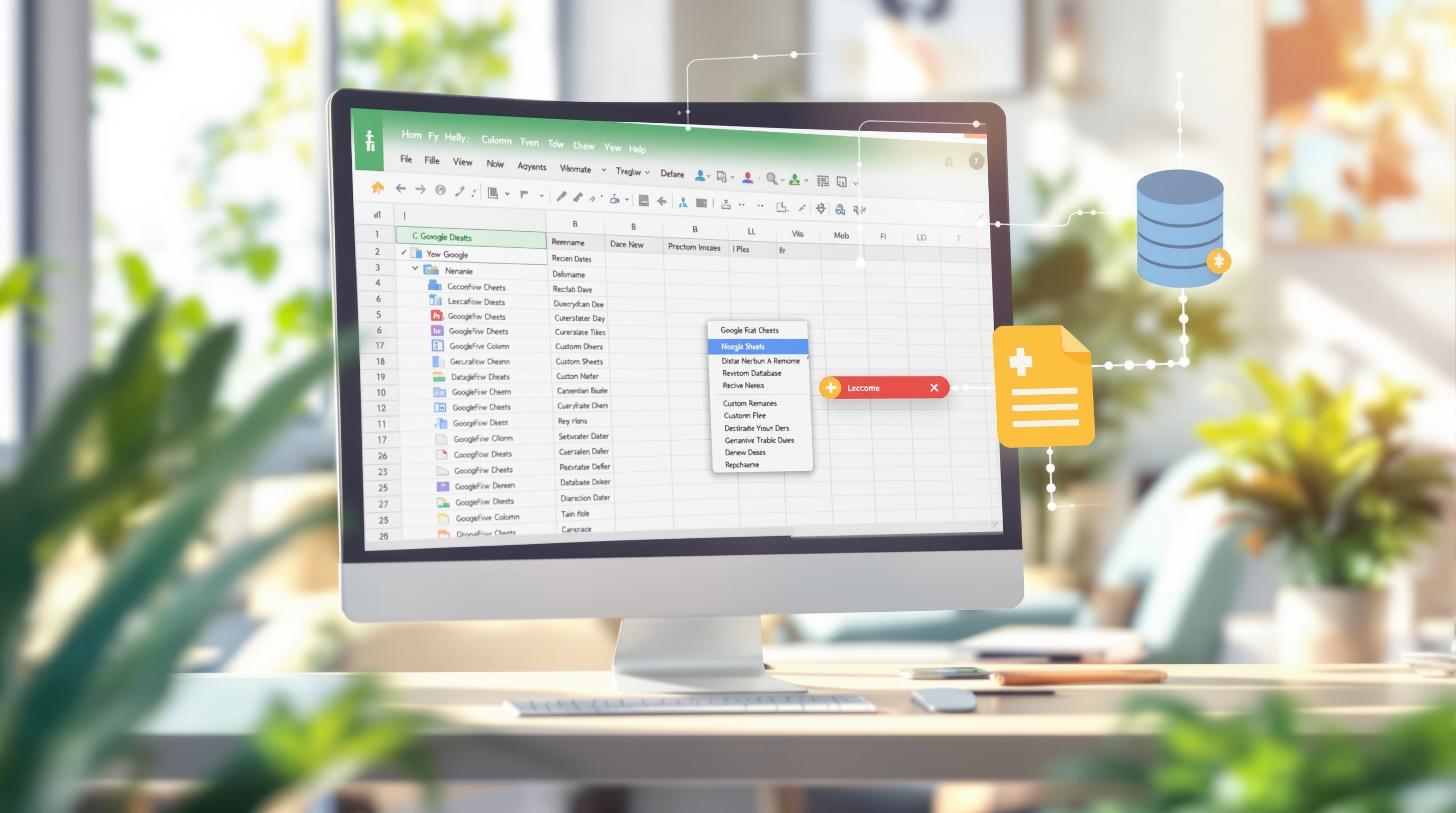
If your team's already pulling BigQuery data into Google Sheets through Connected Sheets, you know how useful it is for getting real insights without writing SQL every time. Google just made it better with two updates that'll save time and make those reports a lot easier to share around the office.
Let Your Team Filter Data Without Touching the Query
Here's the scenario: you've built a Connected Sheet that pulls sales data from BigQuery. Your manager wants to filter by specific regions, or your colleague needs to look at just three product categories. Before, they'd have to ask you to modify the query, or you'd need to build something complicated.
Now, you can set up list parameters that pull values directly from cells in your sheet. Drop a few region names in column A, select that range as your parameter, and the query uses all of them. Even better—you can add dropdown menus so non-technical users just pick what they want to see.

For T&T businesses with distributed teams—say you've got branches in Port of Spain and San Fernando and Tobago—this means branch managers can pull their own numbers without waiting on IT.
Make Column Names Actually Make Sense
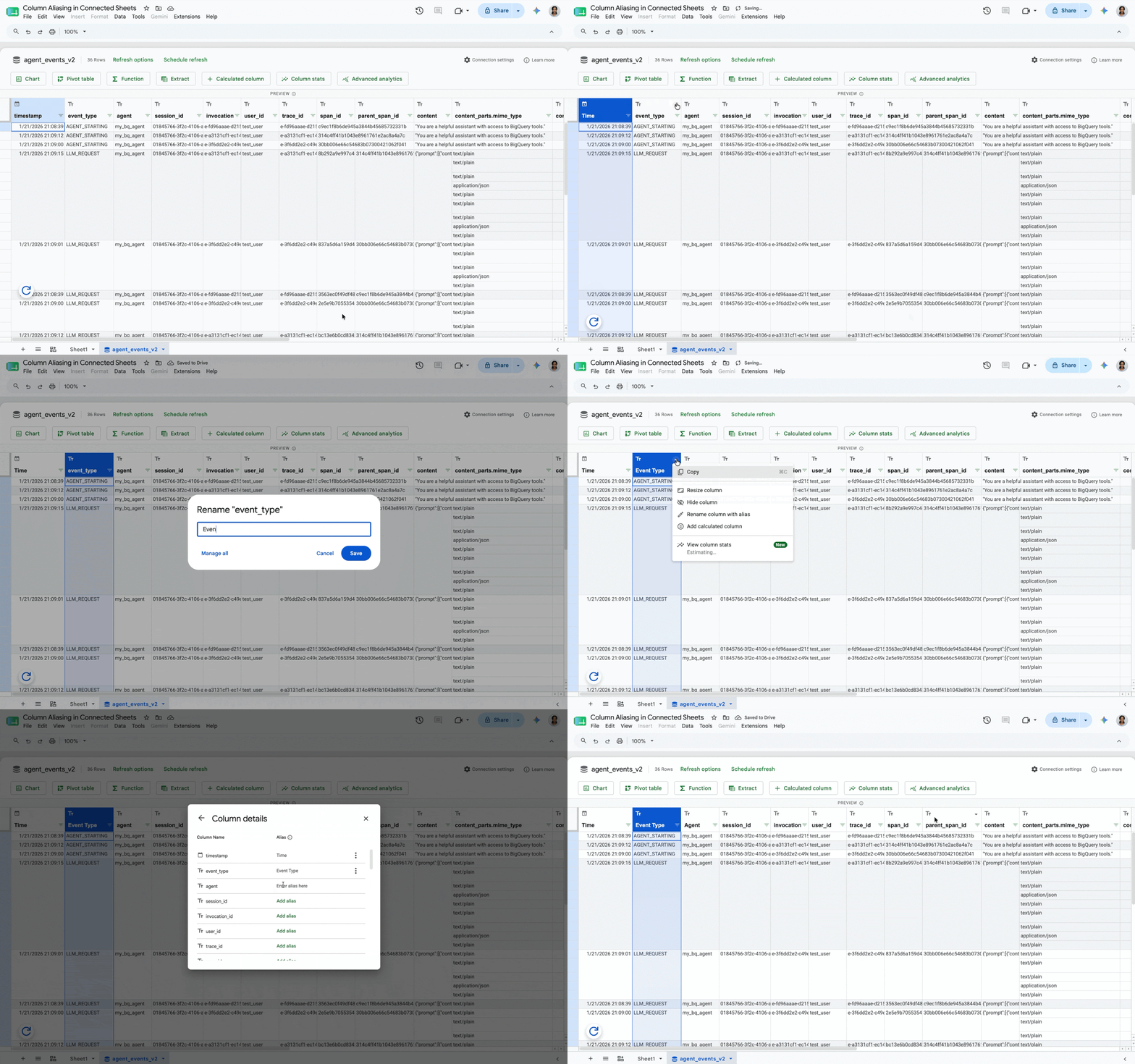
Database columns are usually named by developers, not by the people who need to read the reports. So you end up with things like cust_acq_dt_utc when what you really want to show your director is "Customer Signup Date."
Column aliasing lets you rename columns right in Connected Sheets. The underlying data stays the same, but your reports look professional and readable. You can still use either name in formulas, so nothing breaks.
No Setup Required
These features are rolling out automatically to all Google Workspace accounts. No admin toggles to flip, nothing to enable. If you're using Connected Sheets already, you'll see the options appear.
Need Help Getting Started with Connected Sheets?
If your business is sitting on data in BigQuery but your team isn't getting value from it yet, we can help you set up Connected Sheets the right way. Or if you're not on Google Workspace yet and want to see what it can do for your operations, give us a call.
Reach out to Blue Chip: