Plan the Network Before the First Cable Is Run
A reliable business network does not start with buying access points or mounting cameras. It starts with a plan.
For many small and mid-sized businesses in Trinidad and Tobago, Wi-Fi, cameras, switches, and firewalls are added gradually. One office gets wireless coverage. Later, a warehouse needs cameras. Then a second location opens. Before long, the network works, but nobody is fully confident about coverage, cabling, port usage, camera placement, or future capacity.
Ubiquiti's updated UniFi Design Center is useful because it brings more of that planning work into a visual design tool before equipment is installed. For business owners, that can mean fewer surprises, cleaner installations, and a network that is easier to support after the project is finished.
Why Pre-Installation Planning Matters
A network can fail in small ways long before it fails completely.
A boardroom may have weak Wi-Fi because the access point was placed too far away. A camera may miss an important entrance because the field of view was guessed instead of modelled. A network cabinet may run out of switch ports because growth was not considered. A branch may be harder to deploy because the first location was never documented properly.
Those problems are usually more expensive to fix after installation than they are to prevent during design.
A planning tool helps the conversation move from "we think this should work" to "here is what the proposed layout is expected to cover, connect, and support." That is a much better starting point for any serious business network project.
Wi-Fi, Cameras, and Cabling in One Design Conversation
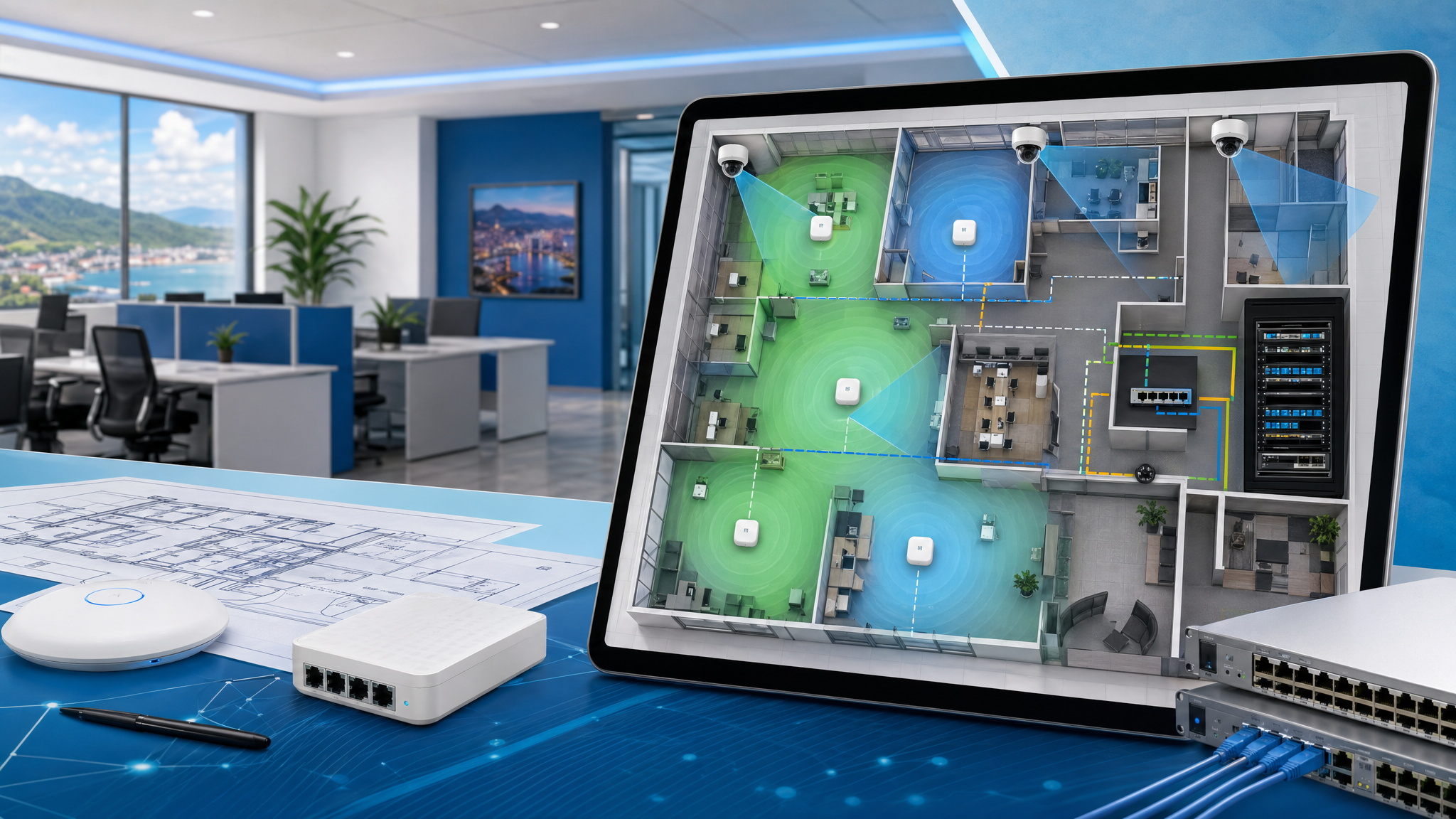
UniFi Design Center allows teams to work with floor plans, place UniFi equipment, simulate coverage, and build a clearer picture of how the environment should behave.
That matters because Wi-Fi, switching, cameras, access control, and cabling are connected decisions. If the camera locations need PoE, the switch design must account for power and ports. If staff Wi-Fi and guest Wi-Fi need separation, the firewall and VLAN design must be considered. If a future tenant, department, or branch is likely, the network should leave room to grow.
For Blue Chip customers, this is where planning adds real value: the design is not just about signal strength. It is about making the whole system practical to install, manage, troubleshoot, and expand.
Better Presentations for Owners and Managers
Technical drawings are useful, but they are not always easy for non-technical stakeholders to interpret.
Visual planning makes it easier for an owner, manager, facilities team, or project lead to understand what is being proposed. They can see where access points may go, where cameras are expected to cover, how equipment connects, and what assumptions are being made about the building.
That reduces confusion during installation. It also helps avoid late changes, such as discovering that a camera angle is wrong only after the contractor has already mounted it.
Cleaner Documentation After the Job
Good network documentation is one of the easiest things to skip and one of the hardest things to recreate later.
When a network is planned visually from the beginning, the design can become part of the handover. That gives the business and its IT support team a clearer record of equipment locations, intended coverage, device relationships, and deployment decisions.
For managed IT environments, that documentation is not just paperwork. It helps with support calls, audits, upgrades, replacement planning, and onboarding new sites.
Useful for New Sites and Existing Locations
The Design Center is not only for brand-new projects. It can also help when a business wants to improve an existing location.
Examples include:
- Expanding Wi-Fi into a warehouse, showroom, or outdoor area
- Adding cameras to improve visibility around entrances or stock rooms
- Planning a branch office before installation day
- Reviewing whether an old network cabinet has enough switch and PoE capacity
- Standardising layouts across multiple locations
- Preparing a clearer scope before budgeting for a network refresh
This is especially useful for businesses that are growing in stages. Each new phase can follow the same standard instead of becoming another one-off setup.
How Blue Chip Can Help
Blue Chip Technologies designs, installs, documents, and supports UniFi networks for businesses that need practical reliability, not guesswork.
For a new office, renovation, camera rollout, warehouse, hospitality space, school, retail location, or multi-site business, we can help turn the layout into a proper network plan: Wi-Fi coverage, switching, VLANs, firewall rules, camera positioning, remote management, and ongoing support.
The right time to plan the network is before the first cable is run. A good design saves time during installation and makes the system easier to manage for years afterward.
Source: Ubiquiti — All-New UniFi Design Center, published 2 April 2026.