Smarter Business Cameras Start With Better Network Planning
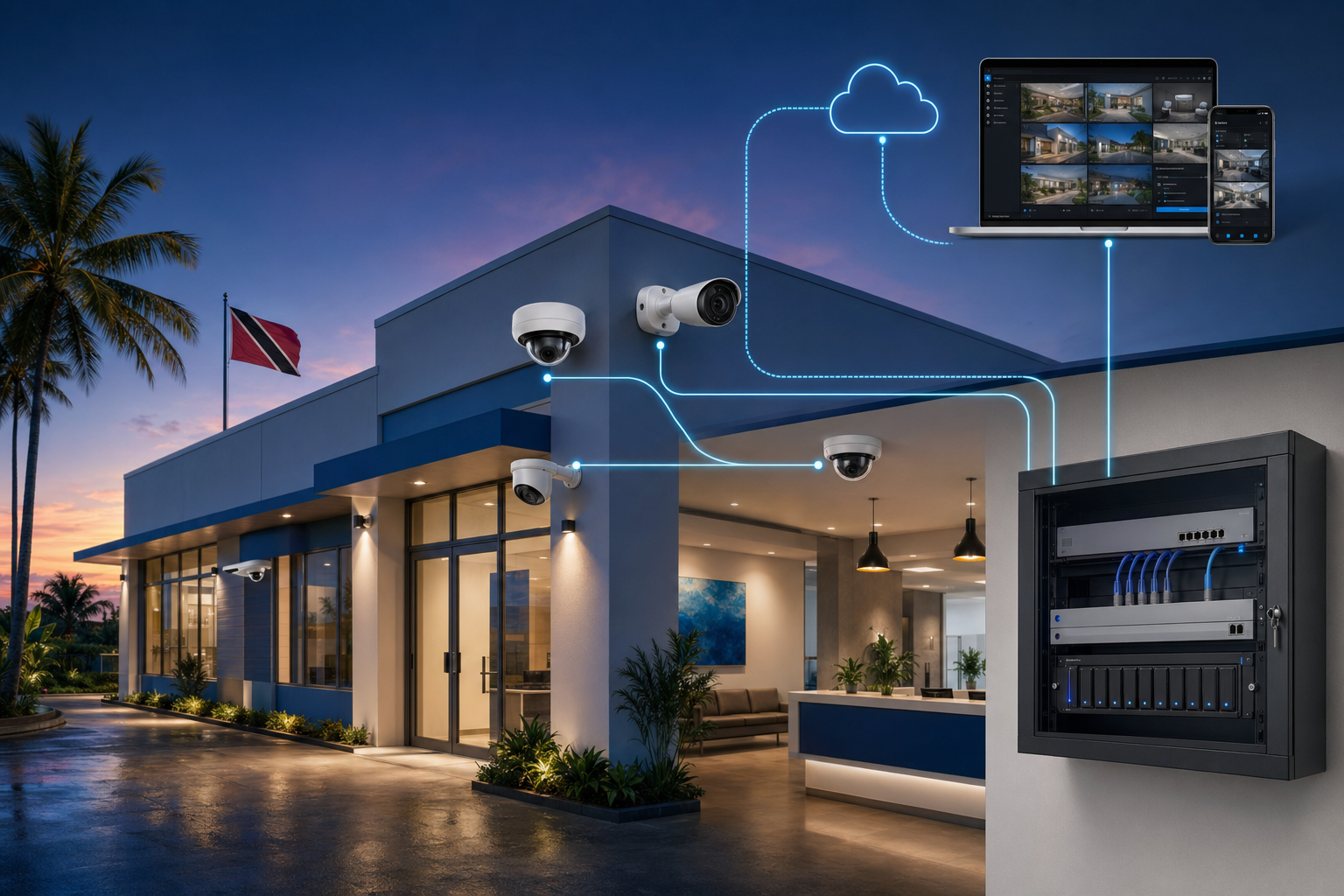
Security cameras are no longer just recording devices mounted after everything else is finished. In a modern business network, cameras are part of the IT system: they use switch ports, PoE power, storage, remote access, user permissions, internet bandwidth, and monitoring.
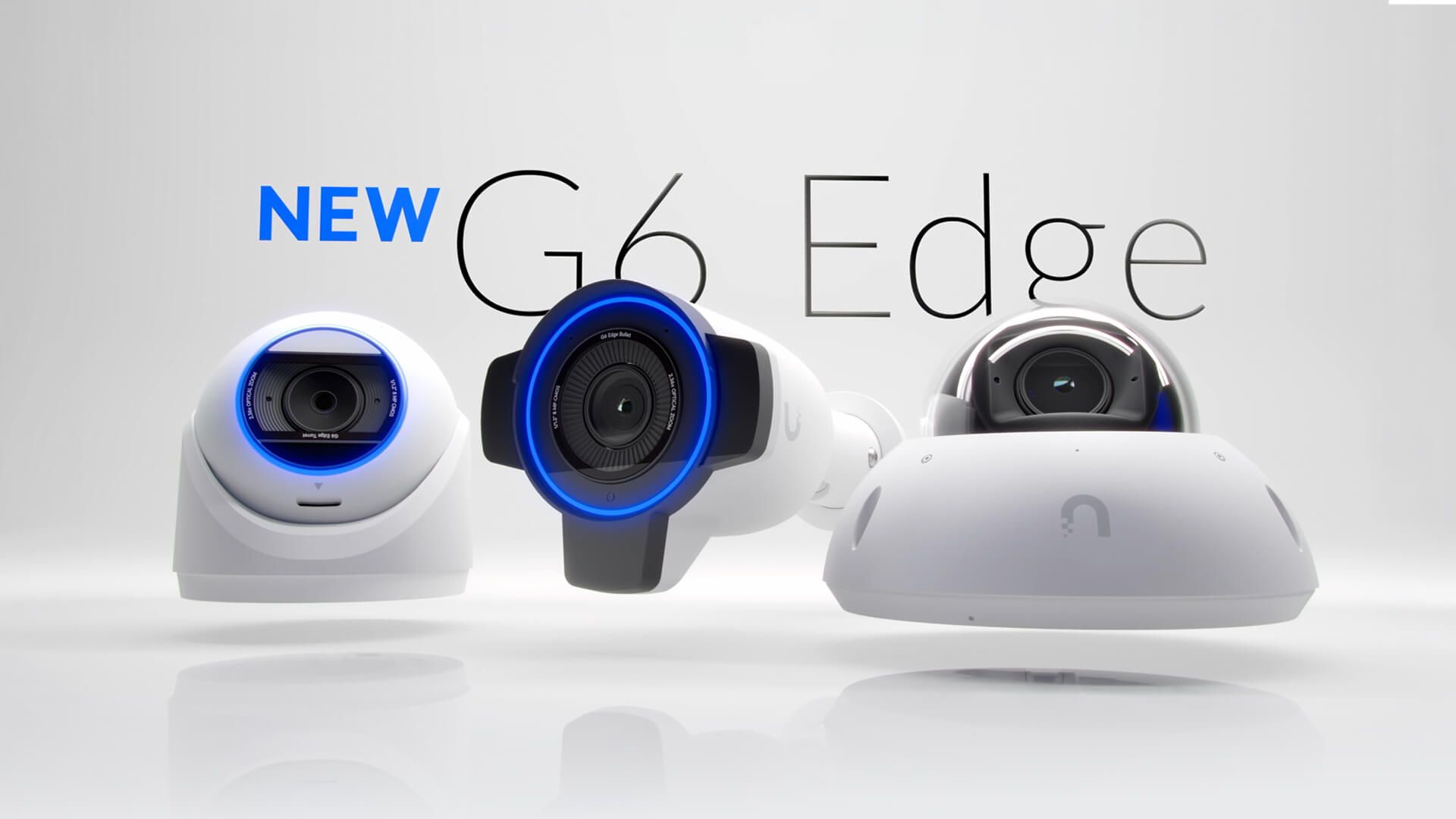
That is why Ubiquiti's UniFi G6 Edge Series announcement is relevant for small and mid-sized businesses in Trinidad and Tobago. The headline is a new generation of UniFi cameras, but the bigger lesson is operational: better surveillance depends on the camera hardware, the network behind it, and the way the system is managed after installation.
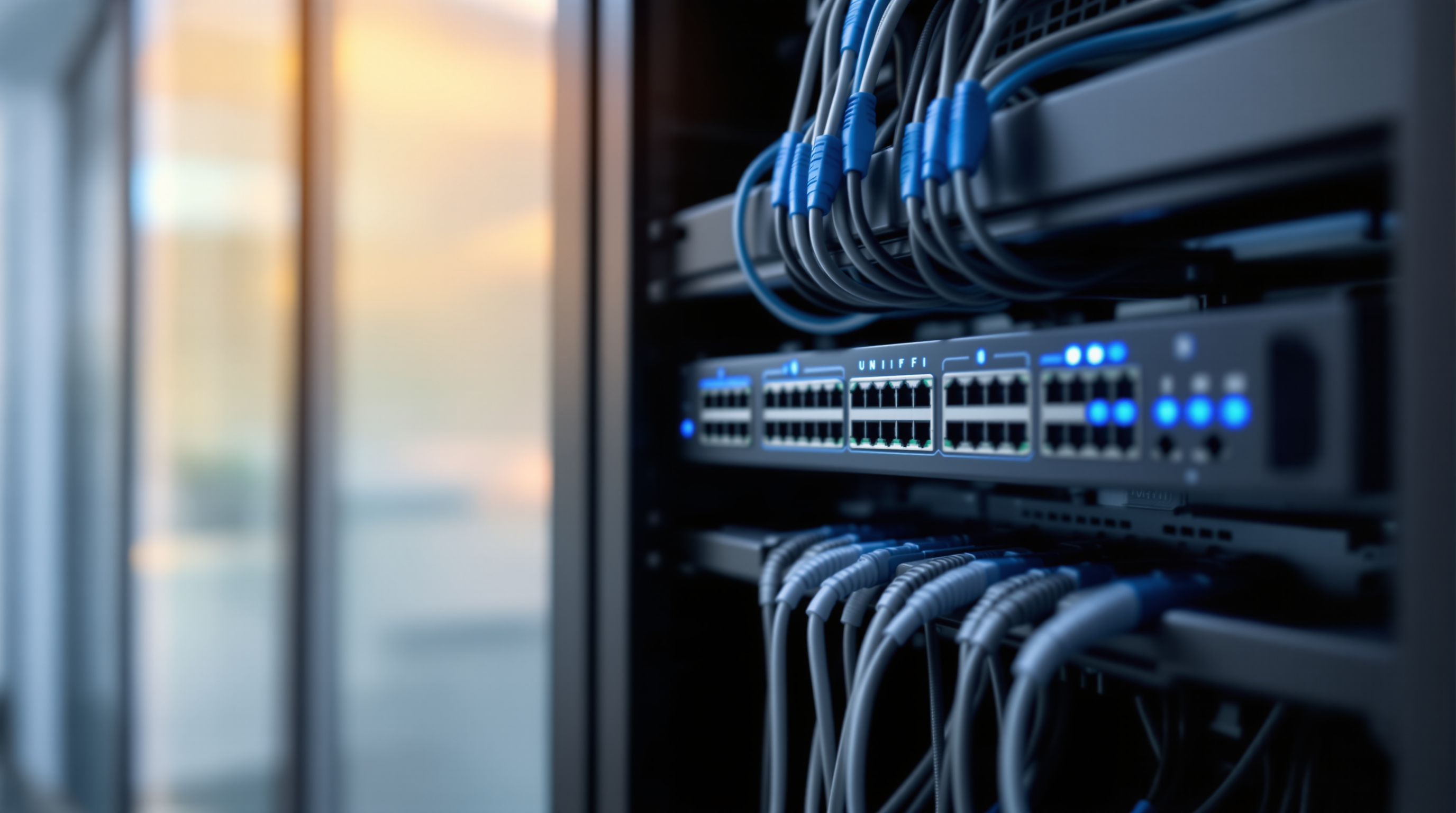
Cameras Need a Reliable Network Behind Them
A camera rollout can look simple at first: choose locations, mount cameras, connect cables, and start recording. The problems usually appear later.
A switch may not have enough PoE capacity. A camera may be placed where Wi-Fi or cabling is weak. Storage retention may be too short for the business need. Remote viewing may be too open, too slow, or too hard to manage. Alerts may be noisy because the system was never tuned for the site.
For offices, schools, retail spaces, warehouses, hospitality properties, and gated facilities, the surveillance system should be designed together with the network. The camera is only one part of the solution.
What the G6 Edge Series Highlights
Ubiquiti describes the UniFi G6 Edge Series as a license-free enterprise surveillance line with standalone operation, direct onboarding to Site Manager, multiple camera form factors, stronger low-light performance, radar and infrared capabilities on bullet models, and on-device AI features.
For a business owner, those details matter because different areas need different coverage.
A reception area may need a discreet dome camera. A stock room may need clear indoor coverage. A car park or perimeter may need longer-range visibility. A driveway or service entrance may benefit from better low-light detection. A larger site may need central recording through a UniFi NVR.
The point is not to buy the biggest camera everywhere. The point is to match the camera, lens, mounting position, lighting, and recording design to the actual risk and workflow of the site.
Edge Intelligence Can Reduce Guesswork
Modern cameras are becoming smarter at the edge. Ubiquiti's article references on-device AI, object detection and tracking, semantic search, and re-identification capabilities.
In practical terms, this can help teams find useful footage faster and reduce the amount of manual review needed after an incident. Instead of only asking, "What happened between 2:00 and 3:00?" a business may be able to search and filter events more intelligently.
That is useful, but it should still be paired with sensible policies. Businesses should decide who can view footage, how long recordings are retained, how alerts are handled, and how access is removed when staff roles change.
License-Free Does Not Mean Plan-Free
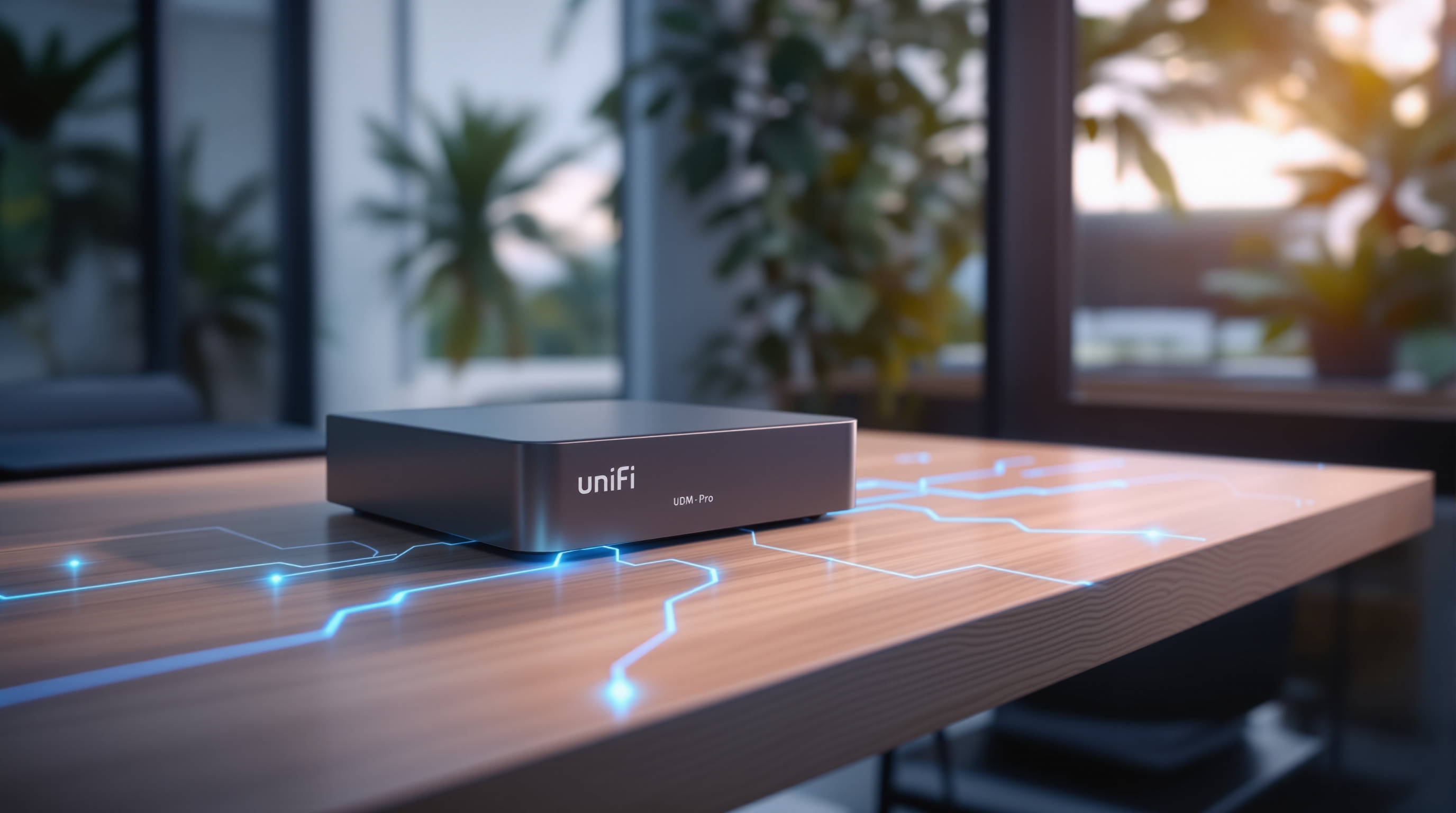
One of UniFi's strengths is its license-free management model. That can make camera systems attractive for local businesses that want strong capability without unpredictable per-camera software licensing.
However, no licensing model replaces proper design. A reliable camera deployment still needs:
- PoE switching sized for the number and type of cameras
- Clean VLAN and firewall design where needed
- Adequate NVR or storage planning
- Safe remote access and user permissions
- UPS protection for network and recording equipment
- Camera placement that accounts for lighting, angle, and coverage
- Documentation so support teams know what is installed and where
Skipping those details can turn a good product into a frustrating system.
Useful for Growing Sites
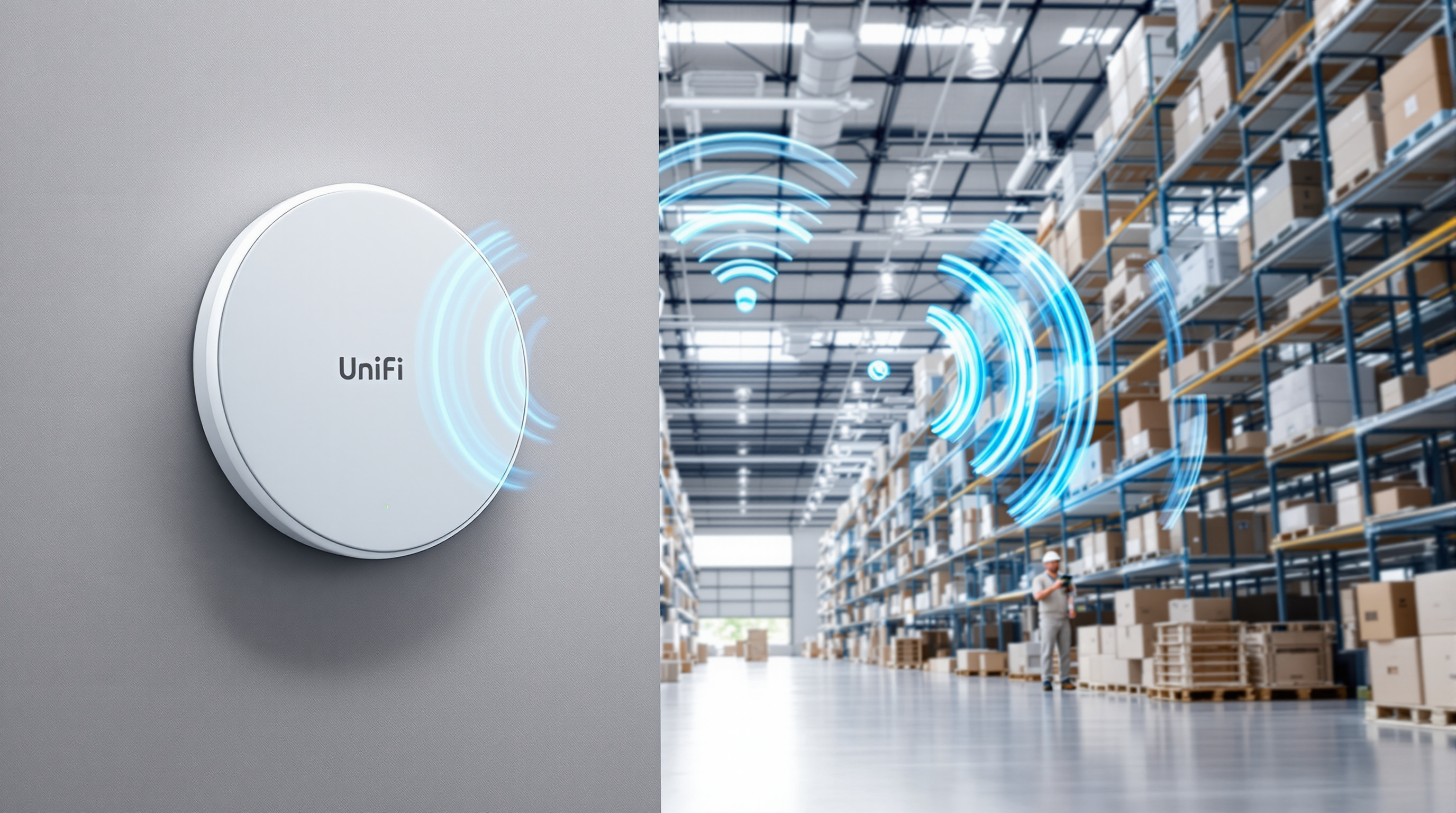
The G6 Edge Series also fits Ubiquiti's wider direction around Site Manager and scalable UniFi deployments. That matters for businesses with more than one location or facilities that expect to expand over time.
A single camera system at one branch is manageable. Five sites with different camera models, passwords, user access, recording rules, and support history become much harder to control. Central visibility and consistent standards make the environment easier to manage as the business grows.
For managed IT support, that consistency is what keeps troubleshooting practical.
How Blue Chip Can Help
Blue Chip Technologies helps businesses plan, install, document, and support UniFi networks and camera systems as part of a complete IT environment.
For a new camera project, we look at more than the camera count. We review network readiness, PoE capacity, switching, NVR/storage, remote access, user permissions, retention requirements, UPS protection, and future expansion.
If your business is considering a surveillance upgrade, the best time to involve IT is before the cameras are purchased and mounted. A planned UniFi camera deployment can improve visibility, reduce support issues, and give management more confidence when an incident needs to be reviewed.
Source: Ubiquiti — Introducing G6 Edge Series, published 24 March 2026.