Security cameras are one of those things every business knows they need. But here's what catches a lot of people off guard: the ongoing costs. You buy the cameras, pay for installation, and then discover you're locked into monthly or annual licensing fees just to view your own footage. Per camera. Forever.
That's where UniFi Protect does things differently.
What UniFi Protect Actually Is
UniFi Protect is Ubiquiti's video surveillance system. You get cameras, a recording device (called a Network Video Recorder or NVR), and software to view everything—live or recorded—from your phone, tablet, or computer.
The key difference? Once you buy the hardware, you're done. No monthly subscriptions. No per-camera licensing. No "premium tier" to unlock basic features like motion alerts or remote viewing.
Your footage stays on your property, on your NVR. You own it completely.
Why This Matters for T&T Businesses
Let's talk real numbers. If you're running a retail shop, a warehouse, or even a small office and you need, say, 8 cameras, traditional systems might charge you $10-20 USD per camera per month for cloud storage and features. That's $80-160 monthly, or roughly $1,000-2,000 per year—just in licensing.
Over five years? You could've bought an entirely new camera system with that money.
For businesses watching their operational costs (and honestly, who isn't right now?), eliminating that recurring expense makes a real difference.
What You Can Actually Do With It
- Remote viewing – Check your cameras from anywhere. Stuck in traffic on the highway? Pull up the app and see what's happening at your location.
- Motion detection and alerts – Get notifications when there's activity in specific zones you define.
- Easy playback – Scrub through footage quickly to find what you need. The timeline interface is genuinely intuitive.
- Multiple locations – Got a branch in San Fernando and another in Port of Spain? Manage them from one dashboard.
- Night vision and weatherproof options – Cameras built for outdoor use in our climate.
The Cameras Themselves
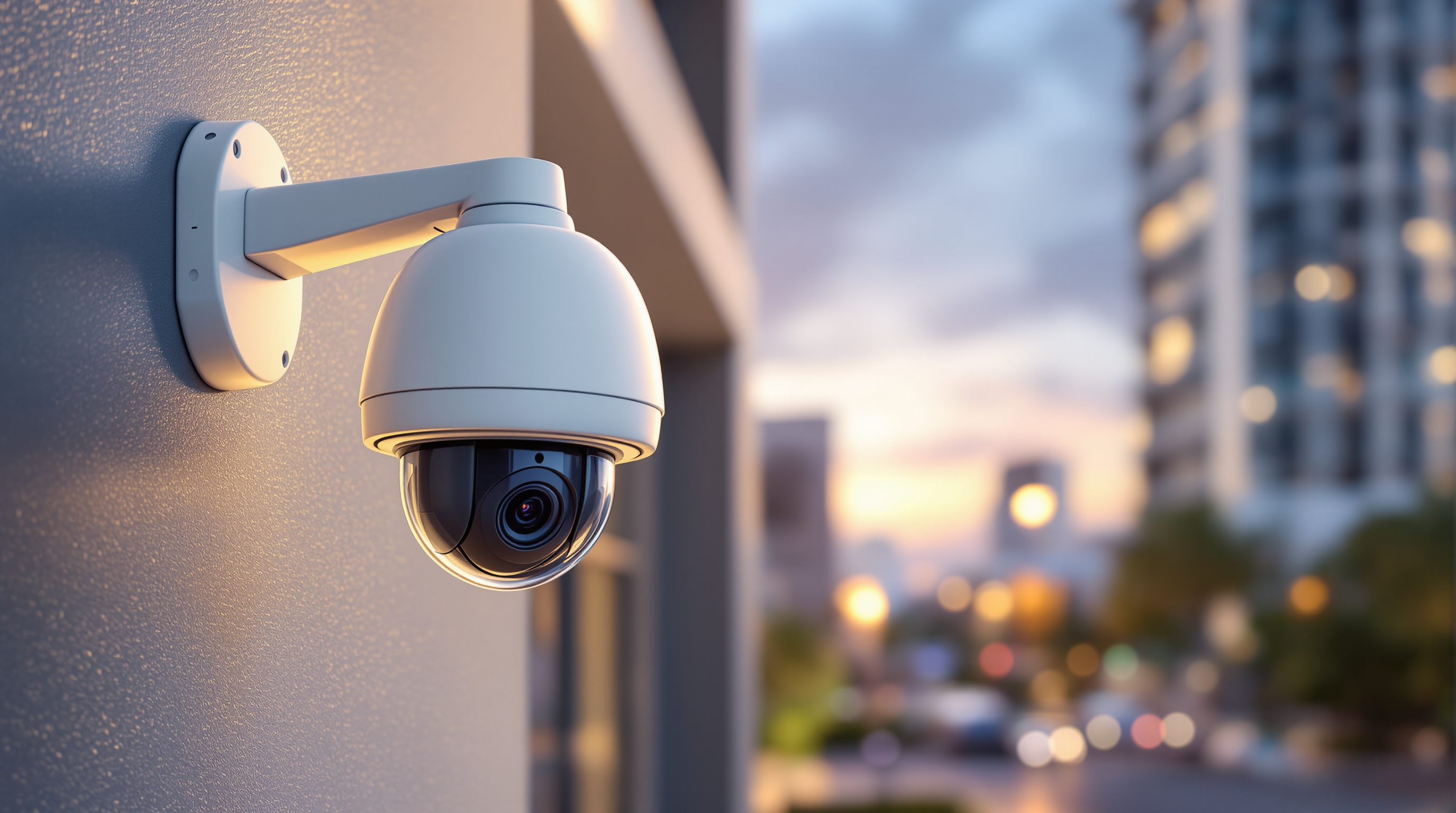
Ubiquiti offers a solid range—dome cameras for indoor areas, bullet cameras for outdoor coverage, and even doorbell cameras. They're not the cheapest on the market, but they're not the most expensive either. What you get is reliable hardware that integrates properly with the rest of the UniFi ecosystem.
If you're already running UniFi switches and access points (which plenty of T&T businesses are), adding Protect cameras means everything lives in one management interface. That's less complexity for your IT person—or for us when we're supporting you.
Is It Right for Every Business?
Honestly? For most small to medium businesses in Trinidad and Tobago, UniFi Protect hits a sweet spot. You get professional-grade surveillance without enterprise-grade pricing or the headache of ongoing fees.
If you need advanced analytics, facial recognition, or integration with access control systems, there are more specialized (and more expensive) platforms out there. But for straightforward, reliable video surveillance that you actually own? This does the job well.
Ready to Talk Cameras?
We design and install UniFi Protect systems for businesses across Trinidad and Tobago. Whether you need four cameras or forty, we can help you figure out what makes sense for your space and your budget—no pressure, no complicated licensing conversations.
Give us a call: 1 (868) 609-2288
Send a WhatsApp: Click here to chat
Email us: [email protected]
Or fill out our contact form: bluechiptt.com/contact