UniFi Talk: Business Phones Should Be Easier to Run
Business phone systems are often judged only when something goes wrong: calls sit too long in a queue, staff cannot transfer cleanly, recordings are hard to find, or a new user takes too much time to onboard.
Ubiquiti's latest UniFi Talk update is useful because it focuses on the daily experience for both users and administrators. It improves the phone interface, strengthens call-handling features, adds clearer audio behaviour, and connects communications more tightly with the wider UniFi environment.
For Trinidad and Tobago SMBs, that matters. Phones are still part of how customers judge reliability. If sales, support, reception, accounts, or operations teams miss calls, the business feels it quickly.
A Cleaner Phone Experience Reduces Training Time
A phone system should not need a long explanation for basic work. Staff need to answer, hold, transfer, park, and manage calls without hunting through menus.
The updated UniFi Talk phone experience is designed to make everyday calling simpler, especially for busy desks and new users. That is valuable for businesses with reception counters, customer service staff, clinics, service departments, retail locations, and offices where people cover for each other during the day.
Cleaner workflows can reduce small delays that add up: fewer missed transfers, less confusion during peak periods, and faster onboarding when a new employee joins.
Multi-Line Handling Helps Busy Teams
Some roles are not dealing with one call at a time. They may be speaking to a customer, waiting on a supplier, checking with a technician, and watching for the next incoming call.
UniFi Talk's improved multi-line support is aimed at those higher-demand users. When call handling is easier, teams can stay responsive without needing overly complex PBX behaviour for every user.
This is especially useful for:
- Reception and front desk teams
- Helpdesk and support desks
- Sales teams
- Dispatch and operations staff
- Managers who need visibility during busy periods
- Remote users connected through secure VPN workflows
Smart Attendants and Queues Need Good Design
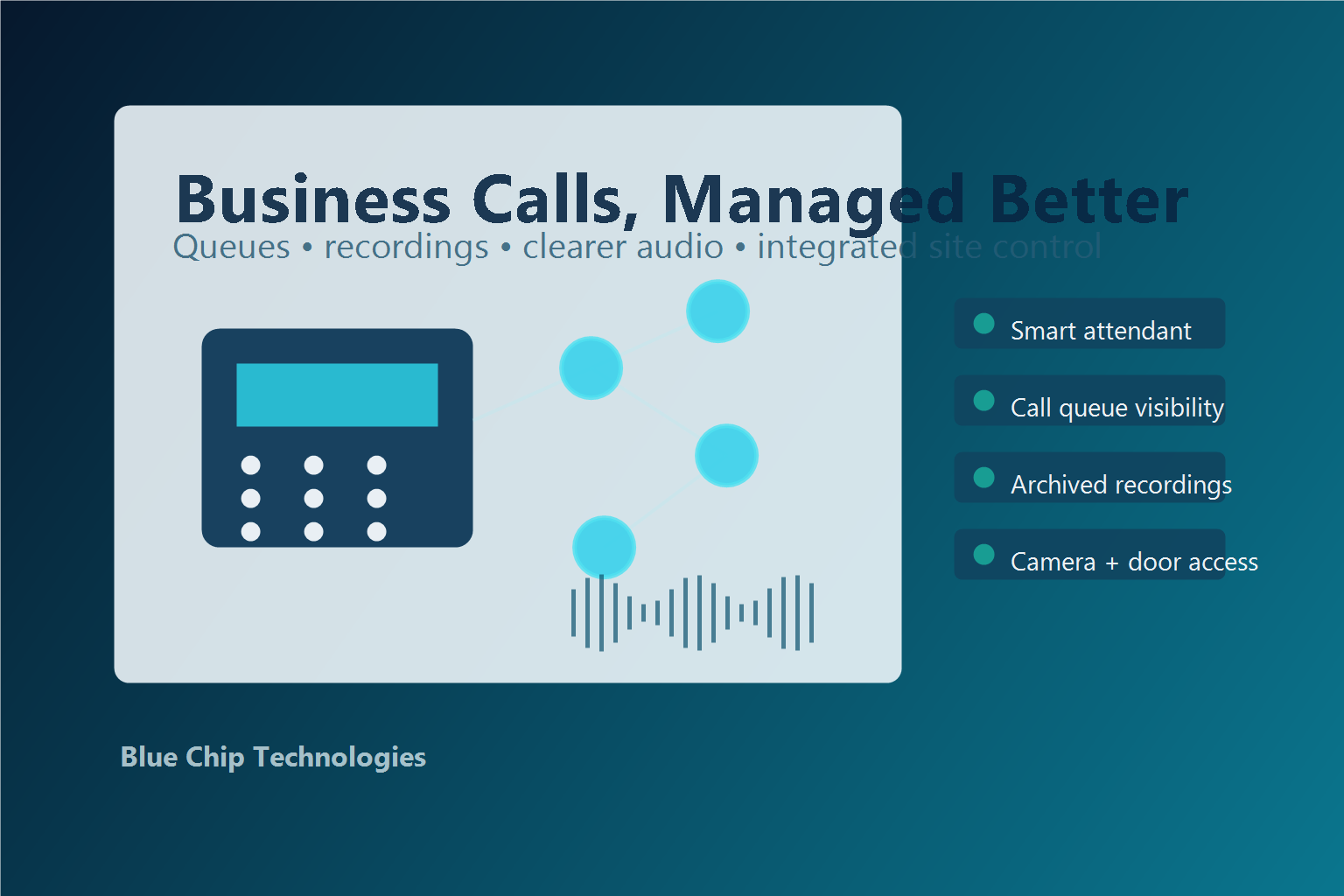
The update also highlights stronger call-management features, including smart attendant options, native queueing, call recording, centralized access to recordings, and optional transcription with PII redaction.
Those tools are only valuable when designed carefully. A smart attendant should help callers reach the right person faster, not trap them in a menu. A queue should show wait time and ownership clearly. Recordings should be retained according to business policy, not scattered across devices.
Blue Chip normally recommends designing call flow around real business questions:
- Who answers first?
- What happens after hours?
- Which calls need recording?
- Who may listen to recordings?
- How are missed calls followed up?
- Which users need multiple lines?
- What happens during internet or power issues?
The technology matters, but the call-flow design matters more.
Better Audio Helps in Real Offices
Offices are not recording studios. There may be printers, customers, traffic noise, air conditioning, warehouse activity, or several people speaking nearby.
The UniFi Talk update includes improved audio tuning, including noise suppression, gain control, speaker clarity, and microphone performance. For staff, that means less repeating. For customers, it means the company sounds more professional.
This is one of those improvements that is easy to underestimate until calls are part of daily revenue, support, bookings, or service coordination.
Phones Can Become Site Control Points
Ubiquiti also positions UniFi Talk phones as more than calling devices. In supported environments, phones can interact with other UniFi applications, including viewing Protect cameras and controlling Access door locks.
For some businesses, that can be practical. A reception phone that can quickly check an entrance camera or unlock a door may reduce friction. But it must be implemented with proper permissions, auditability, and role-based controls. Not every user should control every door or view every camera.
What Blue Chip Recommends Before Changing Phone Systems
Before upgrading or standardizing on a phone platform, Blue Chip recommends reviewing the full environment:
- Internet reliability and failover options
- Firewall and VLAN design for voice traffic
- PoE switch capacity and UPS protection
- Number porting and SIP provider requirements
- Call queues, ring groups, voicemail, and after-hours routing
- Recording access and retention policy
- User onboarding and offboarding process
- Remote worker requirements
- Integration with cameras, doors, and site operations
- Support escalation and monitoring
A phone system should be easy for staff, visible for managers, and manageable for IT. UniFi Talk's latest update moves in that direction, especially for businesses already using UniFi networking, cameras, or access control.
Blue Chip Technologies helps Trinidad and Tobago businesses design and support practical communication systems, from VoIP planning and network readiness to managed UniFi environments and day-to-day support.
Source: Ubiquiti — Just Leveled Up UniFi Talk, published 5 May 2026.