You know that small meeting room everyone avoids booking because the video calls are always a disaster? The one where half the team ends up huddled around someone's laptop, squinting at a tiny screen while the person on the other end asks "Can you speak up?" for the fifth time?
Yeah. Yealink video bars fix that.
What's a Video Bar, Anyway?
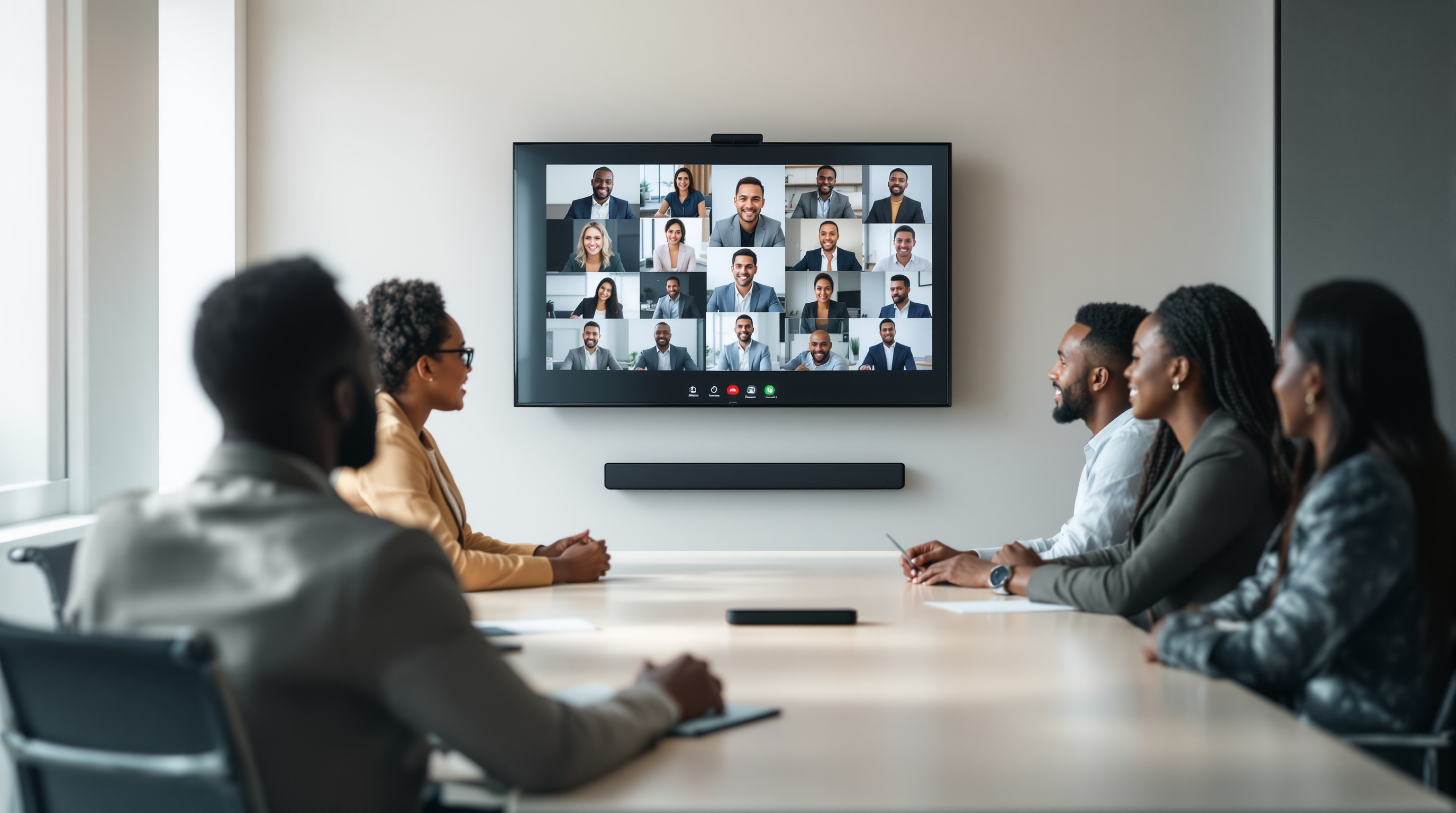
Think of it as an all-in-one video conferencing system packed into a single sleek bar that mounts below your TV or display. Camera, microphone, speakers — everything's built in. No separate webcam dangling off the monitor, no external speakerphone sitting in the middle of the table collecting dust and coffee rings.
Yealink makes several models designed specifically for rooms that seat anywhere from 4 to 12 people. The kind of spaces most T&T businesses actually use for their day-to-day meetings.
Why This Makes Sense for Your Meeting Rooms
Here's what changes when you install a proper video bar:
- Everyone gets seen and heard. Wide-angle cameras capture the whole table, not just whoever's sitting directly in front. Built-in microphones pick up voices from across the room clearly.
- Setup takes minutes, not hours. One device, one cable to your display, done. Your IT team will thank you.
- It actually gets used. When joining a video call is as simple as walking in and pressing a button, people stop avoiding hybrid meetings.
- Works with what you already have. Yealink video bars integrate with 3CX, Microsoft Teams, Zoom — whatever platform you're running.
Perfect for the Rooms You Already Have
You don't need a dedicated boardroom or fancy AV setup. That 8-seater conference room at your Port of Spain office? The training room at your San Fernando branch? These are exactly the spaces where a video bar shines.
We've set these up for clients who were tired of the "sorry, you're breaking up" routine during calls with overseas partners or remote team members. The difference is immediate — meetings actually feel like everyone's in the same room.
What Blue Chip Handles
We don't just drop a box on your desk. We'll assess your room, recommend the right Yealink model for the space, handle provisioning, and make sure it's properly integrated with your phone system or collaboration platform. If you're already running 3CX (or thinking about it), the setup is particularly smooth since we handle both.
Ready to sort out your meeting rooms? Give us a call at 1 (868) 609-2288, send a WhatsApp message at wa.me/18686092288, or email us at [email protected]. You can also reach out through our contact page.
Let's get your team looking and sounding professional on every call.