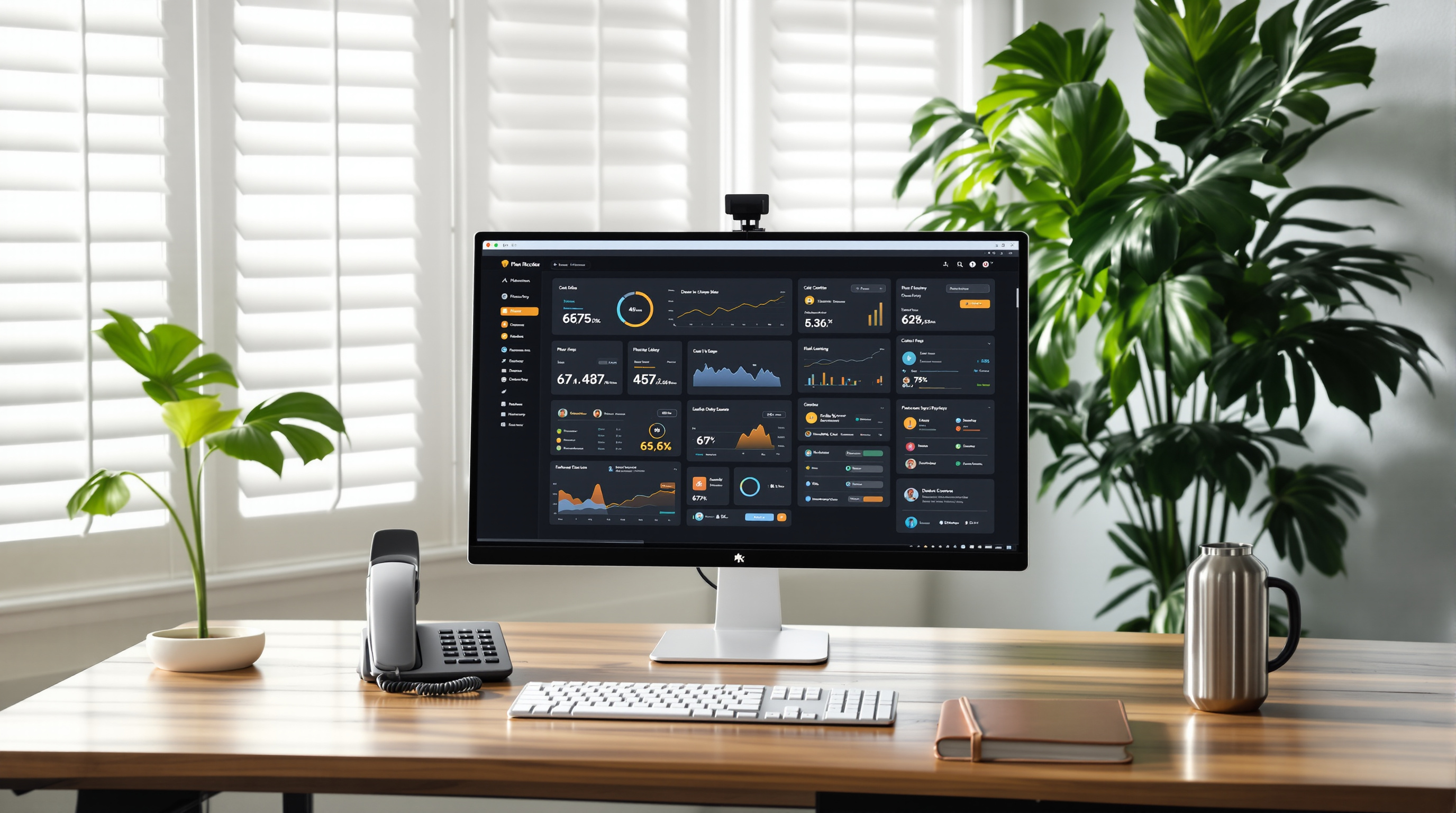
The latest 3CX Android app (V5.8 BETA) now lets you choose which phone number to display when making outbound calls and manage call queues directly from your mobile device. For businesses in Trinidad & Tobago juggling multiple lines or running customer service teams, this means your staff can work more flexibly without being chained to a desk phone.
Why does choosing your outbound number matter?
Picture this: your sales rep is out visiting a client in Chaguanas, but needs to call a prospect. With the new outbound number selection, they can choose to display the main office number, their direct extension, or a specific department line—all from their Android phone. The customer sees a professional business number, not a personal mobile.
This is particularly useful if your company operates multiple brands, departments, or regional offices. Your team picks the right caller ID for each situation, keeping things tidy and professional.
How does mobile queue management help T&T businesses?
If you run a customer support team or handle inbound sales calls, you know how critical it is to monitor queues. Previously, supervisors needed to be at their desk to see what's happening. Now, with 3CX's Android app, managers can:
- View active calls in the queue
- See which agents are available, busy, or logged out
- Log agents in or out of queues remotely
- Monitor queue performance on the go
Imagine you're a manager heading to a meeting in Port of Spain but need to keep an eye on the support line. You can check queue status, shuffle resources if things get busy, and make sure no customer waits too long—all from your phone.
Who should try this update?
This BETA release is worth testing if your organisation:
- Has staff who regularly work outside the office
- Operates call queues for sales, support, or general enquiries
- Needs supervisors to monitor call flow without being on-site
- Uses multiple phone numbers for different purposes
If you're already running 3CX through Blue Chip Technologies Ltd., your team can try the BETA by updating the Android app. Just keep in mind it's a BETA—some bugs may pop up, so it's best suited for testing rather than mission-critical use right now.
Frequently asked questions
Is this update available for iPhone as well?
This particular release is for Android. 3CX typically rolls out similar features to iOS, but check with us for the latest on Apple device support.
Do I need to upgrade my 3CX system to use these features?
You'll need a compatible 3CX version. If you're unsure whether your current setup supports the new app features, we can check for you.
Can any user manage queues, or just supervisors?
Queue management permissions depend on your 3CX configuration. Typically, only users with manager or supervisor rights can log agents in/out or view full queue stats.
Ready to get more from your 3CX system?
If you're a Trinidad & Tobago business looking to make the most of 3CX's mobile features—or considering 3CX for the first time—Blue Chip Technologies Ltd. can help you get set up and configured properly.
Get in touch:
- Call us: 1 (868) 609-2288
- WhatsApp: Chat with us
- Email: [email protected]
- Or visit our contact page