3CX Web Client: Cleaner Daily Calling for Busy Teams
A business phone system is only useful if staff can use it quickly during the normal pressure of the workday. Calls come in while someone is checking a customer record. A receptionist is watching several extensions. A sales person needs to return a missed call. A manager wants to find a recording or voicemail without digging through screens.
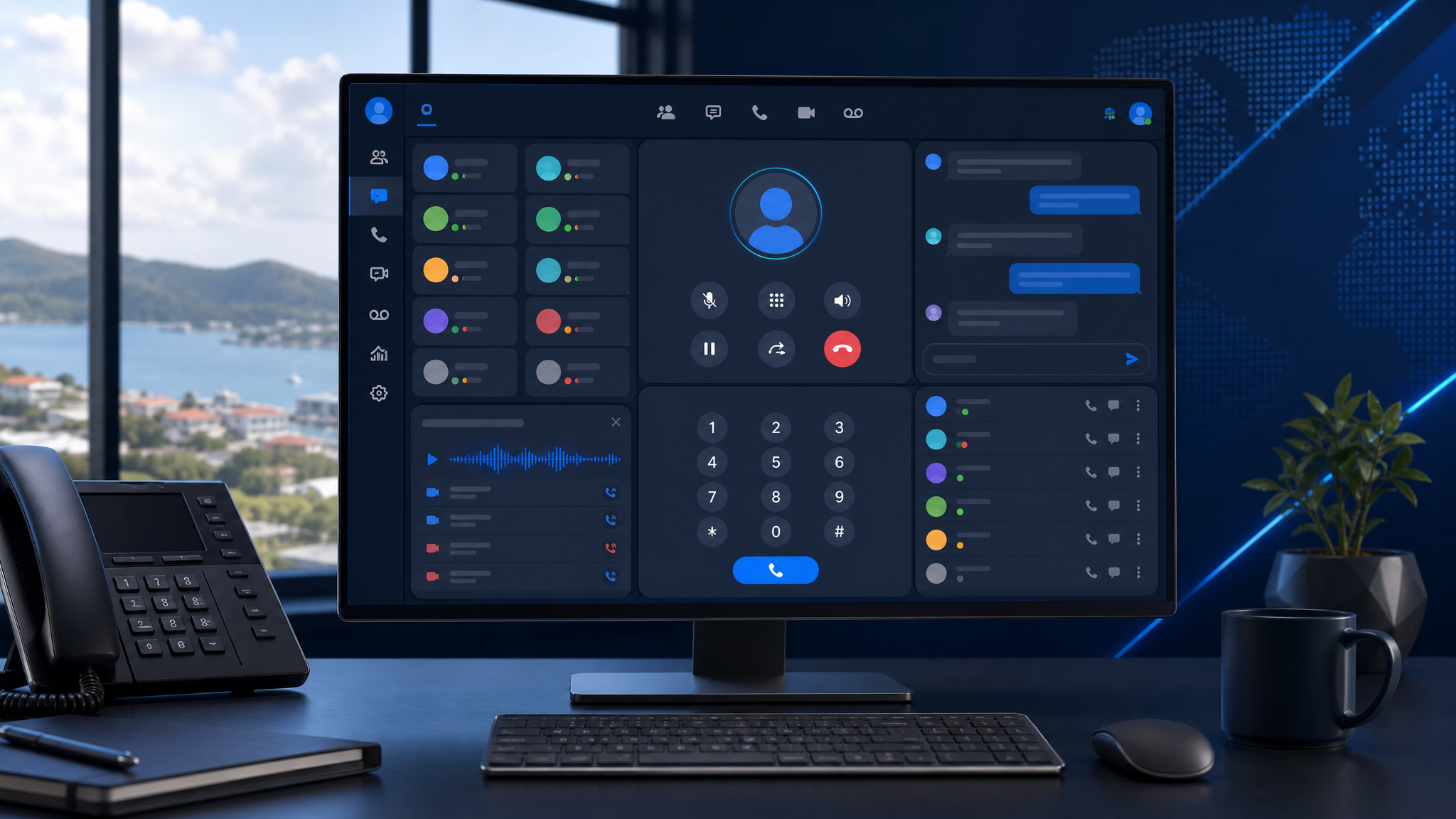
That is why the latest 3CX Web Client redesign matters. 3CX says V20 Update 9 brings a major visual overhaul to the Web Client, with cleaner navigation, updated layouts, a refreshed dialer, improved team view options, and a better Progressive Web App experience.
For Trinidad and Tobago SMBs, this is not just a cosmetic update. Cleaner phone-system screens can reduce friction for the people who answer, transfer, return, and manage calls every day.

3CX's redesigned Web Client focuses on cleaner daily workflows across calls, team view, chat, contacts, voicemail, recordings, and settings.
Why the Web Client matters
Many businesses still think of the phone system as desk phones and extensions. Modern 3CX deployments are broader than that. Staff may use the Web Client, Windows softphone, mobile apps, call queues, live chat, voicemail, recordings, and CRM-connected calling from different locations.
The Web Client often becomes the daily workspace for communication. If that workspace is cluttered, people hesitate, miss details, or fall back to inefficient habits.
A cleaner interface can help teams:
- place and return calls faster
- see colleague availability more clearly
- manage voicemail, recordings, contacts, and chat from one place
- reduce training time for new users
- support receptionists and front-desk staff handling multiple calls
- make remote or hybrid work feel more consistent
Small usability improvements matter because they are repeated many times a day.
Better team visibility for busier call environments
3CX highlights refinements to Team View, including layout options such as default, comfortable, and compact modes. That is useful for offices where one person needs to watch several extensions or call states at once.
For a medical office, distribution business, legal office, service company, school, or branch-based operation, the difference between seeing what is happening and guessing can affect customer experience.
When team presence and active calls are easier to read, staff can make better decisions about whether to transfer, take a message, park a call, or route the caller elsewhere.
A cleaner dialer reduces everyday mistakes
The dialer is one of the simplest parts of a phone system, but it is also one of the most frequently used. A clearer dialer layout can reduce wrong clicks, hesitation, and confusion, especially for staff who move between web, desktop, and mobile calling.
This is especially relevant when 3CX is used with CRM integration, call queues, shared contacts, and customer-facing teams. The phone tool should stay out of the way so staff can focus on the caller.
PWA improvements help managed deployments
3CX also notes an updated Progressive Web App experience and clearer notification/permission handling. That matters for IT management.
A well-configured PWA can give users a desktop-like experience without every workstation needing heavy local software. But permissions, notifications, browser behaviour, headset handling, and user training still need to be planned.
For Blue Chip clients, the practical rollout questions include:
- which users should use the Web Client, desktop app, mobile app, or desk phone
- whether browser notifications are enabled correctly
- how headsets and audio devices behave after updates
- whether call queues and reception workflows still make sense
- how users are trained after interface changes
- whether recordings, voicemail, and CRM lookups remain accessible to the right people only
A redesign is a good time to review how the phone system is actually being used.
Do not treat updates as only a technical job
Phone-system updates affect people, not just servers. If the user interface changes and staff are not told what to expect, even good improvements can create confusion.
Before rolling out major user-facing changes, businesses should consider a short communication plan:
- tell staff what is changing
- identify who uses the Web Client heavily
- test reception, queue, and manager workflows
- confirm mobile and desktop app behaviour
- check call recording, voicemail, and reporting access
- keep support available on the first business day after rollout
That is especially important for businesses where missed calls mean missed sales, delayed service, or frustrated customers.
Where Blue Chip fits
Blue Chip supports businesses using 3CX and modern VoIP systems across deployment, upgrades, SIP trunks, call routing, queues, CRM integration, remote work, security, monitoring, and end-user support.
The redesigned 3CX Web Client is a useful reminder that phone-system value is not only about features. It is about how reliably staff can communicate with customers every day.
If your 3CX setup has grown over time, now is a good opportunity to review users, call flows, queues, apps, headsets, recordings, and reporting. A cleaner interface works best when the underlying configuration is clean too.
Source: 3CX Blog — 3CX Web Client: A Complete Visual Overhaul.