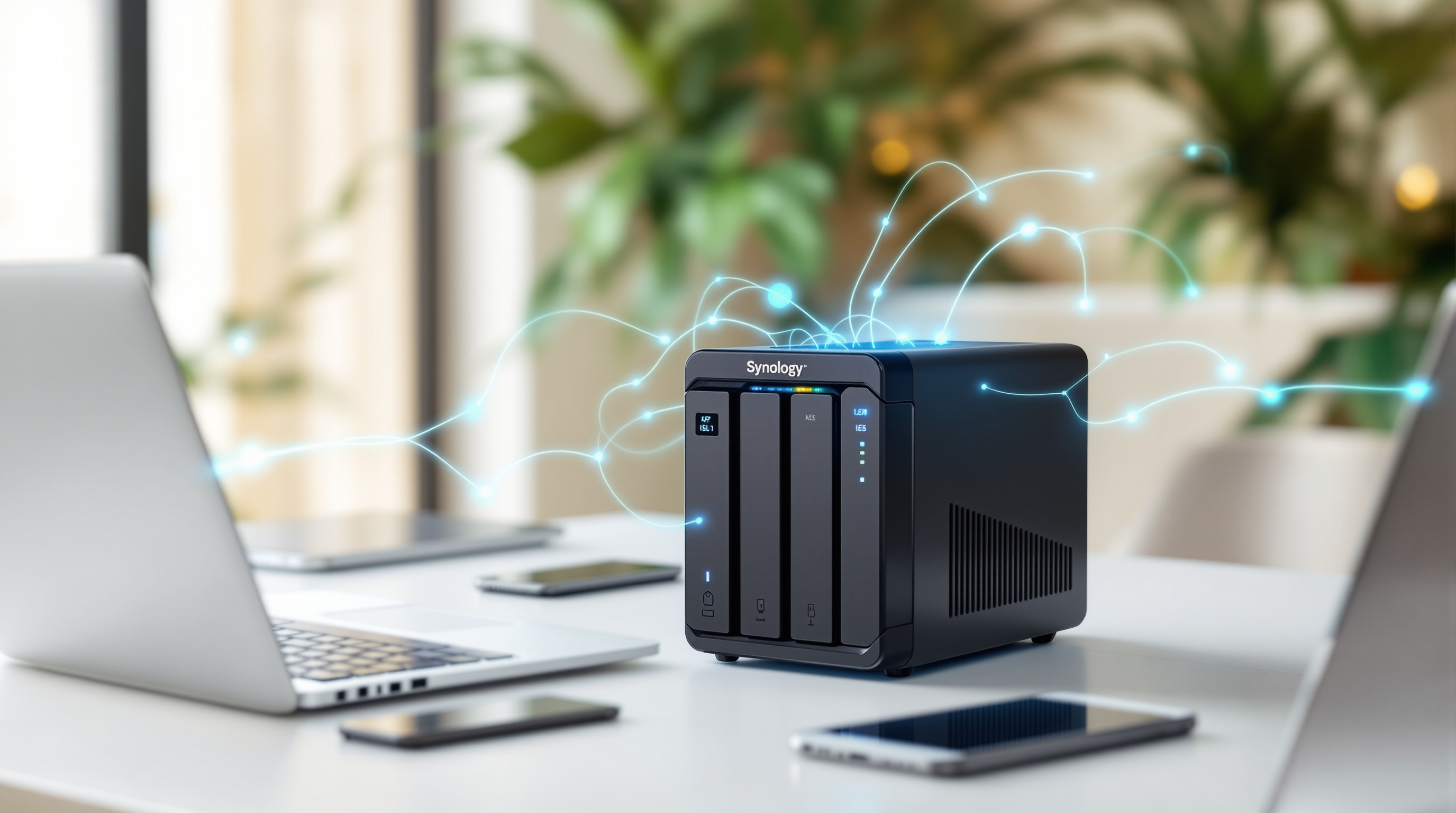
You've probably heard the term "private cloud" thrown around, but what does that actually look like for a business in Trinidad? Forget the abstract tech talk for a minute. Picture this: a compact box sitting in your server room (or even a corner of your office) that holds all your company files, backs up every computer automatically, and lets your team access documents from anywhere—without paying monthly fees to Google or Microsoft for the privilege.
That's essentially what a Synology NAS does.
More Than Just a Hard Drive
NAS stands for Network Attached Storage, but calling a Synology unit "just storage" is like calling your phone "just a calculator." Yes, it stores files. But it also runs its own operating system called DSM (DiskStation Manager), which turns the hardware into a proper business server.
Here's what that means in practice:
- Centralized file storage – Everyone accesses the same folders. No more emailing documents back and forth or wondering which version on whose desktop is the latest.
- Automatic backups – Set it once, and every PC and laptop in your office backs up on schedule. When (not if) someone's hard drive fails, you're not scrambling.
- Remote access – Your accountant working from home? Your sales rep at a client site in San Fernando? They can pull files securely without a VPN headache.
- User permissions – HR sees HR files. Sales sees sales files. Nobody accidentally stumbles into payroll data.
The "Private Cloud" Part
When you store files on Dropbox or OneDrive, your data sits on someone else's servers—somewhere in the US, probably. With a Synology NAS, your data stays physically in your office, on hardware you own.
For businesses dealing with sensitive client information (law firms, medical practices, financial services), this matters. You control the security. You control the access. And you're not subject to a foreign company's terms of service changing overnight.
Synology's apps—Synology Drive, for example—give you that familiar cloud experience. Sync folders between devices, share links with clients, collaborate on documents. It just happens to run on your own equipment.
What Else Can It Do?
This is where it gets interesting. Depending on the model, a Synology NAS can handle:
- Surveillance – Connect IP cameras and use Synology's Surveillance Station. Store footage locally instead of paying for cloud video storage.
- Email server – Host your own mail if you want that level of control.
- Website hosting – Some businesses run internal portals or even public sites right off their NAS.
- Virtual machines – Run lightweight virtual servers for testing or specific applications.
You don't have to use all of this. Most of our clients start with file sharing and backups, then discover the other capabilities as their needs grow.
Is It Complicated to Manage?
Honestly? Synology's DSM interface is surprisingly straightforward. It looks like a desktop operating system—point, click, done. You don't need a dedicated IT person to keep it running day-to-day.
That said, getting the initial setup right matters. Proper RAID configuration, user permissions, backup schedules, remote access security—these things are worth doing correctly from the start.
Let's Talk About Your Setup
If you're tired of chasing files across USB drives and email attachments, or you're nervous about what happens when a laptop walks out the door, a Synology NAS might be exactly what your office needs.
We've deployed these for businesses across Trinidad & Tobago—from small offices to larger operations—and we're happy to walk you through what would actually make sense for your situation. No pressure, just a conversation.
Get in touch:
- 📞 Call us: 1 (868) 609-2288
- 💬 WhatsApp: Send a message
- 📧 Email: [email protected]
- 🌐 Contact form: bluechiptt.com/contact