Multi-site businesses can unify their surveillance systems—whether they've got legacy cameras, on-premises NVRs, or need cloud recording at remote locations—by using Synology's flexible architecture. Instead of ripping out existing equipment or managing a patchwork of incompatible systems, you get one platform that works with what you have and scales as you grow.
That's the short version. Here's how it actually works in practice.
Why do multi-site surveillance systems become so difficult to manage?
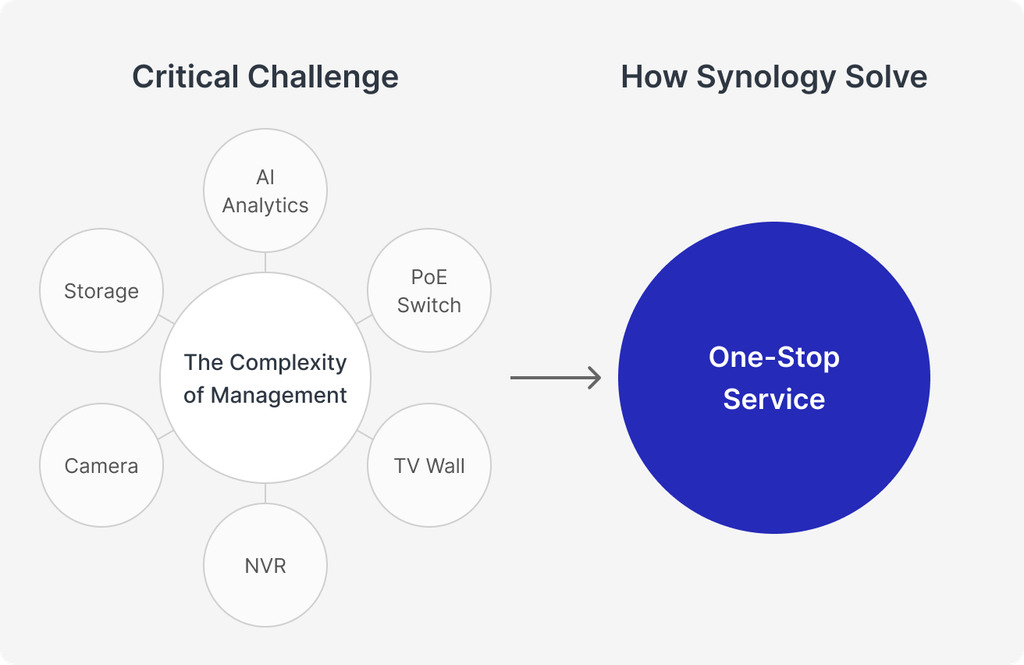
If you've got facilities spread across different locations, you've probably inherited a mix of camera brands, recording hardware, and management software. Maybe the warehouse runs one vendor's cameras, the retail sites use another, and the head office has something else entirely.
Each system needs its own firmware updates, its own login credentials, its own quirks. Your IT team ends up spending hours just keeping things patched and running—never mind actually improving security coverage.
Then there's the remote site problem. Small branches or unmanned locations still need surveillance, but deploying and maintaining physical server hardware there? That's a headache nobody wants.
Can you keep existing cameras when moving to a new surveillance platform?
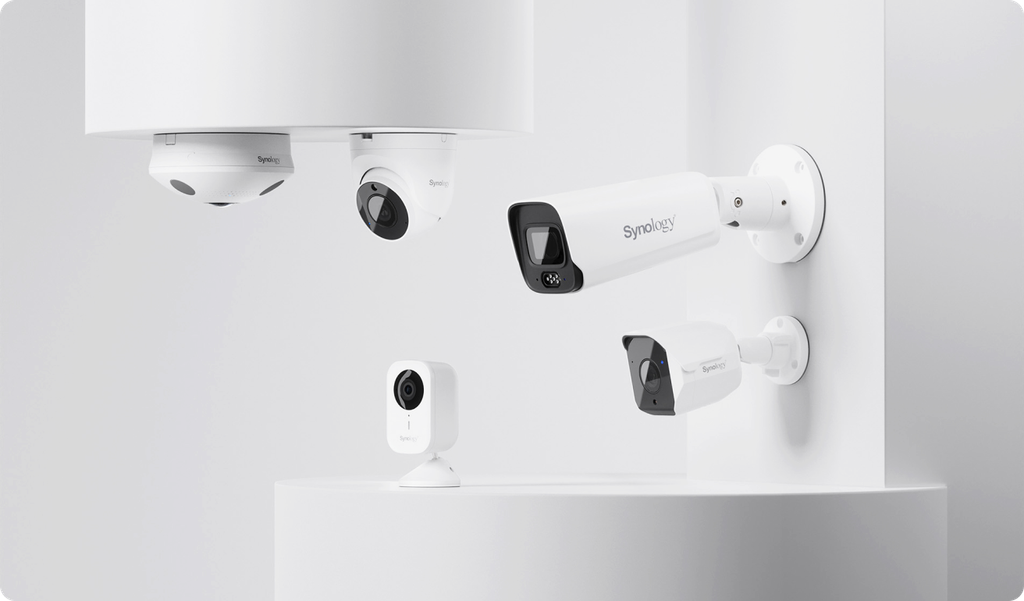
Yes, and this is where Synology's approach makes practical sense. Surveillance Station supports ONVIF and RTSP protocols, which means it works with over 20,000 camera models from various manufacturers.
You don't need to replace your entire camera fleet in one budget cycle. Keep the cameras that still work, consolidate them under one management platform, and replace aging hardware gradually as equipment reaches end of life.
The Washington State Department of Transportation runs exactly this kind of setup—more than 2,000 cameras from multiple brands, all managed through Synology's Central Management System. When a server needs maintenance, automated failover keeps recording without interruption.
What's the difference between on-premises NVR and cloud-based surveillance?
Here's where you've got choices:
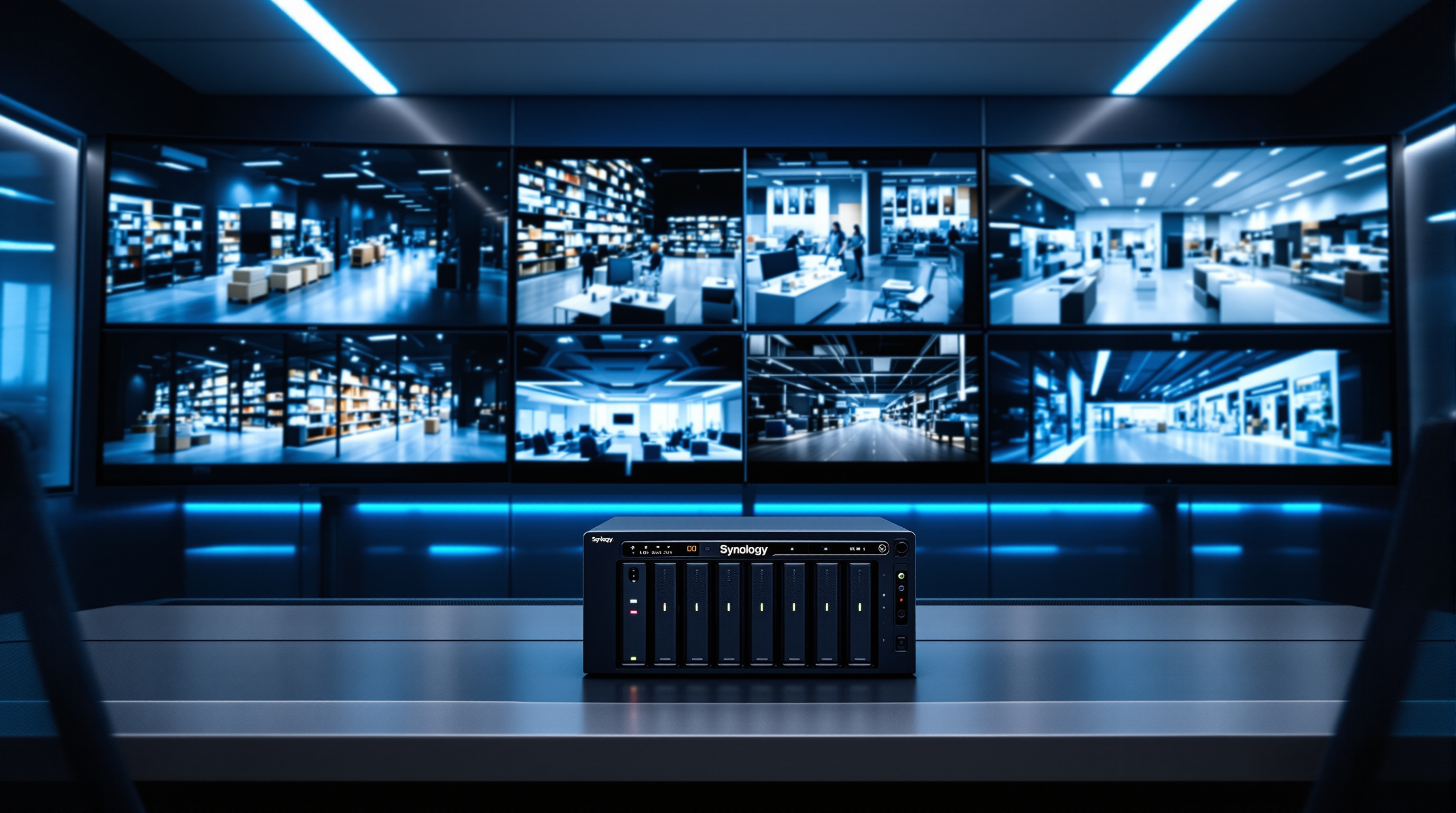
Surveillance Station (on-premises): Your NAS handles recording and storage locally. You get high retention capacity, zero-latency playback, and complete control over your footage. This works well for sites with IT staff and significant storage needs.
Surveillance365 (cloud-based): Cameras connect directly to the cloud service—no local server hardware required. This is ideal for small, unstaffed locations where you don't want to maintain physical equipment but still need reliable recording.
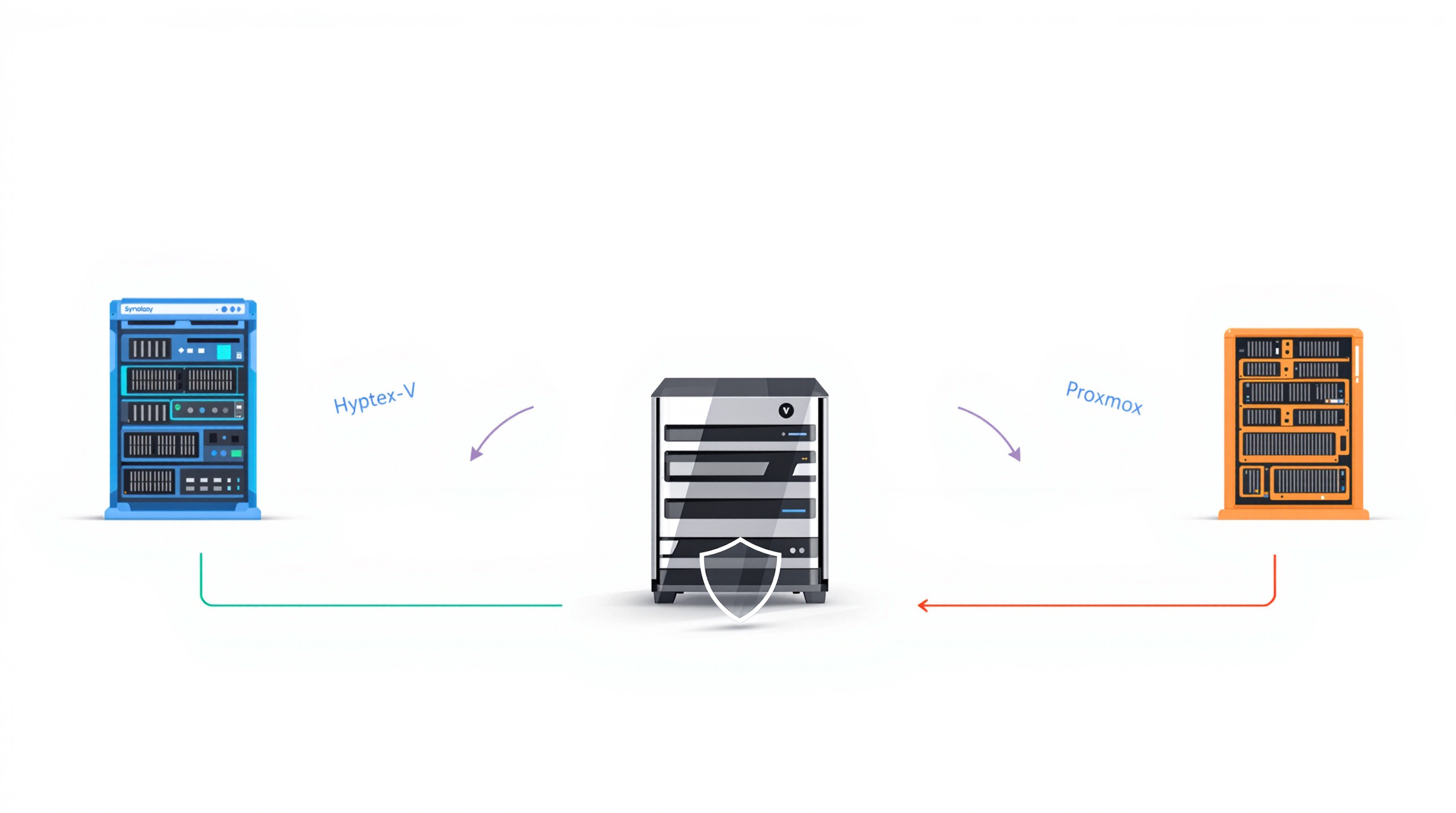
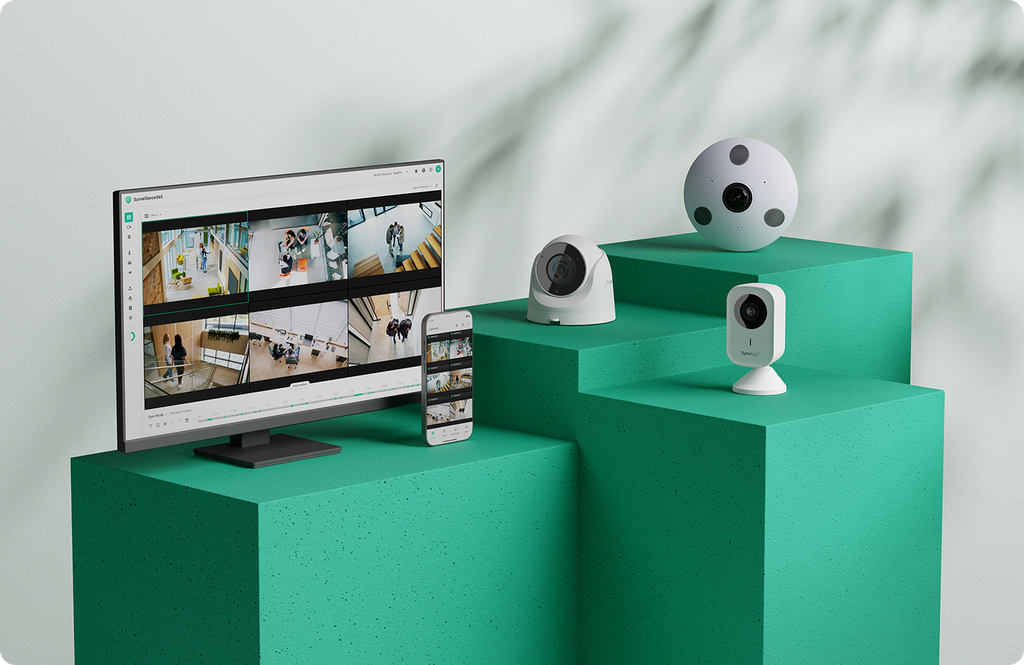
Most organisations end up using both. High-density sites get local NVRs with central oversight. Remote branches get cloud recording. Everything ties together under one management interface.
How does Synology handle compliance requirements?
If you're working with public sector contracts or operating in regions with strict data protection rules, hardware compliance matters.
Synology cameras meet TAA and NDAA standards—important for federal projects and regulated industries. For GDPR and similar privacy mandates, Surveillance Station includes role-based access control. You can set it so field staff view live feeds, but only supervisors can export or delete footage.
Q-Park uses this exact setup across their UK facilities. Attendants see what they need to see; sensitive operations require proper authorisation.
Does running analytics on cameras reduce server load?
Synology cameras process video analytics directly on the device itself. Motion detection, people counting, and similar functions happen at the edge rather than streaming everything back to a central server for processing.
The result: less bandwidth consumption, lower processing demands on your recording servers, and faster response times for alerts.
Frequently asked questions
Can I manage surveillance across multiple sites from one interface?
Yes. Synology's Central Management System aggregates all your sites—whether they're running local NVRs or cloud recording—into a single dashboard. You can monitor feeds, manage users, and handle alerts without logging into each location separately.
Do I need to replace all my cameras to use Synology Surveillance Station?
No. Surveillance Station supports ONVIF and RTSP protocols, making it compatible with thousands of camera models. You can integrate existing equipment and phase in new hardware over time.
What happens if a recording server goes down?
Surveillance Station includes automated host failover. If one server fails or goes offline for maintenance, recording continues on backup hardware without manual intervention.
Is Synology surveillance suitable for small businesses or only large enterprises?
Both. A small office might run Surveillance Station on a compact NAS with a handful of cameras. A transport network might manage thousands of endpoints across dozens of sites. The platform scales in either direction.
If you're looking at consolidating surveillance across multiple locations—or just want to stop juggling incompatible systems—Blue Chip Technologies Ltd. can help you design and deploy a Synology setup that fits your specific requirements. We supply, configure, and support Synology surveillance solutions for businesses globally, with remote delivery worldwide and on-site assistance available in Trinidad & Tobago.
For more on our network and infrastructure solutions, get in touch:
📞 Phone: 1 (868) 609-2288
💬 WhatsApp: Chat with us
📧 Email: [email protected]
🌐 Contact form: bluechiptt.com/contact