
AI Email Management: Make Busy Inboxes Safer and Easier to Use
Email is still where many business decisions happen. Quotes are approved, invoices are queried, customer issues are escalated, HR messages are sent, and suppliers confirm details. For many small and medium-sized businesses in Trinidad and Tobago, the inbox is not just communication. It is part of the operating system of the company.
That is why overloaded inboxes create real business risk. Important messages get buried. Staff reply too quickly or miss context. Compliance rules are handled manually. Searching for one decision from three weeks ago becomes a time sink.
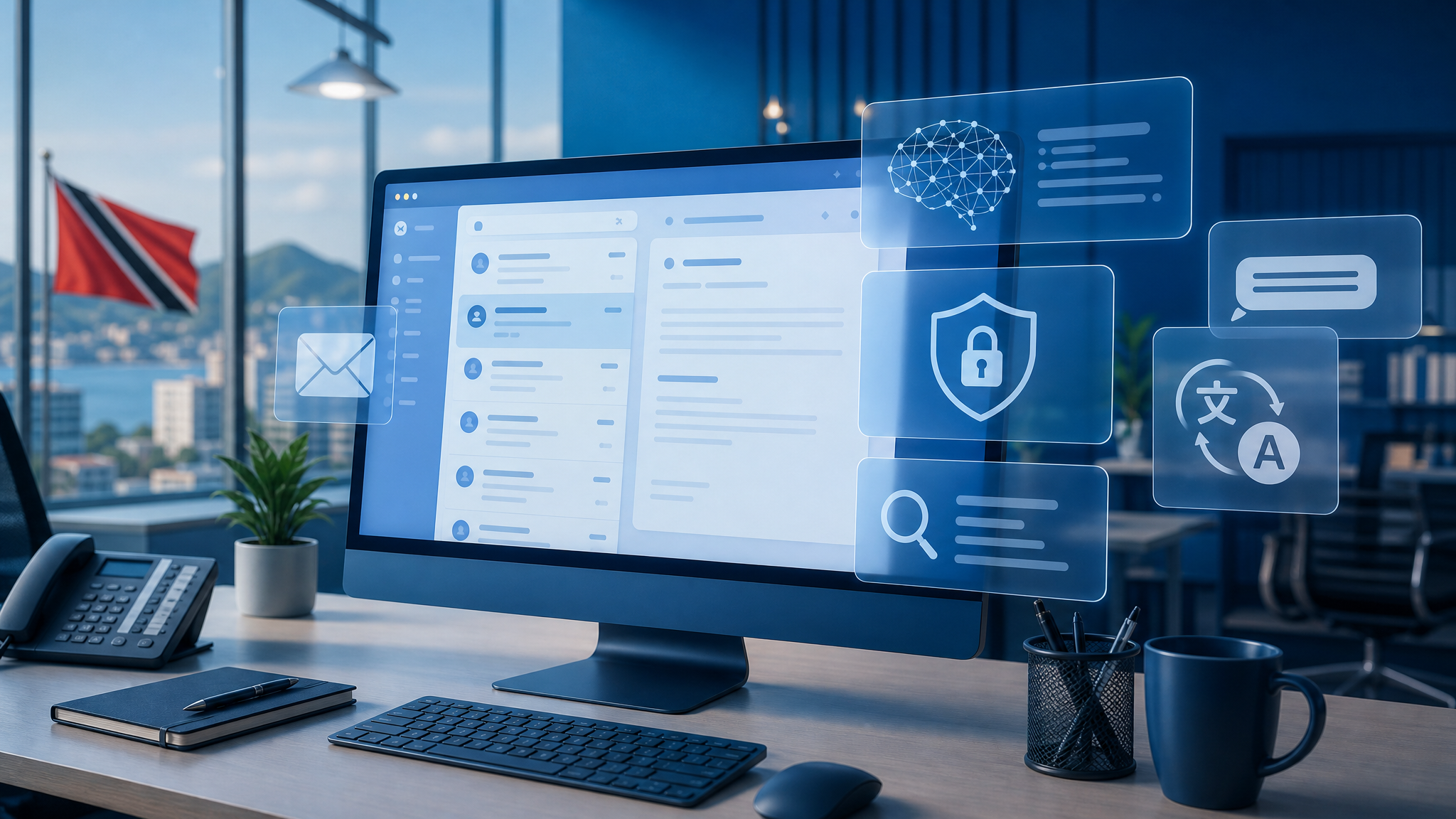
A GFI Software article on AI in email management looks at how artificial intelligence can improve business communication by helping with summarisation, writing support, compliance, search, translation, and security. The practical message for SMBs is simple: email does not have to stay messy just because it is familiar.
The inbox problem is bigger than volume
Most teams know they receive too much email. The deeper issue is that not all email requires the same response.
Some messages need immediate action. Some need review before anyone replies. Some are customer records. Some contain confidential information. Some are suspicious. Some belong in a ticket, CRM, project folder, or compliance archive.
When every message lands in the same busy inbox, staff are forced to become their own filter, search engine, compliance officer, and security analyst. That works poorly once the business gets busy.
AI-assisted email tools can help by turning long threads into summaries, suggesting clearer replies, finding relevant messages faster, and helping users understand what needs attention. This does not remove human judgement. It gives people a cleaner starting point.
Where GFI fits
GFI's article references AI capabilities across products such as GFI KerioConnect Copilot and GFI MailEssentials Copilot.
For a business, the value is not “AI” as a buzzword. The value is practical workflow support:
- summarising long email conversations so users can catch up quickly
- assisting with replies while keeping the human in control
- improving search and categorisation so decisions are easier to find
- helping with language barriers in international or regional communication
- supporting compliance and security rules around business email
- reducing the pressure on staff who handle high-volume shared mailboxes
Those capabilities are especially relevant for companies where email is tied to sales, accounts, service requests, procurement, property management, legal communication, or management approvals.
Security and compliance still matter
AI can make email easier to use, but it must be deployed carefully.
Email often contains personal data, contracts, quotations, bank details, password-reset messages, HR information, and customer records. Any AI-assisted email workflow should be reviewed with security and governance in mind.
Blue Chip recommends paying attention to:
- where email data is processed and stored
- who can use AI features and on which mailboxes
- whether staff understand that AI suggestions still need review
- how suspicious messages, attachments, and links are filtered
- whether compliance disclaimers, retention, and archiving are required
- how shared mailboxes and departed-user mailboxes are managed
- whether MFA, endpoint security, and backups are already in place
AI should improve control, not create another unmanaged channel.
Better email starts with good IT housekeeping
Before adding smarter tools, many businesses need to clean up the basics.
That means making sure domains are properly configured, SPF/DKIM/DMARC records are correct, mailbox access is reviewed, former employee accounts are disabled or converted correctly, shared mailboxes are documented, and security filtering is active.
It also means deciding what email should become a ticket, a CRM note, a project task, or an archived record. If the business process is unclear, AI will only make a messy process move faster.
A managed rollout can help connect the pieces:
- email hosting and mailbox administration
- anti-spam and anti-malware protection
- Microsoft 365 or Google Workspace governance
- GFI KerioConnect or MailEssentials planning where appropriate
- backup and recovery for email data
- user training for phishing, attachments, and AI-assisted replies
- helpdesk workflows for shared inboxes and customer requests
What this means for Trinidad and Tobago SMBs
Many local businesses run lean teams. The same person may be handling customers, suppliers, accounts, and internal approvals from one inbox. When email gets out of control, the business feels it quickly.
AI-assisted email management can help staff move faster, but the bigger opportunity is consistency. Replies become clearer. Important messages are easier to find. Security policies become less dependent on memory. Managers get better visibility into communication-heavy workflows.
The goal is not to replace staff or make every message automated. The goal is to reduce inbox friction so people can focus on the work that actually needs judgement.
If your team is drowning in email, missing follow-ups, struggling with shared mailboxes, or unsure how to introduce AI safely, Blue Chip can help review the environment and recommend a practical path forward.
Source: GFI Software — Email 2.0: Harnessing AI for Better Business Communication.


