If your sales team is still copying customer details from your CRM into quotes, then re-typing those same numbers into your accounting software later... you already know how much time that wastes. And let's not talk about the typos that slip through when someone's rushing to get a quote out before lunch.
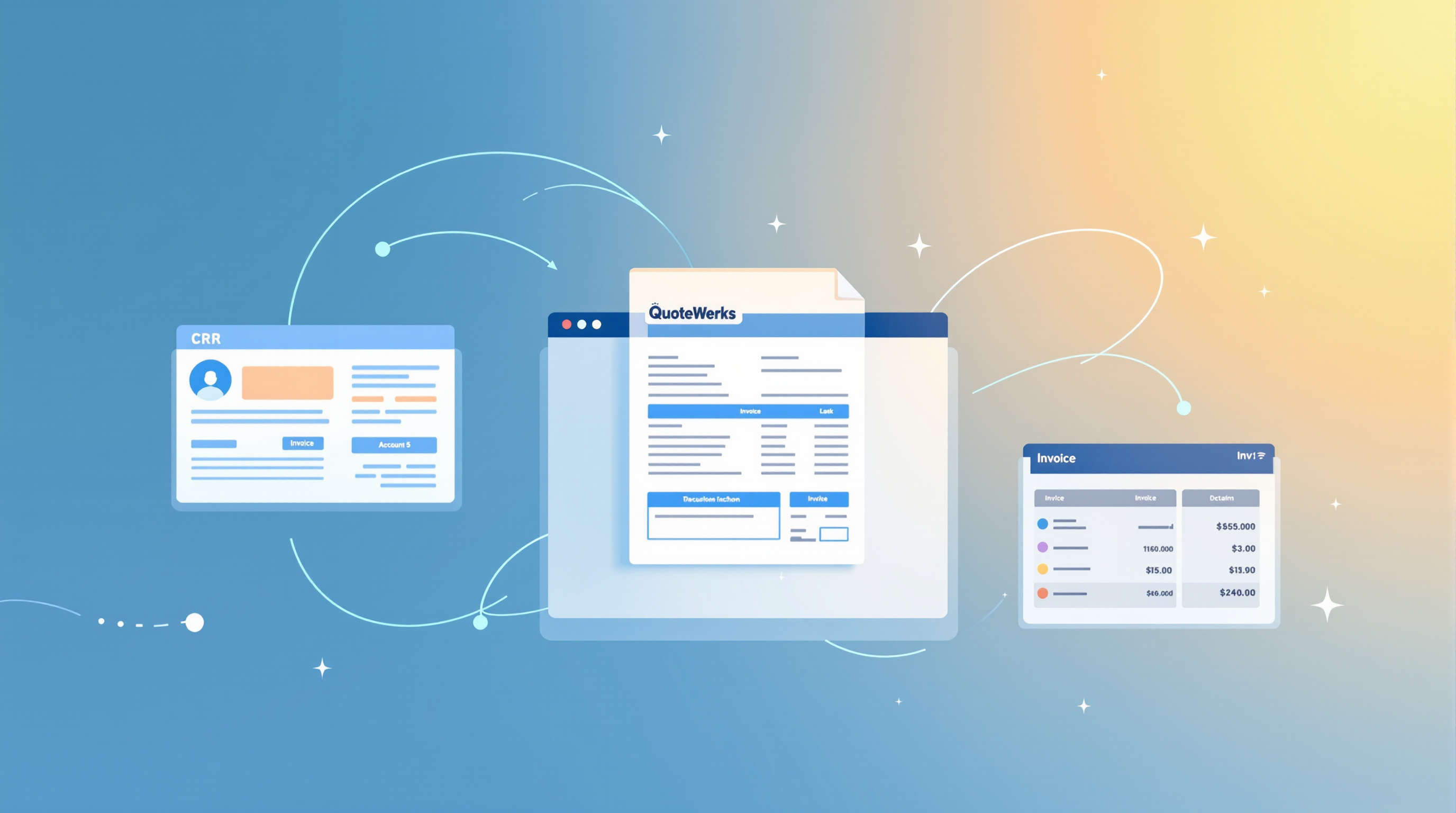
QuoteWerks solves this by sitting right in the middle of your sales workflow, pulling data from your CRM and pushing completed orders straight into your accounting system. No double-entry. No "wait, which version of this quote did the client approve?"
Why Integration Actually Matters
Here's the thing: QuoteWerks on its own is solid quoting software. But when you connect it to the tools you're already using daily, it becomes something else entirely.
Say a customer calls. You pull up their record in your CRM, and QuoteWerks already knows their contact info, past purchases, and any special pricing you've agreed on. You build the quote in minutes, not hours. When they approve it, that quote converts to a sales order that flows directly into QuickBooks, Sage, or whatever accounting package you're running.
Your accounts team doesn't have to chase down paperwork. Your sales rep doesn't have to remember to "send that invoice thing." It just happens.
What QuoteWerks Connects To
QuoteWerks plays nicely with most of the major business tools T&T companies actually use:
CRM integrations:
- Salesforce
- Microsoft Dynamics 365
- Zoho CRM
- HubSpot
- ConnectWise
- Autotask
Accounting integrations:
- QuickBooks (Desktop and Online)
- Sage 50 / Sage 100
- Xero
- Microsoft Dynamics GP
Other useful connections:
- Outlook and Gmail for emailing quotes directly
- Microsoft 365 and Google Workspace
- Various distributor price lists for automatic product/pricing updates
Real Benefits You'll Actually Notice
- Quotes go out faster. Customer data auto-populates. No hunting through spreadsheets.
- Fewer errors. One source of truth means no mismatched addresses or wrong pricing.
- Better follow-up. Quote activity syncs back to your CRM, so your sales manager can actually see what's happening in the pipeline.
- Invoicing happens automatically. Approved quotes become orders become invoices, without anyone re-keying data.
- Your team stops complaining. Okay, maybe not entirely. But they'll have one less thing to grumble about.
Setting It Up Isn't a Headache
Most of these integrations are built into QuoteWerks—you configure them through the software's setup wizards. That said, getting everything mapped correctly (making sure the right fields talk to each other, setting up your approval workflows, configuring tax handling for T&T) is where having local support makes a difference.
We've helped businesses here get QuoteWerks connected properly the first time, so sales and accounts are actually working from the same data instead of two parallel universes.
Ready to Stop the Double-Entry?
If your quoting process still involves too much copying, pasting, and hoping nobody made a mistake, let's talk. Blue Chip can help you get QuoteWerks set up and connected to your existing CRM and accounting tools—configured for how your business actually works.
Get in touch:
- 📞 Call us: 1 (868) 609-2288
- 💬 WhatsApp: Send us a message
- 📧 Email: [email protected]
- 🌐 Contact form: bluechiptt.com/contact