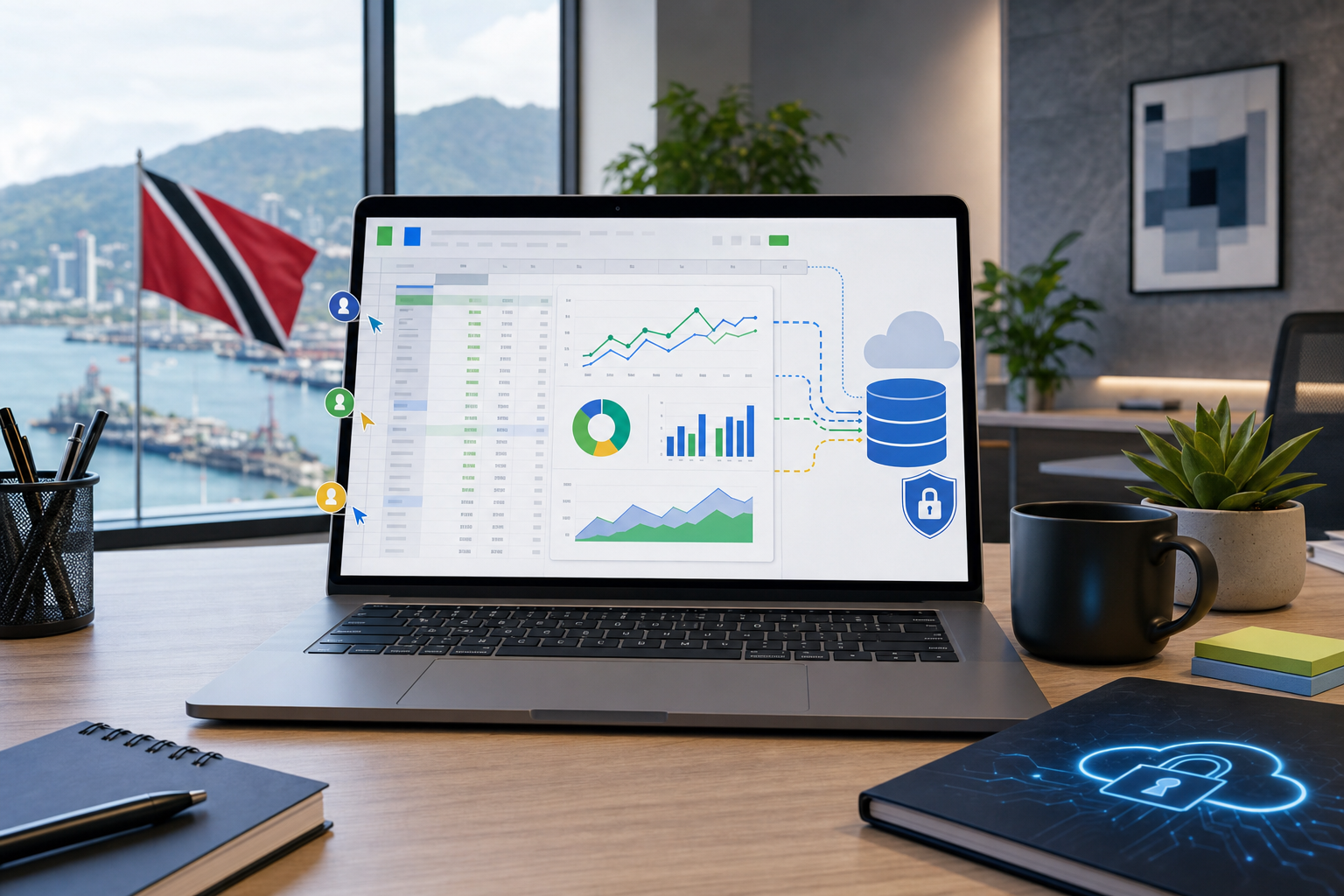
Connected Sheets: Live Business Data Without Spreadsheet Chaos
Google recently highlighted how its own finance team uses Connected Sheets with BigQuery to turn large financial datasets into faster analysis inside the familiar Google Sheets interface. The important lesson for business teams is not that every company needs Google's scale. It is that spreadsheets work better when they are connected to governed live data instead of passed around as stale exports.
For Blue Chip clients, this is a practical Google Workspace conversation: finance, operations, sales, and management teams often trust spreadsheets, but the business risk grows when every report becomes another downloaded file, emailed attachment, or manually refreshed workbook.
The problem with spreadsheet reporting
Spreadsheets are useful because everyone understands them. The trouble starts when they become the database.
A typical SMB reporting workflow may include exported accounting data, sales lists, inventory sheets, service reports, or monthly management dashboards. One person downloads a file, another edits it, someone else forwards a copy, and by the time the meeting starts no one is completely sure which number is current.
That creates familiar problems:
- manual refresh work before every meeting
- version-control confusion between departments
- sensitive data copied to laptops and email threads
- delays while staff wait for someone technical to rebuild a report
- decisions made from old or incomplete data
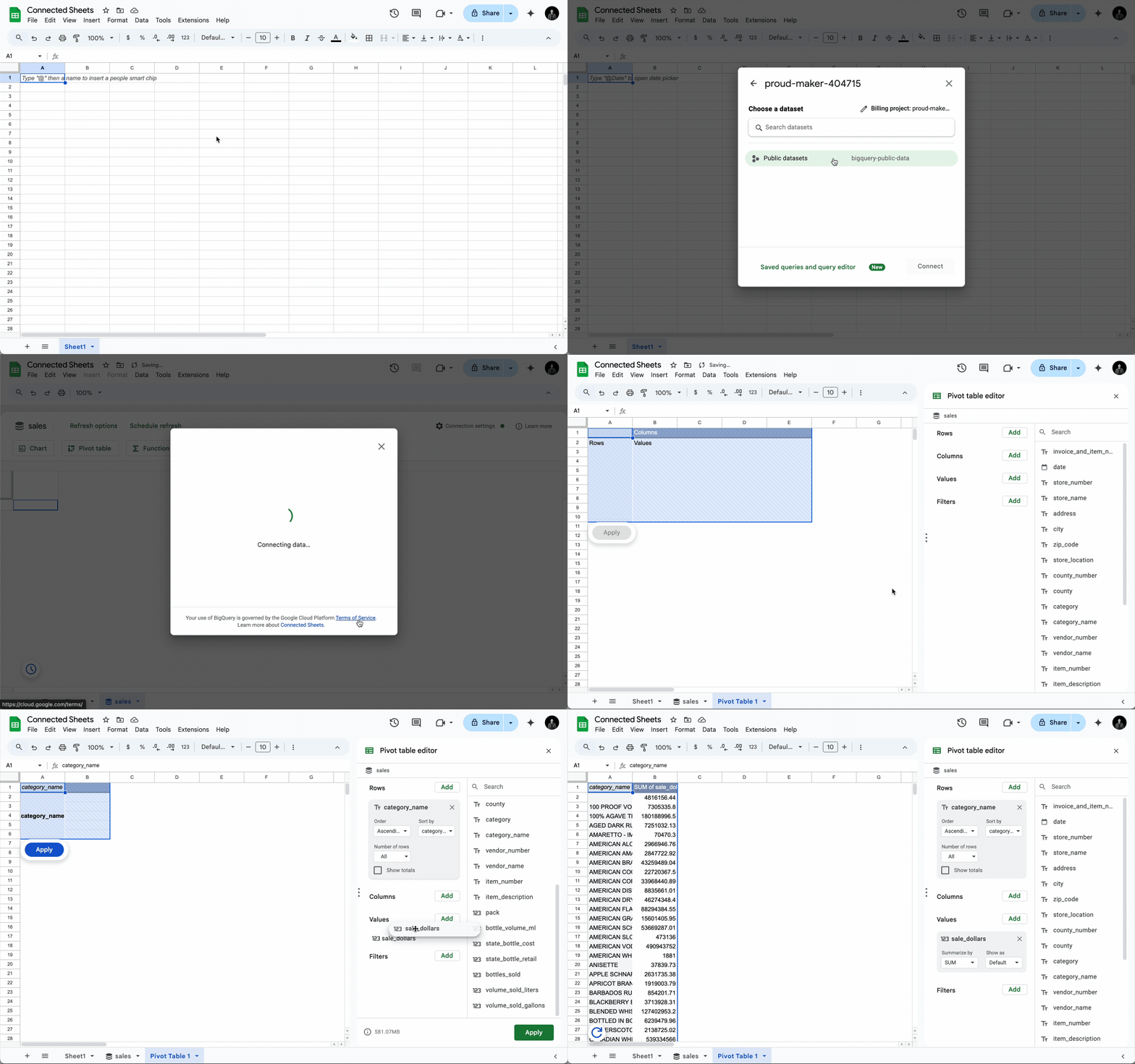
Connected Sheets helps reduce that gap by letting teams analyze larger live datasets from BigQuery through Google Sheets tools such as pivot tables and charts.
Why this matters for smaller businesses
Most Trinidad and Tobago SMBs are not analyzing billions of rows. But many are still dealing with the same reporting pain at a smaller scale.
The business may want clearer views of:
- monthly sales by customer, product, or location
- service tickets and response times
- inventory movement and low-stock trends
- recurring revenue, renewals, and contract changes
- project costs and job profitability
- marketing or website performance
- finance forecasts and cash-flow indicators
The value is that staff can keep using a familiar spreadsheet interface while the underlying data stays better controlled. Instead of sending fresh exports every week, the business can build repeatable dashboards and analysis sheets that connect back to a managed data source.
Better collaboration and better control
A live-data workflow also improves governance. If raw data remains in BigQuery or another managed source, access can be controlled more carefully than with exported files scattered across email, desktops, and shared folders.
That means the business can think about:
- who can view the source data
- who can refresh or edit reports
- which dashboards are shared with management
- how sensitive customer or financial data is protected
- whether old exports should be retired
- how reports fit into backup, retention, and compliance policies
This is where Google Workspace becomes more than email and file storage. Sheets, Drive permissions, shared drives, Google Admin controls, and data-platform design all have to work together.
Practical workflow examples
A managed Connected Sheets approach can support several everyday use cases:
- Finance reviews: monthly dashboards that refresh from approved data instead of copied spreadsheets
- Sales management: pipeline or customer analysis that can be filtered during a meeting
- Operations: service activity, inventory, or job-cost views that update without manual file handling
- Management reporting: board or owner dashboards with fewer competing spreadsheet versions
- Forecasting: trend analysis and planning models based on cleaner source data
The goal is not to make every employee a data engineer. The goal is to give business users useful reporting tools while IT keeps the data structure, permissions, and reliability under control.
Where Blue Chip fits
Blue Chip helps clients design these workflows properly. That includes reviewing Google Workspace licensing, user permissions, shared drive structure, data sources, backup expectations, and reporting requirements before connecting business-critical data to spreadsheets.
For some clients, the right first step may be a simple reporting cleanup: remove duplicate exports, define the official management reports, and lock down who can edit them. For others, it may mean connecting Google Sheets to a structured database, building dashboards, or planning a phased move away from manual spreadsheet reporting.
Connected Sheets and BigQuery are useful because they meet business users where they already work. The bigger win is operational: fewer stale files, faster analysis, better access control, and more confidence in the numbers used to run the business.
Source: Google Workspace Blog — Minutes to insights: Google’s finance transformation with Connected Sheets and BigQuery.