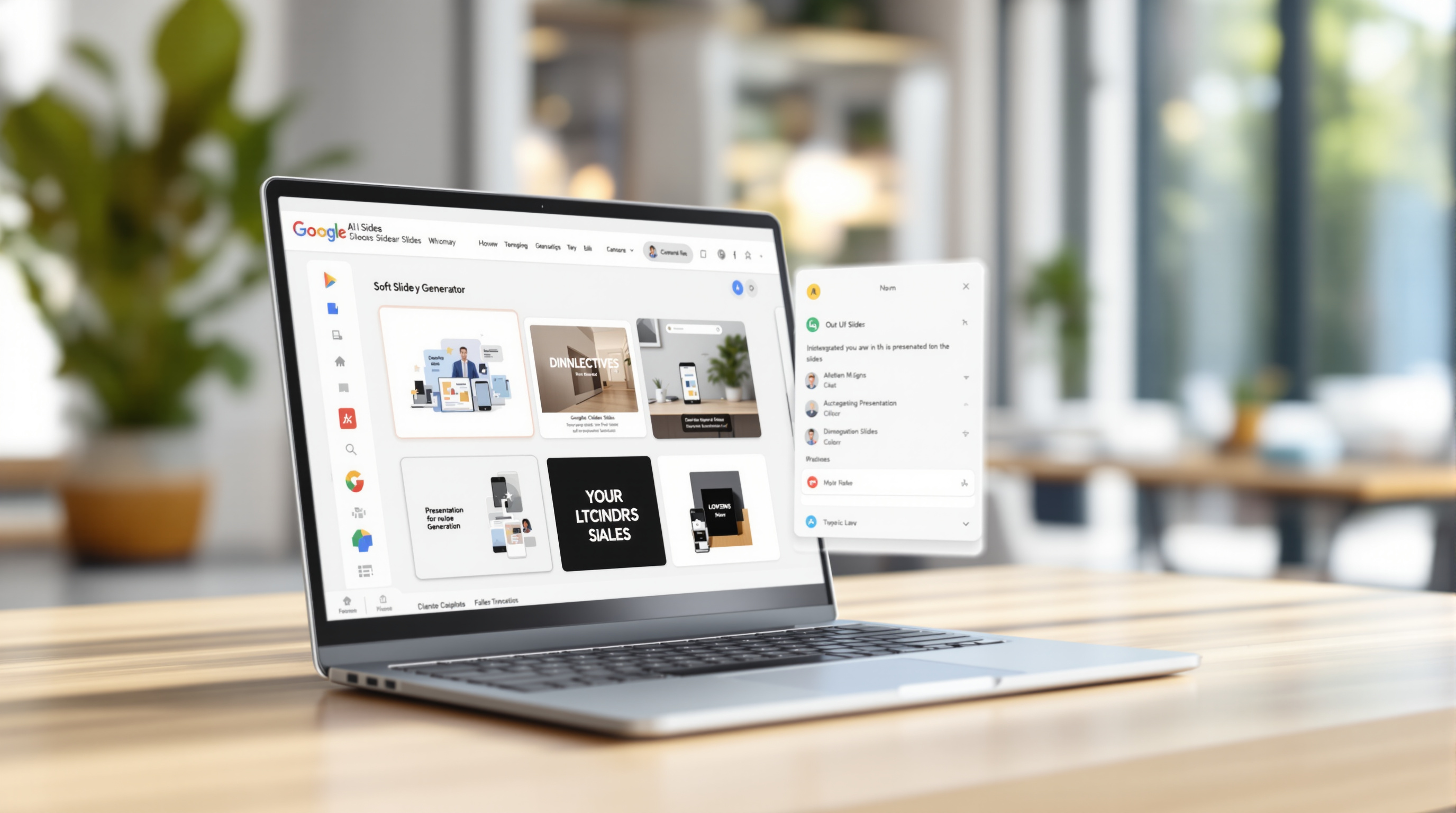

Google Vids now lets you upload your own images to create custom avatars for your videos—giving your team a way to produce professional, on-brand video content without hiring actors or recording yourself on camera. If you've been using Google Workspace and want more control over how your videos look, this update is worth knowing about.
What exactly can you do with custom avatars in Google Vids?
Instead of picking from a preset library, you can now upload a photo—from your computer, Google Drive, or Google Photos—and turn it into an animated avatar that speaks your script. Once uploaded, Vids lets you refine the image: clean up the background, adjust lighting, or add seasonal touches like festive decorations.
The avatar gets saved to your project, so you can reuse it throughout the video. That's handy if you're building a series of training videos or internal comms where consistency matters.
Why would a business actually use this?
Think about the scenarios where video would help, but filming isn't practical:
- Onboarding videos – HR can create a friendly, consistent presenter without booking time with a real person
- Product walkthroughs – Sales teams can produce demos faster, updating them when features change
- Internal announcements – Leadership can share updates without scheduling a shoot
- Multilingual content – One avatar, multiple language versions
It's not about replacing human connection entirely. It's about removing the friction that stops teams from using video in the first place.
How do you get started?
- Open Google Vids within your Workspace account
- Select the avatar option and choose "Upload image"
- Pick your source: local file, Drive, or Photos
- Use the built-in tools to refine the background and lighting
- Save the avatar to your project for reuse
No admin setup required—this rolls out automatically to users on supported Workspace plans.
Which Google Workspace editions include this?
| Edition Type | Included Plans |
|---|---|
| Business | Starter, Standard, Plus |
| Enterprise | Starter, Standard, Plus, Essentials, Essentials Plus |
| Education | Education Plus (and related add-ons) |
| Other | Nonprofits, Individual, personal accounts with AI Pro/Ultra |
If you're unsure which edition your organisation is on, your IT admin or Google Workspace partner can confirm.
Frequently asked questions
Do I need to enable anything as an admin?
No. There's no admin control for this feature—it rolls out automatically to eligible users.
Can I use the same avatar across multiple videos?
Avatars are saved per project, so you'd need to re-upload for a new project. For consistent branding across many videos, consider keeping your source image in a shared Drive folder.
Is this available on personal Google accounts?
Yes, for users with Google AI Pro or Ultra subscriptions.
When will my organisation see this feature?
Rapid Release domains started receiving it in late October 2026. Scheduled Release domains follow about three weeks later.
Ready to get more from Google Workspace?
If your team isn't using Vids yet—or you're wondering what else Workspace can do for your organisation—Blue Chip Technologies Ltd. can help. We set up, migrate, and support Google Workspace for businesses worldwide, with remote delivery globally and on-site assistance available in Trinidad & Tobago.
Get in touch:
- Contact us online
- Call: 1 (868) 609-2288
- Email: [email protected]