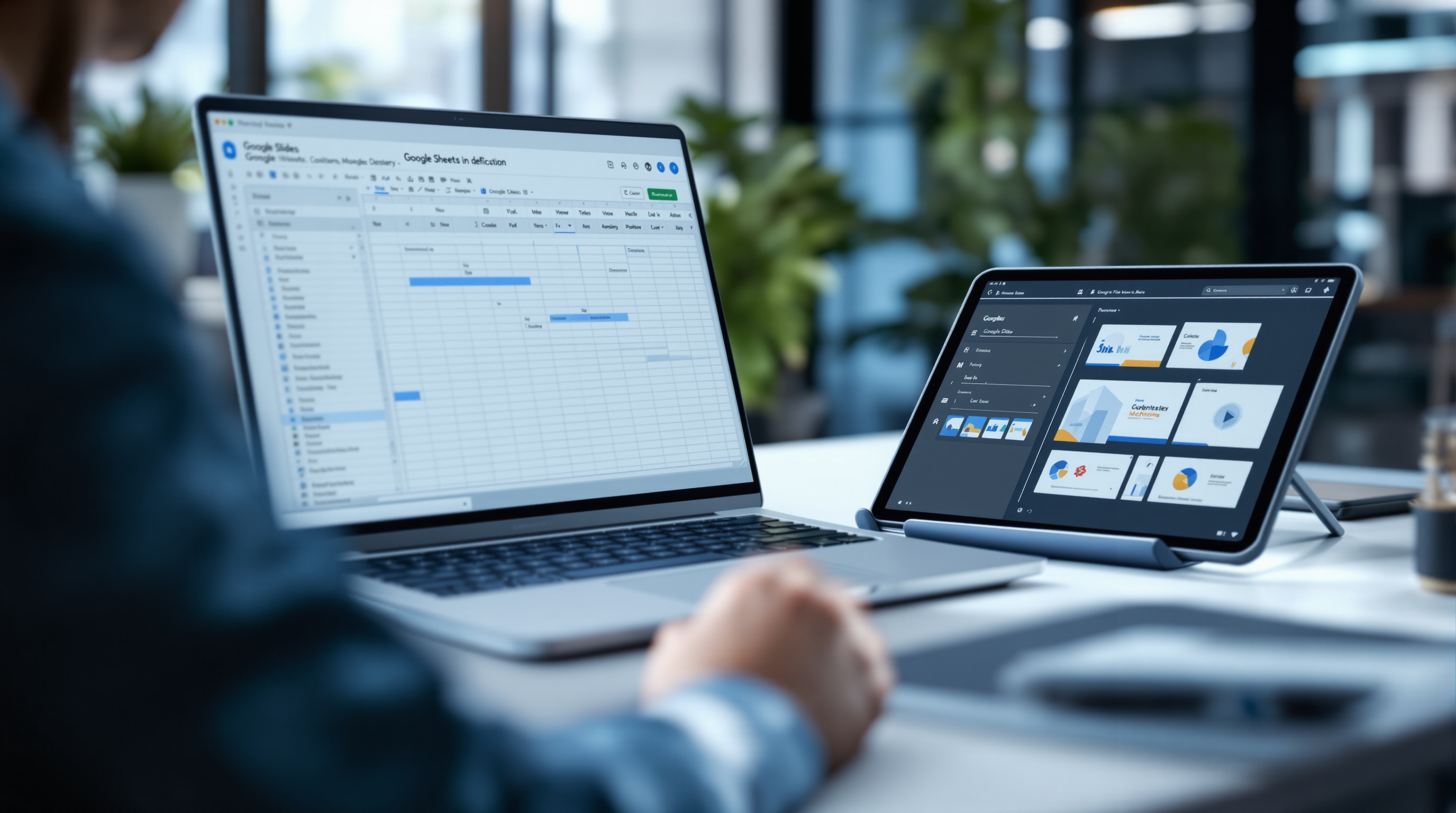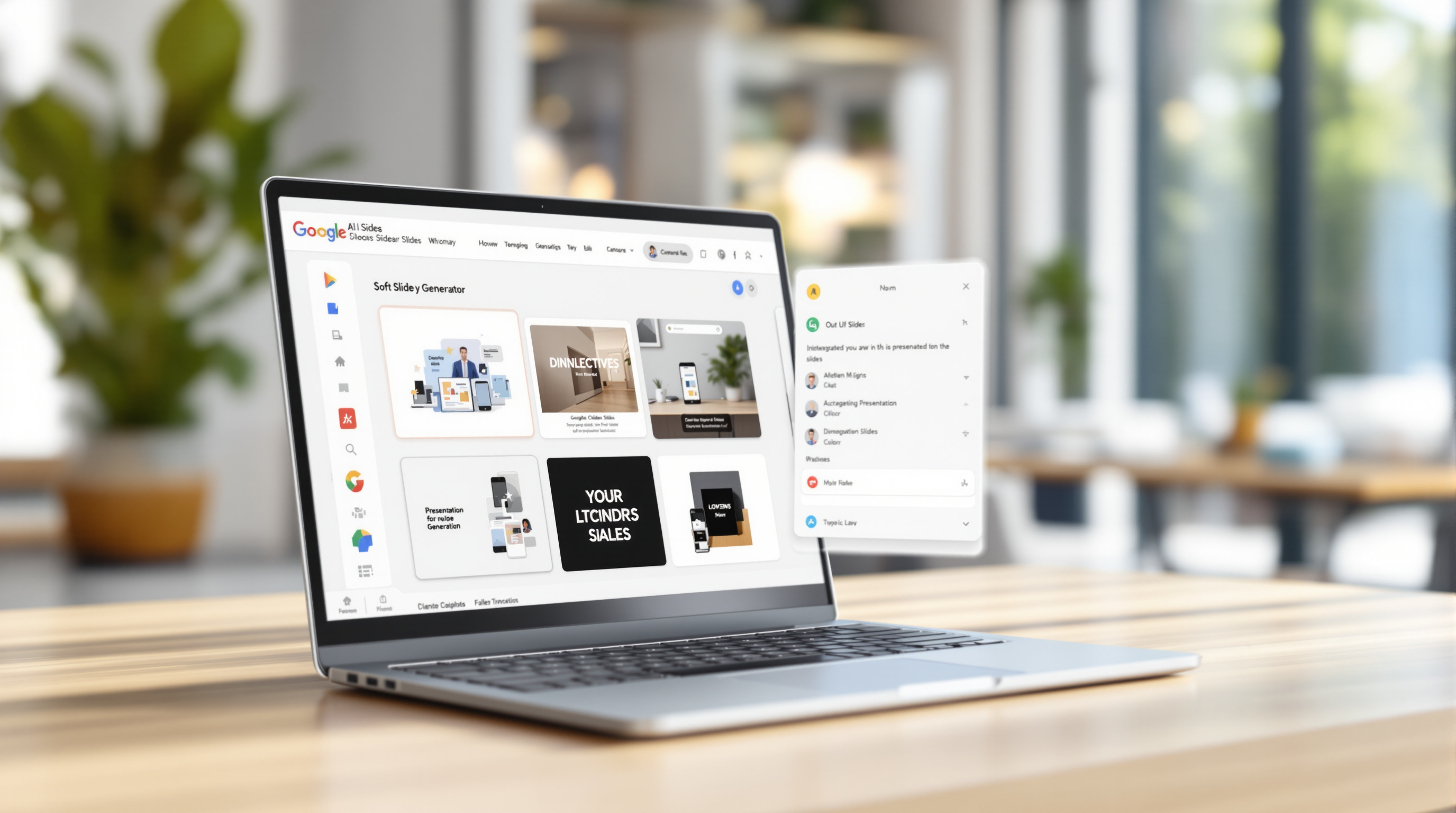
Google's new Gemini feature in Google Slides lets you edit an entire presentation—fonts, colours, content, slide structure—with a single text prompt. Instead of clicking through dozens of slides to fix inconsistent headings or update branding, you type what you need in the side panel and Gemini applies the changes across your deck. The slides remain fully editable, so you keep complete control.
What exactly can Gemini do to a full presentation?
This isn't just "generate a slide." You can now tell Gemini to:
- Restyle the whole deck – Update fonts, backgrounds, and colour schemes everywhere at once. You can even point it at another presentation and say "match this style."
- Update content across slides – Pull in details from a file in your Google Drive and have Gemini weave that information throughout your existing presentation.
- Combine or expand slides – Ask it to condense slides 5–7 into one summary slide, or add new slides based on a reference document.
- Fix inconsistencies – Align title sizes, remove page numbers, standardise formatting—the tedious stuff that eats up time before a client meeting.
When Gemini finishes, it shows you a summary of what changed. Everything's applied as native edits, so undo and version history work exactly as you'd expect.
How does this actually help a busy team?
Picture this: your sales team has a master pitch deck that's been tweaked by six different people over two years. Fonts are all over the place. Some slides have the old logo. The colour palette drifted somewhere around slide 23.
Previously, fixing that meant an afternoon of tedious clicking—or assigning it to whoever drew the short straw. Now you can type "Update this deck to match [brand guidelines document]" and let Gemini handle the grunt work. You review the summary, hit undo on anything you don't like, and move on.
It's particularly useful when you're repurposing presentations. Got a technical deck that needs to become a board-level summary? Ask Gemini to simplify the language and condense the detail slides. Need to expand a five-slide overview into something more substantial? Point it at your source documents and let it add the depth.
Which Google Workspace plans include this?
Not every licence gets access. Here's the breakdown:
| Plan Type | Included |
|---|---|
| Business Standard & Plus | Yes |
| Enterprise Standard & Plus | Yes |
| Google AI Pro / Ultra (consumer) | Yes |
| Google AI Pro for Education | Yes |
| Business Starter | No |
| Education (base) | No |
If you're unsure which plan your organisation is on, your Google Workspace admin console will show you—or we can check for you.
Are there any limitations right now?
A few things to note:
- English only at launch – Other languages aren't supported yet.
- Promotional usage limits – Through at least 1 December 2026, Google is offering higher limits so teams can experiment. After that, per-user limits will apply.
- No admin toggle – There's no way for admins to disable this feature separately; it's on by default for supported plans.
Frequently asked questions
Does Gemini overwrite my original slides permanently?
No. Edits are applied like normal changes, so you can use undo or version history to revert anything you don't want.
Can I use files from outside Google Drive as references?
Currently, Gemini works with files stored in Google Drive. You'd need to upload external documents first.
Will this work on presentations I've imported from PowerPoint?
Yes, as long as the file has been converted to Google Slides format. Imported files that remain in .pptx format won't support Gemini editing.
Is there a cost beyond the Workspace licence?
The feature is included in the supported plans listed above. There's no separate charge during the promotional period, and Google hasn't announced additional fees for afterwards.
Ready to put this to work?
If your team spends too much time wrestling with slide formatting—or you're still on a Workspace plan that doesn't include Gemini—Blue Chip Technologies Ltd. can help you sort it out. We set up and support Google Workspace for businesses worldwide, with remote delivery and on-site assistance available in Trinidad & Tobago.
Get in touch: