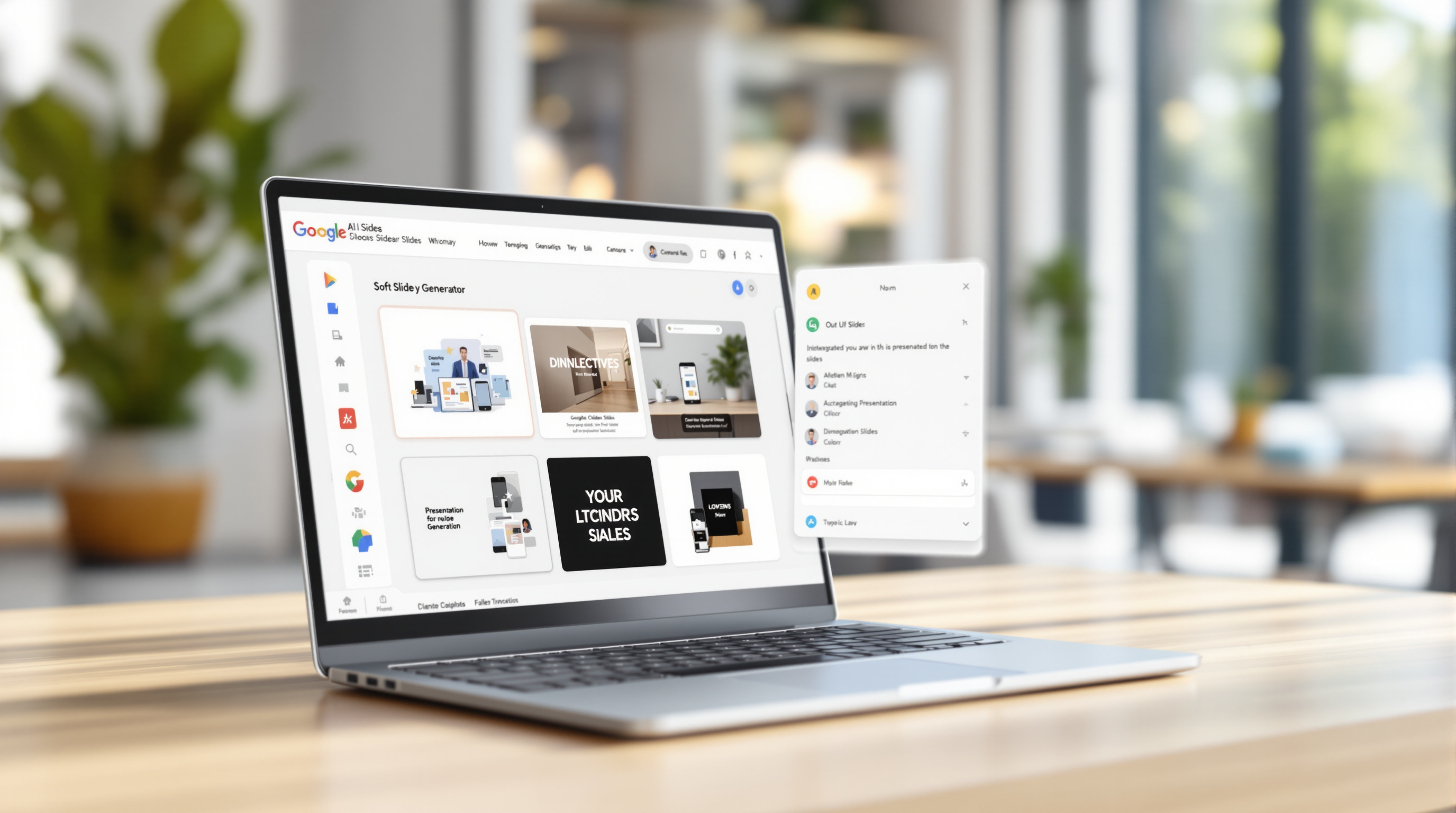
Google is rolling out "skills" for the Gemini app and Workspace—custom AI routines you can build to handle repetitive tasks your way. Think of them as reusable instructions you give Gemini once, so it knows exactly how your team handles expense reports, drafts client emails, or formats proposals. Instead of explaining the same thing every time you open a chat, you teach Gemini your process and let it repeat that pattern whenever you ask.
What exactly are Gemini skills?
Skills are saved sets of instructions that tell Gemini how to complete a specific task. You create one by describing what you want—say, "summarise weekly sales figures in bullet points, highlight anything down more than 10%, and suggest one follow-up action." Once saved, you (or your colleagues, once sharing rolls out) can trigger that skill with a single prompt.
The rollout for skills in the standalone Gemini app started 13 October 2026 and should reach all users by mid-November. Skills inside Workspace apps (Docs, Sheets, Gmail side panel, etc.) have been delayed; Google hasn't confirmed a new date yet.
Who can use skills right now?
| Version | Availability |
|---|---|
| Skills in the Gemini app | All Workspace plans and personal Google accounts (users of any age) |
| Skills in Workspace | Business Starter/Standard/Plus, Enterprise Starter/Standard/Plus, Education with AI add-ons, AI Expanded Access add-on — users 18+ only |
If you're on a Business or Enterprise plan, you're covered for both once the Workspace rollout resumes.
Why should your team care?
- Consistency across the organisation. Everyone follows the same process—no more guessing how the finance team wants that spreadsheet formatted.
- Less re-typing. You stop explaining context every single conversation. The skill already knows.
- Faster onboarding. New hires inherit proven workflows instead of reinventing them.
Picture your operations manager building a skill that drafts purchase-order confirmations in your company's tone, pulls the supplier name from Drive, and flags anything over a set threshold. That's one skill replacing a dozen copy-paste steps.
What's coming next?
Google confirmed two features arriving in the coming weeks:
- Skill sharing – pass your custom skill to teammates so the whole department benefits.
- Google Drive integration – let skills pull context from files you specify, so Gemini references actual company documents rather than generic knowledge.
We'll update this post once those capabilities go live.
How do admins control skills?
Workspace admins can manage skills through the Admin console. Google's Help Centre outlines options for enabling or restricting skill creation and usage across organisational units. There are currently no admin controls for skills in the Gemini app—those are user-managed.
If you're unsure how Gemini fits into your broader productivity setup, our Google Workspace solutions page covers the full suite and how we support it.
Frequently asked questions
Do I need a paid Workspace plan to use skills?
For skills in the Gemini app, no—personal Google accounts work. For skills inside Workspace apps (Docs, Sheets, etc.), you need a qualifying Business, Enterprise, or Education plan with the appropriate AI add-on.
Can I share a skill with someone outside my organisation?
Not yet. The sharing feature is still rolling out, and Google hasn't confirmed whether cross-domain sharing will be supported.
Are skills available to students under 18?
Skills in the Gemini app are available to users of all ages. Skills in Workspace, however, require users to be 18 or older.
Will my existing Gems convert to skills?
Google is transitioning Gems to skills. Check their Education Transition Guide or Admin Help articles for specifics on how saved Gems carry over.
Ready to put Gemini skills to work?
Blue Chip Technologies Ltd. helps organisations worldwide get the most from Google Workspace—from initial setup to ongoing support. If you'd like guidance on rolling out Gemini skills, configuring admin policies, or training your team, we're here to help.
Get in touch:
- 📞 Call: 1 (868) 609-2288
- 💬 WhatsApp: Chat with us
- ✉️ Email: [email protected]
- 🌐 Contact form: bluechiptt.com/contact