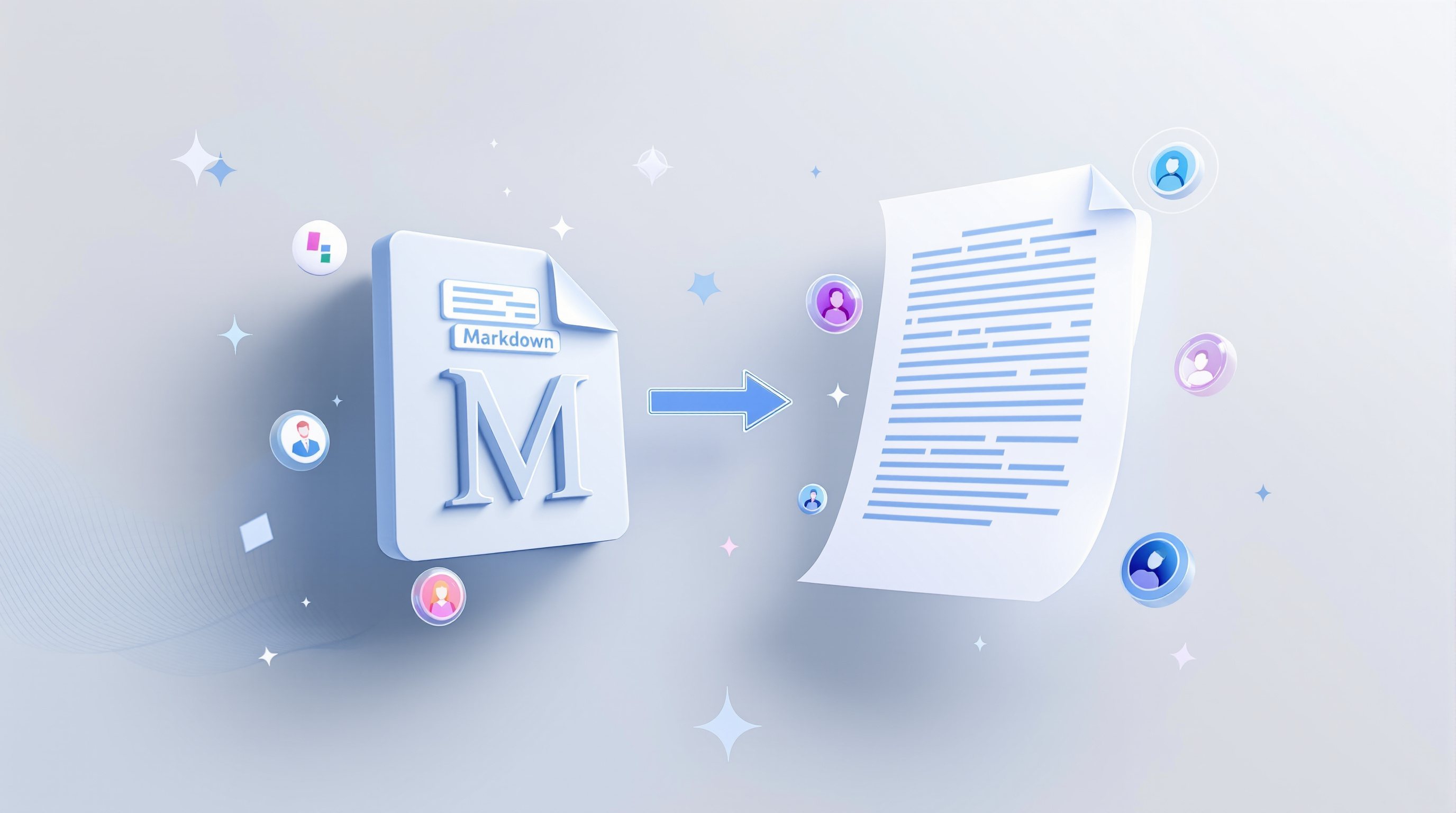
Google Docs now lets you open, edit, and collaborate on Markdown (.md) files without converting them first. That means your formatting stays intact, your team can work together in real time, and you don't need to juggle file conversions or lose comments along the way. If your organisation works with developers, technical writers, or AI tools that output Markdown, this update removes a genuine friction point.
Why does native Markdown support matter for business teams?
Markdown has become the default format for structured text—especially now that AI tools and large language models use it constantly. Think documentation, README files, AI-generated reports, or content destined for websites and knowledge bases.
Before this update, opening a .md file in Google Docs meant importing and converting it. The result? Broken tables, stripped comments, and a file you couldn't easily send back to your developer or paste into your CMS without reformatting. A proper headache if you're reviewing technical content or collaborating across departments.
Now you open the file directly. Edit it. Leave comments. Hand it back—still a Markdown file, formatting preserved. No conversions, no workarounds.
What can you actually do with Markdown files in Docs and Drive?
Here's what's changed:
- Open .md files directly in Google Docs – Click on any Markdown file in Drive, and it opens in Docs ready to edit.
- Collaborate in real time – Multiple people can work on the same Markdown file simultaneously, with all the usual Docs features: comments, suggestions, version history.
- Keep the file as Markdown – The file type doesn't change. When you're done, it's still a .md file.
- Preview rendered Markdown in Drive – Before opening a file, you can see a properly formatted preview right in Drive—headers, tables, links, all rendered cleanly.
This is particularly useful if your team reviews AI-generated outputs, manages technical documentation, or works alongside developers who live in Markdown.
Do admins need to enable this feature?
No. There's no admin toggle or end-user setting to configure. Once the rollout reaches your organisation's domain (Google started gradual rollout on 5 October 2026), the feature simply works.
Frequently asked questions
Can I still convert Markdown files to Google Docs format if I want to?
Yes. Native editing doesn't remove the option to convert—it just means you no longer have to convert just to view or edit the file.
Does this work with personal Google accounts?
Yes. The feature is available to all Google Workspace customers and personal Google account holders.
Will my existing Markdown files in Drive work automatically?
Yes. Any .md or .markdown files already stored in your Drive will support native preview and editing once the rollout completes.
What formatting is preserved when editing in Docs?
Headers, tables, bulleted lists, links, and other standard Markdown syntax remain intact. You won't lose structure by opening the file in Docs.
Get more from your Google Workspace setup
If your organisation uses Google Workspace and you'd like help configuring it for your team—or you're considering a move to Workspace from another platform—Blue Chip Technologies Ltd. can help. We support businesses worldwide with setup, migration, and ongoing management.
Ready to talk? Reach out to our team:
- 📞 Call: 1 (868) 609-2288
- 💬 WhatsApp: Send a message
- ✉️ Email: [email protected]
- 🌐 Contact form: bluechiptt.com/contact