Ever sit in a meeting, trying to pay attention to what someone's saying, while also scribbling notes so you don't forget the action items? It's a juggling act. And let's be honest—something always slips through the cracks.
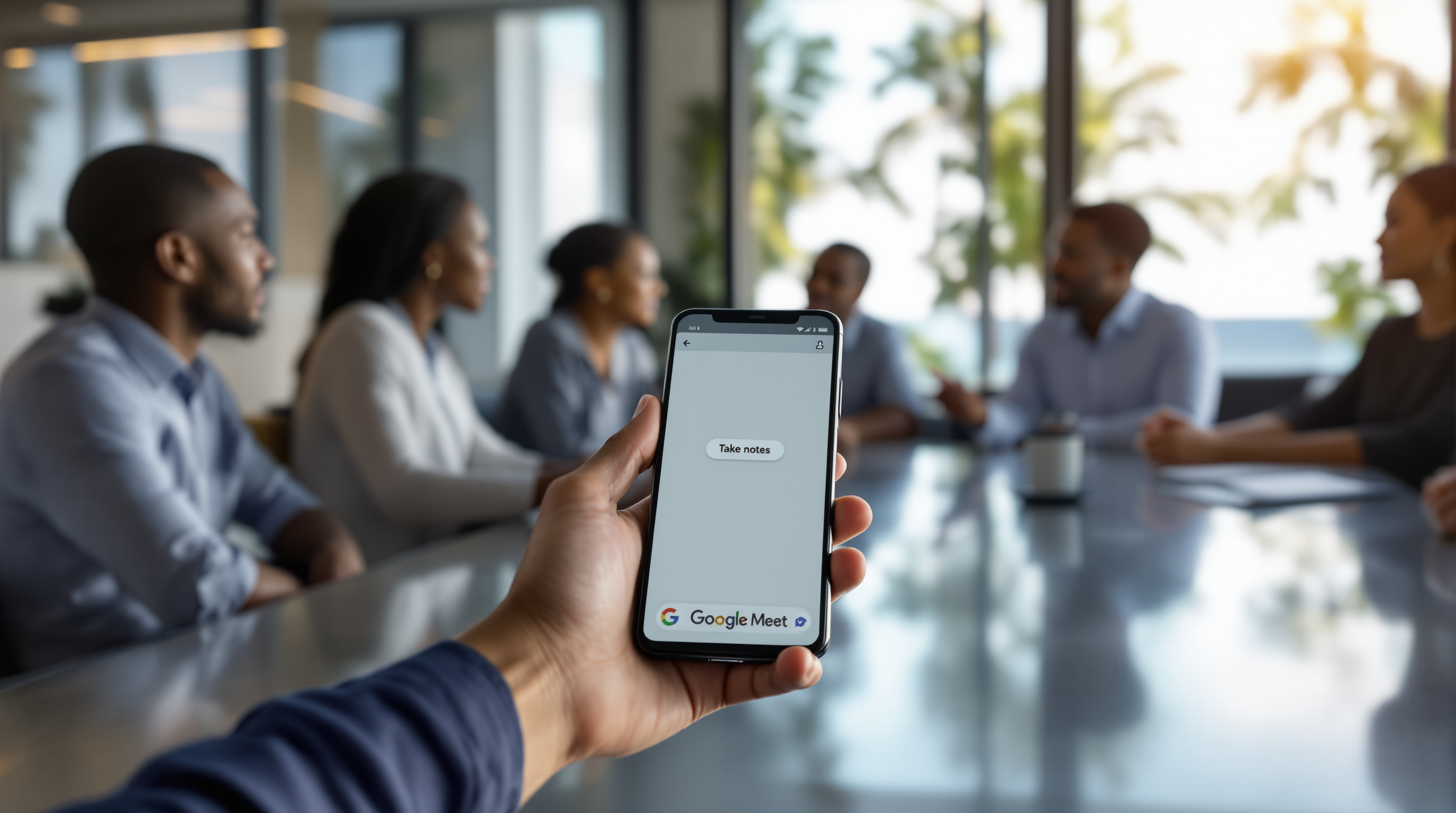
Google just made this easier. Meet's new "Take Notes for me" feature now works for in-person meetings too. Not just video calls. Actual face-to-face conversations in your boardroom, your office, or that conference room at the Hyatt.
How It Works
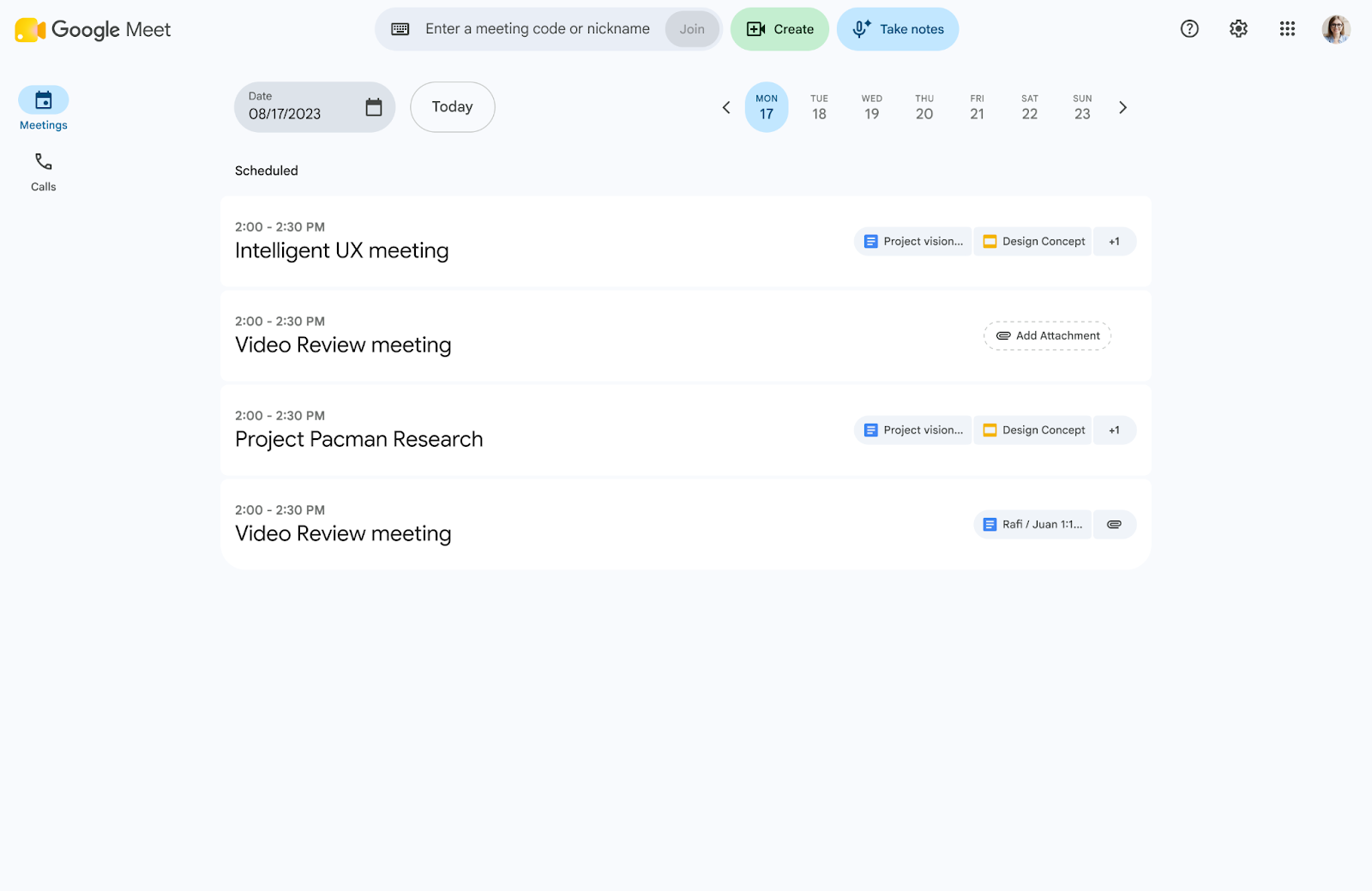
Open Google Meet on your phone or laptop, tap "Take notes," and let Gemini do the heavy lifting while you focus on the discussion.
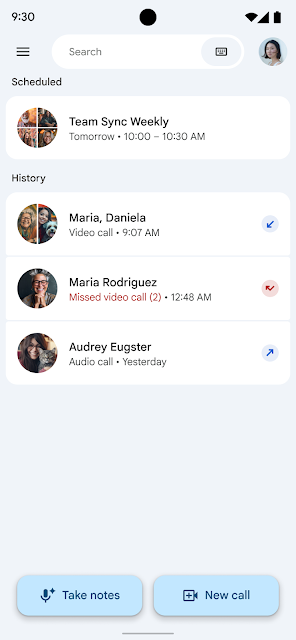
When you're done, hit stop. Gemini pulls together:
- A structured summary of what was discussed
- Action items (so nobody can claim they didn't know what they were supposed to do)
- A full transcript
Everything saves automatically to a Google Doc in your Drive, and you get an email with the link. Simple.
Why This Matters for Your Business
Think about your weekly ops meeting. Or those client sit-downs where you're trying to build rapport but also need to remember the specs they mentioned. Now you can actually be present in the conversation and still have documentation afterwards.
For teams spread across branches—say, Port of Spain and San Fernando—this also means consistent records whether the meeting happened on a video call or in person.
Who Gets It
This feature is available if you're on:
- Business Standard or Business Plus
- Enterprise Standard or Plus
- Frontline Plus
- Google AI Pro for Education (for schools and institutions)
Rolling out now on Android and web, with iOS coming end of August.
Ready to Put This to Work?
If you're already on Google Workspace, check your Meet app for the new button. If you're not sure what plan you're on—or you want to upgrade to get access—we can sort that out for you.
Give us a call at 1 (868) 609-2288, drop us a message on WhatsApp, or email [email protected]. You can also reach us through our contact page.