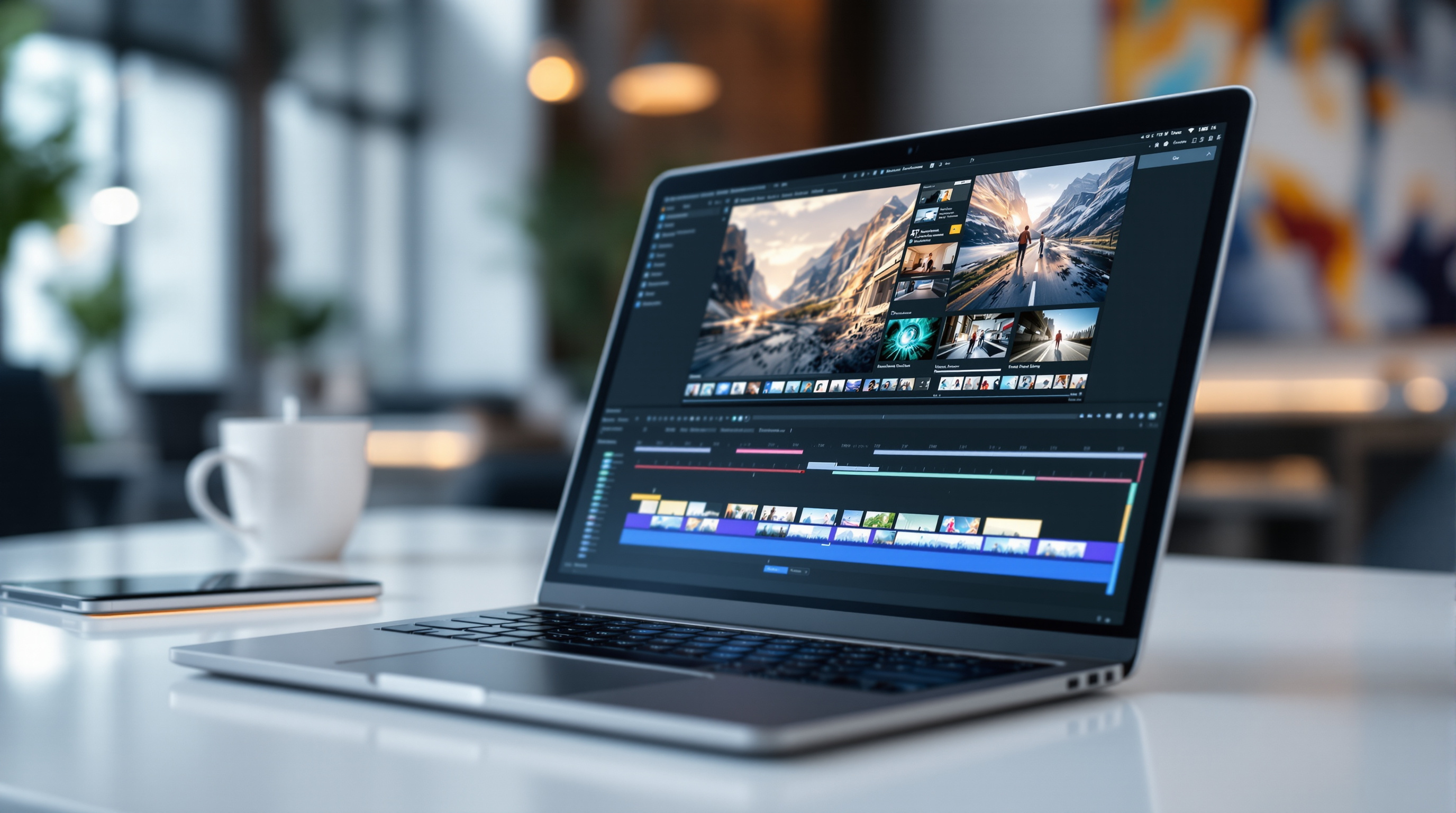
Google Vids now includes Gemini Omni 1.1 Flash, which means you can extend video scenes, generate clips at 1080p, and set exact durations—all without leaving your Google Workspace browser tab. If you've been cobbling together marketing videos or training content using multiple tools, this update lets you do more of that work in one place.
What actually changed in Google Vids?
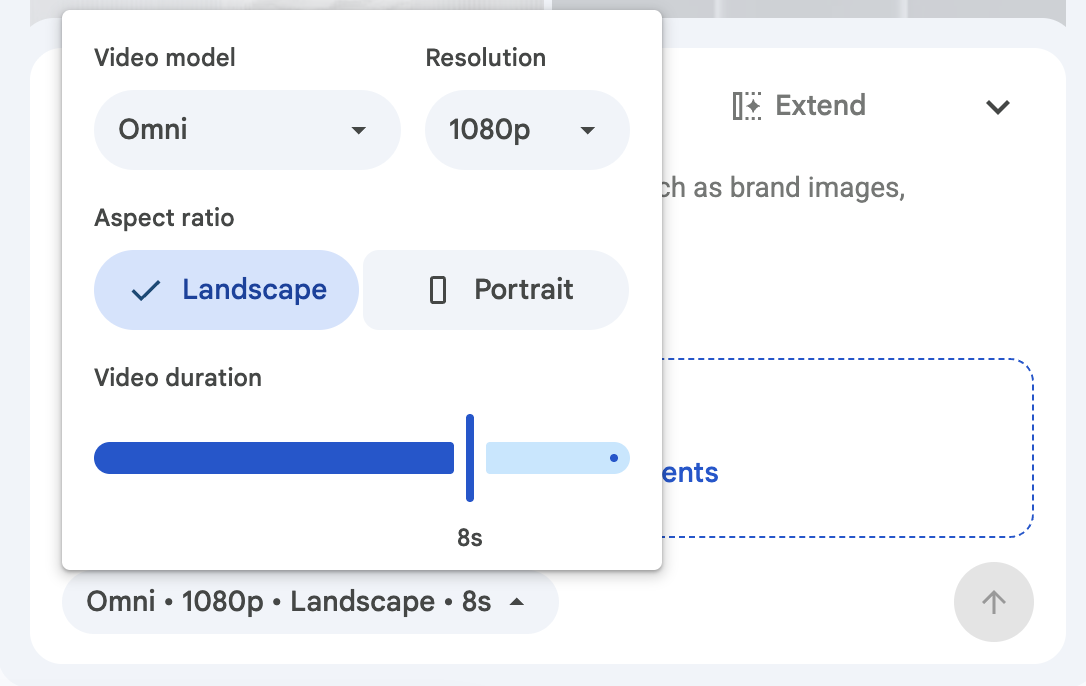
The Omni 1.1 Flash model brings three practical improvements:
Scene extension that stays consistent – You can make a scene longer while keeping characters, lighting, and background looking the same. No more jarring jumps when you need an extra few seconds of footage.
Precise duration control – Set the exact length of your generated clip. This matters when you're syncing video to a voiceover or fitting content into a specific time slot.
1080p generation and upscaling – Create new AI video scenes in full HD, or upscale existing AI clips so everything on your timeline matches.
Who can use these features?
The update is rolling out across most Google Workspace editions:
| Edition Type | Included Plans |
|---|---|
| Business | Starter, Standard, Plus |
| Enterprise | Starter, Standard, Plus, Essentials, Essentials Plus |
| Education | Education Plus (and add-ons) |
| Other | Nonprofits, Individual, personal Google accounts |
If your organisation has the AI Expanded Access add-on, you'll get higher usage limits for Omni features in Vids.
How does this help your business?
Let's say your HR team needs to produce onboarding videos. Previously, you'd record footage, realise a segment was too short, then either re-record or awkwardly loop content. Now you can extend that scene directly in Vids while maintaining visual consistency.
Or perhaps your marketing team creates product demos. Being able to specify exact clip durations means your video editor isn't constantly trimming and adjusting—the AI generates precisely what you need.
The 1080p output also means these videos are ready to publish without running them through a separate upscaling tool first.
Do admins need to enable anything?
No. There's no admin control for this feature—it's available by default once the rollout reaches your domain. Google began the rollout on 23 September 2026 for both Rapid Release and Scheduled Release domains, with full visibility expected within a few days.
If you're looking to get your organisation set up with Google Workspace and its AI features, it's worth reviewing which edition suits your team's needs.
Frequently asked questions
Can I use Omni 1.1 Flash on videos I've already created in Vids?
Yes. You can upscale existing AI-generated clips to 1080p and extend scenes you've already produced.
Is there a limit to how much video I can generate?
Yes, there are usage limits that vary by licence type. Users with the AI Expanded Access add-on have higher limits.
Do I need to install anything to access this?
No installation required. The feature appears directly in Google Vids through your browser.
Will extended scenes look different from the original footage?
The Omni 1.1 model is designed to maintain character appearance, lighting, and environment consistency when extending scenes.
Ready to put Google Workspace to work?
If you're curious how Google Vids and the broader Workspace suite could fit into your organisation's workflow, Blue Chip Technologies Ltd. can help you get set up and supported—remotely for clients worldwide, or on-site if you're in Trinidad & Tobago.
Get in touch: