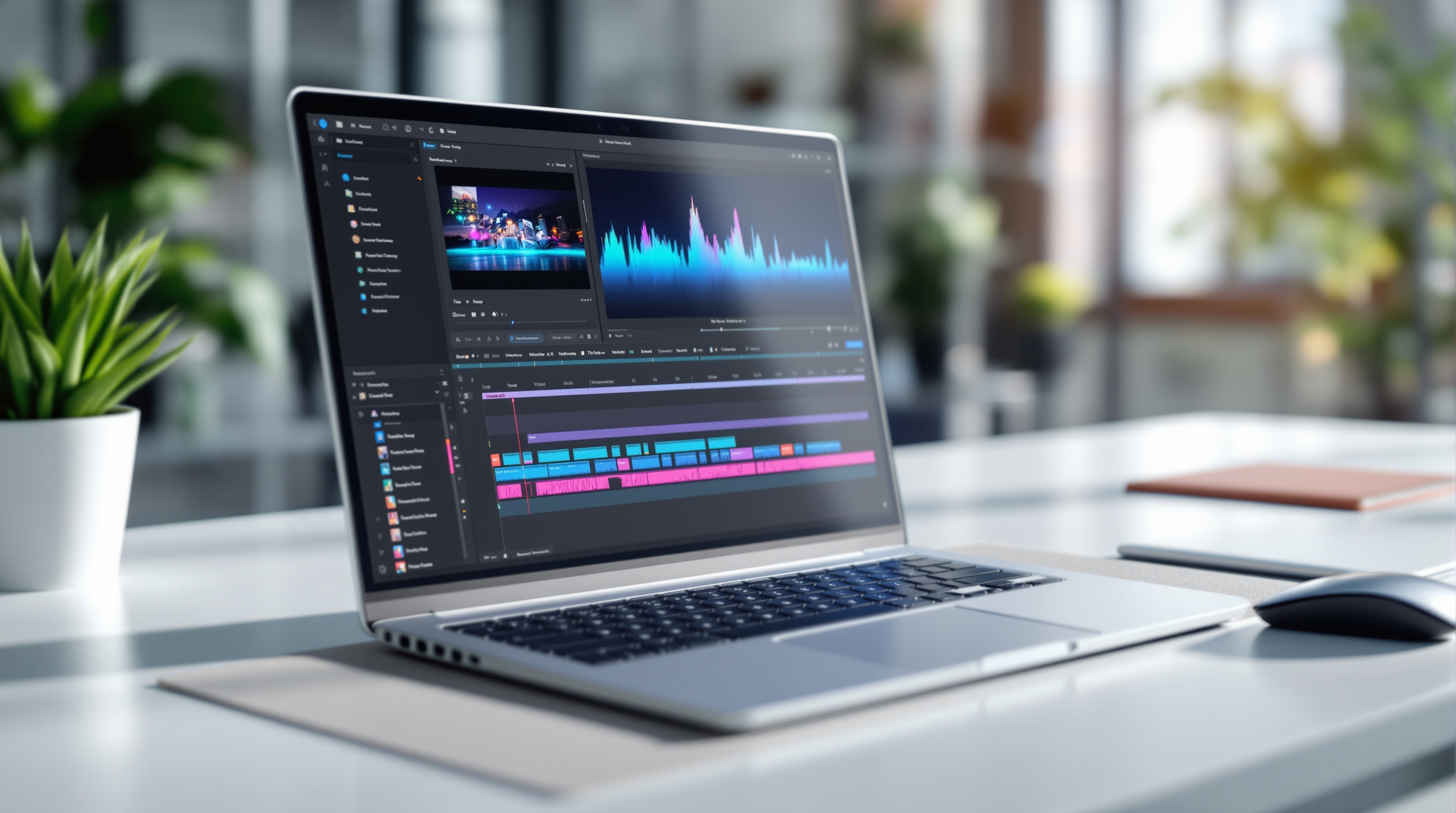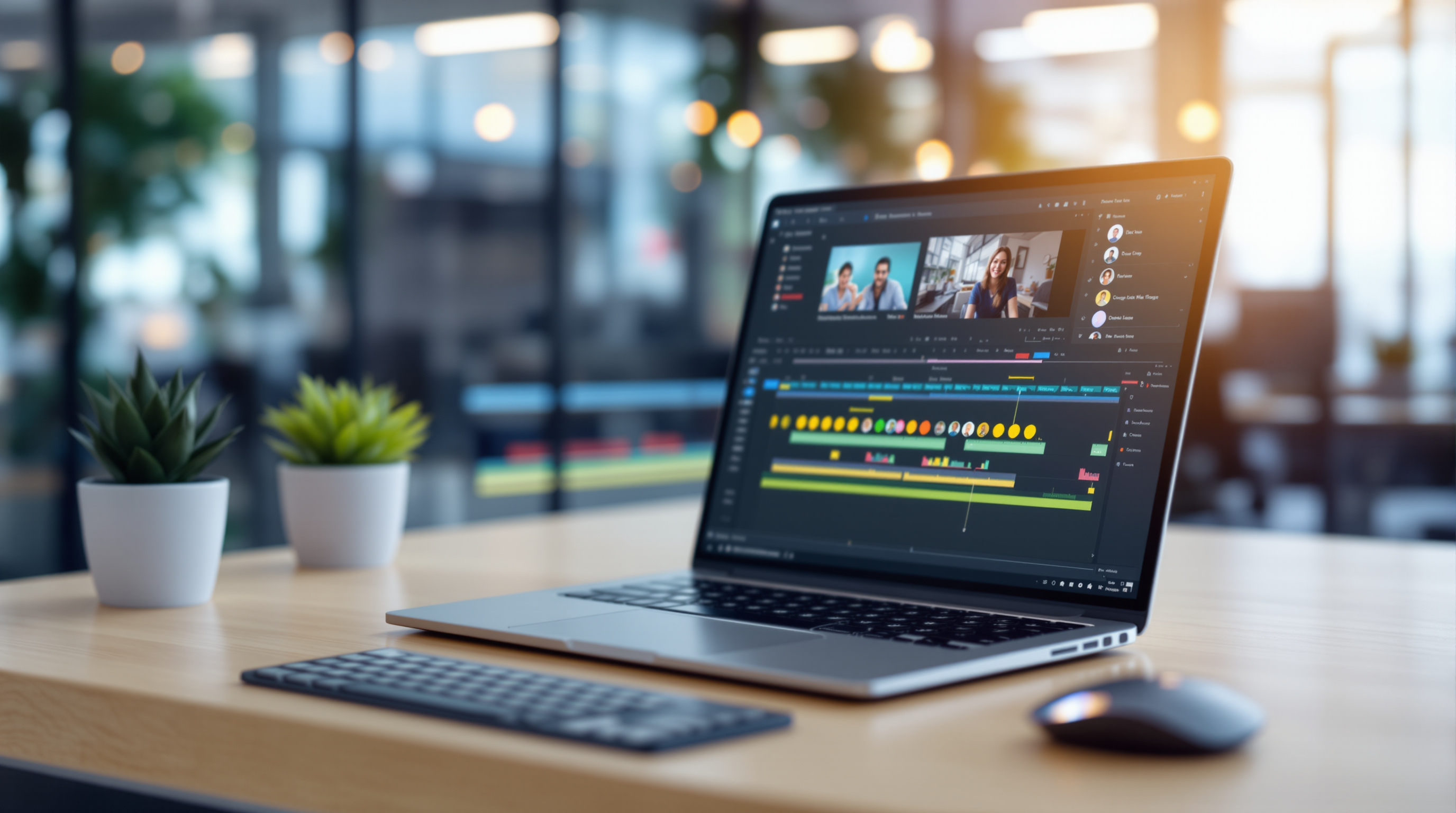
Google Vids now lets you speed up or slow down individual video clips right inside the editor—no need to export footage to separate software. This means your team can create polished training videos, product demos, or internal updates faster, all within the Google Workspace tools you're already using.
Blue Chip Technologies Ltd. helps organisations worldwide get more from their Google Workspace subscription, including newer features like this one that often fly under the radar.
Why does playback speed control matter for business videos?
Think about the last product walkthrough you recorded. There's always that section where you're waiting for a page to load, or a process that takes thirty seconds but only needs five to make your point. Previously, you'd need to pull that clip into external editing software, adjust the speed, re-export, and upload again.
Now you can select any clip in Google Vids and set it anywhere from 0.25x (quarter speed) up to 2x. The adjustment happens in your browser, inside the same project file your colleagues are already collaborating on.
What can you actually do with speed adjustments?
Speed footage up (to 2x):
- Compress a lengthy software installation into a few seconds
- Cut dead air from screen recordings without losing context
- Keep viewers engaged through repetitive steps
Slow footage down (to 0.25x):
- Highlight a specific button click or menu selection
- Give viewers time to read on-screen text
- Break down a complex interface interaction step by step
This is particularly useful for IT teams creating onboarding materials or support documentation. A five-minute screen capture can become a tight two-minute explainer—without losing any of the important bits.
How do I adjust clip speed in Google Vids?
- Open your project in Google Vids
- Select the video clip you want to modify on the timeline
- Look for the playback speed option in the clip settings
- Choose your speed (0.25x, 0.5x, 1x, 1.5x, or 2x)
- Preview the result and adjust as needed
There's no admin setting to enable—it's available by default to all Google Workspace customers, Workspace Individual subscribers, and personal Google account holders.
Does this replace dedicated video editing software?
For many internal business videos, honestly, yes. If you're producing customer-facing broadcast content or cinema-quality work, you'll still want specialised tools. But for training videos, team announcements, sales demos, and process documentation? Google Vids handles it.
The real advantage is collaboration. Your marketing colleague can adjust pacing on a product video while your technical writer reviews the script—simultaneously, in the same file, without version control headaches.
If your organisation uses Google Workspace for productivity and collaboration, this update makes your video creation workflow noticeably smoother.
Frequently asked questions
Is there an extra cost for the playback speed feature?
No. It's included with all Google Workspace plans, Workspace Individual, and free personal Google accounts.
Can I apply different speeds to different sections of the same video?
Yes. Each clip on your timeline can have its own speed setting, so you can slow down one segment and speed up another within the same project.
When will this feature be available?
Google began rolling it out in October 2026. Depending on your domain's release track, it may take up to 15 days to appear.
Do I need to install anything?
No. Google Vids runs in your browser. The speed controls appear automatically once the rollout reaches your account.
Ready to get more from Google Workspace?
If you're not using Google Vids yet—or you'd like help rolling out Workspace features across your organisation—we're here. Blue Chip Technologies Ltd. supports businesses worldwide with setup, training, and ongoing management.
Get in touch: