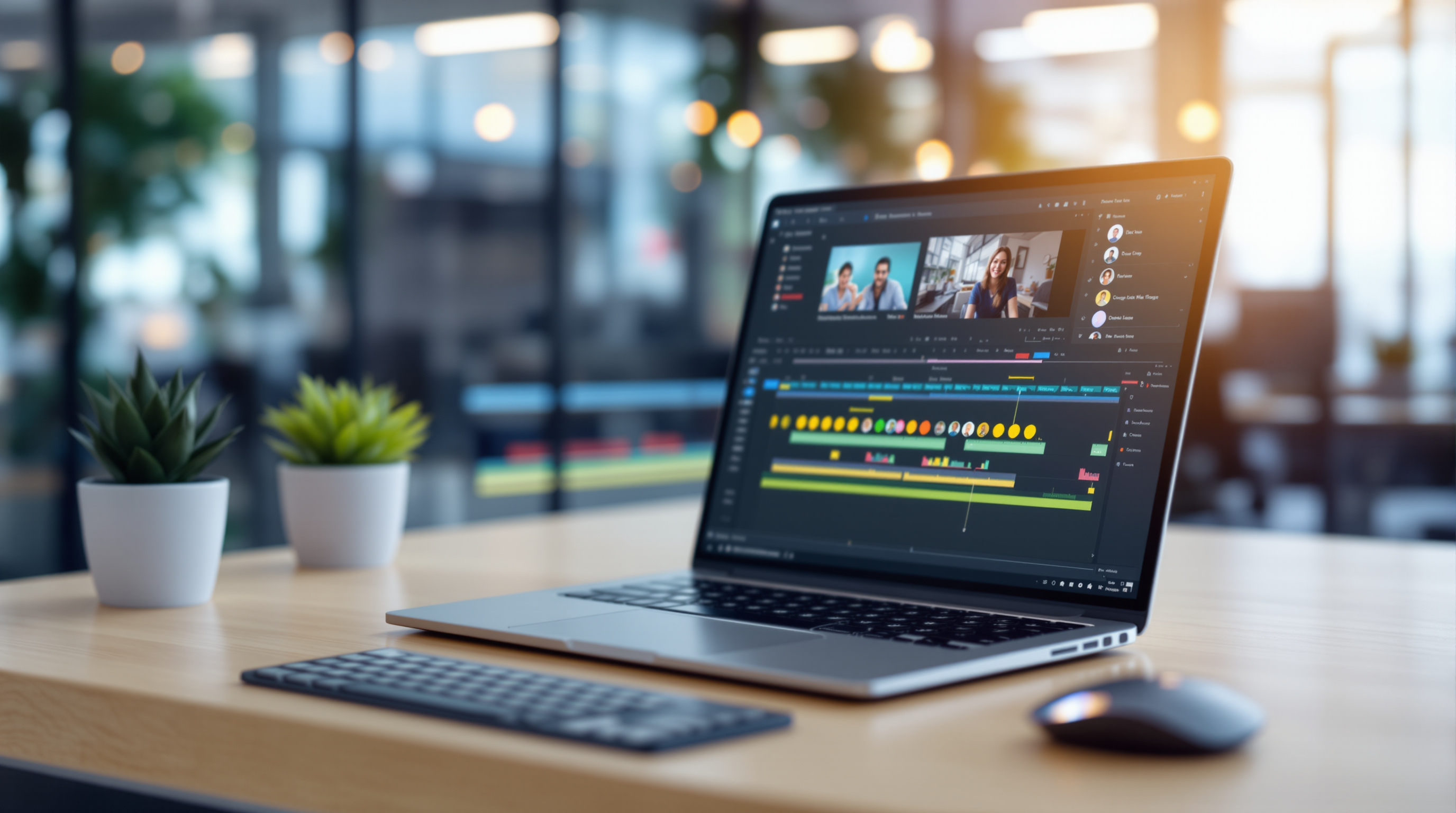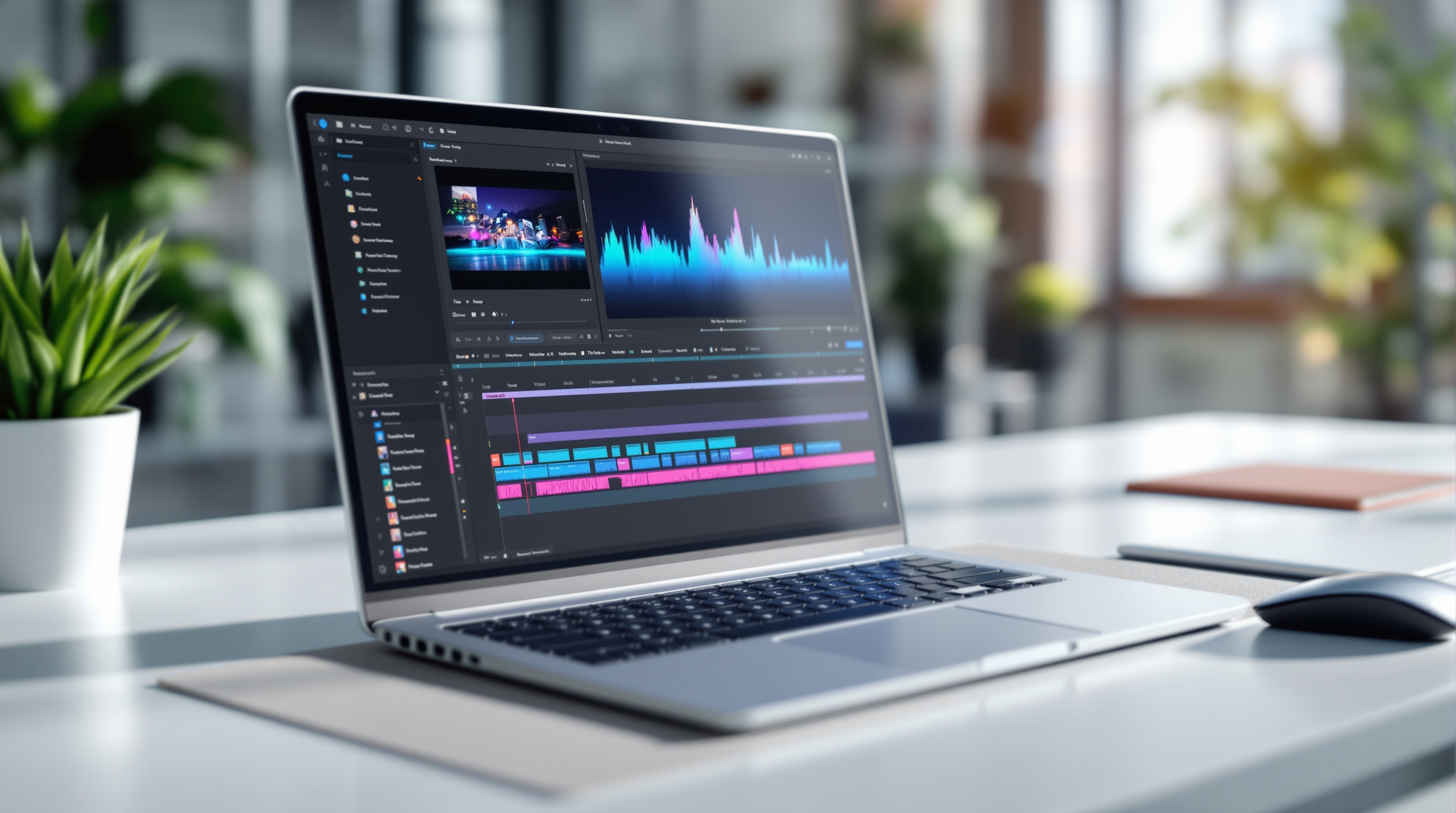
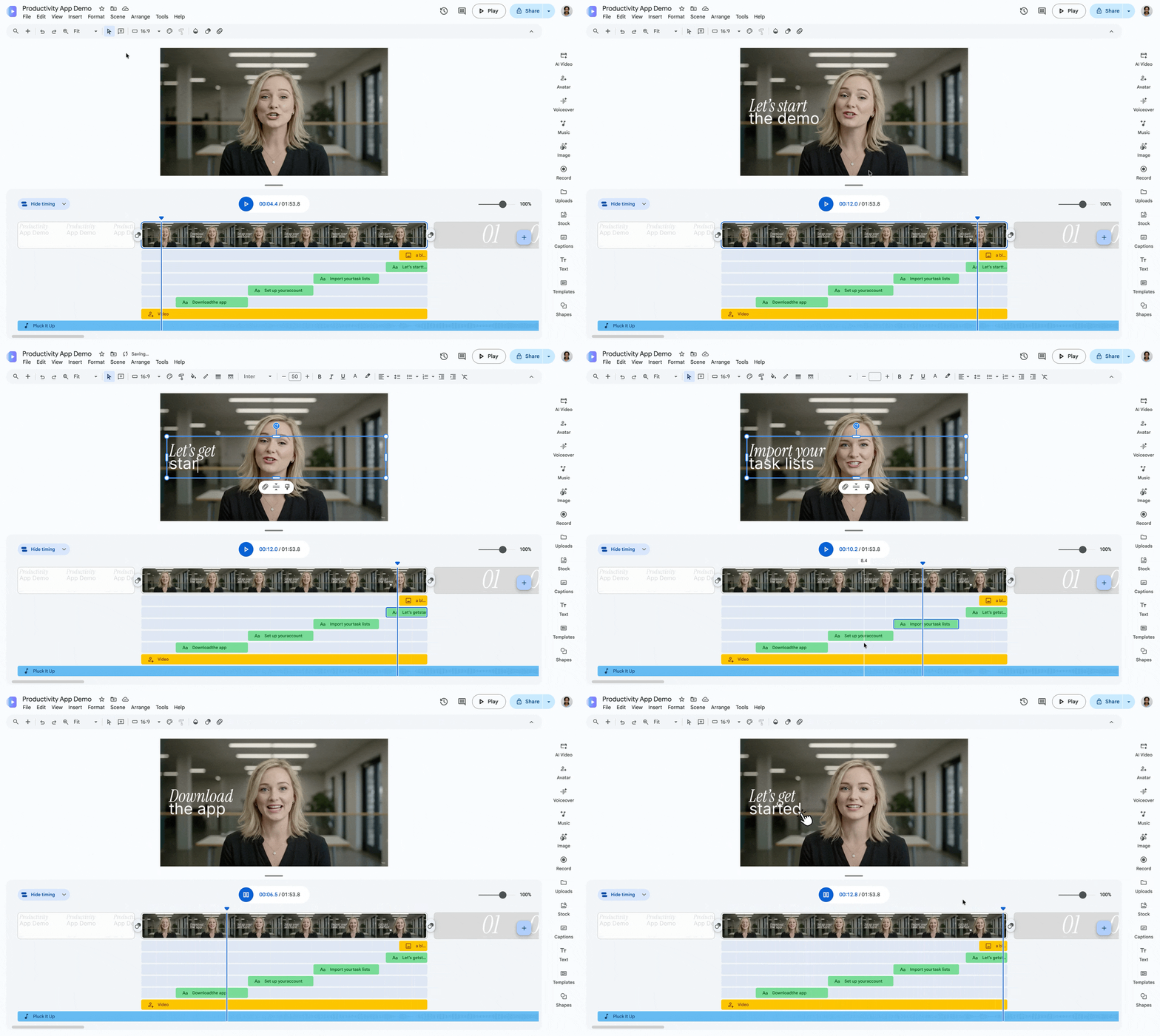
Google Vids now shows exactly what's in your video at any moment while you edit—no more guessing which text boxes, stickers, or images are active because everything on screen was piled together. This point-in-time editing update means the canvas matches your timeline precisely, so you can build layered content without the visual chaos.
If your team creates training videos, product demos, or internal comms using Google Vids (part of Google Workspace), this change removes a genuine frustration. Previously, every element in a scene appeared on the canvas simultaneously, even if they were timed to show at different points. Figuring out what overlapped with what meant constant scrubbing and guesswork. Now? What you see is literally what plays.
What actually changed in Google Vids?
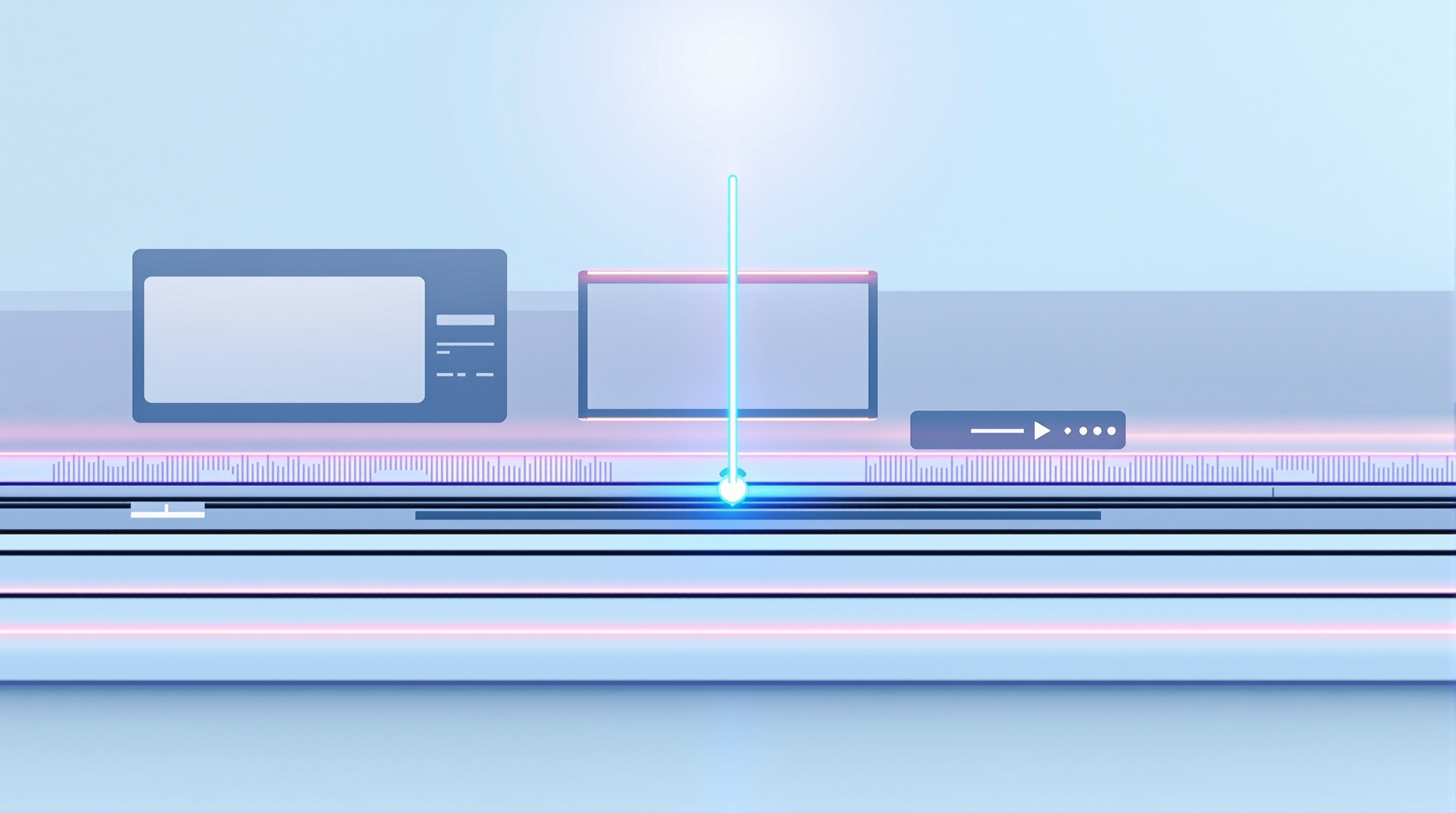
The editing canvas now updates dynamically as you move through your timeline. Scrub to the 15-second mark, and you'll see only the elements visible at 15 seconds—nothing more.
Three practical improvements come with this:
- Synchronised canvas display – The canvas reflects the exact timestamp you're on. Move the playhead, and the view updates instantly.
- Click-to-jump timeline – Click any object track in the timeline, and the playhead jumps straight there. No more dragging around trying to find where an element starts.
- Fewer unnecessary scene splits – You used to need multiple mini-scenes just to manage timed objects cleanly. Now you can stack captions, lower thirds, and overlays in a single scene without losing your mind.
Do I need to enable this feature?
No. Point-in-time editing is now the default behaviour across all Google Vids sessions. There's no admin toggle, no user setting to flip. It just works.
Rollout started in late September 2026 for Rapid Release domains and mid-October for Scheduled Release. If you're on a supported Google Workspace plan—Business Starter through Enterprise Plus, Education editions, Nonprofits, or Essentials—you'll have it.
Why does this matter for business video creation?
Think about the last time someone on your team tried to add timed captions to a product walkthrough. Or layered a logo reveal over b-roll footage. Without point-in-time editing, they'd see every element stacked on top of each other, making precise placement frustrating.
This update means:
- Faster editing – Less time spent hunting for overlapping objects
- Fewer mistakes – You catch timing errors before export, not after
- Simpler handoffs – When a colleague opens your project, they see exactly what's happening at any point
For organisations already using Google Workspace for collaboration, this makes Vids a more practical choice for quick internal videos without needing external editing software.
Frequently asked questions
Is point-in-time editing available on all Google Workspace plans?
Yes. It's included in Business, Enterprise, Education, Essentials, Nonprofits, and Frontline editions. Consumer plans with Google AI Plus or Ultra also have access.
Can I switch back to the old editing view?
No. Point-in-time editing is now the standard behaviour—there's no option to revert.
Does this affect videos I've already created?
Existing projects will open with the new editing experience. Your videos themselves are unchanged; only the editing interface is updated.
Do admins need to do anything?
Nothing. This rolls out automatically with no configuration required.
Ready to get more from Google Workspace?
If your organisation is considering Google Workspace—or you're already using it and want help getting the most out of tools like Google Vids—Blue Chip Technologies Ltd. can help. We set up, migrate, and support Workspace for businesses worldwide, with remote delivery globally and on-site support available in Trinidad & Tobago.
Get in touch: