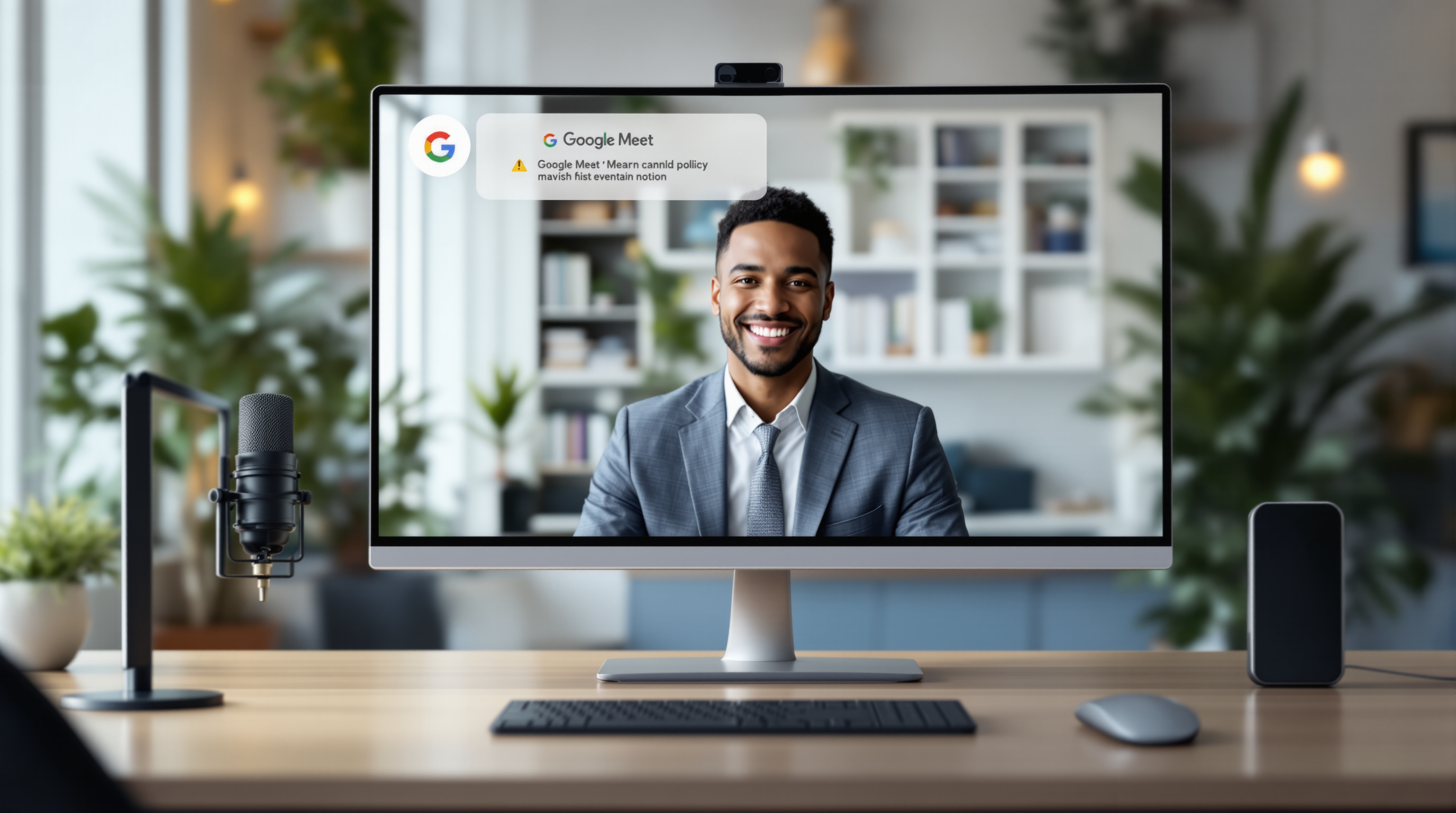
Google Meet now lets admins display a custom policy notice in the "Green Room" (that preview screen before you join a call) so participants see your organisation's rules about recordings, transcriptions, and Gemini-generated notes before the meeting starts. It's a simple way to keep everyone informed about how meeting content gets handled—no more assuming people read that policy document you emailed six months ago.
Why would you want to show a policy notice before meetings?
Think about it: someone hits "Join" on a Meet call, and suddenly they're being recorded or Gemini is taking notes. Did they know? Did they consent? Were they aware your organisation keeps transcripts for compliance purposes?
This feature solves that gap. You can now set a short message that appears while people are adjusting their camera and microphone—right when they're actually paying attention. You can even link to a full policy page if the details need more space.
It's particularly useful for:
- Compliance requirements – Healthcare, legal, and financial organisations often need documented acknowledgment that participants understand recording policies.
- External meetings – When clients or vendors join your calls, they see your organisation's stance on meeting artifacts upfront.
- Internal clarity – Staff actually see the policy instead of it living in a forgotten corner of your intranet.
How do you set this up?
The configuration happens in the Google Workspace Admin Console. Here's the process:
- Go to Apps > Google Workspace > Google Meet.
- Navigate to Meet Safety Settings at the organisational unit (OU) level.
- Enable the custom policy display option (it's off by default).
- Enter your policy text—keep it short and clear.
- Optionally add a URL linking to your full policy document.
- Choose when it appears: always, or only when recording/transcription/Gemini notes are active.
That last option is worth considering. Showing the notice only during recorded meetings keeps things unobtrusive for casual internal catch-ups while ensuring proper disclosure when it matters.
For more details on the setup, Google's Help Centre article on displaying a notice before video meetings walks through the admin steps.
Which Google Workspace plans include this?
Not every licence tier gets this feature. Here's what you need:
| Plan Type | Editions with Access |
|---|---|
| Business | Standard, Plus |
| Enterprise | Standard, Plus |
| Education | Fundamentals, Standard, Plus |
| Other | Frontline Plus |
If you're on Business Starter or the legacy G Suite Basic, this won't be available. Might be worth reviewing whether an upgrade makes sense if meeting compliance is becoming a priority for your organisation. We've written more about Google Workspace editions and what's included if you're weighing options.
Frequently asked questions
Do meeting participants have to accept the policy before joining?
No—the notice displays as information, not a gate. Participants see it in the Green Room but aren't required to click "accept" to proceed. If you need explicit consent workflows, you'd handle that separately.
Can I set different policies for different departments?
Yes. Since the setting works at the organisational unit level, you can configure different policy text for your legal team versus your marketing department, for example.
Will external guests see the policy notice too?
Yes, anyone joining the meeting through the Green Room will see the notice, including guests outside your organisation.
Does this work on mobile devices?
The feature applies to the Green Room experience, which functions across Meet's web and mobile apps, though the exact display may vary slightly by platform.
Need help getting this configured?
If you'd like assistance setting up custom policy notices—or you're thinking about whether your current Google Workspace plan has the features your organisation actually needs—we're happy to help. Blue Chip Technologies Ltd. provides setup, migration, and ongoing support for Google Workspace clients worldwide.
Get in touch: