
Microsoft just gave Copilot a facelift—and if you're using Microsoft 365 in your business, you'll notice the difference the next time you open the app.
What's Changed?
The Copilot experience across Microsoft 365 has been redesigned with a cleaner look and faster response. It now sits more naturally within the apps you already use—Word, Excel, Outlook, Teams—rather than feeling like a bolt-on feature.
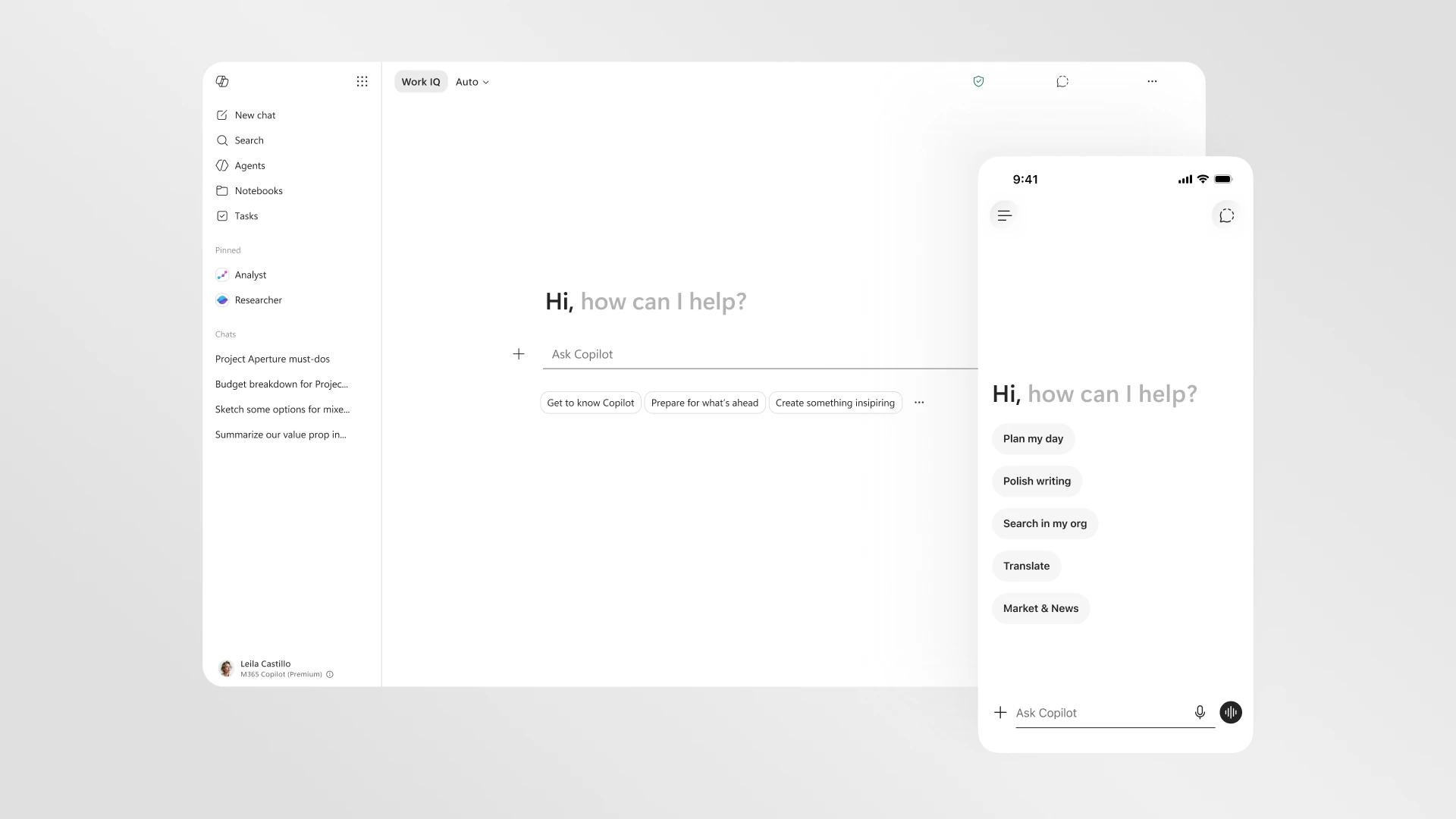
For your team, this means less clicking around and more getting things done. Need to draft a proposal while you're already in Word? Copilot's right there. Summarizing a long email thread in Outlook? Same thing.
Why This Matters for T&T Businesses
Look, we know bandwidth and workflow interruptions are real concerns here. When you're juggling clients, managing staff, and trying to keep operations tight, the last thing you need is an AI assistant that slows you down or takes three clicks to access.
This update is about keeping Copilot out of your way until you need it—then making it actually useful when you do.
A few practical benefits:
- Faster access – Copilot loads quicker and responds without the lag
- Cleaner interface – Less visual clutter, easier to focus on your actual work
- Better integration – It flows with what you're doing instead of pulling you out of it
Ready to See It in Action?
If your business is already on Microsoft 365 with Copilot, the new design should roll out automatically. If you haven't explored Copilot yet—or you're wondering whether it makes sense for your team—we're happy to walk you through it.
Get in touch with Blue Chip:
- 📞 Call us: 1 (868) 609-2288
- 💬 WhatsApp: Message us directly
- ✉️ Email: [email protected]
- 🌐 Or visit our contact page