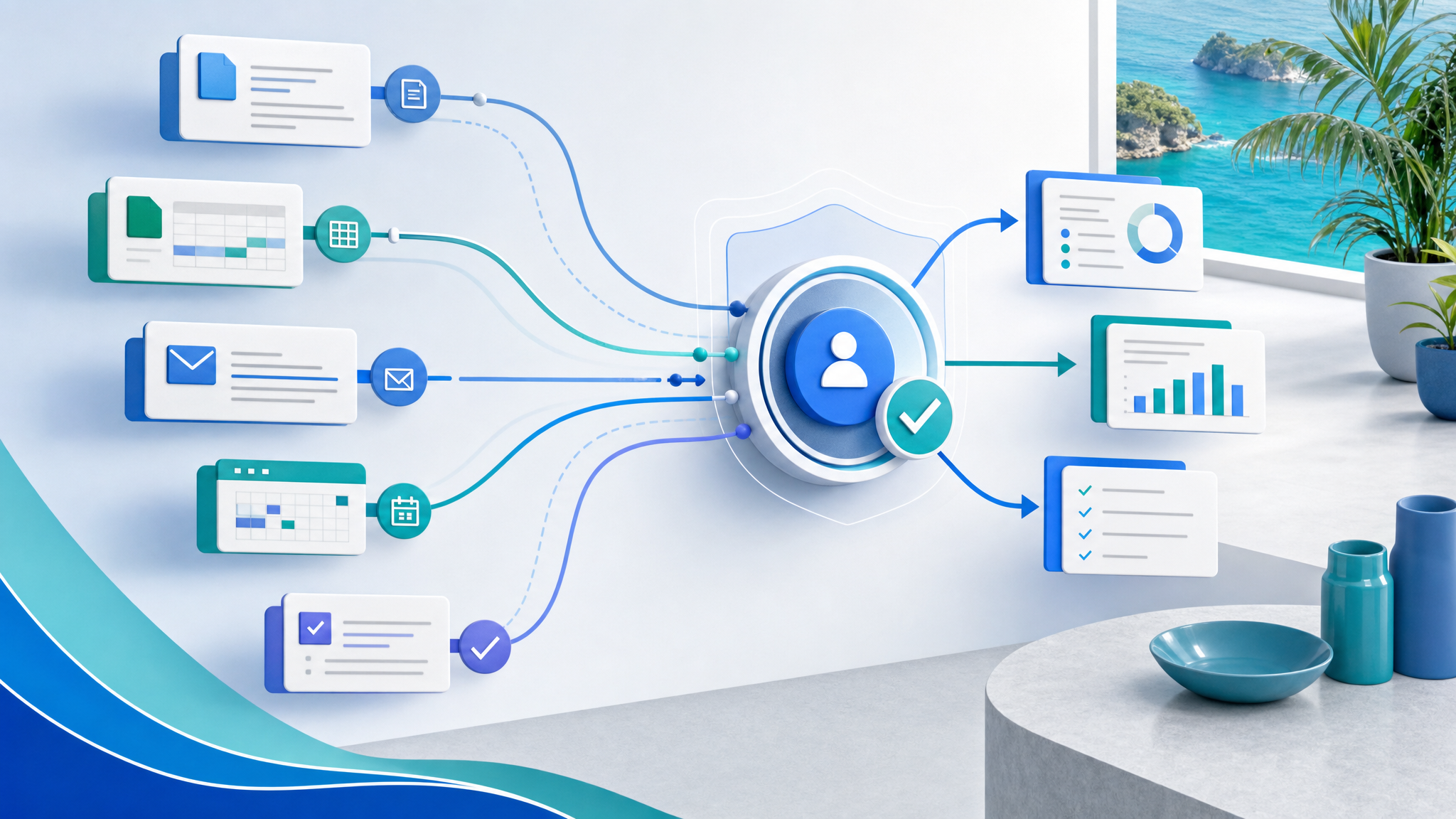
Microsoft 365 Copilot: Keep Human Judgment in the Workflow
AI is becoming easier to use, but that does not automatically make business work better.
A staff member can ask Copilot to summarize a thread, draft a document, prepare a spreadsheet analysis, or help plan the next step. That is useful. But the real business question is still human: who decides what should happen next, who checks the result, and how does the team make sure AI-supported work stays aligned with company policy?
Microsoft's latest discussion of Microsoft 365 Copilot, human agency, and the future of work makes an important point for every organization: as AI and agents handle more execution, people must become better at directing the work and owning the outcome.
For small and mid-sized businesses in Trinidad and Tobago, that is the practical opportunity. Microsoft 365 Copilot should not be treated as a magic button. It should be introduced as a managed workflow tool that helps people move faster while keeping judgment, approval, and accountability clear.
The Goal Is Not Less Human Control
The best use of Copilot is not to remove people from the process. It is to reduce the repetitive work that stops people from making good decisions.
Copilot can help with tasks such as:
- Summarizing long email threads in Outlook
- Drafting meeting notes and action items from Teams conversations
- Creating first drafts in Word and PowerPoint
- Analyzing spreadsheet patterns in Excel
- Helping managers prepare status updates from existing work context
- Supporting follow-up planning across documents, calendars, and messages
Those are valuable time savers, but they still need review. A manager should confirm the recommendation. A finance team should verify figures. A sales team should check tone and customer details. An operations team should approve any change that affects people, money, access, or service delivery.
That is where many businesses will succeed or fail with AI: not in the prompt, but in the workflow around the prompt.
Why SMBs Need Clear AI Workflows
In a small business, people often wear multiple hats. The same person may be handling sales, customer service, operations, and reporting in the same day. AI can help them move faster, but it can also create confusion if there are no rules.
A practical Microsoft 365 Copilot rollout should answer questions like:
- Which users are licensed and trained to use Copilot?
- Which tasks are approved for AI assistance?
- What types of information should never be pasted into prompts?
- Who approves AI-drafted customer messages, quotes, policies, or reports?
- Where should final documents be stored in SharePoint or OneDrive?
- How are Teams, Outlook, and document workflows reviewed for security?
Without that structure, staff may use AI in different ways across the business. Some will avoid it entirely. Others may use it too casually. The business ends up with uneven quality, inconsistent security, and unclear responsibility.
With the right structure, Copilot becomes a safer productivity layer inside tools the team already uses.
Build the Workflow Before Scaling the Tool
The strongest starting point is one real workflow, not a company-wide AI announcement.
For example, a business may choose to improve weekly management reporting. Copilot can help summarize Teams discussions, pull together points from documents, draft a report, and prepare a short presentation. But the workflow should also define the source files, the reviewer, the approval step, and the final storage location.
Another business may start with customer follow-up. Copilot can help draft responses from previous email context, but staff still need to check the customer's details, confirm commitments, and make sure nothing is promised that the business cannot deliver.
A good pilot keeps three things visible:
- The work Copilot is allowed to support
- The human who owns the final decision
- The control point before anything important is sent, changed, or approved
That approach keeps productivity gains from turning into operational risk.
Microsoft 365 Governance Still Matters
Microsoft 365 already contains the systems where a lot of business work happens: Outlook, Teams, SharePoint, OneDrive, Word, Excel, PowerPoint, calendars, and identity controls. Copilot adds another layer on top of that environment.
That means the basics matter even more:
- User accounts and MFA should be clean
- Departed staff should be removed promptly
- SharePoint permissions should match real business roles
- Sensitive files should not be open to everyone
- Teams and OneDrive sprawl should be reviewed
- Admin roles should be limited and protected
- Staff should know what data is appropriate for AI-assisted work
If the Microsoft 365 environment is messy, Copilot will inherit that mess. If the environment is well-managed, Copilot has a better chance of helping the business safely.
How Blue Chip Can Help
Blue Chip Technologies helps businesses plan, secure, and support Microsoft 365 environments so productivity tools are useful without creating avoidable risk.
For Microsoft 365 Copilot readiness, we can help with:
- Microsoft 365 licensing and user readiness review
- Teams, SharePoint, and OneDrive structure cleanup
- Identity, MFA, and admin access checks
- Security baseline review before broader AI adoption
- Practical workflow selection for a small Copilot pilot
- Staff guidance on safe AI-assisted work
- Ongoing managed IT support for Microsoft 365 changes
The most successful Copilot projects will not be the ones that enable every feature at once. They will be the ones that choose real workflows, keep human judgment visible, and make sure the business can trust the result.
If your team already uses Microsoft 365 and wants to explore Copilot, start with the work that consumes time every week. Then build a controlled pilot around that workflow, with the right people, permissions, and approval steps in place.
Source: Microsoft 365 Blog — Microsoft 365 Copilot, human agency, and the opportunity for every organization.