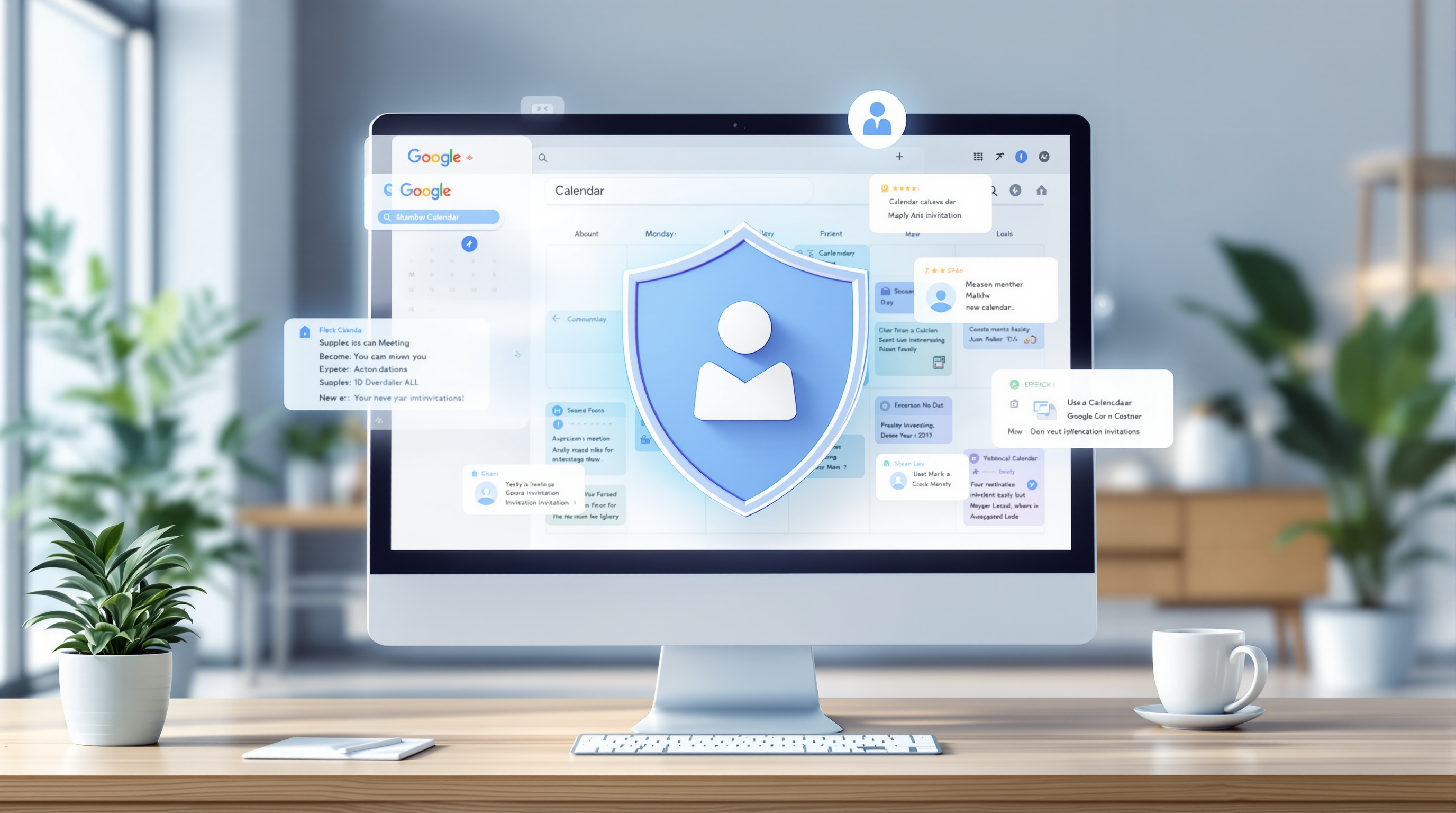
If you've ever had your Google Calendar cluttered with spam invites or suspicious meeting requests from people you don't know, you'll appreciate this update. Google just gave Workspace admins much better control over how calendar invitations get added for everyone in your organization.
What's Actually Changing?
Until now, admins could only set a default for how invitations appear on users' calendars. Users could still change it to whatever they wanted. Now, you can actually restrict which options your team has access to.
There are three settings for how invites get added:
- Auto-add from everyone – any invitation shows up automatically
- Auto-add from known senders only – only people you've interacted with before
- Add only after responding – nothing appears until you explicitly accept via email
As an admin, you can now decide which of these options your users can choose from. You can lock it down tight or leave it flexible—your call.

Why This Matters for Your Business
Think about it: calendar invites can contain links, attachments, and meeting details. A malicious actor sending fake meeting invites is a real phishing vector. For businesses handling sensitive client data—law firms, accounting practices, medical offices—this is a practical security improvement.
You can also set different rules for different groups. Maybe your executive team needs tighter controls than your marketing department. The settings work at the organizational unit or group level.
How to Set It Up
The control defaults to "From everyone," so if you want tighter restrictions, you'll need to make the change. Head to your Admin console and check out Google's guide on automatically adding events to calendars.
The rollout started August 14, 2026, and should be visible to all Workspace customers within about two weeks.
Need Help With Your Workspace Settings?
If you're not sure how to configure this—or you want us to review your Workspace security settings generally—reach out. We help T&T businesses get the most out of Google Workspace every day.
Get in touch:
- 📞 Call us: 1 (868) 609-2288
- 💬 WhatsApp: Click to chat
- ✉️ Email: [email protected]
- 🌐 Contact form: bluechiptt.com/contact