
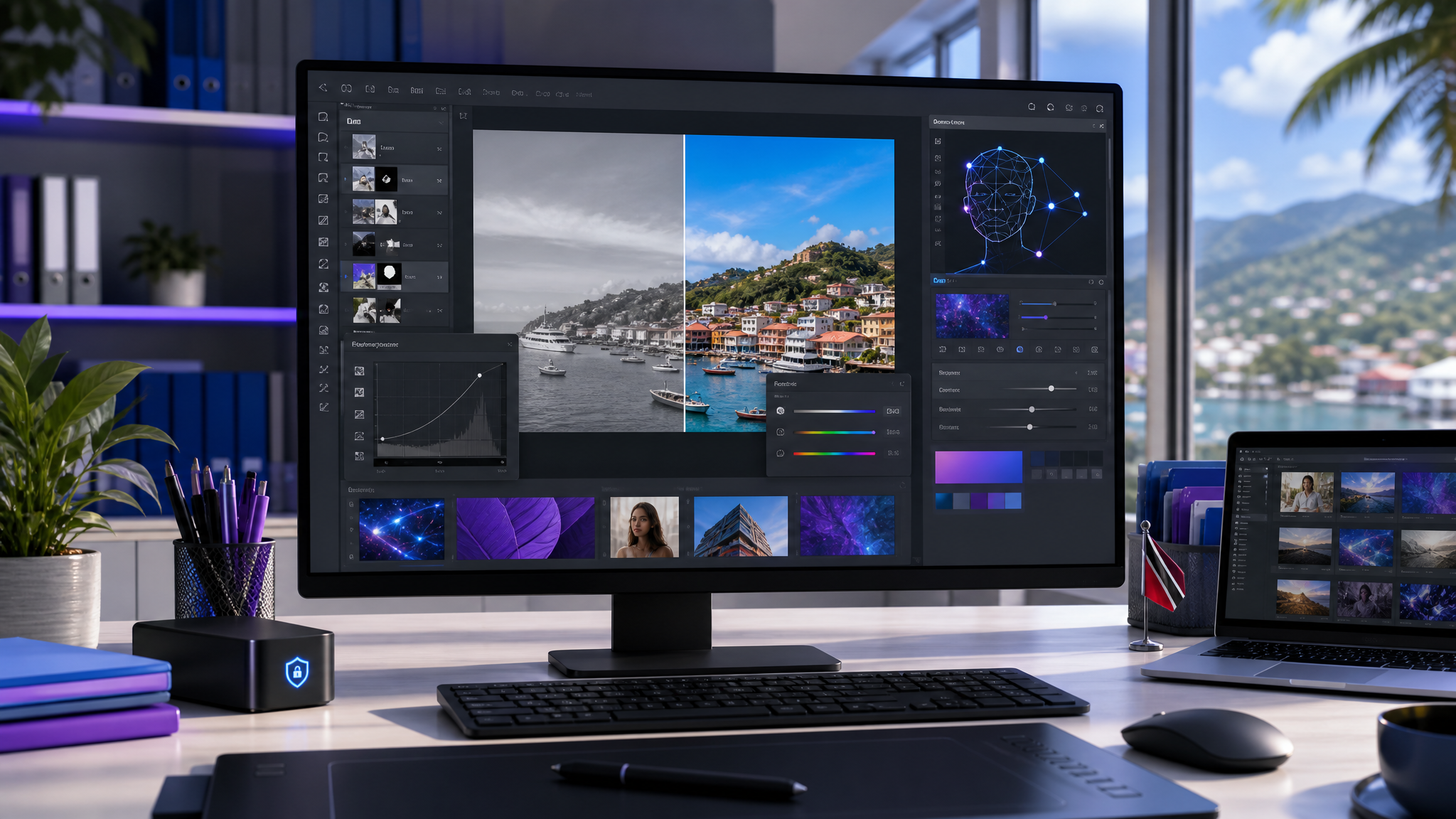
Photoshop Updates: Better Marketing Images Need Workflow Control
Small business marketing teams are being asked to produce more polished visuals than ever: social graphics, website banners, product images, recruitment posts, event promotions, flyers, presentations, and email campaigns. The challenge is not only making the image look better. It is keeping the work consistent, licensed, and easy to revise.
Adobe recently shared new Photoshop innovations focused on more control, realism, and precision. The update includes Firefly-powered improvements to Generative Fill, Generative Expand, and the Remove tool, plus new adjustment layers such as Clarity, Dehaze, and Grain, and a beta Dynamic Text feature.
For Trinidad and Tobago SMBs, the practical message is clear: Photoshop is becoming faster for everyday marketing edits, but businesses still need proper workflow control around who creates assets, where files are stored, and how brand-approved versions are managed.
Better edits are useful when the business can repeat them
A one-off design can look impressive and still create problems later. If only one staff member has the working file, the font, the original photo, or the approved brand elements, every future change becomes harder.
Photoshop's newer AI-assisted and layer-based tools can help teams adjust images faster. A product photo can be cleaned up. A background can be extended. Distracting objects can be removed. A campaign image can be made sharper or more atmospheric without destructive edits.
That matters for small businesses because marketing work often moves quickly. A sale changes, an event date shifts, a manager wants a different crop, or a client asks for a new version. The easier it is to edit cleanly, the less time the team spends rebuilding assets from scratch.
Firefly-powered tools can reduce repetitive production work
Adobe says the latest Firefly-powered Generative Fill, Generative Expand, and Remove tool updates now produce higher-quality results, including sharper detail, fewer artefacts, and more natural edits.
In everyday business terms, that can help with tasks such as:
- extending a background for a wider website banner
- removing clutter from a product or office photo
- adapting a campaign image for different social media sizes
- creating extra space for text or a call-to-action
- improving visual consistency across marketing assets
- preparing cleaner images for proposals and presentations
These tools are not a replacement for judgement. Staff still need to review outputs carefully, respect copyright and usage rights, and avoid creating misleading visuals. But used properly, they can reduce the time spent on repetitive editing.

Non-destructive editing is better for business handover
The adjustment-layer updates are especially important from a workflow perspective. Non-destructive edits allow a designer or marketer to change the look of an image without permanently damaging the original.
That is useful when a business needs to revisit the file later. A manager may want a brighter version. A campaign may need a darker background for text readability. A product photo may need different treatments for print and web.
When edits are kept in layers and stored properly, another team member can understand the work and continue it. When edits are flattened, scattered, or saved over the original, the business loses flexibility.
Dynamic Text can help quick campaign variations
Adobe also highlighted Dynamic Text in beta, designed to make text shapes such as circular, arched, or bowed layouts easier to create.
For an SMB, that can help with quick campaign variations: badges, sale graphics, event artwork, product labels, and social posts. The business benefit is speed, but the governance point still matters. Text styles, fonts, logos, and colours should follow the company's brand rules rather than being recreated manually every time.
Adobe licensing and file control still matter
As Photoshop becomes more capable, businesses should avoid treating creative software as an informal personal-tool setup. If marketing assets belong to the company, the accounts, files, and licences should be company controlled.
Blue Chip recommends checking:
- which users need Adobe Creative Cloud licences
- whether licences are assigned to business-controlled accounts
- where Photoshop working files and final exports are stored
- whether brand assets are in one approved location
- how staff hand over files when roles change
- whether creative files are backed up
- who approves images before they go public
- whether AI-assisted visuals are reviewed before use
This is basic operational discipline, but it prevents real frustration. A marketing workflow should not break because a laptop fails, a staff member leaves, or nobody can find the editable file.
How Blue Chip can help
Blue Chip can support businesses that use Adobe tools by helping with the technology setup around the creative work.
That can include:
- Adobe Creative Cloud licensing guidance
- user setup, access review, and offboarding
- workstation readiness for Photoshop and other creative tools
- secure storage planning for working files and brand assets
- backup and recovery planning for creative projects
- Microsoft 365, Google Workspace, or local file-structure organisation
- practical workflow advice for approvals and version control
- support for Photoshop, Acrobat, Express, Premiere, After Effects, Frame.io, and related Adobe tools
The goal is not to make every business a design agency. It is to help teams create better marketing material without losing control of files, licences, and approvals.
Faster creative tools need cleaner workflows
Photoshop's latest updates show how quickly professional creative tools are changing. For SMBs, that is an opportunity to produce better visuals with less friction.
But the tool is only one part of the system. The business still needs clear ownership, storage, backup, approval, and support. When those pieces are in place, Photoshop becomes more than an editing app; it becomes part of a reliable marketing workflow.
Source: Adobe Blog — New Photoshop innovations provide creative pros more control, realism, and precision.


