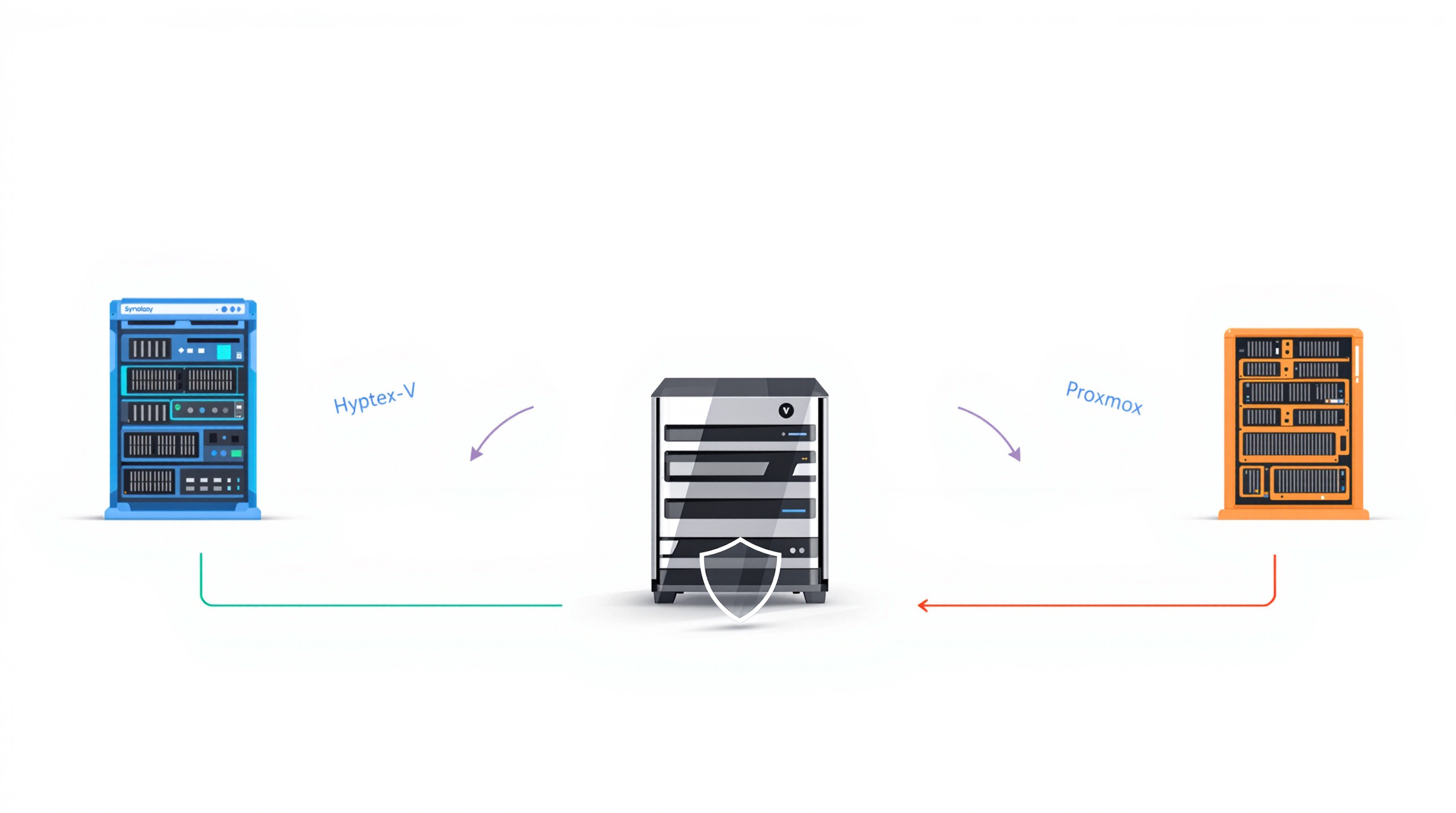
If you're running Proxmox VE and wondering whether the built-in Proxmox Backup Server (PBS) is enough, here's the short answer: PBS works fine for straightforward Proxmox-only setups, but once you add other hypervisors, physical servers, or cloud workloads into the mix—or need proper ransomware protection—you'll likely outgrow it. That's where a purpose-built backup appliance like Synology ActiveProtect comes in.
What does Proxmox Backup Server actually do well?
PBS is free, open-source, and integrates directly with Proxmox VE. You get incremental backups, deduplication, and you can manage everything from the same console you're already using. For a small shop running nothing but Proxmox VMs, it's a sensible starting point.
But PBS was built specifically for Proxmox. It doesn't know about your VMware hosts, your Hyper-V servers, or that legacy physical box running your accounting software. It also doesn't offer application-aware backups—so if you're backing up a database server, you might restore to find transactions in an inconsistent state.
When does PBS fall short?
A few scenarios where PBS starts showing its limits:
Mixed environments: If you've got Proxmox alongside other hypervisors or physical machines, you're now juggling multiple backup tools. That's more complexity, more things to monitor, more places for something to go wrong.
Business-critical databases: Without application-aware snapshots, your SQL Server or PostgreSQL backups might look fine until you actually try to recover them.
Ransomware concerns: PBS doesn't include native WORM (write-once-read-many) protection or air-gapped storage. You'd need to bolt on additional infrastructure or rely on manual processes to achieve true immutability.
Recovery speed at scale: PBS can verify backup integrity, but it can't confirm whether a VM will actually boot. And if you need to restore dozens of VMs after a major incident, you're doing them one at a time.
How does Synology ActiveProtect compare?
ActiveProtect is Synology's all-in-one backup appliance. It protects Proxmox VE, but also VMware, Hyper-V, physical servers, cloud VMs, and SaaS applications—all from one interface.

Here's what that looks like in practice:
| Feature | Proxmox Backup Server | Synology ActiveProtect |
|---|---|---|
| Proxmox VE support | Native | Agentless, hypervisor-level |
| Other hypervisors | No | VMware, Hyper-V |
| Physical servers | No | Yes |
| Application-aware backup | No | Yes |
| Native WORM protection | No | Yes |
| Air-gapped backup | Manual/external | Built-in smart Air Gap |
| Concurrent backup jobs | No | Yes |
| Cross-platform recovery | No | Yes |
| Automatic VM discovery | No | Yes (Auto Protection) |
Backup efficiency that actually matters
ActiveProtect uses the same QEMU dirty bitmap tracking as PBS for changed-block backups. But it adds global deduplication across all your workloads—not just within a single backup job. According to Synology's internal testing, this resulted in roughly 91% less data written compared to PBS in full-deduplication scenarios, and nearly double the throughput when running concurrent Proxmox backups.
Built-in protection against ransomware
This is where things get serious. ActiveProtect includes native WORM protection—once backup data is written, it's locked for your defined retention period. No one can modify or delete it, not even an administrator account that's been compromised.
The smart Air Gap feature takes it further. It only allows data transfers from authorised source servers during specific windows. Once the transfer finishes, the connection drops automatically. You're not relying on someone remembering to disconnect a cable.
Recovery you can actually trust
ActiveProtect doesn't just verify that backup files are intact. It can automatically spin up VMs in an isolated environment, boot the operating system, and record the whole process. You know your backups work because you've seen them work—without doing manual fire drills.

When disaster strikes, you can restore multiple VMs simultaneously with a single click. And because ActiveProtect supports cross-platform recovery, you're not locked into restoring only to Proxmox—useful if your primary infrastructure is compromised.
What about organisations already using PBS?
You don't necessarily have to rip and replace. Some organisations use PBS for day-to-day Proxmox backups and add ActiveProtect as a secondary tier for off-site copies, immutable storage, and protecting non-Proxmox workloads. It's about matching the tool to the job.
If you're exploring backup and disaster recovery solutions for a mixed environment, it's worth mapping out exactly what you're protecting and what your recovery time objectives actually are.
Frequently asked questions
Can ActiveProtect back up Proxmox VE without installing agents on each VM?
Yes. ActiveProtect uses agentless, hypervisor-level backup for Proxmox VE. It communicates directly with the hypervisor to capture VM data without requiring software inside each guest machine.
Does Proxmox Backup Server support immutable backups?
Not natively. PBS relies on manual version locking or external infrastructure like tape to achieve immutability. ActiveProtect includes built-in WORM protection that automatically locks backup data for your specified retention period.
Can I protect both Proxmox and VMware from a single backup platform?
With ActiveProtect, yes. It supports Proxmox VE, VMware, Hyper-V, physical servers, and cloud workloads from one management console. PBS only supports Proxmox VE.
How does ActiveProtect verify that backups are actually recoverable?
ActiveProtect can automatically restore VMs to an isolated sandbox environment, boot the operating system, and record the verification. This confirms actual recoverability without manual testing.
Need help choosing the right backup approach for Proxmox?
Blue Chip Technologies Ltd. supplies, configures, and supports Synology ActiveProtect appliances for businesses worldwide. Whether you're evaluating backup options for a new Proxmox deployment or looking to strengthen protection for an existing environment, we can help you work through the requirements.
Get in touch: