
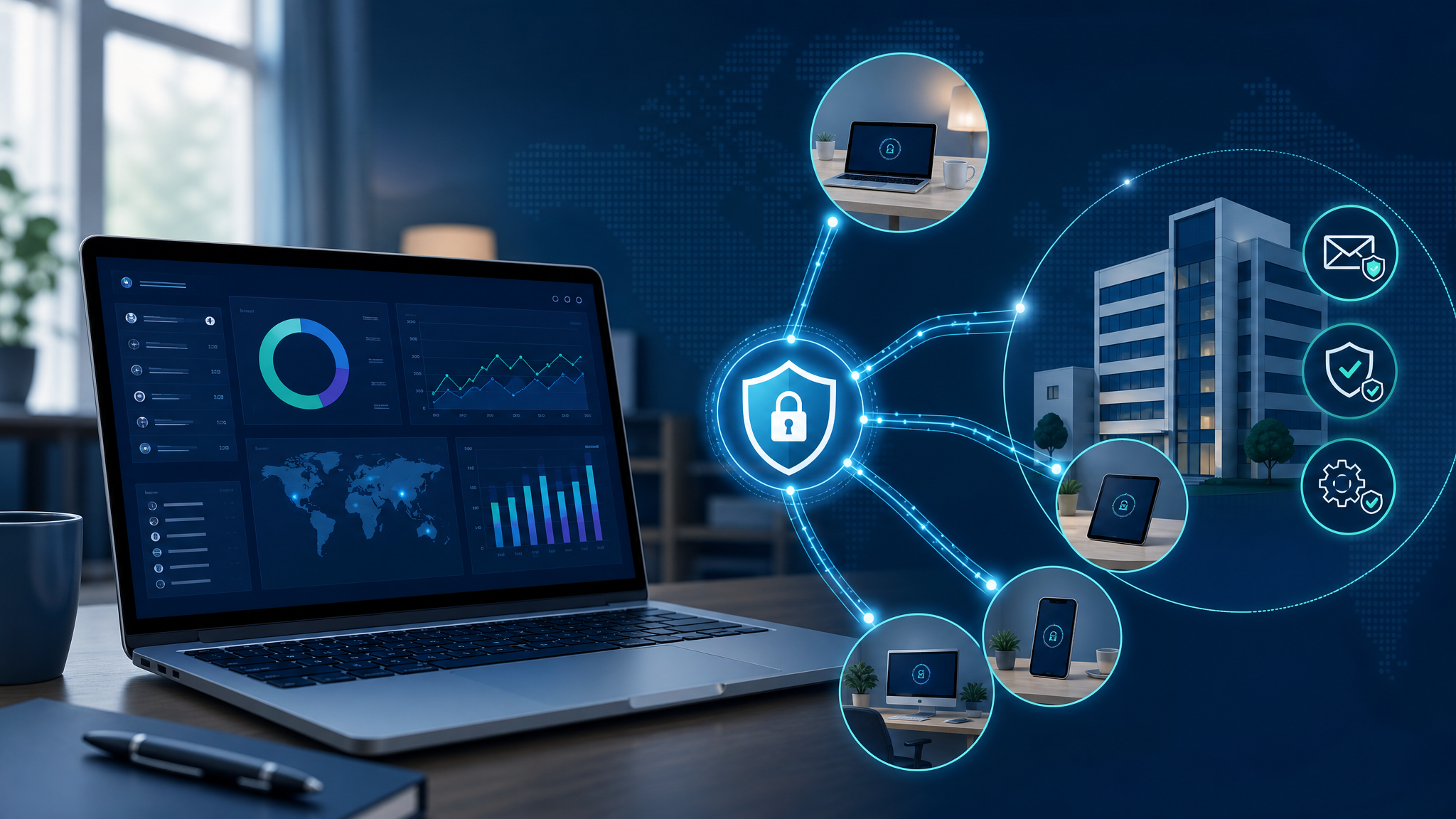
Remote Work Security Needs More Than a VPN
Remote work is no longer a temporary arrangement for many businesses. Staff may be working from home, visiting customers, travelling between branches, or checking email from mobile devices after hours. That flexibility is useful, but it also stretches the security boundary far beyond the office firewall.
A recent GFI Software article on the remote workforce highlights a practical point: productivity and security have to be designed together. A VPN by itself is not enough if laptops are unpatched, email filtering is weak, passwords are reused, or managers cannot see which systems are exposed.
For small and medium-sized businesses in Trinidad and Tobago, the right question is not “Do we allow remote work?” It is “Can we support remote work without losing control of access, email, devices, and risk?”
The office network is no longer the whole network
In a traditional office setup, IT could focus heavily on the building: firewall, switches, Wi-Fi, servers, and workstations. Remote work changes that model.
Now a normal business day may involve staff using home internet, personal routers, mobile hotspots, hotel Wi-Fi, cloud apps, Microsoft 365 or Google Workspace, shared mailboxes, accounting systems, and line-of-business apps from different locations.
That creates several weak points:
- remote access accounts that are not reviewed often enough
- laptops that miss patches because they are rarely in the office
- email phishing attempts reaching users outside the normal office rhythm
- unmanaged file sharing and personal cloud storage
- weak home Wi-Fi or shared household devices
- poor visibility when a user reports “the system is slow”
- no clear process for locking down access when staff leave
A VPN can protect one part of the connection, but it does not solve all of those issues by itself.
Where GFI tools fit into remote-work control
GFI’s article references several controls that matter for distributed teams.
GFI KerioControl can support secure remote access through firewall and VPN capabilities, helping businesses avoid casual, unmanaged access into internal resources. Remote access should be intentional, logged, and limited to what each user needs.
GFI MailEssentials helps protect one of the biggest remote-work risk areas: email. When staff are away from the office, they are still exposed to phishing, malicious attachments, spoofed messages, and invoice or payment-change scams. Email filtering and user training should work together.
GFI LanGuard helps with patch management and vulnerability visibility, which becomes even more important when devices are not always physically present. Remote laptops still need operating system updates, application patches, and security checks.
For Blue Chip, the broader managed IT lesson is that remote work needs a stack, not a single checkbox.
Practical controls SMBs should have in place
A healthy remote-work setup usually includes:
- multi-factor authentication for email, VPN, and cloud apps
- named user accounts instead of shared passwords
- secure VPN or controlled cloud access where needed
- endpoint protection and EDR on business devices
- patch management for Windows, browsers, Office, PDF tools, and line-of-business apps
- anti-spam, anti-phishing, and attachment protection for email
- documented onboarding and offboarding procedures
- backup and recovery for key business data
- device inventory, so the business knows what is in use
- helpdesk support that can troubleshoot remote issues safely
The goal is not to make remote work difficult. The goal is to make it predictable.
Do not let convenience become permanent exposure
Remote access often starts with a small exception: one user needs access from home, one vendor needs temporary support, one manager needs files while travelling. Over time, those exceptions can become permanent security gaps.
Blue Chip recommends reviewing:
- who has VPN or remote-access permission
- which systems can be reached remotely
- whether former staff or old vendors still have accounts
- whether MFA is enforced everywhere practical
- whether remote devices are encrypted and protected
- whether users know how to report suspicious email quickly
- whether remote-support tools are approved and documented
If nobody owns that review, remote access slowly becomes unmanaged access.
Remote work should feel normal, not risky
Well-managed remote work lets people stay productive without giving up basic control. Staff can reach the systems they need, managers know support is available, and IT has enough visibility to respond before a small problem becomes downtime or a breach.
For Trinidad and Tobago SMBs, this is especially important for teams with multiple branches, field staff, travelling managers, sales teams, service technicians, or hybrid office arrangements.
Blue Chip can help assess remote-work access, email security, endpoint protection, patching, and user support, then recommend a practical setup using tools such as GFI KerioControl, GFI MailEssentials, GFI LanGuard, Microsoft 365, Google Workspace, endpoint security, and managed helpdesk workflows.
Remote work should expand how your team can operate. It should not expand your attack surface without a plan.
Source: GFI Software — The Remote Workforce Revolution: Securing Productivity Beyond Office Walls.


