
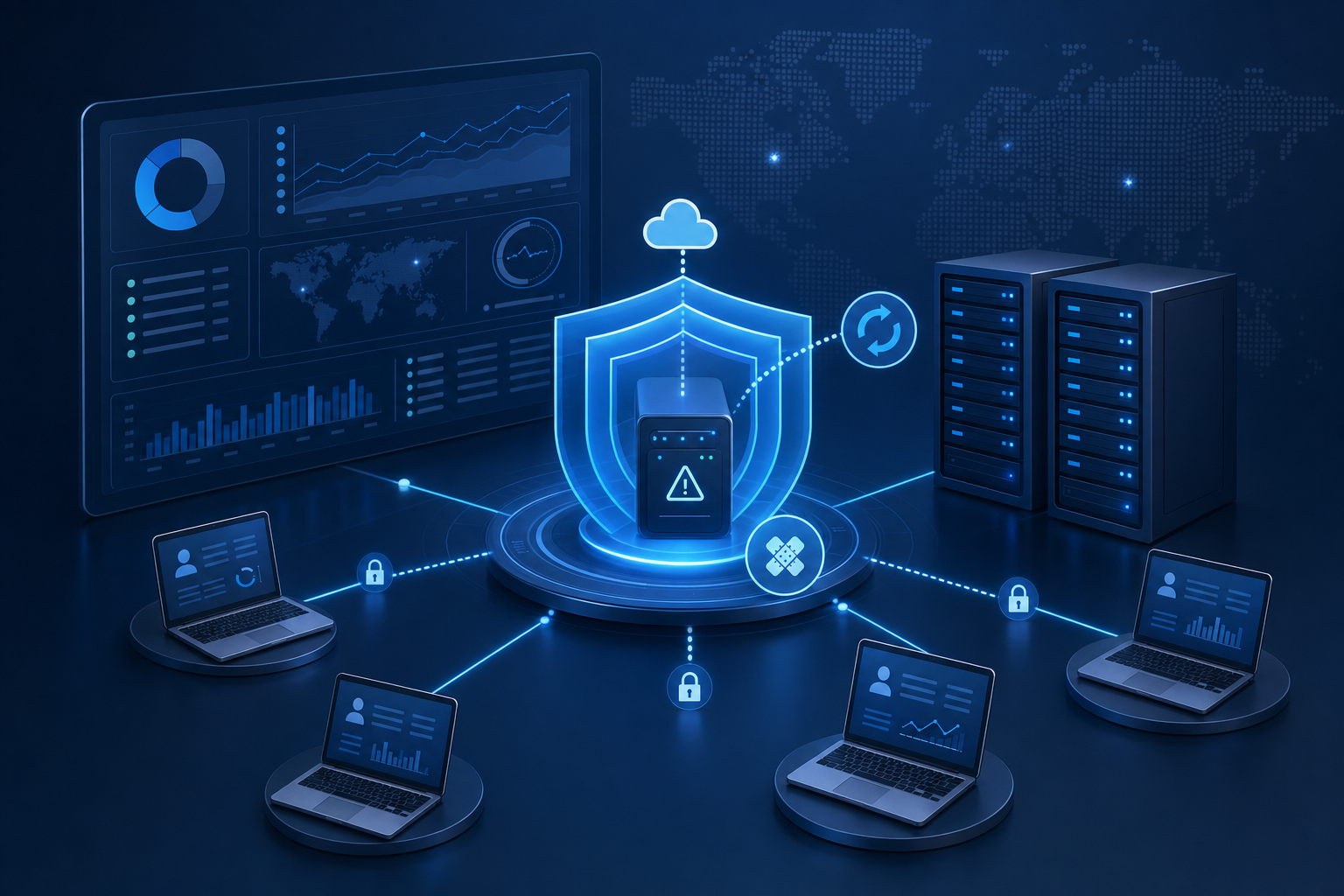
SimpleHelp Vulnerabilities: Remote Support Tools Need Managed Patching Too
Remote support tools are powerful because they let technicians help users quickly, maintain servers, and support staff without waiting for an on-site visit. That same power is exactly why vulnerabilities in remote support platforms need urgent attention.
CISA recently added two SimpleHelp vulnerabilities — CVE-2024-57726 and CVE-2024-57728 — to its Known Exploited Vulnerabilities catalog after evidence of active exploitation. CISA's April 24 alert says these types of vulnerabilities are frequent attack vectors and create meaningful risk when left unpatched.
For business owners, the lesson is straightforward: remote access is not something to set up once and forget. It must be monitored, patched, documented, and controlled like any other critical business system.
What is affected?
SimpleHelp's own advisory states that SimpleHelp 5.5.7 and earlier are affected by a set of security issues, including CVE-2024-57726, CVE-2024-57727, and CVE-2024-57728. The vendor recommends upgrading or patching affected SimpleHelp servers as soon as possible.
The two issues CISA added to KEV are especially important because they affect the management layer of a remote support platform:
- CVE-2024-57726 can allow a low-privileged technician account to create API keys with excessive permissions, potentially escalating to server administrator access.
- CVE-2024-57728 involves path traversal and arbitrary file upload behavior that can lead to code execution on the SimpleHelp server host.
Horizon3's technical research explains why this matters in practice: a remote support server often stores configuration data, technician accounts, integration settings, and pathways into many downstream machines. If that server is compromised, the impact may extend beyond the server itself.
That is the real business risk.
A vulnerable remote support platform can become a bridge into laptops, desktops, servers, and client environments. For managed service providers and internal IT teams, that makes emergency patching and access review non-negotiable.
Why this matters to Trinidad businesses
Many local businesses rely on remote access because it keeps support practical. Staff may work from different branches, technicians may manage systems after hours, and small teams often need fast help without travel delays.
There is nothing wrong with remote support. In fact, when managed properly, it is one of the most useful tools in business IT.
The danger comes when remote support tools are installed but not governed. Common weaknesses include:
- old server versions that nobody is actively tracking
- unused technician accounts left enabled
- weak or shared administrator credentials
- no MFA on privileged accounts
- unclear ownership of the remote access server
- missing patch windows for support infrastructure
- no logging review after a security advisory
- client machines enrolled without current documentation
Attackers understand this. They do not always need to attack every endpoint directly. If they can compromise the system used to manage endpoints, they may gain a much more efficient route into the environment.
That is why remote support software belongs in the same category as firewalls, VPNs, domain controllers, Microsoft 365 admin portals, and backup systems. It is part of the security perimeter.
What businesses should do now
If your business uses SimpleHelp, or any remote support/RMM tool, take a calm but urgent approach.
First, identify whether you are running SimpleHelp and confirm the exact version. If the server is on 5.5.7 or earlier, follow the vendor's upgrade or patch guidance immediately. Do not rely on memory or assumptions; check the actual server.
Second, review technician and administrator accounts. Remove users who no longer need access, check whether MFA is enabled, and look for unexpected API keys or recently changed permissions.
Third, review logs and remote access history. The goal is not only to patch the vulnerability, but to understand whether there are signs of misuse before the patch was applied.
Fourth, check which endpoints are connected through the remote support platform. A remote access server can have broad reach, so asset documentation matters. You should know which machines are enrolled, who owns them, and whether any are no longer supposed to be managed.
Finally, treat this as a reminder to review all remote access paths: RMM, VPN, remote desktop, unattended support agents, firewall portals, cloud admin consoles, and third-party integrations.
Why managed IT makes this easier
Security advisories are easy to miss when nobody owns the process. A business may have antivirus installed, Windows updates enabled, and a remote support tool in place, but still lack the operational discipline to answer the most important questions quickly:
- What remote management tools are deployed?
- Which versions are running?
- Which systems are exposed to the internet?
- Which users have privileged access?
- Which endpoints are reachable through those tools?
- Was the patch installed everywhere it needed to be?
- Did anything suspicious happen before remediation?
Blue Chip's Managed IT Services are built around that kind of visibility.
We use enterprise remote monitoring and management to maintain oversight of workstations, servers, network devices, and business-critical systems. Automated patch management helps keep Windows, macOS, Linux, and more than 300 third-party applications current. Asset documentation helps ensure systems are not forgotten. Helpdesk and ticketing create accountability when remediation work needs to be tracked.
We also pair the operational layer with Bitdefender GravityZone endpoint security, including advanced anti-malware, ransomware prevention, Endpoint Detection and Response, vulnerability management, phishing and web threat defence, and Microsoft 365/Google Workspace email security options.
For businesses that need after-hours coverage, optional NOC services add another layer of monitoring and response.
The value is not just having tools. It is having a managed process that keeps those tools healthy, patched, and accountable at a predictable monthly cost.
The practical takeaway
Remote support tools are not the enemy. Unmanaged remote support tools are the problem.
If your business depends on remote access, make sure the platform itself is patched, monitored, access-controlled, and documented. Review administrator accounts. Remove stale access. Enable MFA. Check logs. Know which machines are enrolled. Treat remote access as critical infrastructure, not a convenience utility.
The SimpleHelp vulnerabilities are a useful warning because they show how quickly a support tool can become a security risk when patching and governance fall behind.
Blue Chip can help assess your remote access exposure, strengthen endpoint security, and put a managed patching process in place across your business environment.
Sources: CISA — CISA Adds Four Known Exploited Vulnerabilities to Catalog; CISA — Known Exploited Vulnerabilities Catalog; SimpleHelp — Security Vulnerabilities in SimpleHelp 5.5.7 and earlier; Horizon3.ai — Critical Vulnerabilities in SimpleHelp Remote Support Software.


