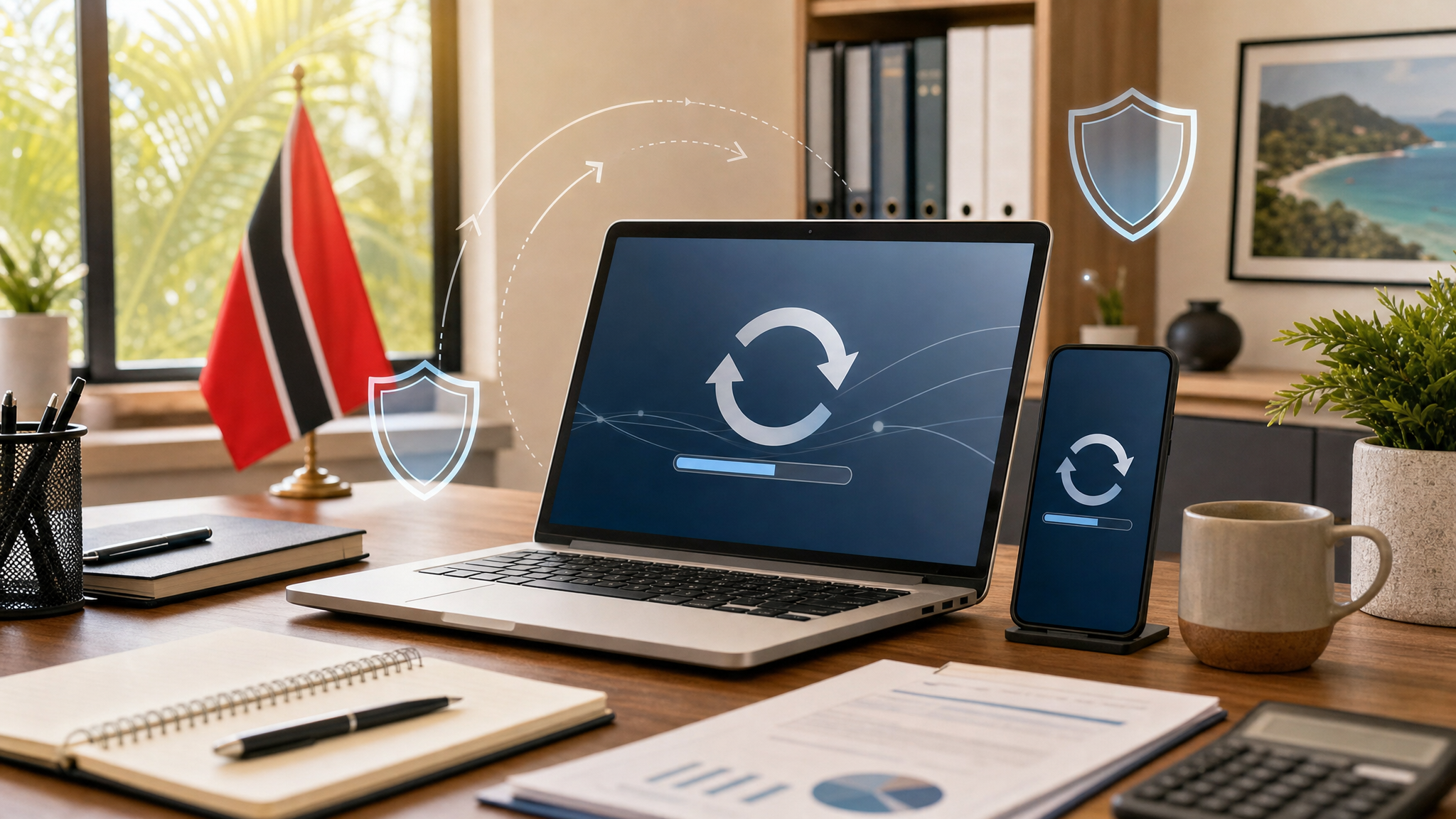
Software Updates: Do Not Keep Clicking Remind Me Later
Most people have done it: a laptop, phone, browser, or business app asks for an update, and the easiest button is Remind me later.
That is understandable during a busy workday. But updates are not just about new features. Many of them fix security weaknesses that attackers already know how to abuse. When updates are delayed for too long, a normal office computer, phone, browser, or app can become the easy way into email, files, banking, customer records, or company systems.
This does not mean staff should panic every time an update appears. It means updates should be treated as normal office hygiene, like locking the door at the end of the day.
Why updates matter
Software is constantly being improved. Vendors release updates to fix bugs, improve performance, add features, and close security gaps.
Those security fixes matter because criminals often look for known weaknesses in old versions of operating systems, browsers, PDF readers, remote-access tools, phones, and common office apps. If the fix is available but not installed, the business is still exposed.
For small and midsize businesses in Trinidad and Tobago, this is especially important because many teams rely on the same devices for email, online banking, invoicing, payroll, WhatsApp, cloud storage, and customer communication. One outdated device can create a much bigger business problem.
What staff should do
Do:
- Allow approved updates for Windows, macOS, iPhone, Android, web browsers, Microsoft Office, PDF readers, and antivirus tools.
- Restart your device when IT tells you an update needs a restart.
- Keep browsers updated, because so much business work now happens inside the browser.
- Turn on automatic updates where your company policy allows it.
- Tell IT if an update keeps failing, repeats every day, or asks for administrator approval.
- Leave laptops powered on and connected when IT has scheduled maintenance, so updates can complete.
Do not:
- Ignore update prompts for weeks because the device “still works.”
- Disable antivirus, browser, or operating system updates to make a message disappear.
- Install random “driver updater,” “PC cleaner,” or “security update” tools from pop-ups or ads.
- Click update links from unexpected emails, texts, or websites. Go to the official app, system settings, or ask IT.
- Keep using old phones, computers, or software that no longer receives security updates for business work.
Watch out for fake update messages
Attackers also use fake update notices. A website may claim your browser, video player, PDF viewer, or antivirus is out of date and ask you to download something immediately. That download may be malware.
A safer habit is to update from trusted places only:
- Windows Update or your company’s managed update tool
- Apple Software Update or the App Store
- Google Play or the Apple App Store for mobile apps
- The built-in browser update page
- Your IT provider’s instructions
If the update message appears inside a random website or unexpected email, pause before clicking.
If you are unsure
Ask before installing. Send a screenshot of the update prompt to your IT support team, manager, or security contact. If the update is legitimate, they can tell you how to proceed. If it is fake, that quick check may prevent a bigger incident.
If you already clicked a suspicious update link or installed something you are not sure about, disconnect from the internet if instructed by IT, stop using the device for sensitive work, and report it immediately. Fast reporting gives the business a better chance to contain the issue.
The simple rule: install legitimate updates promptly, restart when needed, and never trust update prompts that arrive from strange emails, pop-ups, or unknown websites.
Sources: CISA Secure Our World — Update Software; CISA Secure Our World — Secure Our World; Microsoft Support — Turn on automatic app updates.