Unexpected Text Asking You to Pay or Sign In? Stop There
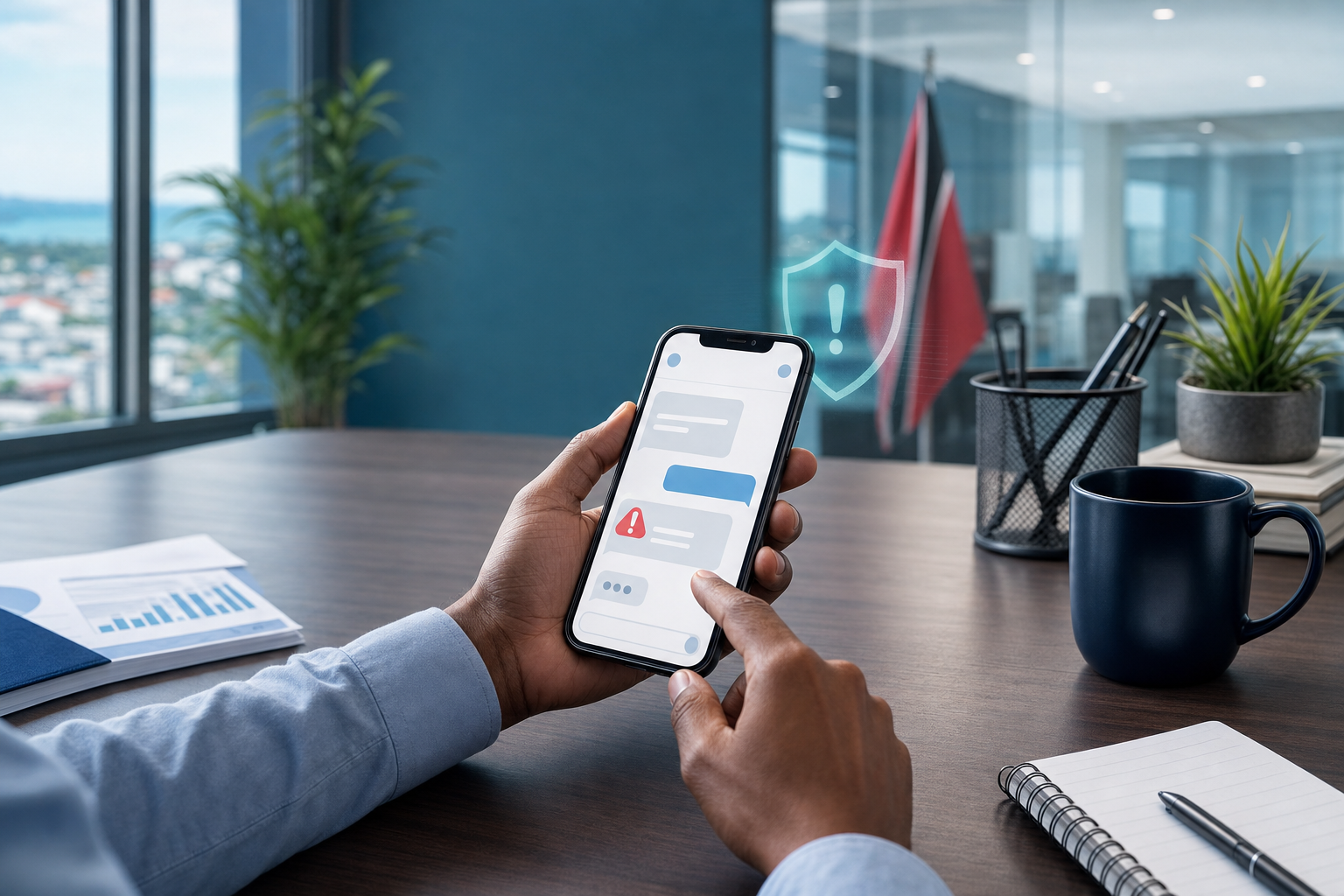
A practical cyber-safety tip for business users: do not pay, scan, or sign in from an unexpected text message. Verify through a trusted channel first.
Insights, tutorials, and news from our IT experts in Trinidad & Tobago.

A practical cyber-safety tip for business users: do not pay, scan, or sign in from an unexpected text message. Verify through a trusted channel first.

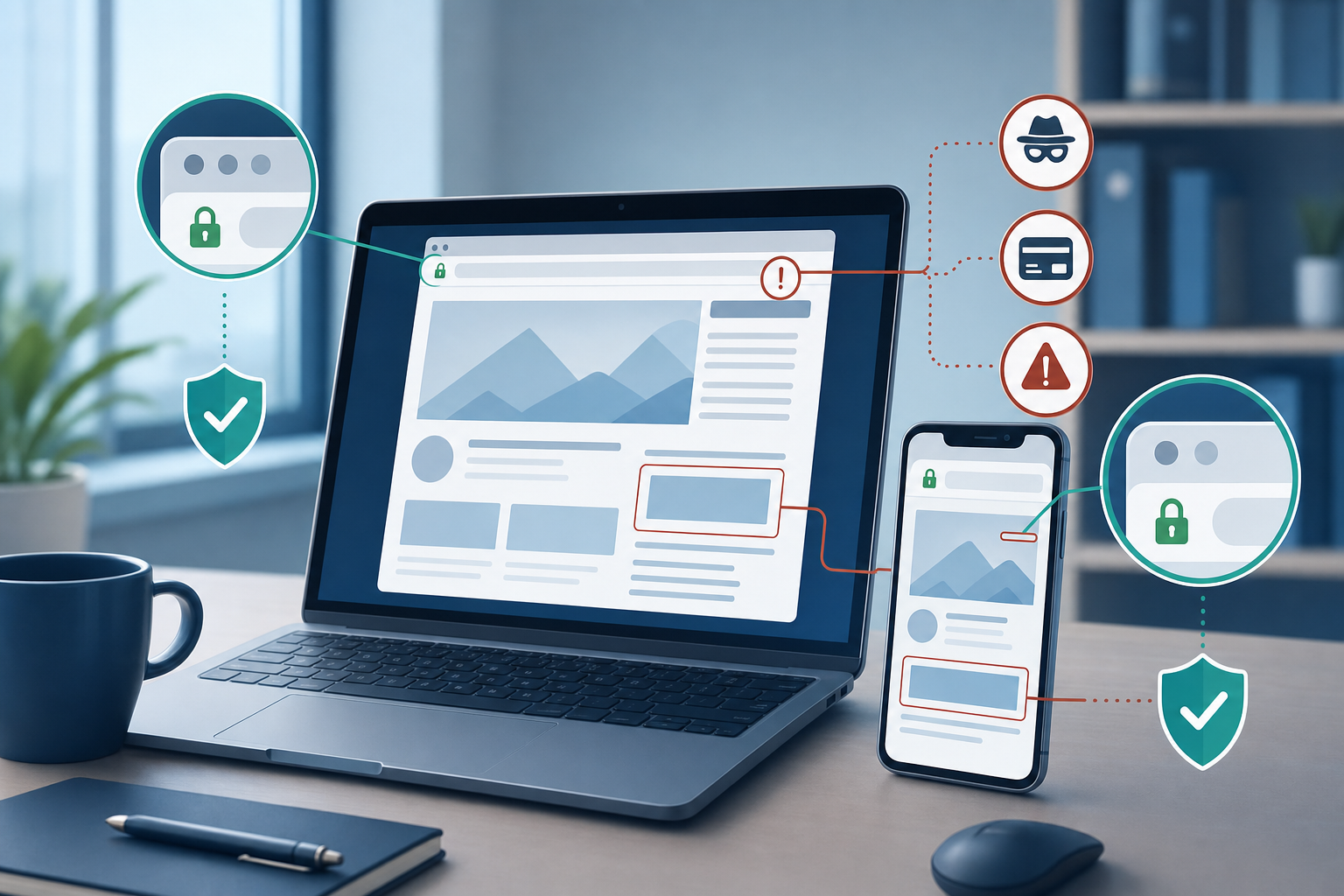
A Padlock Is Not Proof the Website Is Real When staff check whether a site is safe, many look for the padlock or https and assume that settles it. That is only...

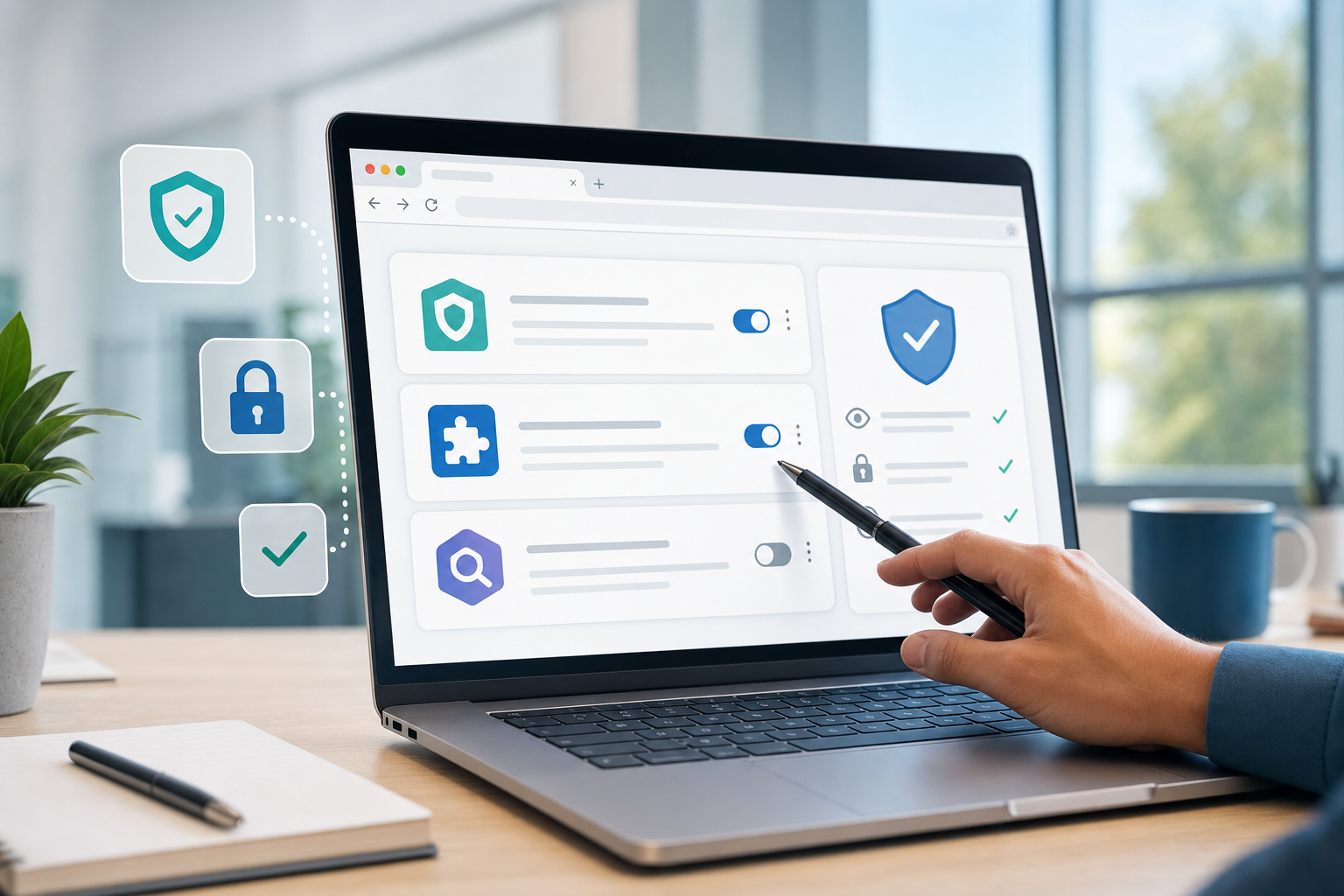
Browser Extensions: Keep Only the Ones You Actually Trust Browser extensions can be useful. They block pop-ups, help with passwords, improve productivity, and...

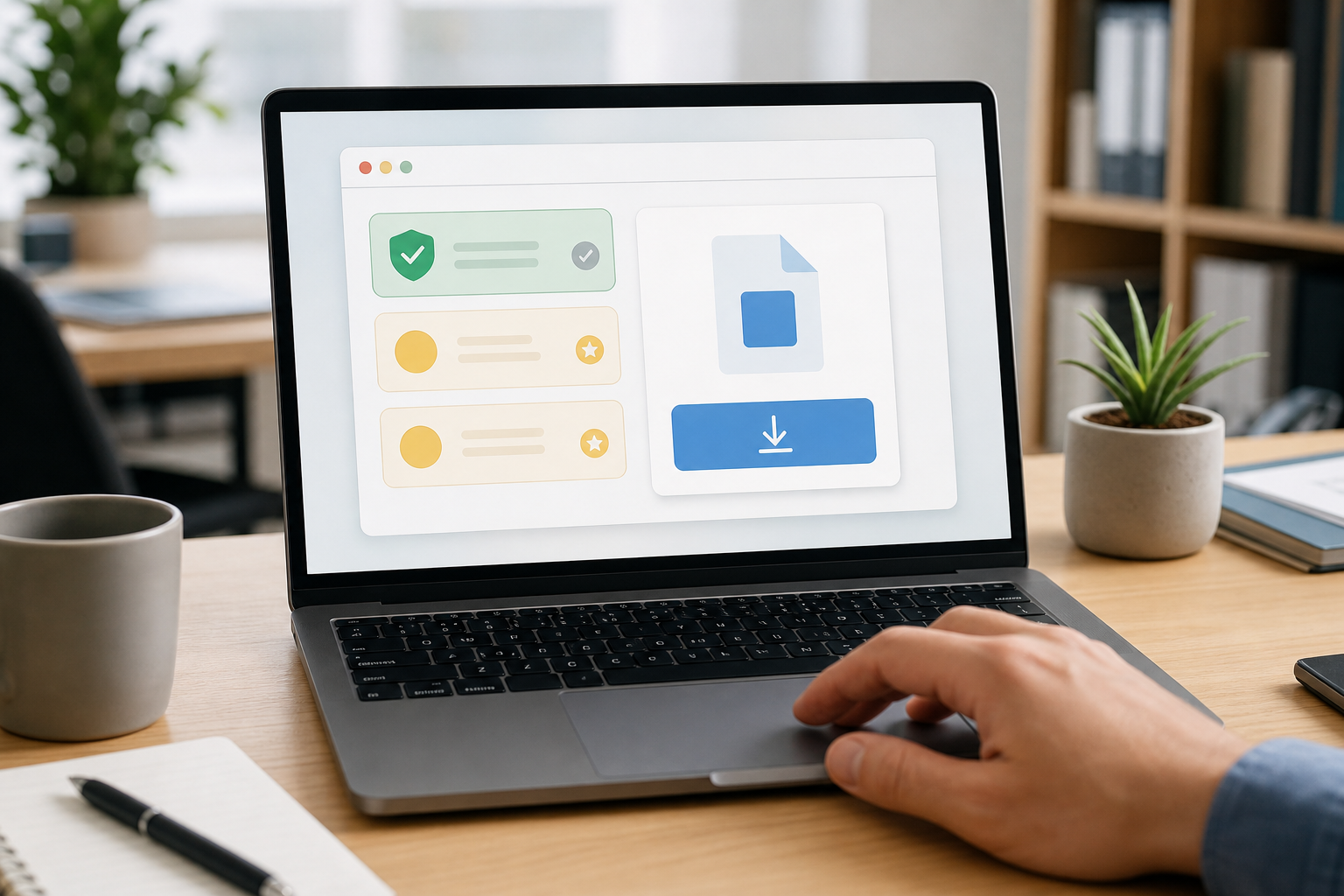
Download Software From the Official Site, Not the First Ad When staff need a new app, browser, PDF tool, meeting client, printer driver, remote access tool, or...

Remote Support Requests: Confirm Before You Click Allow Remote support tools are useful. They let IT fix a printer issue, install approved software, check an...

Before You Sign In, Check the Web Address A fake login page can look almost identical to the real one. It may use familiar colours, a copied layout, and a...

Before You Open That Attachment, Check the Context A file attached to an email can feel harmless because it looks like normal office work. A supplier sends a...

Software Updates: Do Not Keep Clicking Remind Me Later Most people have done it: a laptop, phone, browser, or business app asks for an update, and the easiest...

Stop Before You Click: A Simple Habit That Blocks Many Phishing Attacks Phishing attacks do not always look sloppy anymore. Years ago, many fake emails were...