Let's be honest — chasing payments is exhausting. You've done the work, delivered the service, and now you're spending your evenings sending reminder texts or making awkward phone calls to clients who keep saying "the cheque is coming next week." Meanwhile, your own bills don't wait.
If this sounds familiar, you're not alone. Cash flow headaches are one of the biggest stressors for T&T business owners, and a lot of it comes down to how invoices get sent and tracked. QuickBooks Online can genuinely change this — and we've seen it happen with our clients right here in Trinidad.
Create Professional Invoices in Minutes
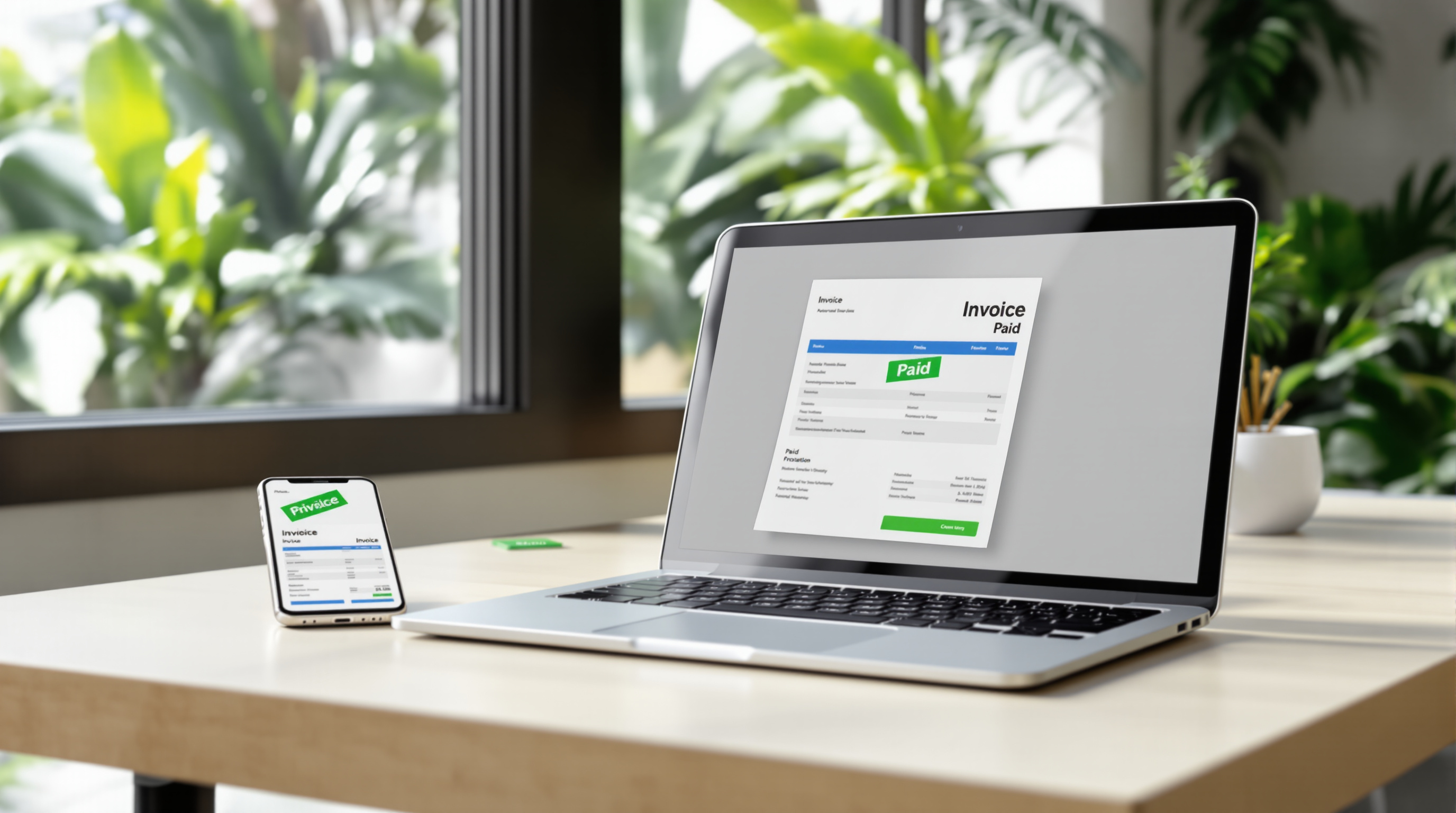
Gone are the days of formatting invoices in Word or Excel and hoping you remembered to update the date. With QuickBooks Online, you can:
- Add your logo and brand colours so invoices look polished
- Pull in client details you've already saved — no retyping
- Include your bank account info or payment links directly on the invoice
- Set up recurring invoices for retainer clients or monthly services
The whole thing takes maybe two minutes. And because it's cloud-based, you can do it from your phone while waiting at the bank or sitting in traffic on the highway.
Send Invoices Instantly (and Know When They're Viewed)
Here's something that changes the game: QuickBooks tells you when your client opens the invoice. No more wondering if it got lost in their inbox or if they're avoiding you. You'll see "Viewed" right there in your dashboard.
You can send invoices directly from QuickBooks via email, or share a link through WhatsApp if that's how your clients prefer to communicate. Most T&T businesses we work with find that WhatsApp delivery actually gets faster responses.
Get Paid Online — Yes, Even in T&T
QuickBooks Online lets you add a "Pay Now" button to your invoices. Clients can pay by credit card or bank transfer without you having to chase them down. The payment goes through, QuickBooks records it automatically, and you're done.
No more manual reconciliation. No more "I paid you last Tuesday" when you can't find the deposit. Everything matches up.
Automatic Payment Reminders (So You Don't Have To)
This is the part our clients love most. You can set QuickBooks to send gentle reminder emails before an invoice is due, on the due date, and after it's overdue.
The reminders go out automatically. You don't have to remember, and you don't have to feel awkward about it. The system handles it professionally, and you stay on good terms with your clients.
See Your Cash Flow at a Glance
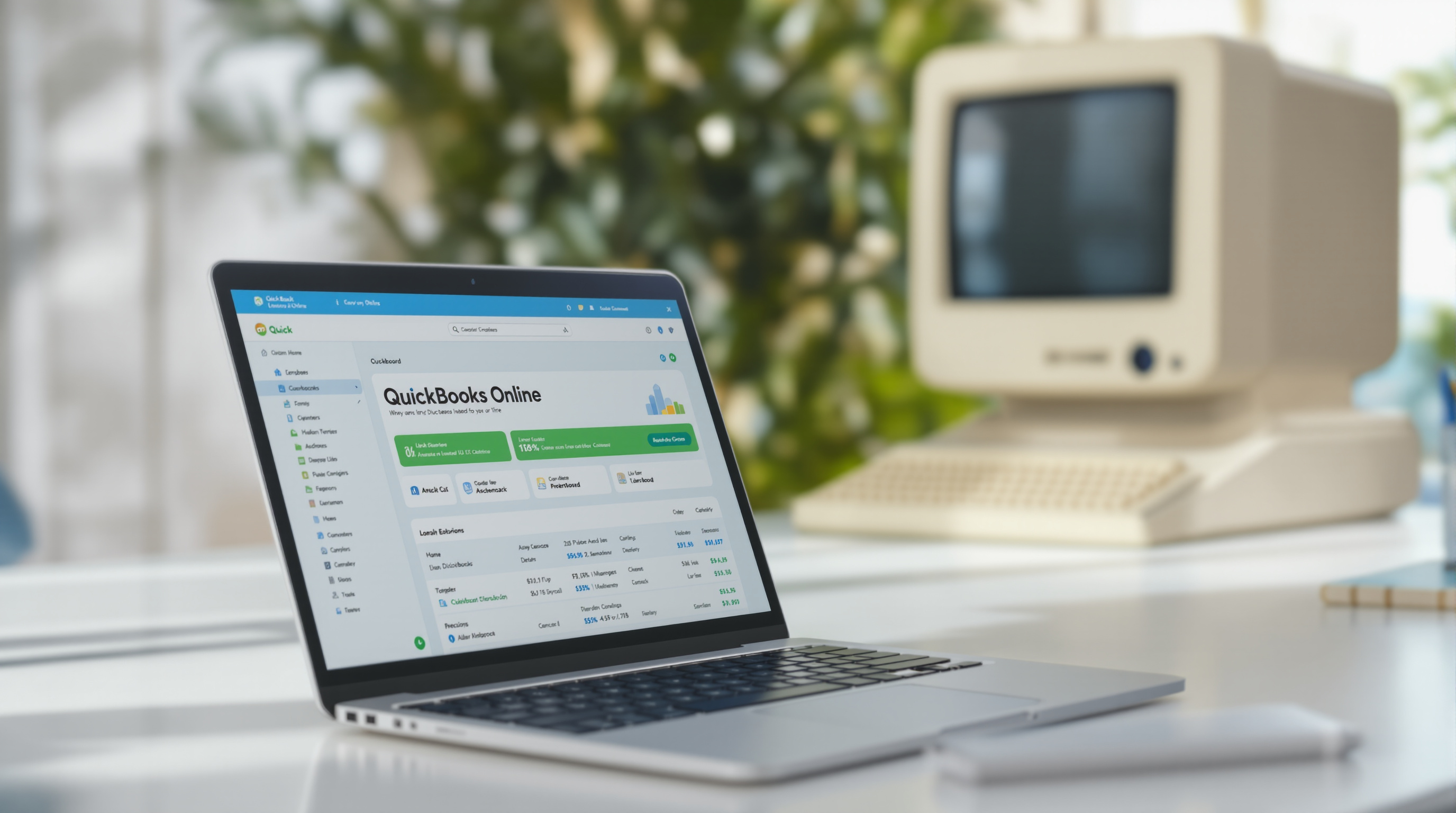
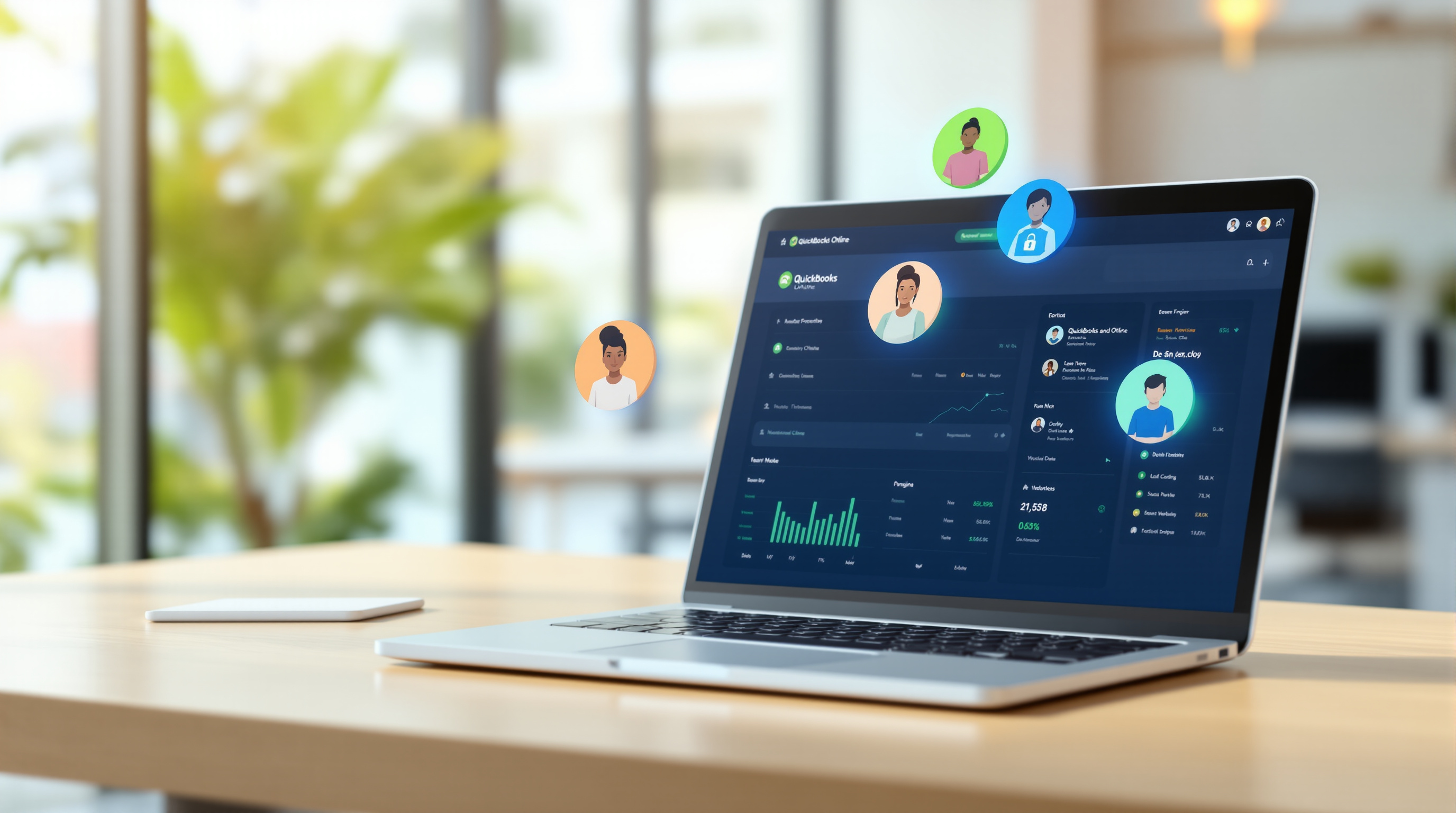
QuickBooks gives you a clear view of what's outstanding, what's overdue, and what's been paid. You can run an Accounts Receivable report in seconds and know exactly where you stand.
Planning for payroll next week? Wondering if you can afford that new piece of equipment? You'll actually have the numbers to make the call instead of guessing.
Ready to Stop Chasing Payments?
We help T&T businesses get set up on QuickBooks Online properly — from migrating your existing data to configuring your invoice templates and payment options. If you've been putting it off because it feels complicated, let us handle the technical side.
Get in touch with Blue Chip Technologies:
- 📞 Call us: 1 (868) 609-2288
- 💬 WhatsApp: Send us a message
- 📧 Email: [email protected]
- 🌐 Contact form: bluechiptt.com/contact
Let's get your invoicing sorted so you can focus on running your business — not running behind payments.