Synology's ActiveProtect Manager 2.0 gives businesses a way to detect ransomware threats before they corrupt your recovery process—using AI-based anomaly detection and pre-recovery malware scanning to ensure you're restoring clean data, not infected backups. It's a purpose-built backup appliance that now covers more platforms (Proxmox VE, Nutanix AHV, Google Workspace, AWS, Azure) and adds storage-level encryption, making it practical for organisations running mixed environments who need one place to manage it all.
Why should your business care about proactive backup protection?
Here's the thing: traditional backup strategies assume your backup data is safe. But ransomware has evolved. Modern attacks specifically target backup repositories, encrypting or corrupting them so you've got nothing clean to restore.
ActiveProtect Manager 2.0 addresses this with two features coming soon:
- AI/ML anomaly detection – The system analyses your backups and flags anything that looks unusual. A sudden spike in file changes? Encrypted files appearing where they shouldn't? You'll know about it.
- Pre-recovery malware scanning – Before you restore, ActiveProtect can integrate with third-party antivirus tools (Microsoft Defender, Bitdefender, ESET) to scan backup data. You don't accidentally reintroduce malware into your production environment.
When threats are detected, alerts can go straight to your SIEM/SOAR platform via syslog, SMTP, or SNMP traps. Your security team doesn't need to log into another dashboard.
What platforms does APM 2.0 actually support?
Most businesses aren't running a single hypervisor or cloud provider. You've probably got a mix—maybe VMware in your main office, Hyper-V at a branch, and some workloads in AWS or Azure.
APM 2.0 now protects:
| Platform Type | Newly Supported |
|---|---|
| Hypervisors | Proxmox VE, Nutanix AHV |
| Cloud VMs | Amazon EC2, Azure VM |
| SaaS | Google Workspace |
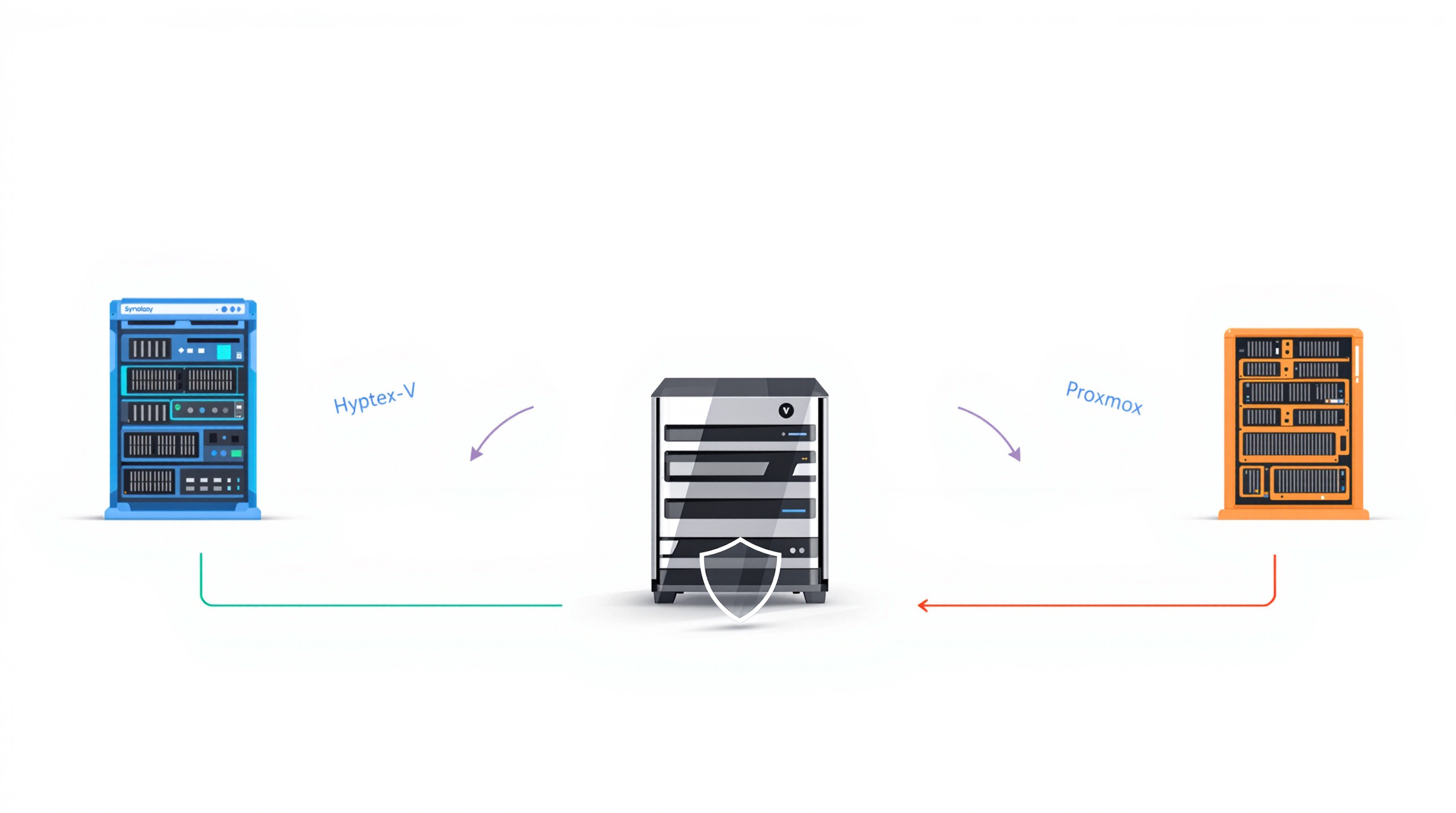
You manage all of this from one console. And when disaster strikes, you can restore to a different platform than the original—spin up an Azure VM from an on-premises backup, or migrate a Proxmox workload to Hyper-V. That flexibility matters when you're trying to get operations running again quickly.
How does storage encryption work in ActiveProtect?
If someone walks off with your backup appliance—or it gets stolen from a branch office—you need to know that data is protected. APM 2.0 adds optional volume-level encryption with keys stored locally on the device.
This helps with:
- Protecting sensitive data from physical theft
- Meeting compliance requirements that mandate encryption at rest
- Reducing exposure if hardware is decommissioned improperly
Can you control who accesses what?
Role-based access control (RBAC) has been expanded. Not everyone needs full admin rights. You can now assign granular permissions:
- View-only – For auditors or managers who need visibility but shouldn't touch anything
- Backup/restore operators – Can run jobs but not change configurations
- Full administrators – Complete console and resource monitoring access
This keeps your backup infrastructure secure without creating bottlenecks where everyone's waiting on one admin to do everything.
What about long-term storage and compliance?
APM 2.0 adds Azure Blob Storage as a remote storage destination, alongside existing options like Amazon S3, Wasabi, and Synology C2 Object Storage. Additional Synology NAS models (FS Series, '22-'25 Series) are also supported.
Combined with existing WORM (write once, read many) and air-gapping capabilities, you can build a backup architecture that satisfies regulatory requirements for data retention and immutability.
For more on how backup solutions fit into broader IT infrastructure planning, see our data protection and storage solutions.
Frequently asked questions
Is AI anomaly detection available now?
Not yet. Synology has announced it's coming soon—check the official ActiveProtect product page for the latest availability.
Do I need separate backup tools for cloud and on-premises workloads?
No. APM 2.0 manages protection across physical servers, virtual machines (VMware, Hyper-V, Proxmox, Nutanix), and cloud platforms (AWS, Azure, Google Workspace) from a single interface.
Can ActiveProtect replace my existing backup software?
It depends on your environment. ActiveProtect is a purpose-built appliance, so it handles both the hardware and software side. For many organisations, it simplifies backup infrastructure significantly. We can help you assess whether it fits your setup.
What antivirus solutions work with pre-recovery scanning?
Microsoft Defender, Bitdefender, and ESET are supported for integration.
Ready to see how ActiveProtect fits your backup strategy?
Blue Chip Technologies Ltd. supplies, configures, and supports Synology ActiveProtect for businesses worldwide. Whether you need remote setup or on-site assistance in Trinidad & Tobago, we can help you build a backup approach that actually protects you when things go wrong.
Get in touch: