Let's be honest — most businesses in Trinidad don't have a proper backup strategy. Files live on whoever's laptop happens to have them. Critical documents sit on USB drives that could walk out the door tomorrow. And that "backup" everyone talks about? It's probably a folder someone copied to an external hard drive six months ago.
If any of that sounds familiar, you're not alone. And you're exactly who Synology was built for.
What Is Synology, Really?
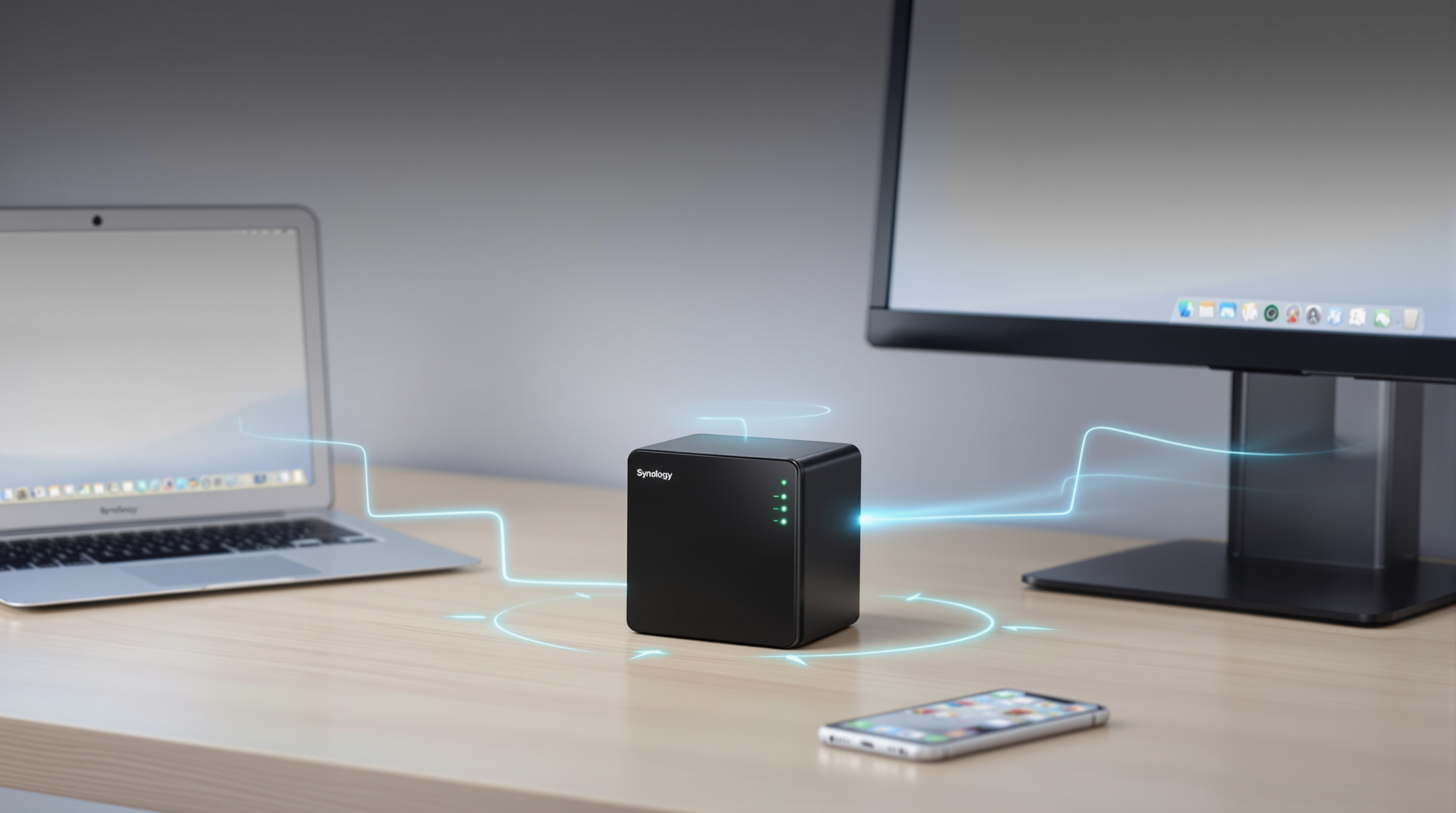
Synology makes NAS devices — that stands for Network-Attached Storage. Think of it as a dedicated box that sits on your office network and becomes the central home for all your company's files.
But calling it "just storage" undersells it. The software that runs on these devices (DiskStation Manager, or DSM) turns that box into:
- A private file server your whole team can access
- Your own Dropbox-style cloud sync — without the monthly fees or data leaving your premises
- An automated backup system for computers, servers, and even Microsoft 365 or Google Workspace
- A surveillance system for your IP cameras
All in one piece of hardware you actually own and control.
The Real Problems This Solves
"Which version is the right one?"
When files live on individual laptops and get emailed back and forth, nobody knows which copy is current. Synology Drive gives your team one place to work from — everyone sees the same files, synced automatically.
"What happens if that laptop dies?"
You know that one staff member whose computer holds half the company's institutional knowledge? Synology's Active Backup can automatically back up every computer in your office. When (not if) something fails, you restore and move on.
"We got hit with ransomware"
Snapshots let you roll back to how your files looked before the attack — without paying anybody anything. It's not a guarantee against every scenario, but it's a safety net most T&T businesses simply don't have.
"Our CCTV system is a mess"
If you've got IP cameras (or want them), Surveillance Station turns your Synology into a proper NVR. View live feeds, store recordings locally, and access everything remotely. One less system to manage separately.
Your Data Stays Right Here
Here's something that matters more than people realise: with Synology, your files physically stay in your office. Not on some server in Virginia you've never seen. Not subject to whatever terms of service changed last Tuesday.
For businesses dealing with client information, financial records, or anything confidential — that control means something.
Built to Handle Drive Failures
Hard drives fail. It's not a question of if. Synology devices support RAID configurations, which means if one drive dies, your data doesn't go with it. You swap in a new drive, the system rebuilds itself, and you keep working.
Try that with a USB stick.
What Blue Chip Does
We don't just sell you a box. We help you figure out what size and model actually fits your business, set it up properly, configure your backups and permissions, and support you when questions come up later.
Whether you're a five-person office in San Fernando or a larger operation with multiple locations, we'll size a solution that makes sense — not oversell you something you don't need.