Urgent Message? Verify It Before You Respond
A scam does not always look like a fake prize or a badly written email. Many scams now look like normal business messages: a quick text from a supplier, a WhatsApp from someone claiming to be a manager, a delivery notice, a bank alert, or an email that appears to come from a familiar company.
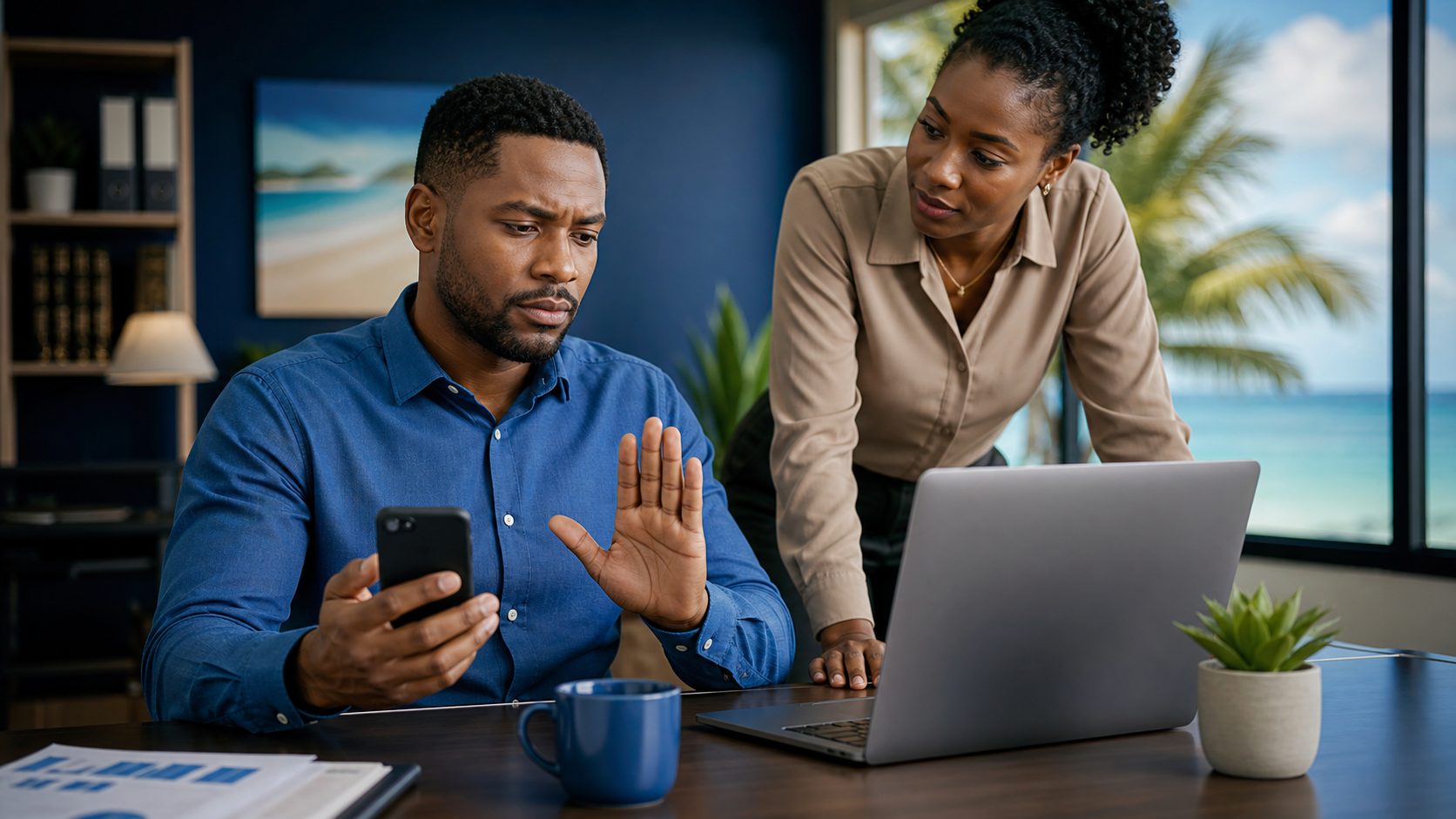
The common trick is pressure. The message tries to make you act before you think: pay now, click now, call this number, send the code, approve the request, or fix the problem immediately.
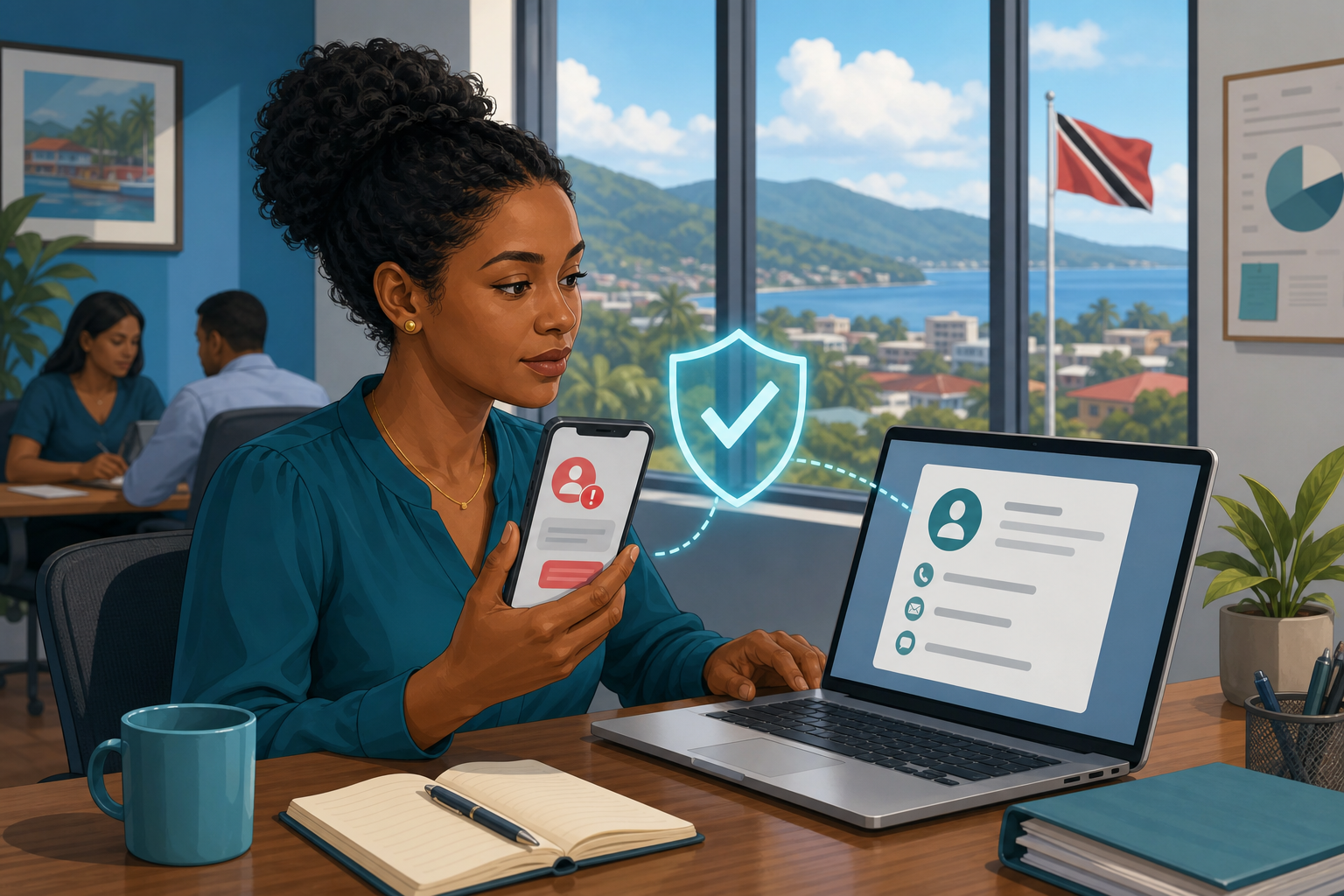
For busy office staff, the safest habit is simple: if a message is unexpected and urgent, verify it using a contact method you already trust.
What imposter scams look like at work
Imposter scams happen when someone pretends to be a person or organisation you recognise. For a Trinidad and Tobago business, that could look like:
- a message claiming to be from a courier, bank, utility, government office, or software provider
- a supplier asking you to use a new payment method or reply to a different email address
- a manager asking for a quick favour while supposedly in a meeting
- a fake account warning that asks you to sign in through a link
- a text or WhatsApp message demanding payment for a fine, fee, delivery, or overdue balance
- a caller saying there is a virus, billing issue, or account problem that must be fixed right away
Some of these messages may include real names, real company details, copied signatures, or convincing language. That does not make them safe.
Do this before you respond
When the message feels urgent, slow the process down.
Do:
- Contact the person or organisation using a phone number, email address, or website you already know is real.
- Start a fresh call or message instead of replying inside the suspicious thread.
- Check with a supervisor before approving payments, account changes, refunds, gift cards, remote access, or sensitive information requests.
- Report suspicious messages to your IT support team, even if you did not click anything.
- Keep screenshots and message headers if your IT team asks for them.
Do not:
- Use the phone number, email address, link, or QR code provided in the suspicious message as your only verification method.
- Share MFA codes, password reset links, banking details, customer data, or remote-access codes through chat or email.
- let embarrassment stop you from reporting a click or reply quickly.
- Assume caller ID, a familiar display name, or a copied email signature proves the message is genuine.
A simple office rule
Before acting on an urgent request, ask yourself three questions:
- Was I expecting this request?
- Is it asking for money, access, credentials, codes, or sensitive information?
- Can I verify it through a known contact method outside this message?
If the answer to the first question is “no” and the second is “yes,” pause and verify.
What to do if you are unsure
Do not argue with the sender. Do not click more links to investigate. Do not call the number in the message.
Instead, contact your manager or IT support team and say: “I received an urgent request and I want to verify it before I respond.” That is the right move.
If you already clicked a link, entered a password, shared a code, sent money, or gave someone remote access, report it immediately. Fast reporting gives your business a better chance to reset passwords, block access, stop payments, and protect other staff.
Scammers rely on speed and pressure. Your best defence is a short pause and a second channel of verification.
Sources: FTC Consumer Advice — New trends in reports of imposter scams; FTC Consumer Advice — How To Avoid Imposter Scams; CISA Secure Our World — Recognize and Report Phishing.