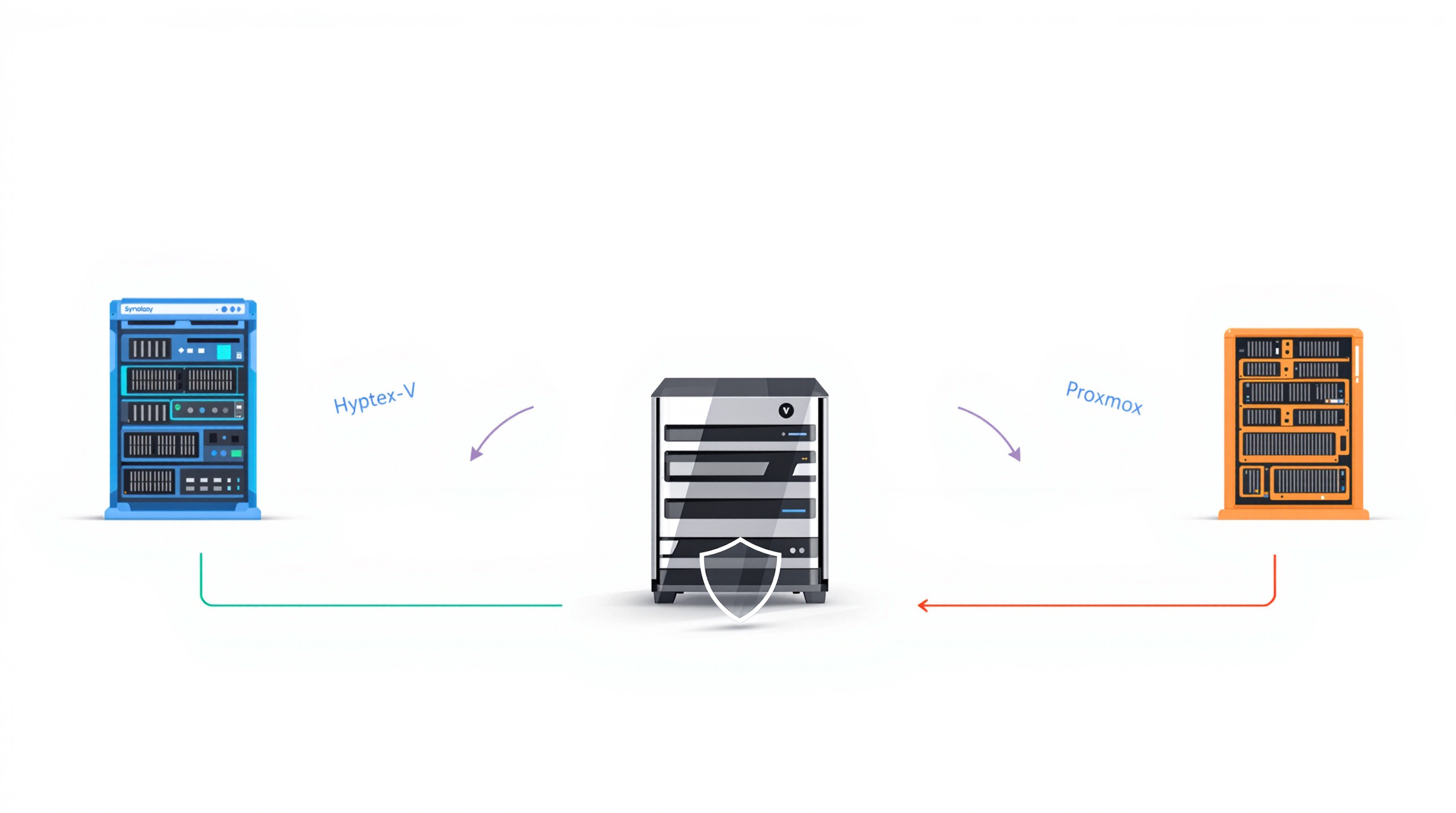
If you're exploring VMware alternatives after Broadcom's pricing shakeup, the three main contenders are Microsoft Hyper-V (best for Windows-heavy shops), Nutanix AHV (closest to VMware's enterprise feature set), and Proxmox VE (open-source flexibility for budget-conscious teams). Your choice depends on your existing infrastructure, technical resources, and budget—but whichever you pick, your backup strategy needs to follow. Blue Chip Technologies Ltd. works with businesses to ensure data protection doesn't become an afterthought during hypervisor migrations.
Why are so many organisations leaving VMware?
The short version: Broadcom bought VMware in 2023, killed perpetual licences, and restructured everything into mandatory subscriptions. Plenty of IT managers opened their renewal quotes to find costs had jumped 150% to 300%. That's not a rounding error—it's a budget conversation with the board.
So the question isn't really if you should look at alternatives anymore. It's which one actually makes sense for your environment.
How do the three main alternatives compare?
Here's a straightforward breakdown:
| Feature | Microsoft Hyper-V | Nutanix AHV | Proxmox VE |
|---|---|---|---|
| Licensing | Included with Windows Server | Bundled with Nutanix platform | Free; optional paid support |
| Virtualisation tech | Microsoft Hypervisor | KVM-based | KVM + LXC containers |
| Management tools | Windows Admin Center, SCVMM | Nutanix Prism (unified) | Built-in web UI |
| Migration complexity from VMware | Medium | Low | Medium |
| Best suited for | Windows-first enterprises | Mid-to-large enterprises | Technical SMBs |
Microsoft Hyper-V: When you're already deep in Microsoft
If your organisation runs Windows Server everywhere and your team thinks in Active Directory, Hyper-V is the path of least resistance. It's baked into Windows Server—Datacenter edition covers unlimited Windows VMs without extra licensing fees.
The catch? Linux VM performance lags behind KVM-based platforms. And while Windows Admin Center handles day-to-day tasks, you'll need SCVMM for anything resembling vSphere-level automation. Microsoft's free VM Conversion Tool helps with migration, though you'll be doing some manual network mapping.
Nutanix AHV: The closest thing to VMware
Nutanix AHV sits on top of their hyper-converged infrastructure platform, bundling compute, storage, and networking into one managed stack. If your team is used to VMware's operational model, AHV will feel familiar. It's got dynamic resource scheduling, lifecycle management, and Nutanix Prism for centralised control.
Migration is relatively smooth—Nutanix Move handles network mapping and driver injection automatically. It's the enterprise-grade option, priced accordingly.
Proxmox VE: Open-source flexibility for smaller teams
Proxmox is Debian-based, runs both KVM virtual machines and LXC containers, and costs nothing to deploy. You can add enterprise support subscriptions if you want them, but the core platform is genuinely free.
The trade-off is manual configuration. High availability, networking, storage clustering—you'll be setting these up yourself. The built-in Import Wizard pulls in VMware ESXi VMs directly, though Windows VMs need VirtIO drivers installed manually. If you've got a technical team that enjoys getting their hands dirty, Proxmox offers serious flexibility.
What happens to your backups when you switch hypervisors?
This is where migrations get messy. You've spent months planning the hypervisor cutover, but if your backup solution only supports VMware, you've got a gap. Workloads sit unprotected during transition. Recovery points don't carry over cleanly.
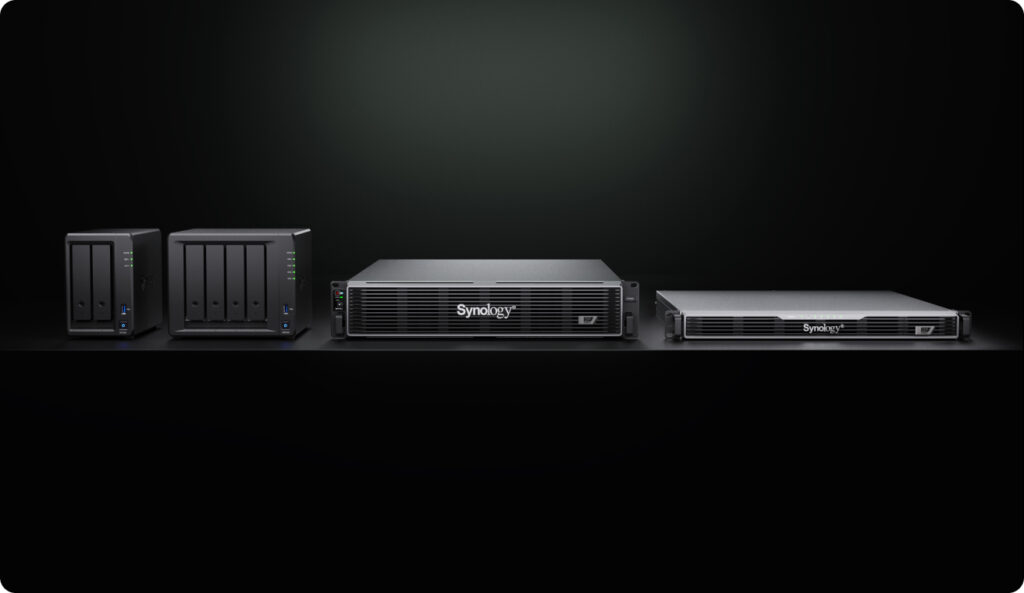
Synology ActiveProtect solves this by supporting VMware, Hyper-V, Nutanix AHV, and Proxmox VE from a single appliance. Here's what that means practically:
Auto-detection of migrated VMs – ActiveProtect spots newly migrated virtual machines and applies your existing protection policies automatically. No manual reconfiguration.
Global deduplication across hypervisors – Migrating doesn't balloon your storage. Only changed data gets stored, even when VMs move between platforms.
Automatic cleanup of retired workloads – When you decommission old VMware VMs, backup jobs stop automatically while recovery points stay preserved according to your retention rules.
Cross-hypervisor restore – If something goes wrong post-migration, you can restore workloads to any supported hypervisor directly from backup. No need to repeat the entire migration.
For organisations managing backup and disaster recovery, this kind of platform flexibility removes a significant headache from the migration project.
Frequently asked questions
Can I migrate directly from VMware to Proxmox or Nutanix AHV?
Yes. Proxmox includes an Import Wizard for ESXi VMs (Windows VMs need VirtIO drivers installed). Nutanix Move automates most of the process including network mapping and driver injection.
Will my existing backups work after switching hypervisors?
It depends on your backup solution. Synology ActiveProtect supports all four major platforms, so existing recovery points remain accessible and new VMs get protected automatically.
Is Proxmox really free for production use?
The core Proxmox VE software is free and open-source. Enterprise support subscriptions are optional. Many organisations run it in production without paid support, though you'll want in-house expertise.
Which alternative is easiest to migrate to from VMware?
Nutanix AHV generally has the lowest migration complexity due to automated tooling. Hyper-V and Proxmox both require more manual steps.
Ready to plan your hypervisor migration?
Switching platforms is a significant project, and getting backup protection right from day one matters. Whether you're evaluating Synology ActiveProtect for multi-hypervisor coverage or need help planning the transition itself, we're happy to talk through your options.
Get in touch:
- Contact us online
- Call: 1 (868) 609-2288
- Email: [email protected]