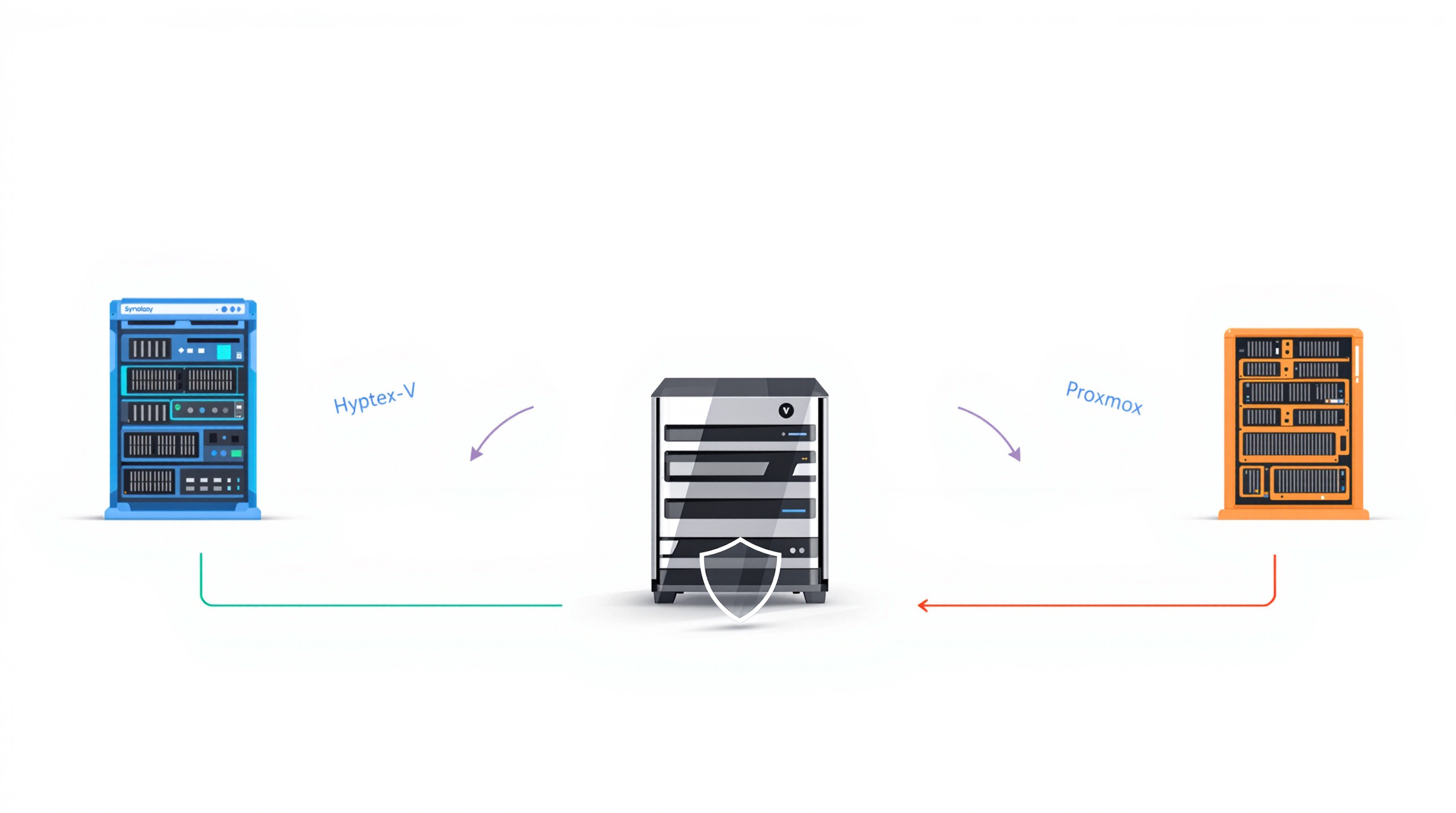
If you're moving from VMware to Proxmox VE, your backup solution needs to support Proxmox properly — not just technically, but operationally. Many backup tools claim Proxmox compatibility, but fall short on agentless operation, automatic VM discovery, or cross-platform recovery. Synology ActiveProtect provides enterprise-grade, agentless backup for Proxmox VE with the same workflow you'd expect from a mature VMware backup setup.
Why is VMware-to-Proxmox migration creating backup gaps?
Broadcom's licensing changes have pushed plenty of organisations toward Proxmox VE. It's a sensible move for many — Proxmox is capable, well-supported, and cost-effective. But here's what we've seen: migration projects tend to focus on compute, storage, and networking. Backup planning gets pushed to "after go-live."
That's when things get awkward. Your existing backup tool might technically support Proxmox, but the experience isn't the same. Maybe it needs agents installed on every VM. Maybe it can't apply policies by tag the way your team already organises workloads. Maybe it can't restore a Proxmox VM to your existing DR site.
These aren't hypothetical problems. They're the kind of thing that shows up at 2am when you actually need to recover something.
What should you look for in Proxmox VE backup?
Before you migrate, ask these questions about your backup solution:
Is backup agentless? Agent-based backup means installing software on every VM. Miss one, and it's unprotected. Agentless backup works at the hypervisor level — simpler, more reliable.
Does it require extra components? Some solutions need proxies, plug-ins, or workers deployed on each node. More components means more patching, more failure points, more weekend maintenance.
Can it match how you manage VMs? If your team groups VMs by tag or resource pool, your backup tool should work with that structure — not force you to reorganise everything.
What are the recovery options? Cross-platform restore matters. Can you restore a Proxmox VM to VMware, Hyper-V, or the cloud if needed? Not every solution offers this.
How do common backup solutions compare for Proxmox VE?
| Criteria | Veeam | Commvault | Datto | Synology ActiveProtect |
|---|---|---|---|---|
| Backup method | Agentless | Agentless | Agent-based | Agentless |
| Component deployment | Requires plug-in and manual workers | Requires VSA on every node | Requires agent on every VM | No additional components |
| Auto-backup by tag/pool | Cannot back up by tag | Cannot back up by resource pool | Not supported | Full — cluster, host, pool, or tag |
| Restore Proxmox → other platforms | Supported | Not supported | Not supported | Supported |
| Restore other platforms → Proxmox | Not instant restore | VMware only | Not supported | Supported |
How does Synology ActiveProtect handle Proxmox backup?
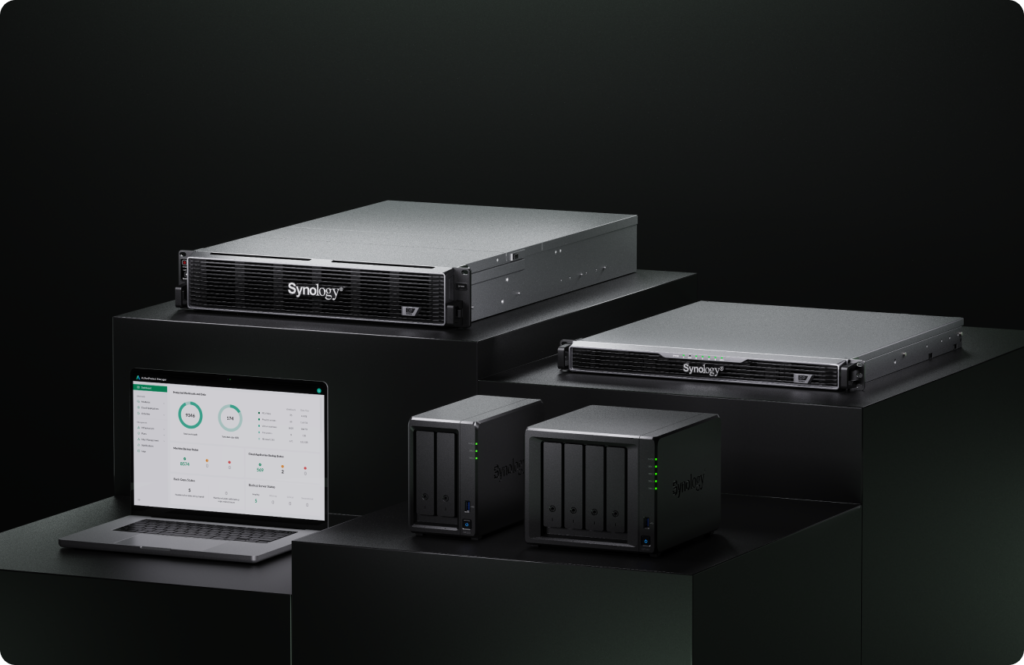
ActiveProtect is a purpose-built backup appliance that treats Proxmox VE as a first-class citizen — not an afterthought.
No agents, no proxies. ActiveProtect connects directly to Proxmox VE through native APIs and snapshot mechanisms. Spin up a new VM, and it's automatically eligible for protection. Nothing to install, nothing to forget.
Incremental backup that actually works. Using QEMU's dirty bitmap mechanism, ActiveProtect only captures changed blocks. Combined with global deduplication (part of Synology's SURE technology), backup windows stay short and storage stays manageable.
Policy-based protection. Add an entire Proxmox cluster at once, then define backup policies by cluster, host, resource pool, or tag. New VMs matching your criteria get protected automatically. Your team doesn't have to remember to add them manually.
Flexible recovery options. Restore Proxmox workloads to VMware, Hyper-V, Nutanix AHV, Azure, or AWS. Or go the other direction — restore from those platforms into Proxmox. Your disaster recovery architecture stays yours to design, not dictated by backup tool limitations.
For organisations already using Synology NAS for data storage and backup, ActiveProtect integrates naturally into that ecosystem.
Frequently asked questions
Can I back up Proxmox VE without installing agents on each VM?
Yes. Synology ActiveProtect uses agentless backup, connecting directly to Proxmox VE through its native APIs. No software installation required inside guest operating systems.
Will ActiveProtect automatically protect new VMs I create?
Yes. Once you define a protection policy by cluster, host, resource pool, or tag, ActiveProtect discovers new VMs matching those criteria and adds them to the backup plan automatically.
Can I restore a Proxmox VM to a different hypervisor or cloud platform?
Yes. ActiveProtect supports cross-platform restore to VMware, Hyper-V, Nutanix AHV, Microsoft Azure, and Amazon EC2 — and can restore workloads from those platforms back to Proxmox VE.
Do I need separate proxy servers or plug-ins for Proxmox backup?
No. Unlike some alternatives, ActiveProtect doesn't require additional proxies, plug-ins, or workers to be deployed and maintained on your Proxmox nodes.
Ready to protect your Proxmox environment properly?
If you're planning a VMware-to-Proxmox migration — or you've already made the move and backup feels like an afterthought — Blue Chip Technologies Ltd. can help you get ActiveProtect set up right.
Get in touch:
- Contact us online
- Call: 1 (868) 609-2288
- Email: [email protected]