Let's talk about something that keeps IT managers up at night — and should probably concern every business owner in Trinidad and Tobago a lot more than it does.
You've got backups, right? Maybe you're even feeling pretty good about them. But here's the thing: modern ransomware attackers know you have backups too. And they're going after them first.
A recent Sophos study found that 94% of ransomware attacks now target the victim's backups before encrypting everything else. Think about that for a second. The criminals aren't just locking your files — they're making sure you can't recover without paying.

Your Business Isn't Too Small to Be a Target
Here's a conversation we have regularly with clients across T&T: "We're just a small company. Why would anyone come after us?"
The honest answer? Because you're easier. Attackers have shifted their focus to small and mid-sized businesses precisely because defences tend to be weaker and payments come faster. That accounting firm in Port of Spain with client financials on a single server? That's exactly what ransomware operators are looking for.
And these attacks move fast. Some operators achieve full network encryption in hours. By the time you notice something's wrong, it's already done.
The Microsoft 365 Backup Myth
We need to clear this up because it catches a lot of businesses off guard: Microsoft 365 does not back up your data.
Under Microsoft's shared-responsibility model, they keep the infrastructure running. Your data? That's on you.
And OneDrive sync isn't backup either. When ransomware encrypts files in a synced folder, that encrypted version pushes straight to the cloud. Your "backup" becomes just another encrypted copy. Same goes for Google Drive, Dropbox, SharePoint — all of them.
Sync replicates whatever state your files are in, including encrypted. Backup keeps separate, versioned copies that sync can't touch. Big difference.
What Actually Protects You: Immutable Backups
This is where Synology's approach makes sense for local businesses. An immutable backup is exactly what it sounds like — a backup that cannot be changed, deleted, or encrypted by ransomware. Not by an attacker, not by a compromised admin account, not by anyone until the protection period expires.
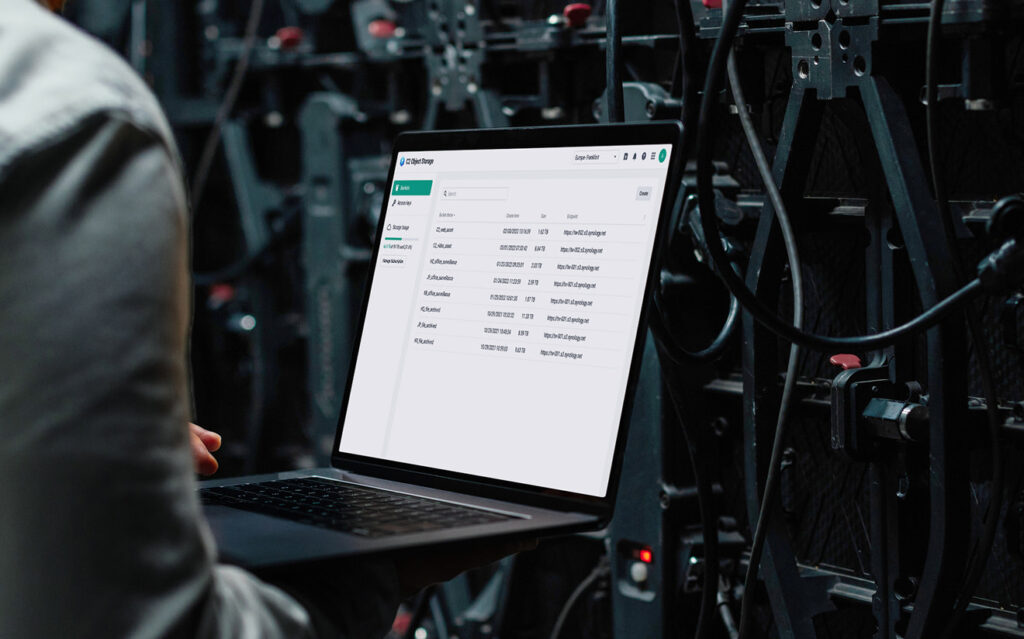
Here's what a proper Synology backup setup covers:
Active Backup for Business handles your physical servers, virtual machines, PCs, and NAS shares — all from one console, no per-seat licensing.
Snapshot Replication creates those immutable, point-in-time snapshots on Btrfs volumes. Once the protection period is set, those snapshots are locked down tight.
Hyper Backup sends copies off-site to a second NAS, external storage, or the cloud.
Active Backup for Microsoft 365 (and Google Workspace) keeps independent copies of your email, OneDrive, SharePoint, and Teams data — separate from the platforms themselves.
The Numbers Don't Lie
When Sophos looked at recovery costs, organizations whose backups were compromised faced bills roughly eight times higher than those whose backups survived intact. That's the difference between a bad week and a business-ending event.
With immutable snapshots in place, you've got a restoration point that ransomware simply cannot reach.
Let's Talk About Your Backup Gaps
Most businesses we work with in Trinidad and Tobago have some backup in place. The question is whether it would actually survive a real attack — and whether it covers everything that matters.
We can help you figure that out. Give us a call at 1 (868) 609-2288, send a WhatsApp to chat with us directly, or email [email protected]. You can also reach out through our contact page.
Let's make sure your backups are the kind that actually survive.